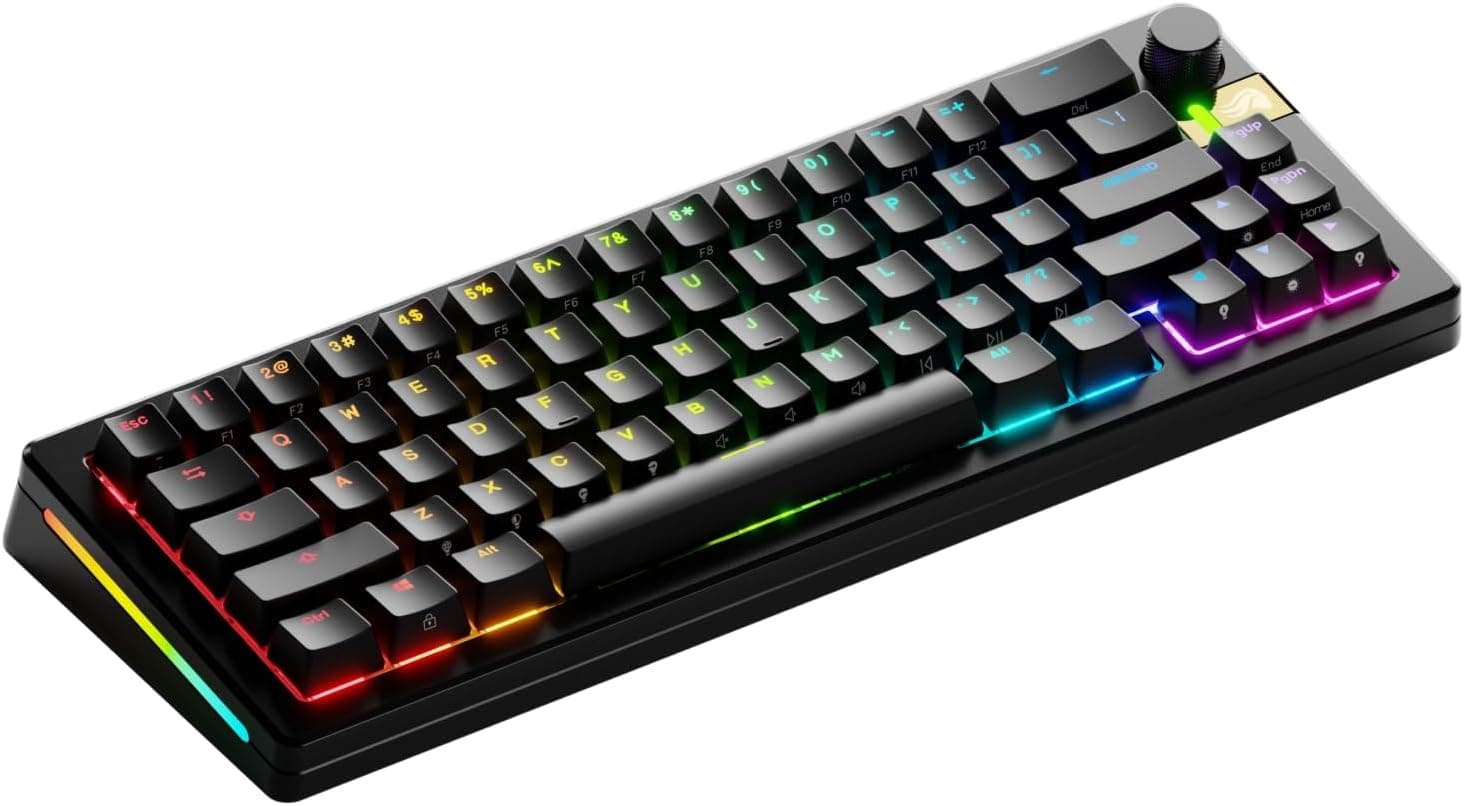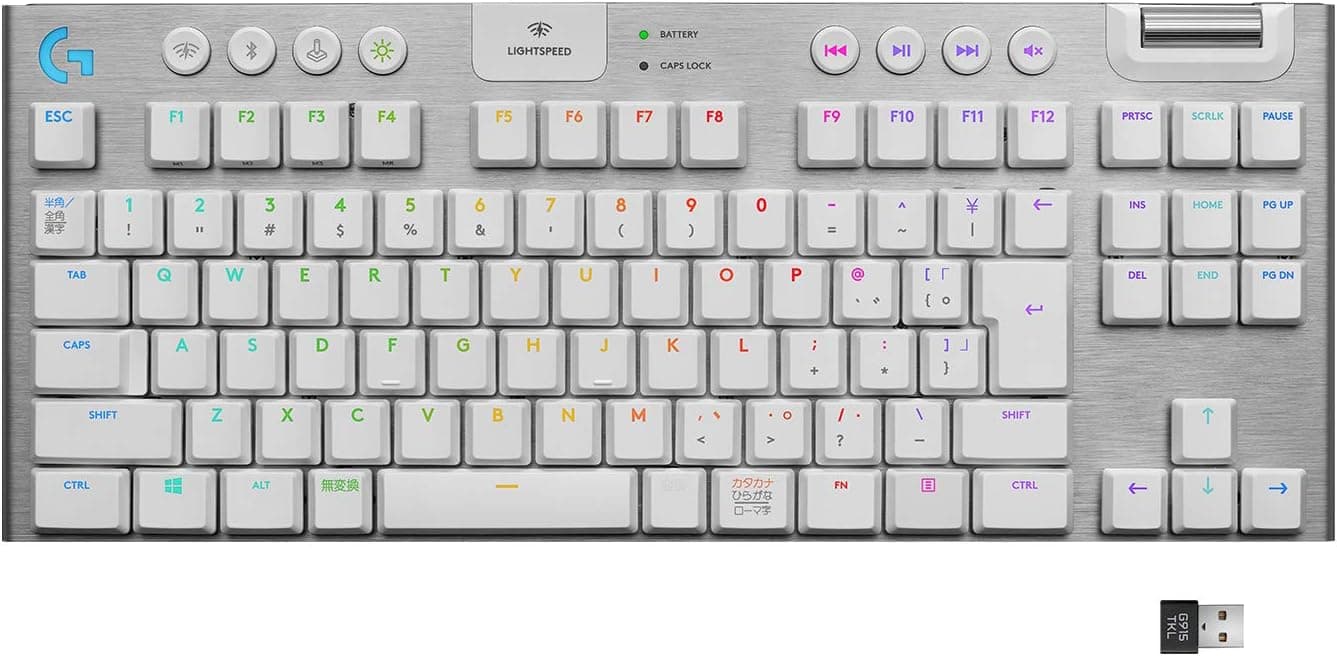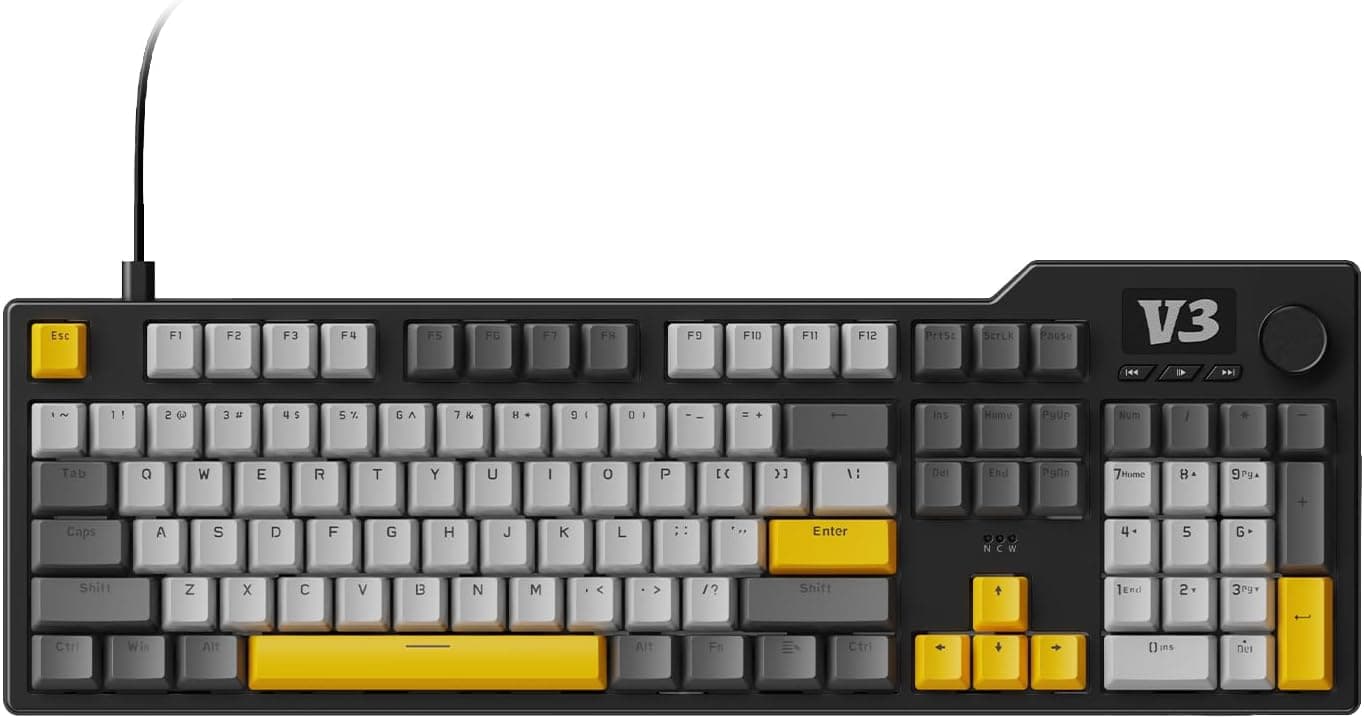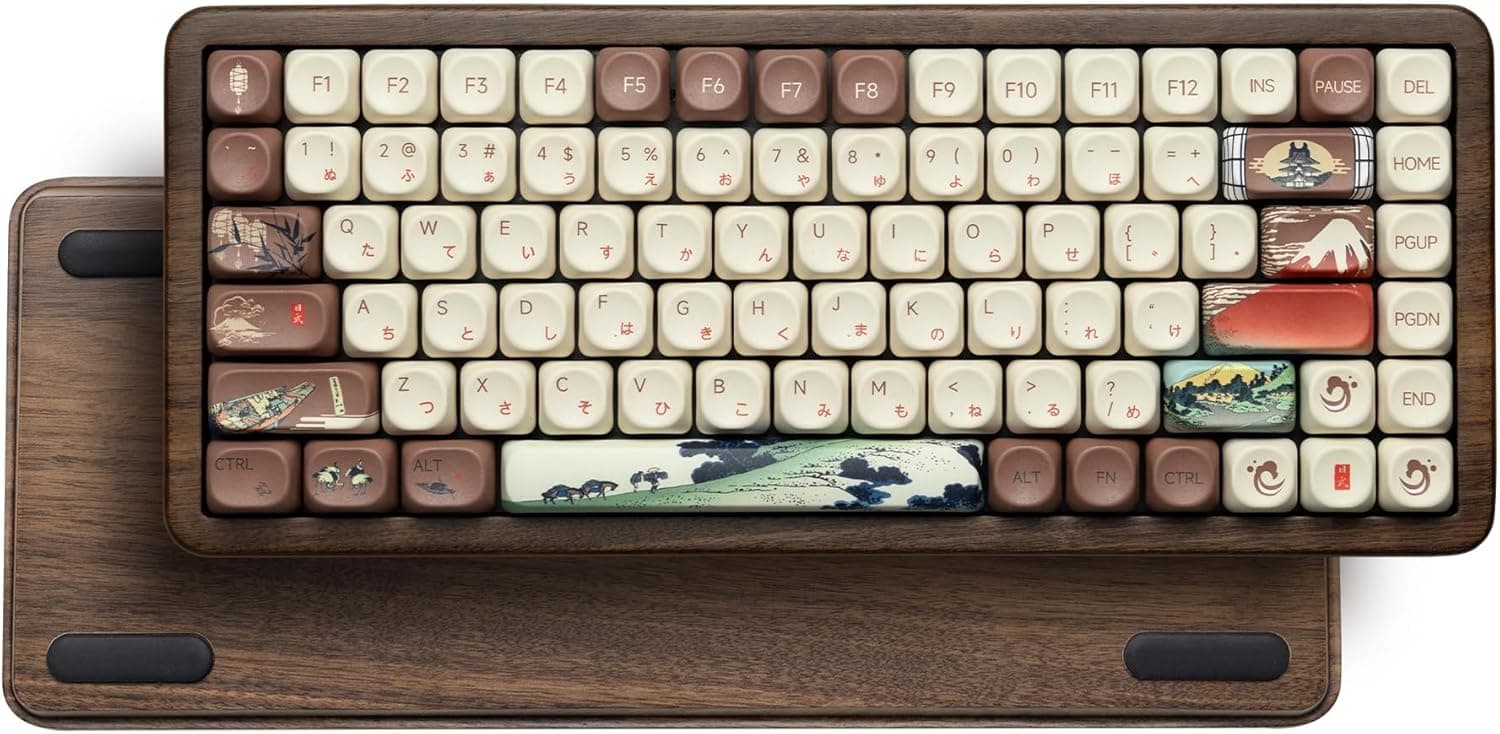
This article covers CORSAIR K65 PLUS ワイヤレスゲーミングキーボード 【iCUE対応不可】 75%キーボード 81キー 自社独自リニアスイッチCORSAIR Red採用 ホットスワップ可能 メディアダイヤル付き英語配列 CH-91D411L-NA.
Overview
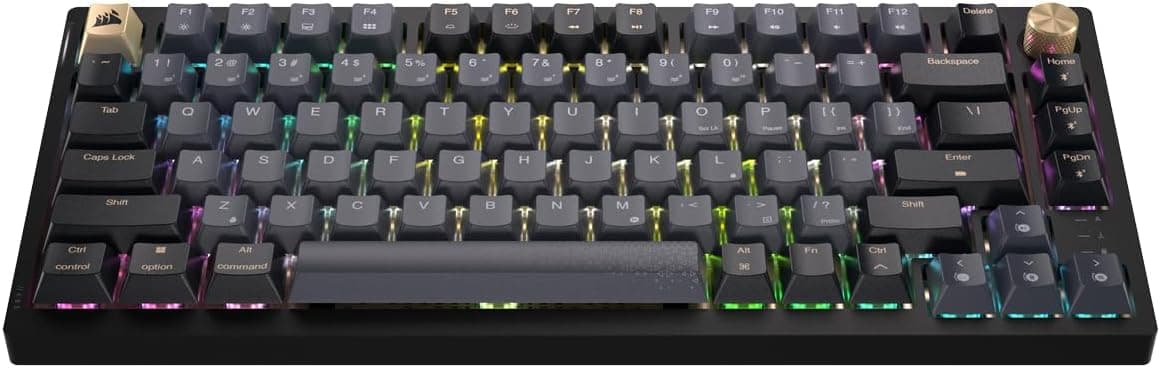
The CORSAIR K65 PLUS is Corsair’s first 75% wireless gaming keyboard, packing 81 keys into a compact layout while retaining a media dial and function keys. It features Corsair’s own linear Red switches that are hot-swappable, allowing you to easily swap them for any 3- or 5-pin Cherry MX-compatible switch. Connectivity options include 2.4GHz wireless via a USB dongle, Bluetooth 5.0, and USB-C wired, and battery life reaches up to 266 hours with the backlight off. One important caveat: this keyboard does not support Corsair’s iCUE software, so all customization is done through onboard controls.
Connectivity & Compatibility
The K65 PLUS supports three connection modes: 2.4GHz wireless (with included USB dongle), Bluetooth 5.0, and USB-C wired. Bluetooth can pair with up to three devices, and you can switch between them instantly. It works with Windows 10+, macOS, Chrome OS, iOS, and Android, making it versatile across PCs, tablets, and smartphones. The layout is US ANSI (English) with 81 keys, so Japanese layout users should be aware. The hot-swap sockets accept standard 3-pin and 5-pin Cherry MX-compatible switches, giving you a wide range of aftermarket options.
Product Info
Released around October 2023, the CORSAIR K65 PLUS sits in the mid-to-high tier of wireless gaming keyboards. Its typical retail price is around $130, but at the time of writing it is available on Japan for approximately ¥17,073 (about $115). The package includes a USB-C cable, 2.4GHz dongle, keycap puller, switch puller, and two extra keycaps. The warranty is two years. The keyboard targets users who want a compact, customizable, and wireless keyboard without the need for proprietary software bloat.
Best Use Cases
This keyboard is ideal for: 1. Gamers who want flexibility: Use 2.4GHz for low-latency gaming, Bluetooth for work or tablet use, and USB-C for charging or wired mode. Hot-swap allows you to tune the feel for different games. 2. Minimalist desk setups: The 75% layout saves space and the wireless connection reduces cable clutter. Great for small desks or shared workspaces. 3. Keyboard enthusiasts on a budget: Hot-swap sockets and standard keycap compatibility make it easy to experiment with different switches and keycaps without soldering. It’s a solid entry point into custom mechanical keyboards. 4. Users who prefer simplicity: Without iCUE, there’s no software to install or update. All settings are controlled via hardware shortcuts, which appeals to those who want a no-fuss experience. However, it is not suitable for users who need a Japanese layout, a full-size numpad, or extensive RGB customization via software. Also, if you rely on iCUE for macros or lighting effects, this keyboard will disappoint.
Product Disclosure (Amazon)
- Manufacturer: CORSAIR
- ASIN: B0CH2D55WZ
- Note: This article covers a manufacturer-made product based on Amazon listing details.