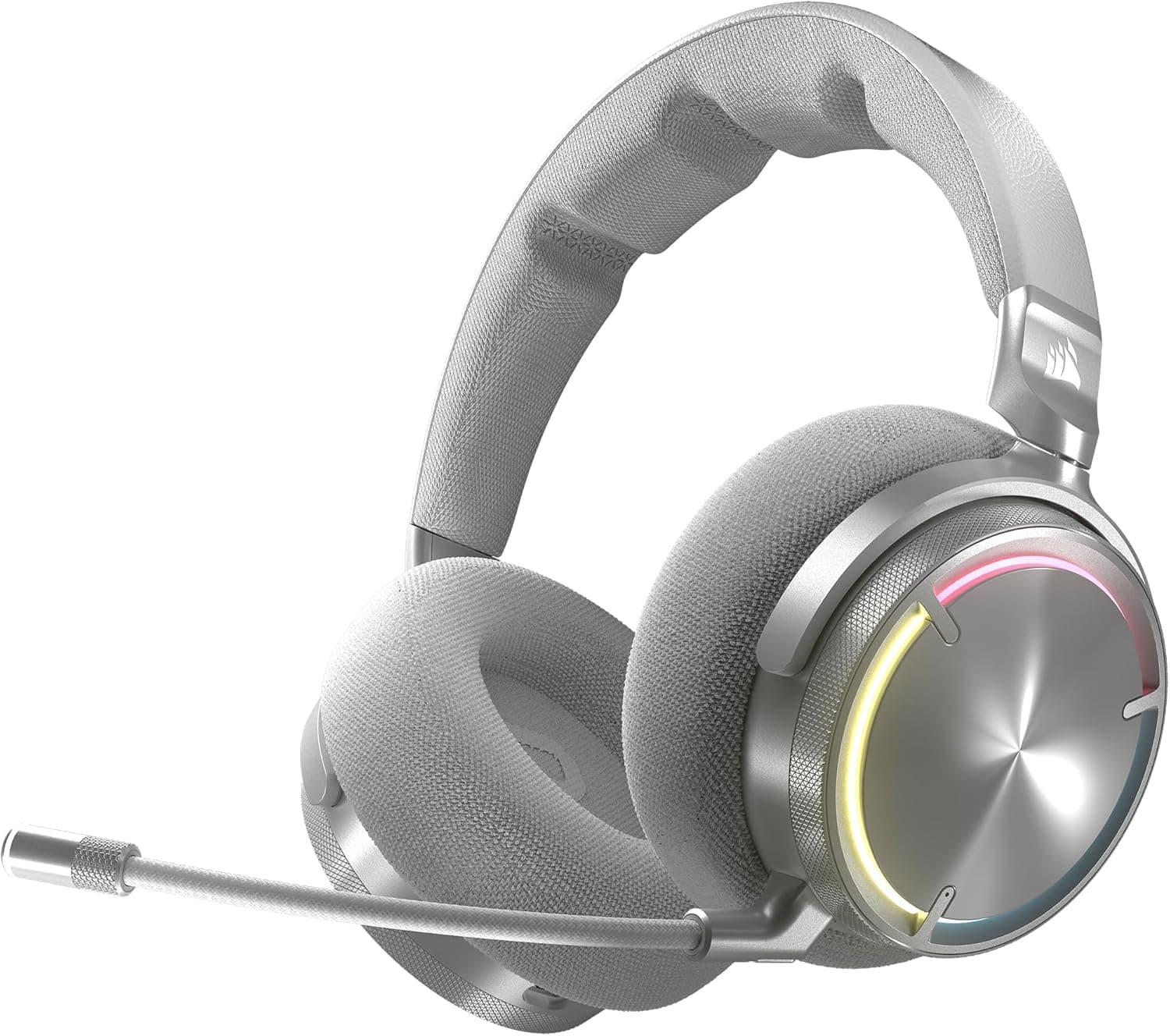
This article covers CORSAIR HS80 RGB WIRELESS ホワイト ワイヤレス プレミアムゲーミングヘッドセット.
Overview
The Corsair HS80 RGB Wireless in white is one of Corsair's upper-tier wireless gaming headsets. It is built around 50mm neodymium drivers and Dolby Atmos support on PC.
In short, it is a strong pick if you want low-latency wireless through a dedicated dongle on PC, PS5 or PS4. It is a poor fit if you want one headset for your phone, Switch or Mac, because it only connects through its USB dongle or a USB cable.
There is no Bluetooth and no 3.5mm analog input.
Corsair's SLIPSTREAM Wireless keeps latency low, so dropouts and lag are rarely a concern. The omnidirectional microphone mutes when you flip it up, and an LED shows when it is muted.
Breathable fabric and memory foam ear pads are meant for long sessions. The white finish suits white PC cases and light-colored desk setups.
On the other hand, it weighs about 378g, so it is not a lightweight model. On Amazon Japan it is rated 3.9 out of 5 from 230 reviews (as of September 25, 2026), so opinions are mixed rather than glowing.
This article sets out who it suits and who should look elsewhere.
Compatibility Guide
The listed platforms are PC (Windows 10/11), PS5 and PS4. Mac is not supported, and there is no 3.5mm analog connection.
Xbox, Nintendo Switch and smartphones are not on the list, so treat them as unsupported. If you expect it to work with anything that has a USB port, this is where you will run into trouble.
There are two ways to connect. The first is 2.4GHz SLIPSTREAM wireless through the included USB dongle, which plugs into a PC, PS5 or PS4.
The listed range is up to 15m, which is more than enough within one room. Walls and metal PC cases weaken the signal, though.
A front-panel port or a USB extension cable usually gives a steadier connection than a rear port.
The second is a wired USB connection. It supports 24-bit/96kHz playback and charges the headset while you use it.
That is useful when the battery is low or when you want higher-quality music playback.
Dolby Atmos is a PC feature. It is not available on PS5 or PS4, where 3D audio follows the console's own settings.
Corsair iCUE, which handles EQ and RGB lighting, is PC software. On a console you will have very little control over the sound.
Even if you mainly play on PS5, having a Windows PC for setup and firmware updates makes things easier.
| Platform | Support | Notes |
|---|---|---|
| Windows 10/11 PC | Yes | Dolby Atmos and iCUE tuning available |
| PS5 / PS4 | Yes | Via USB dongle; no Dolby Atmos or iCUE |
| Mac | No | Not supported in the listing |
| Phone / Switch / Xbox | Not listed | No Bluetooth or 3.5mm, so sharing is impractical |
Product Info
The white version of the CORSAIR HS80 RGB WIRELESS is model CA-9011236-AP. The key specs are below.
| Item | Value |
|---|---|
| Driver size | 50mm |
| Frequency response | 20Hz - 40kHz |
| Impedance | 32Ω |
| Sensitivity | 116dB |
| Wireless range | Up to 15m |
| Battery life | Up to 20 hours (RGB on) / up to 30 hours (RGB off) |
| Weight | About 378g |
| Microphone | Omnidirectional, flip-to-mute |
The 40kHz upper limit is beyond human hearing and mainly matters for hi-res playback. In games, the 50mm drivers and the 116dB sensitivity matter more, so you are unlikely to run short of volume.
Battery life is up to 20 hours with RGB on and up to 30 hours with it off. You cannot see the lighting while wearing the headset, so turning it off for longer battery life makes sense.
The box includes the USB dongle and a USB-C to USB-A charging cable. No 3.5mm cable is included.
The warranty is listed as two years, but terms can vary by retailer and purchase date, so check when you buy.
As of September 25, 2026, it was ¥19,172 on Amazon.co.jp.
Prices change with sales and stock, so check the product page for the current price before buying. At around ¥20,000, its clearest selling point is offering both PC Dolby Atmos and low-latency dongle wireless.
Comfort, Sound and Mic in Practice
At about 378g, it is in the upper 300g range, and you will notice the weight on your neck and the top of your head more than with lighter models. The fabric and memory foam pads help with heat and softness, but they do not change the weight.
The longer your sessions, the more this matters. If you wear glasses, try it in a store if you can to check how the clamping pressure feels.
For sound, the 50mm drivers and PC Dolby Atmos make footsteps and gunfire easier to place. Virtual surround does change how things sound, though, and some competitive FPS players find stereo easier to read.
Try Atmos both on and off in iCUE and keep whichever you hear more clearly.
An omnidirectional mic captures your voice naturally but also picks up the room. Mechanical keyboard clicks, air conditioning and PC fans can come through.
If teammates complain, move the mic closer to your mouth or turn on noise suppression in Discord or a similar app. The flip-to-mute and LED indicator help prevent accidental hot-mic moments while streaming or chatting.
Compared With Alternatives
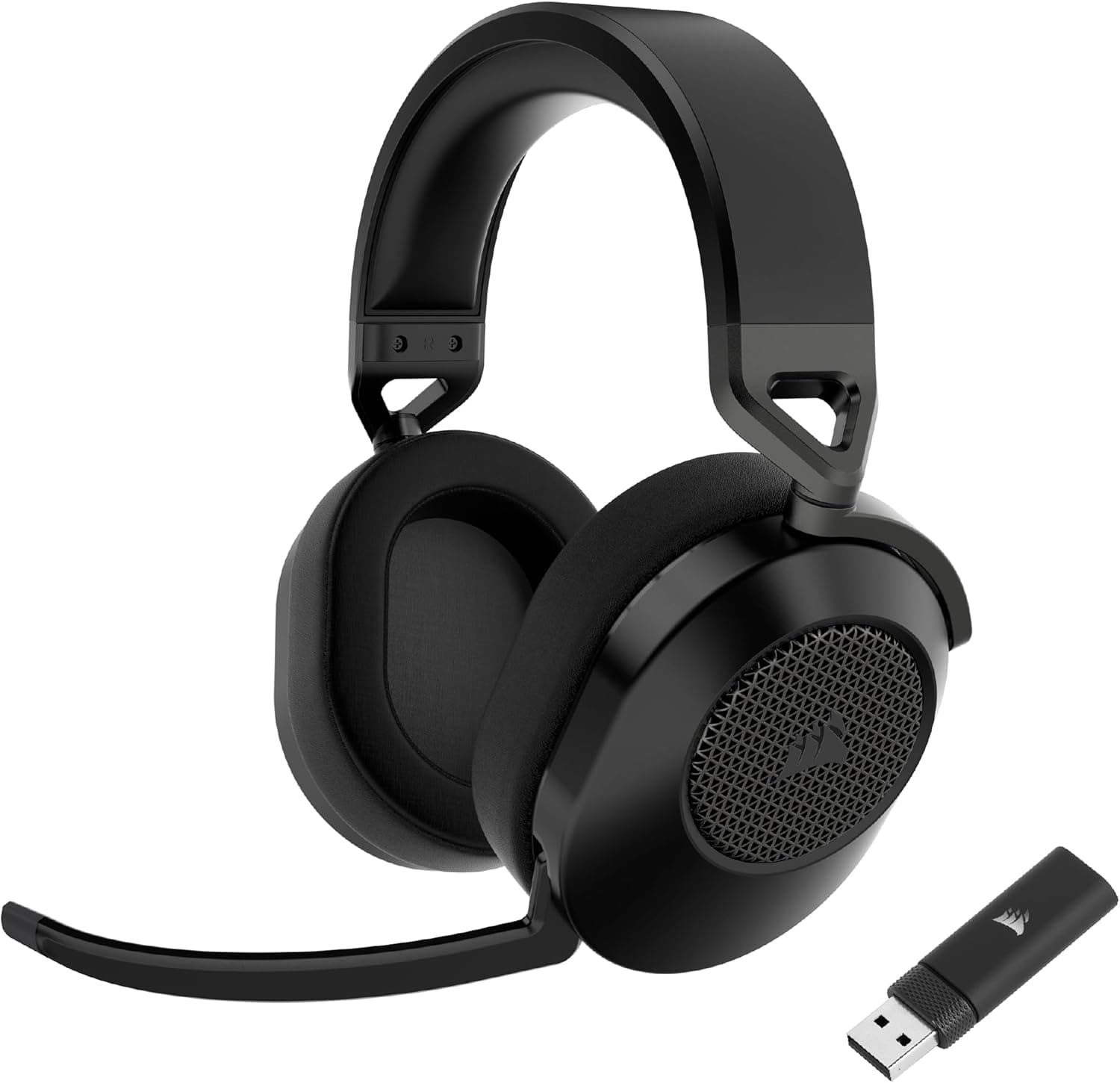
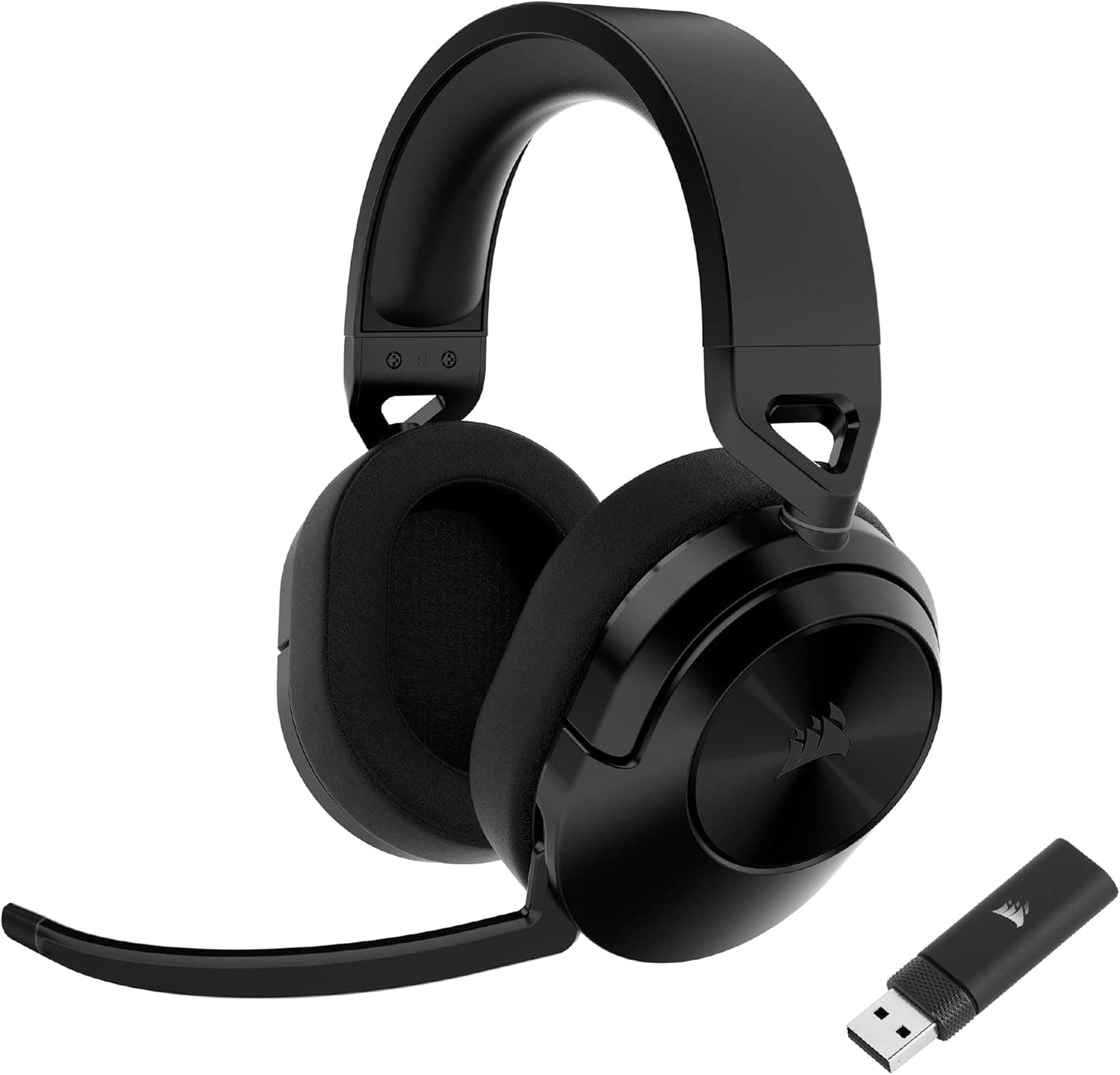
Corsair's own lineup includes the lower-tier HS65 WIRELESS and HS55 WIRELESS. They are worth comparing if you want to spend less or want a lighter headset.
Check each product page for specs such as Bluetooth support.
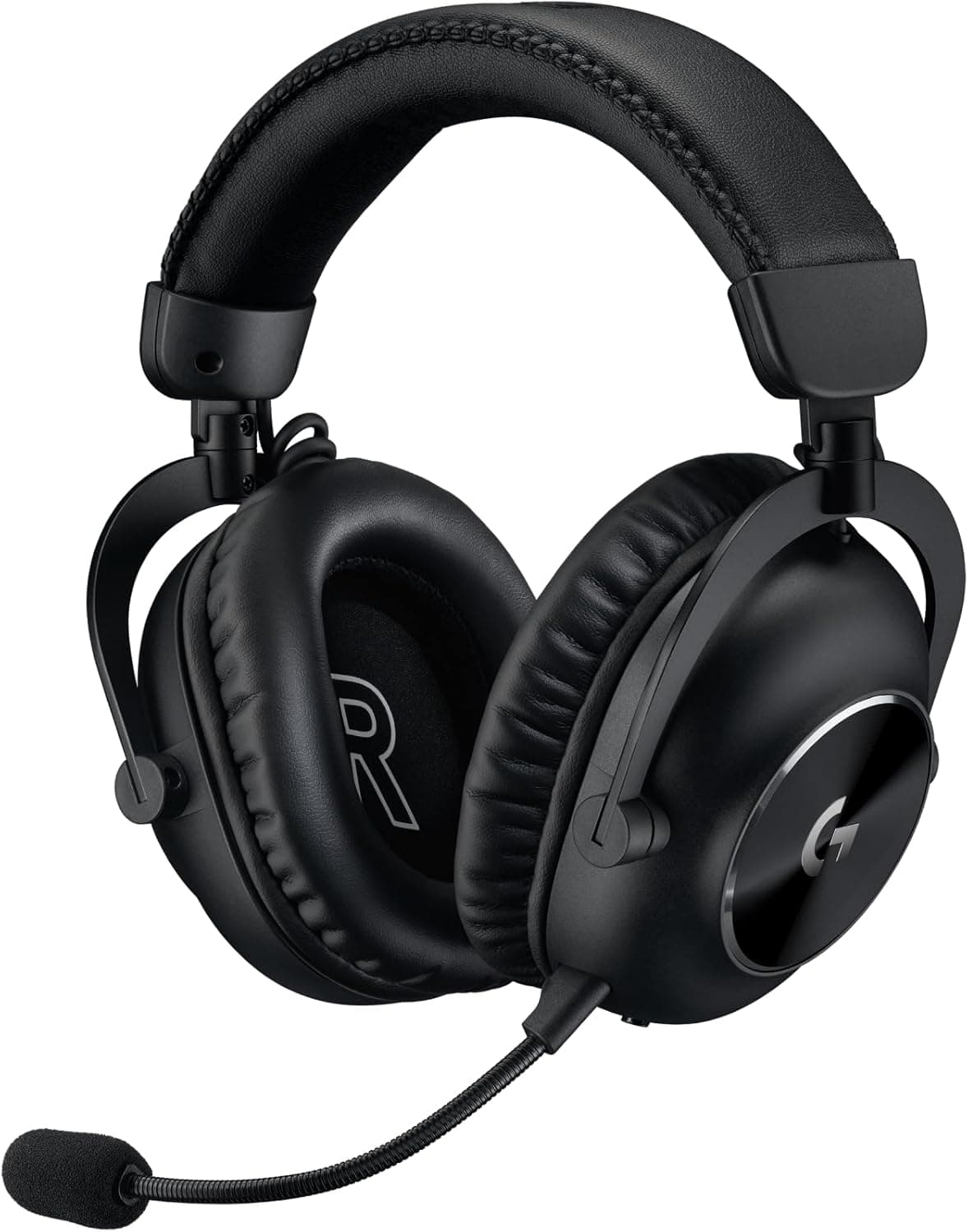
If you also need to use it with a phone or handheld, a headset that combines a dongle, Bluetooth and a 3.5mm cable, such as the Logicool G PRO X 2 LIGHTSPEED, is a better fit.
If your budget is higher and you want extras like a base station, upper-tier models such as the SteelSeries Arctis Nova Pro Wireless X are worth a look.
| Priority | Better choice |
|---|---|
| PC Dolby Atmos and low-latency wireless around ¥20,000 | CORSAIR HS80 RGB WIRELESS |
| Lower budget or lighter weight | Compare Corsair HS65 / HS55 WIRELESS |
| Sharing with phone or Switch | A model with multiple connection modes |
| Maximum features, bigger budget | An upper-tier wireless headset |
Setup Steps
Charge the headset with the included USB-C cable before first use.
On PC, plug in the dongle, install Corsair iCUE and update the firmware.
In Windows sound settings, set the headset as both the output and the input device.
Also select it again in Discord and in your games' voice chat settings. 4.
On PS5 or PS4, plug the dongle into the console and check the output and input devices in the sound settings.
Most no-sound or dead-mic problems come from skipping step 3. On Windows in particular, speakers or a webcam mic often stay set as the default device.
Who It's For
First, PC FPS players. PC Dolby Atmos and low-latency wireless make it easier to tell where footsteps and gunfire are coming from.
If you need the absolute lowest latency at a pro level, compare it with wired headsets before deciding.
Second, PS5 and PS4 players who want a wireless headset. It works by plugging in the dongle, and the mic is clear enough for party chat.
You do have to accept that Dolby Atmos and iCUE are unavailable.
Third, streamers and frequent voice-chat users. The flip-to-mute and LED let you check your mute status at a glance.
Fourth, anyone building a white desk setup, where this headset helps keep the look consistent.
Before You Buy
The biggest drawback is connectivity. There is no Bluetooth, no 3.5mm input and no Mac support.
You cannot use it as one headset for your commute phone, handheld Switch play and a work Mac. If you need that kind of flexibility, another headset will serve you better.
Weight is the next issue. About 378g is not light, so if you wear a headset for hours every day, compare it with lighter models before deciding.
The Amazon Japan rating is 3.9 out of 5 from 230 reviews (as of September 25, 2026), so opinions are split.
Read the negative reviews as well as the positive ones, and decide whether those complaints would bother you.
The white body and fabric pads show skin oil and dirt easily, so think about whether you will wipe them down regularly. Battery life is also up to 20 hours with RGB on, shorter than the 30 hours with it off.
If you play a lot every day, settle on a regular charging routine.
Finally, check the product page carefully. Model numbers differ by color, and the white version is CA-9011236-AP.
Compare the model number, photos and color name so you do not order a different color or a similarly named model by mistake.
FAQ
Q. Does it work with smartphones or Nintendo Switch? A.
They are not on the supported list. With no Bluetooth or 3.5mm input, it is not suited to sharing with those devices.
Q. Can I use Dolby Atmos on PS5?
A. No. Dolby Atmos is a PC feature, and on PS5 3D audio follows the console's own settings.
Q. Can I use it wired, and play while charging? A.
Yes, wired USB supports 24-bit/96kHz playback and charges the headset at the same time. A 3.5mm cable connection is not possible.
Q. How long does the battery last?
A. The listed figures are up to 20 hours with RGB on and up to 30 hours with RGB off.
Q. Does it work on Mac?
A. It is not supported in the listing. If you plan to use a Mac, choose a headset that lists Mac support.
Product Disclosure (Amazon)
- Manufacturer: CORSAIR
- Seller: Amazon.co.jp
- Fulfilled by: Amazon.co.jp
- ASIN: B09TQH5J8F
- Note: This article covers a manufacturer-made product based on Amazon listing details.