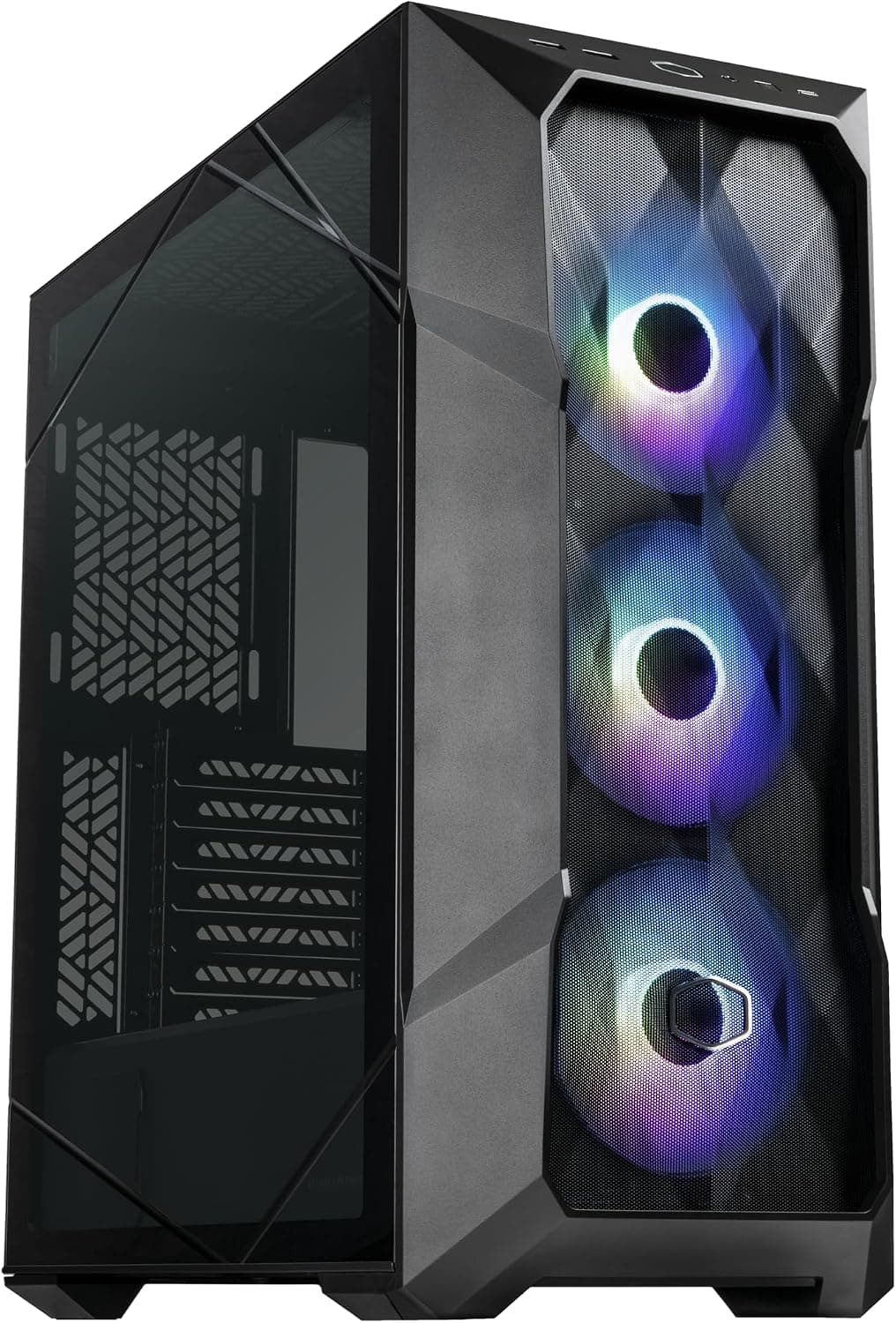
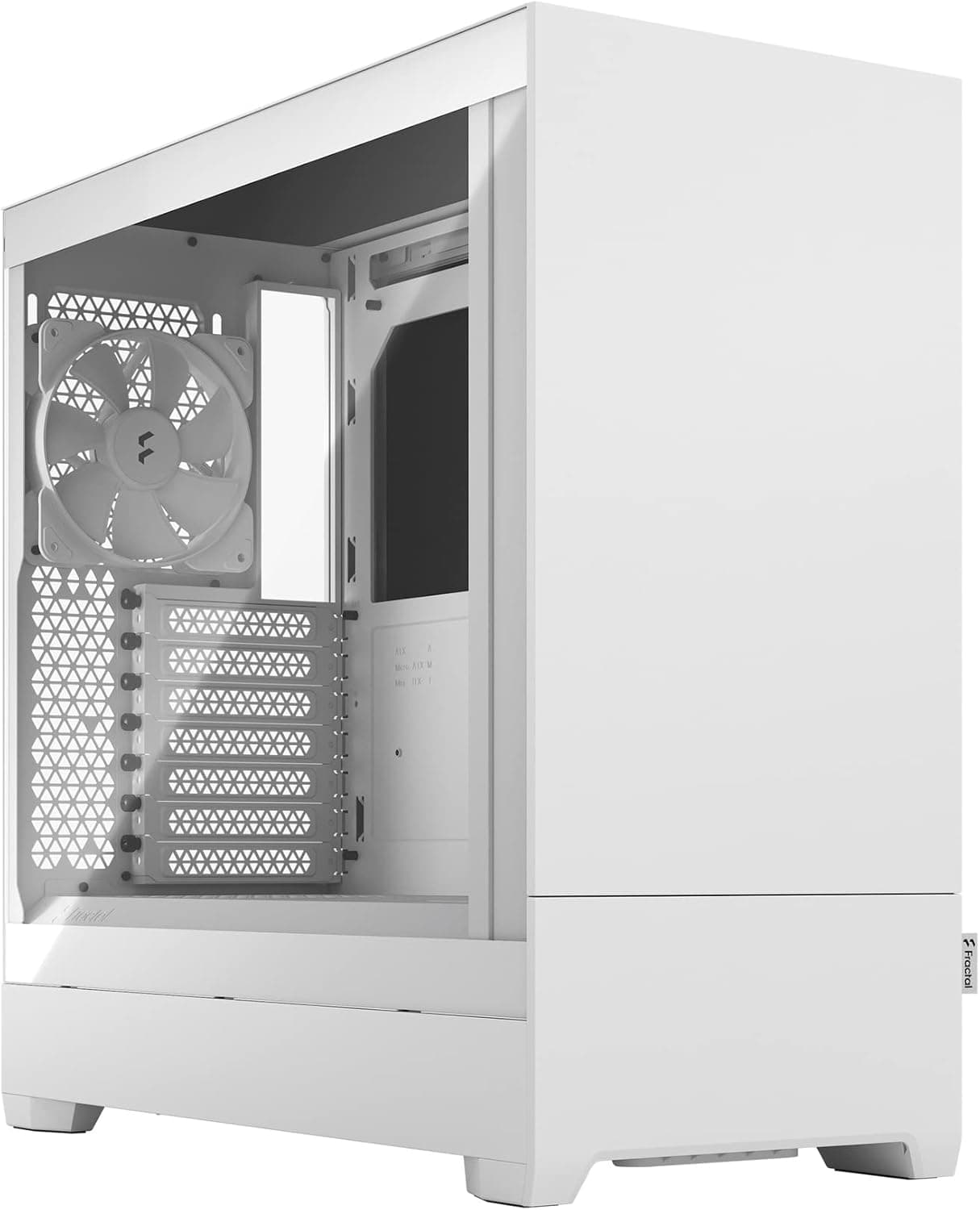
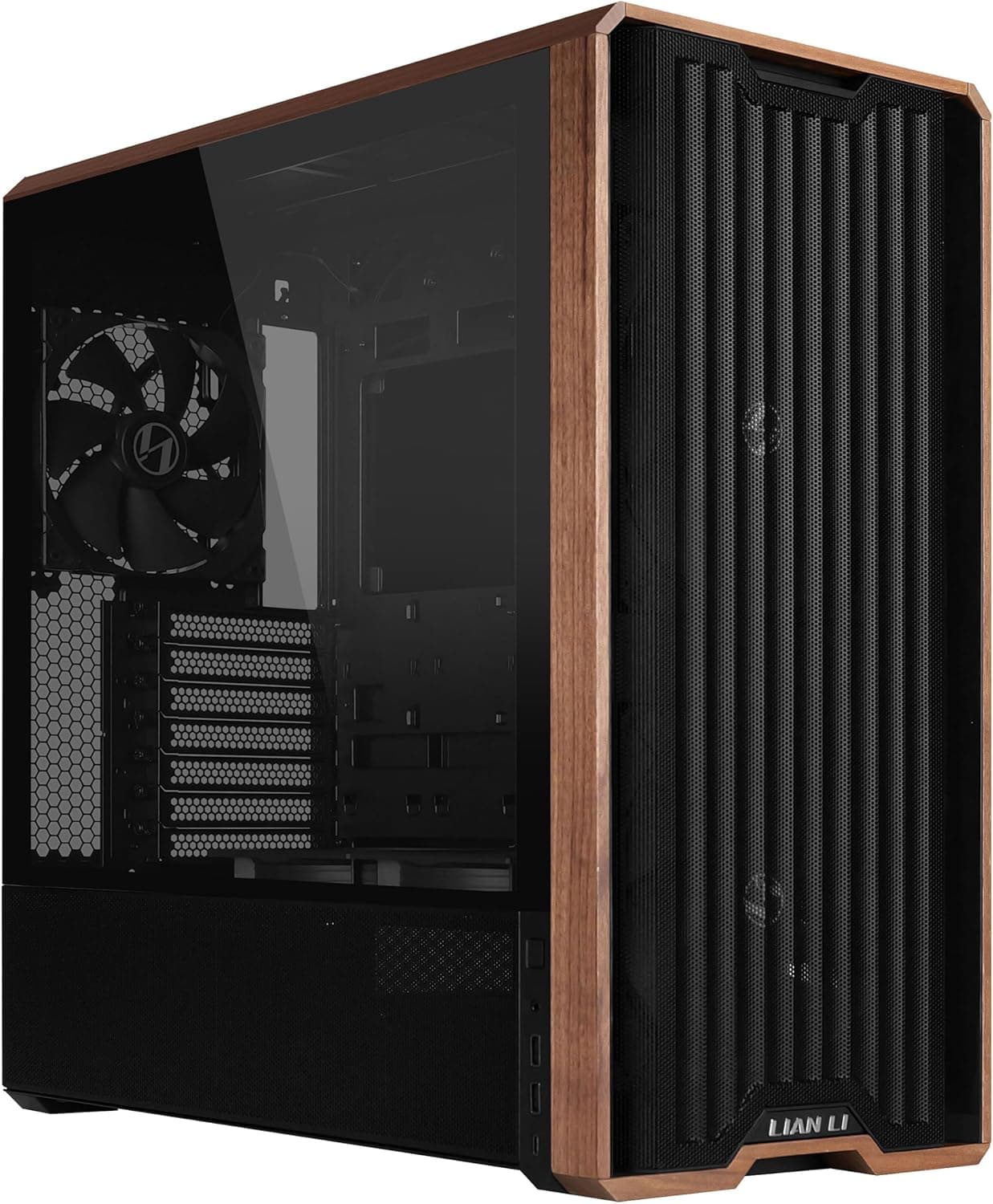
![MasterBox MB600L Gray [MCB-B600L-KA5N-S02] — Mid-tower ATX case with acrylic side panel](/_next/image?url=https%3A%2F%2Fm.media-amazon.com%2Fimages%2FI%2F71WRESgN3bL._AC_SL1500_.jpg&w=1920&q=75)
This article covers Cooler Master ミドルタワーATX PCケース MasterBox MB600L Gray [MCB-B600L-KA5N-S02].
Overview
The Cooler Master MasterBox MB600L Gray (MCB-B600L-KA5N-S02) is a mid-tower ATX case that balances budget pricing with practical features. Its hairline-finished front panel and acrylic side panel offer a clean, understated look that fits well in both home and office environments. Inside, the all-black coating and integrated PSU shroud help keep your build tidy without extra effort. This case supports ATX, Micro-ATX, and Mini-ITX motherboards, and can accommodate graphics cards up to 400mm, CPU coolers up to 160mm, and power supplies up to 180mm in length. The front panel can house a 240mm or 280mm radiator (when the optical drive bay is removed), making it suitable for entry-level liquid cooling setups. Priced around 17,000 yen, the MB600L offers solid value for first-time builders and cost-conscious enthusiasts.
Compatibility Guide
Motherboard support includes standard ATX, Micro-ATX, and Mini-ITX form factors. Drive bays consist of one 5.25-inch external bay, two combo 3.5/2.5-inch internal bays, and one dedicated 2.5-inch SSD mount — enough for most mainstream builds. The maximum GPU length of 400mm means even flagship cards like the RTX 4090 will fit, though cable routing may be tight. CPU cooler height clearance is 160mm, allowing most air coolers including dual-tower designs. PSU clearance is 180mm, compatible with virtually all standard ATX power supplies. The I/O panel includes two USB 3.0 ports and audio jacks. A single 120mm exhaust fan is pre-installed at the rear. The front can accept up to two 120mm or two 140mm fans. Note that installing a front radiator (240/280mm) requires removing the optical drive bracket — you cannot use both an optical drive and a radiator simultaneously.
Product Info
The MasterBox MB600L originally launched in 2017 but remains in active production and widely available. Construction is steel and plastic, with an acrylic side window. Available colors include Gray, Black, Red, White, and Blue (check SKU for each). It sits in the entry-to-mid-tier segment, targeting users who want a functional, no-frills case without breaking the bank. The bundled 120mm rear fan is adequate for basic setups, but additional fans are recommended for better airflow.
Best Use Cases
Budget First Build – At its price point, the MB600L provides all essentials: good motherboard support, space for large GPUs, and a clean interior. The PSU shroud helps beginners achieve a neat cable layout. Not ideal if you want RGB glass showcases. Silent-Oriented PC – The solid front panel dampens noise somewhat. Pair with low-RPM fans and a quiet CPU cooler for a near-silent experience. However, if you prioritize maximum airflow, choose a mesh-front case instead. Optical Drive Enthusiast – One of the few modern cases that still includes a 5.25-inch bay. Perfect if you need a DVD/Blu-ray drive for legacy software or media. Entry-Level Liquid Cooling – Supports 240/280mm radiators in the front. Combine with a basic AIO to cool a mid-range CPU. Just remember to remove the ODD bracket first.
Things to Consider
- Airflow is limited by the solid front panel. Adding front fans is strongly recommended; a mesh-front case like the Fractal Design Focus G offers better ventilation for similar money. - The acrylic side panel scratches easily compared to tempered glass. Handle with care when cleaning or moving the system. - Only one 120mm fan included. You will likely need to invest in additional fans for a balanced airflow setup. - Cannot simultaneously use an optical drive and a front radiator – plan your build accordingly. - The case is relatively lightweight (≈5.6kg), which is good for moving but may feel less sturdy than premium steel cases. ## FAQ Q: Can I install a 360mm radiator in the MB600L? A: No, the MB600L does not support 360mm radiators. Maximum radiator size is 280mm in the front (with ODD removed) and 120mm in the rear. For a 360mm rad, look at larger cases like the Cooler Master MasterBox 520. Q: Does the case come with dust filters? A: Yes, there is a dust filter on the bottom PSU intake. The front and side intakes do not have dedicated filters, so regular cleaning is advisable, especially in dusty environments. Q: Are there any riser cable accessories for vertical GPU mounting? A: No, the MB600L does not officially support vertical GPU mounting. The expansion slots are standard horizontal mounts. If you want vertical mounting, you will need a third-party bracket and a riser cable, and you must verify clearance with your GPU height.
Product Disclosure (Amazon)
- Manufacturer: Cooler Master
- ASIN: B075MVKS2F
- Note: This article covers a manufacturer-made product based on Amazon listing details.
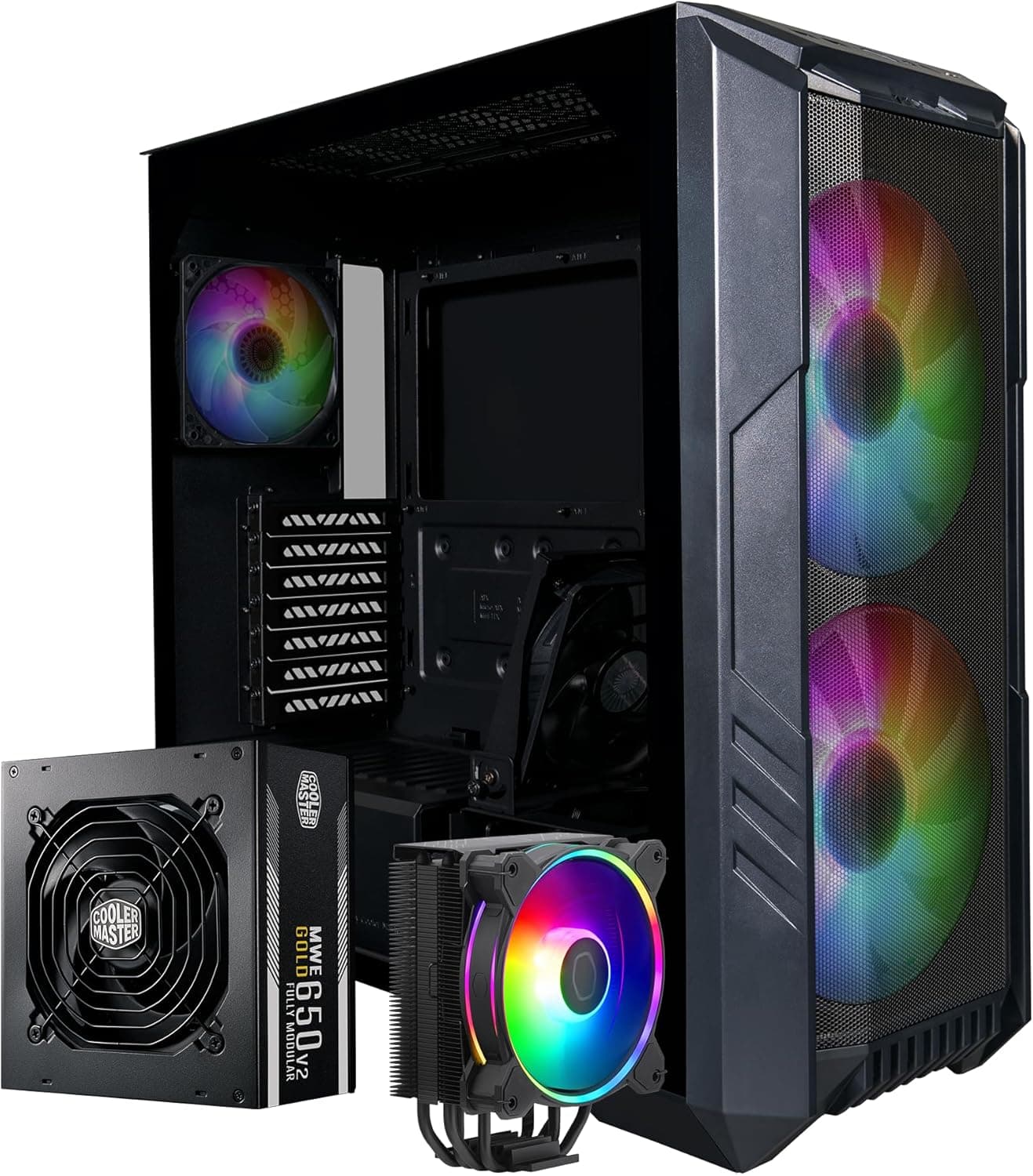
![MasterBox 600 Lite [ MB600L-KGNN-S00 ] — Mid-tower case with triple 140mm fans](/_next/image?url=https%3A%2F%2Fm.media-amazon.com%2Fimages%2FI%2F915cj1ABp3L._AC_SL1500_.jpg&w=1920&q=75)