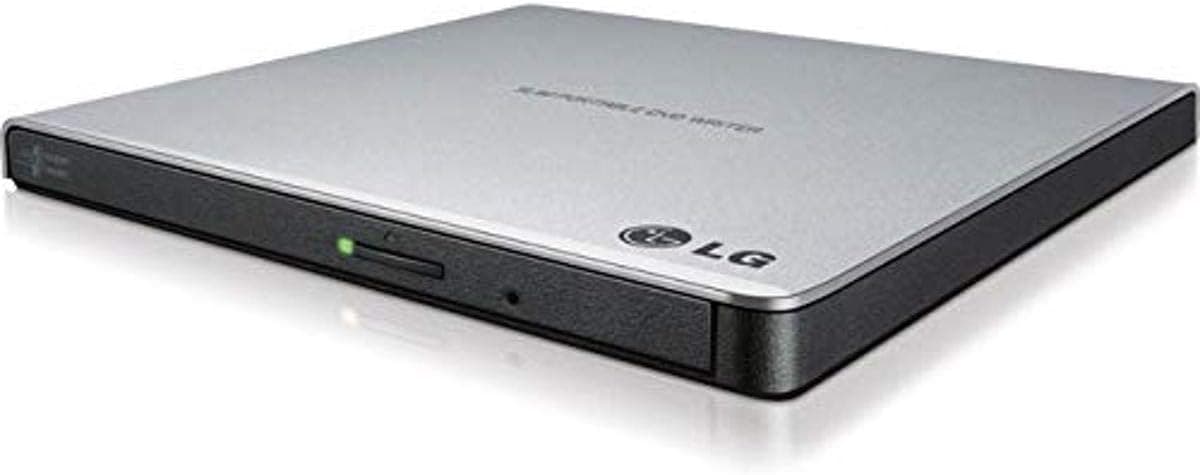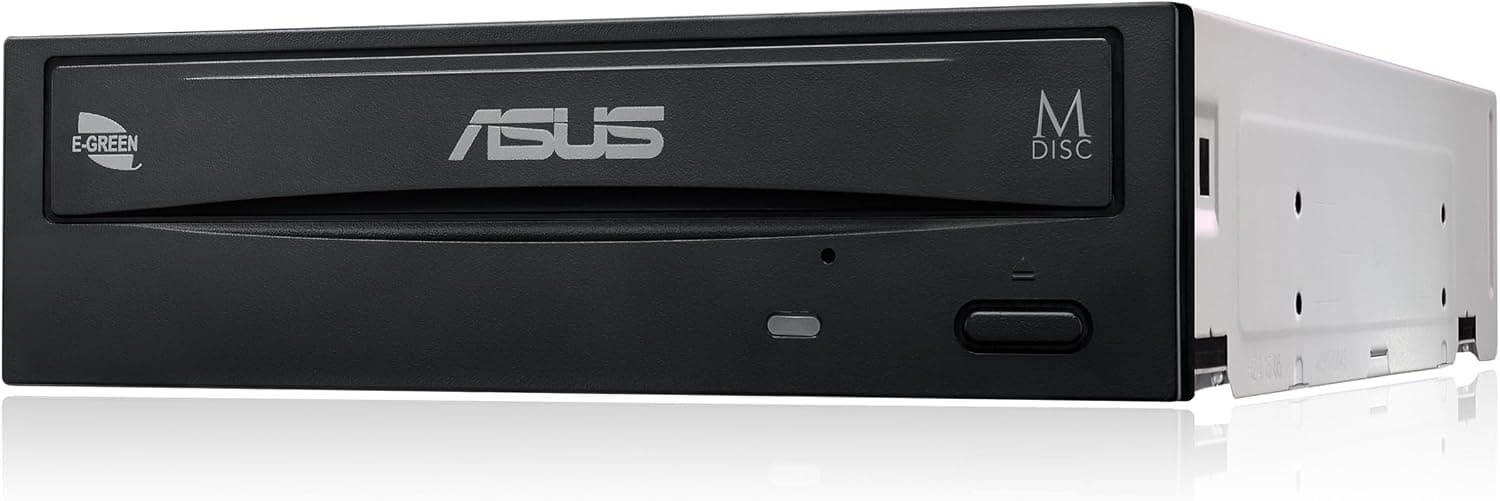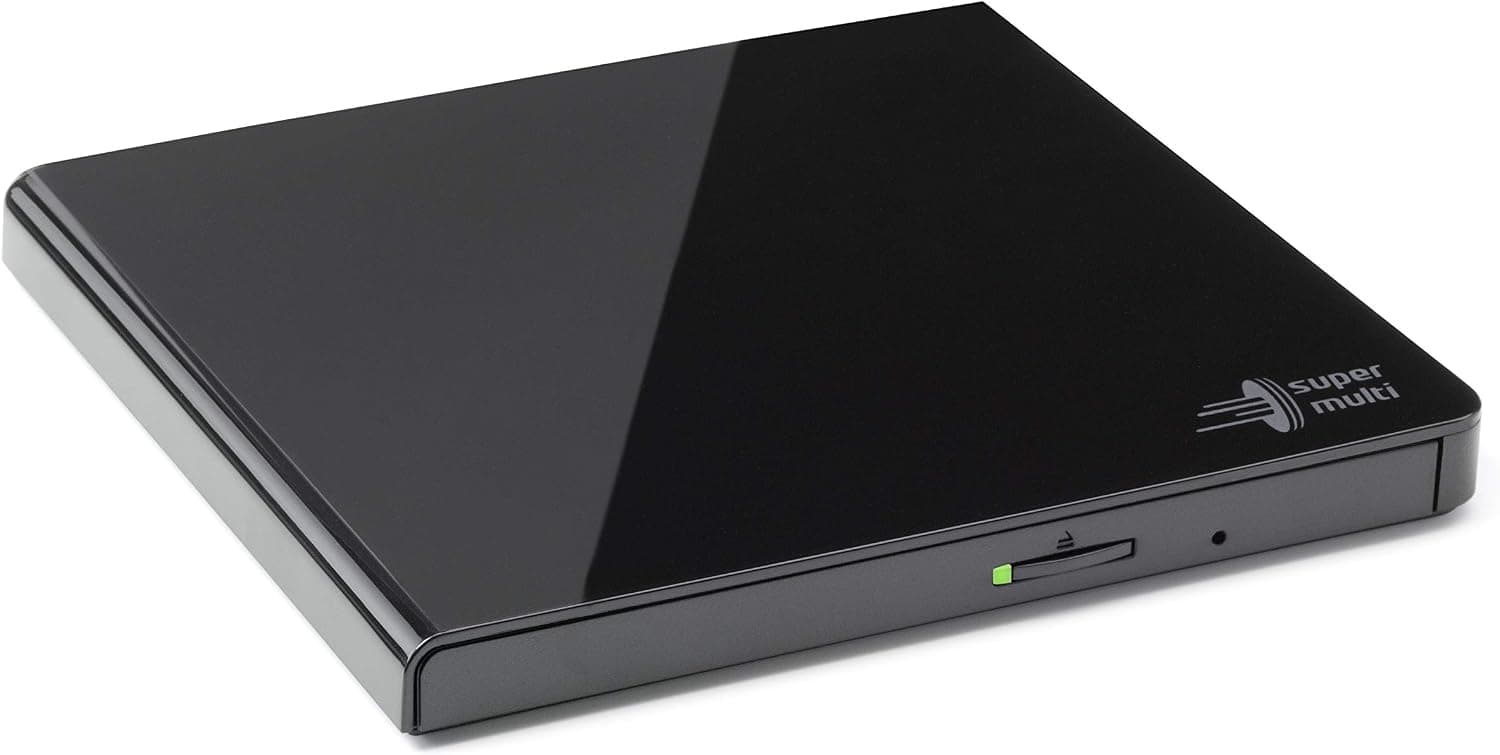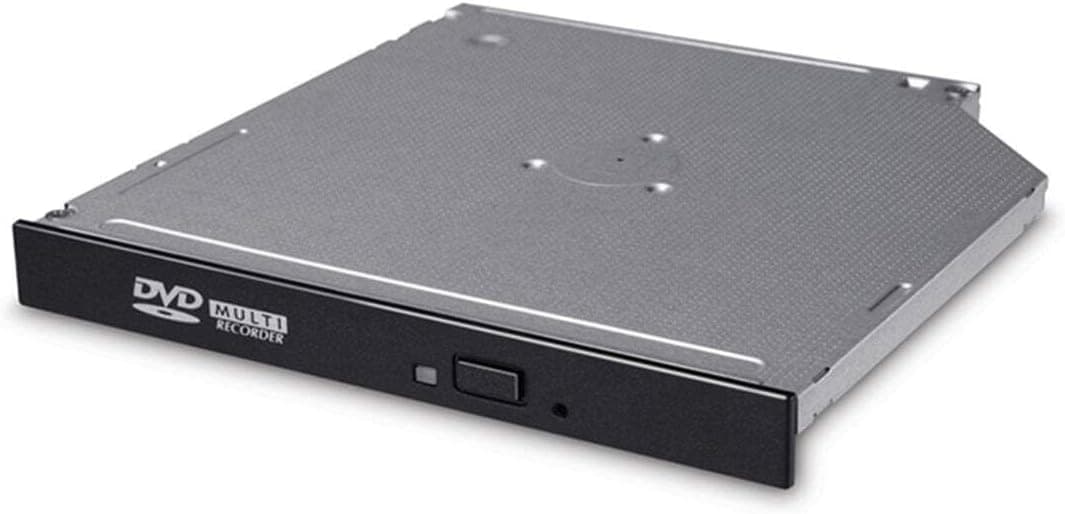
This article covers CD DVDバーナー ライター ドライブ SATA GUD1N, an internal DVD/CD burner aimed at replacing a laptop's optical drive or adding a slim drive to a desktop. Below we walk through the compatibility conditions to check before you install it, how to read its price, and the pitfalls people only notice after buying.
Overview
The 3cLeader GUD1N is a 9.5mm slim internal DVD/CD burner with a SATA interface.
It writes DVDs at up to 24x and CDs at up to 8x, reads DVDs at 8x, and carries a 2MB cache — enough for everyday disc reading and burning. The listed OS support is Windows; macOS and Linux are not officially supported.
The short version: this drive suits someone with a 9.5mm slim bay who wants to swap out a failed optical drive.
It does not suit someone building an optical setup from scratch, or anyone who needs Blu-ray. No faceplate is included, so the product assumes you will transplant the bezel from your old drive — and that single fact decides most of the fit question.
On Amazon.co.jp it holds 4.4 out of 5 stars across 42 reviews (88% positive).
That is a small sample, so treat the average as indicative rather than statistically settled — a handful of reviews can move it noticeably.
Compatibility Guide
Start with bay thickness. This is a 9.5mm slim drive; it will not fit the 12.7mm bays common in older laptops (you get a gap and misaligned screw holes).
The reliable check is to pull the existing drive and measure it. If your machine takes 12.7mm drives, look at a same-thickness model instead — our Hitachi-LG GTC2N article is a good starting comparison.
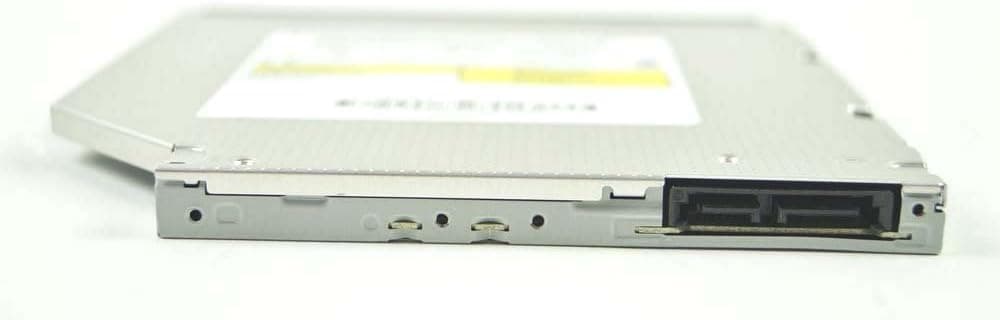
Next, the connector. The spec sheet says "SATA," but 9.5mm and 12.7mm slim optical drives generally use the narrow Slimline SATA (13-pin) connector that combines data and power.
That is a different physical connector from the 7-pin data plus 15-pin power used by full-size 5.25-inch desktop drives.
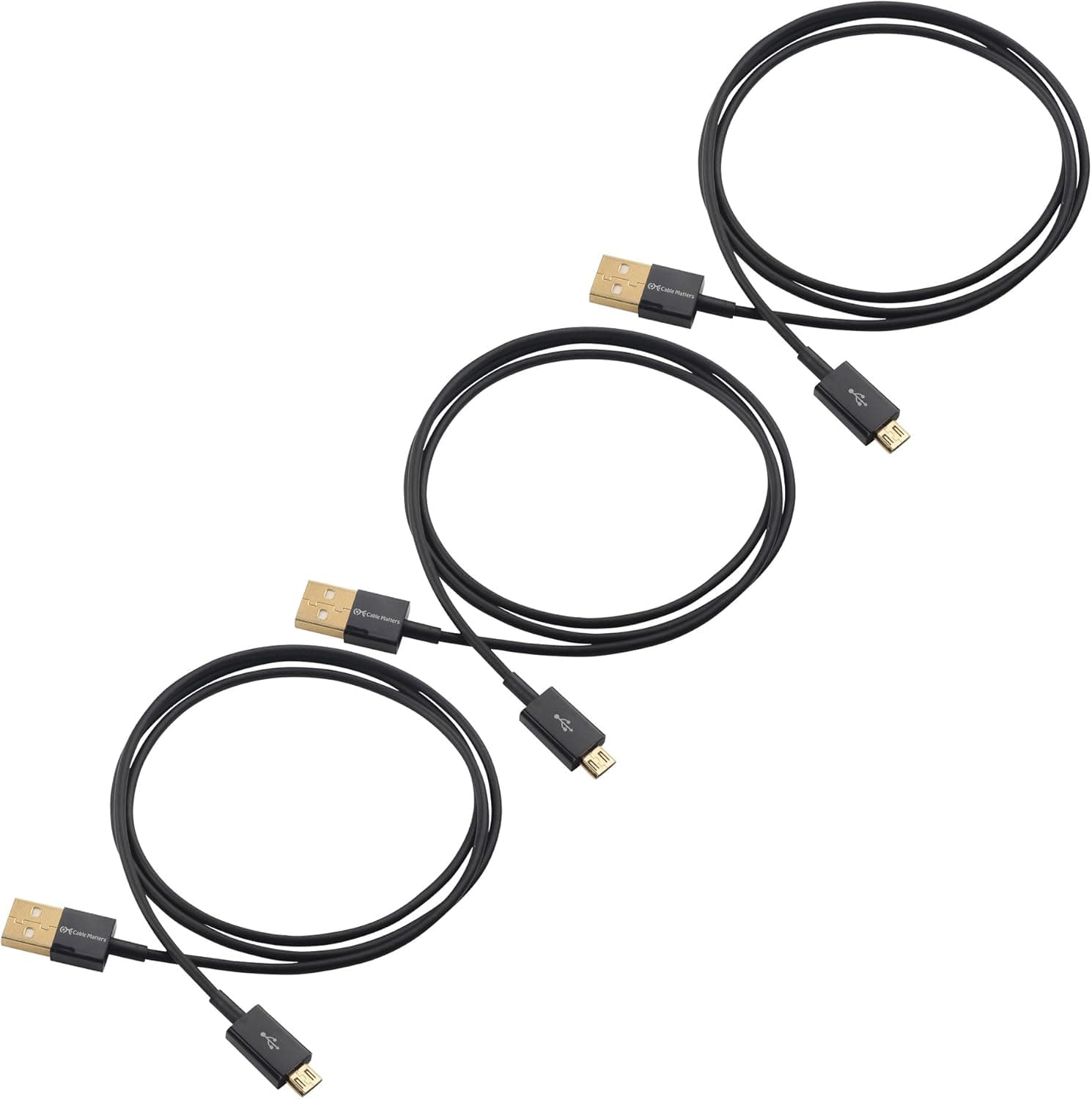
So if you are adding this to a desktop, plan on a Slimline-to-standard-SATA adapter cable and a bracket to mount a slim drive in a 5.25-inch bay.
Overlooking this — "the cable doesn't fit" — is the single most common failure with drives like this.
Physical mounting is easy to forget too. Laptop slim drives are typically secured by a small bracket screwed to the rear of the drive, and that bracket is not included here either.
You transplant it from the old drive, along with the front bezel, which on most machines is held on by plastic clips — remove it slowly so you don't snap them. If you can't transplant both parts (old drive discarded, bezel broken), pick a different product.
Power draw is a non-issue. Slim optical drives run on 5V and consume little; no PSU upgrade is needed.
On a desktop, what actually matters is a free SATA port plus the adapter and bracket above.
Supported media covers CD-R/RW, DVD±R/RW and DVD-RAM. Blu-ray and HD DVD are not supported.
If BD playback or writing is the goal, look at an external USB Blu-ray drive instead.
Product Info
| Item | Value |
|---|---|
| Interface | SATA |
| Write Speed (DVD) | 24x |
| Write Speed (CD) | 8x |
| Read Speed (DVD) | 8x |
| Cache Memory | 2 MB |
| Supported OS | Windows |
| Thickness | 9.5 mm |
A note on how to read those speeds. DVD 24x writing puts a full 4.7GB DVD-R at roughly six minutes — but that is the theoretical peak, and real throughput varies with media quality and inner-versus-outer track position.
The modest 8x DVD read speed is typical of slim drives; if you rip a lot of discs to your hard drive, that read figure, not the write figure, will be what you feel. The 2MB cache is small by modern standards, though it rarely causes trouble as long as you avoid heavy multitasking mid-burn.
On price: Amazon.co.jp listed it at ¥11,487 as captured on 10 September 2026.
That is a point-in-time figure and moves with stock and seller. Honestly, it is not cheap for an internal slim DVD writer — comparable drives often sell for a few thousand yen — so check the current price on the product page and compare against other model numbers before ordering.
Overseas marketplaces such as eBay are an option, but this model has low circulation and listings may simply not exist.
The box contains the drive only. No SATA cable, power cable, mounting screws, faceplate or bracket.
For a desktop install, budget several hundred to a thousand yen on top for the adapter and mount. Warranty is usually around one year and depends on the seller.
Alternatives and Comparison
The deciding question is whether the drive genuinely has to go inside a bay. For repairing a laptop's built-in drive, a same-thickness internal slim drive is the only real answer, and this is a valid candidate.
For a desktop that just needs CD/DVD read and write, a conventional 5.25-inch internal drive (such as the ASUS DRW-24D3ST) usually costs less and needs no adapter or bracket at all.
If you would rather not open the machine, or want to share one drive across several PCs, an external USB portable drive is the practical route. It also enables a popular upgrade path: pull the laptop's optical drive entirely, put an SSD in the bay, and handle discs externally.
And if Blu-ray or UHD BD is anywhere in your plans, this drive is out of scope from the start.
Best Use Cases
- Laptops with a 9.5mm slim bay and a dead optical drive — the most natural fit, provided you can transplant the bezel and bracket. Availability is often better than ordering the OEM part.
- Users who only need CD/DVD — ripping audio CDs, archiving photos and documents to DVD, or reading old install discs.
- People comfortable opening their own PC — bezel transplants and adapter cables are assumed. If disassembly makes you nervous, buy external.
- Anyone who still handles DVD-RAM — support for it is increasingly rare, so it is a quiet advantage here.
Before You Buy
Do not shrug off the missing faceplate. Without a front bezel the installed drive leaves an open hole in the chassis, and on some machines the mounting is less secure.
Having the old drive on hand is effectively a prerequisite. If you already threw it away, choose something else.
On a desktop, it likely won't plug in as-is. As explained above, the slim drive connector differs physically from standard SATA.
Confirm whether you need an adapter before ordering, using your own hardware and the product photos.
Anything other than Windows is unsupported. Optical drives often work under generic OS drivers, and macOS or Linux may well detect it, but the manufacturer makes no promise.
For a Mac, an external USB drive is the safer purchase.
Make sure you accept the price. ¥11,487 at capture time is on the high side for a mature category like optical drives, and pricing varies widely between sellers.
Check the live price immediately before buying.
Listing details can disagree with the physical product. With low-volume products like this, manufacturer names, model numbers and compatibility claims on the listing are sometimes inaccurate.
When you open the page, visually confirm from the product images that the drive shape — thickness, connector, presence of a bezel — matches what you are looking for, rather than trusting the spec table alone.
Factor in the small review base. 4.4 stars is a good number, but 42 reviews won't reliably surface unit variation or a bad batch, and the average swings easily.
Check the seller's return terms for defective units before you order.
FAQ
Q. Will it fit my laptop? A.
If your bay is 9.5mm, physically it likely will — but bracket shapes and screw positions vary by model.
Pull the current drive and check thickness and connector first.
Q. Can I use it in a desktop? A.
Yes, but you will normally need a 5.25-inch bay adapter and a Slimline-to-standard-SATA cable.
Given the extra cost and effort, a full-size internal drive is the simpler desktop choice.
Q. Does it read Blu-ray?
A. No. CD and DVD only. Get a dedicated drive for Blu-ray or Ultra HD Blu-ray.
Q. Do I need to install drivers? A.
Normally no — Windows recognises optical drives natively. Burning discs may require separate authoring software, which is not included.
Q. How long does burning a DVD take? A.
As a rough guide, 24x corresponds to roughly six minutes for a 4.7GB disc.
Real times vary with media and system load, so leave some margin.
Q. Can I rip audio CDs and play DVD videos? A.
Ripping CDs works. Playing commercial DVD video requires separate playback software; Windows alone will not play it.
Product Disclosure (Amazon)
- Manufacturer: 3cLeader
- Seller: ⭐kaifamily⭐
- Fulfilled by: ⭐kaifamily⭐
- ASIN: B07DW51717
- Note: This article covers a manufacturer-made product based on Amazon listing details.