Overview
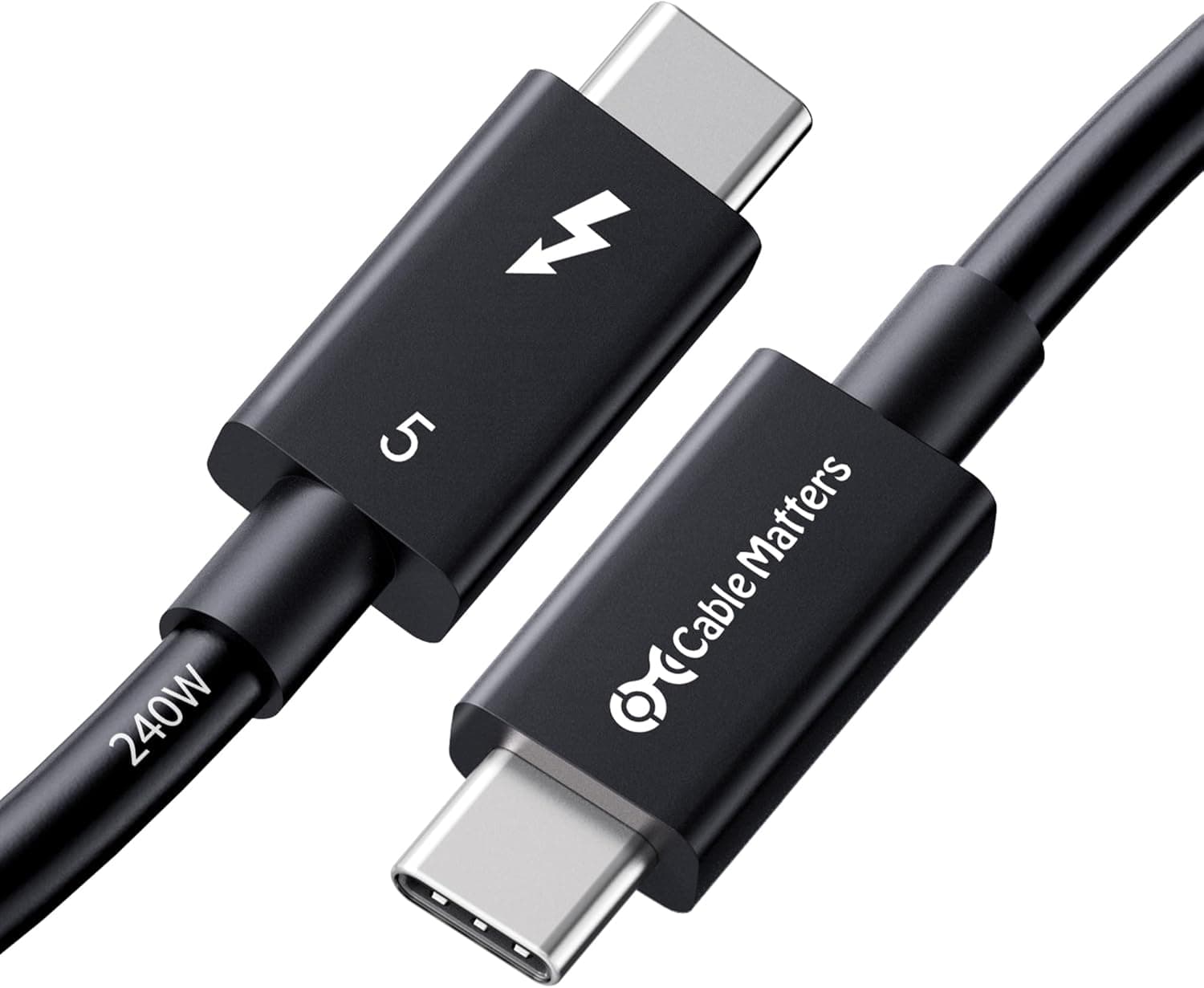
The Cable Matters 20Gbps Thunderbolt 3ケーブル 2m is an Intel-certified USB Type-C cable with Type-C connectors on both ends. Its published specs are up to 20Gbps of data throughput, 100W of USB Power Delivery, and 4K@60Hz video output, using an active design so the signal holds up across the 2-meter run.
The short verdict: if you want a single cable that charges a laptop, drives one external monitor, and moves files, this is an easy recommendation.
What it is not is a full-bandwidth Thunderbolt cable. Thunderbolt 3 as a standard tops out at 40Gbps, and gear built around that ceiling — fast Thunderbolt SSDs, eGPU enclosures, docks pushing two 4K displays — will not get what it wants from a 20Gbps cable.
Buy it without understanding that and the cable will feel slow for reasons that have nothing to do with quality.
For context on reception: Amazon.co.Check the retailer's page for the latest user reviews.
Cables are a category where dead-on-arrival units and frayed jackets drag ratings down fast, so holding that score across 1,800-plus reviews suggests failures are not the common experience.
20Gbps vs 40Gbps
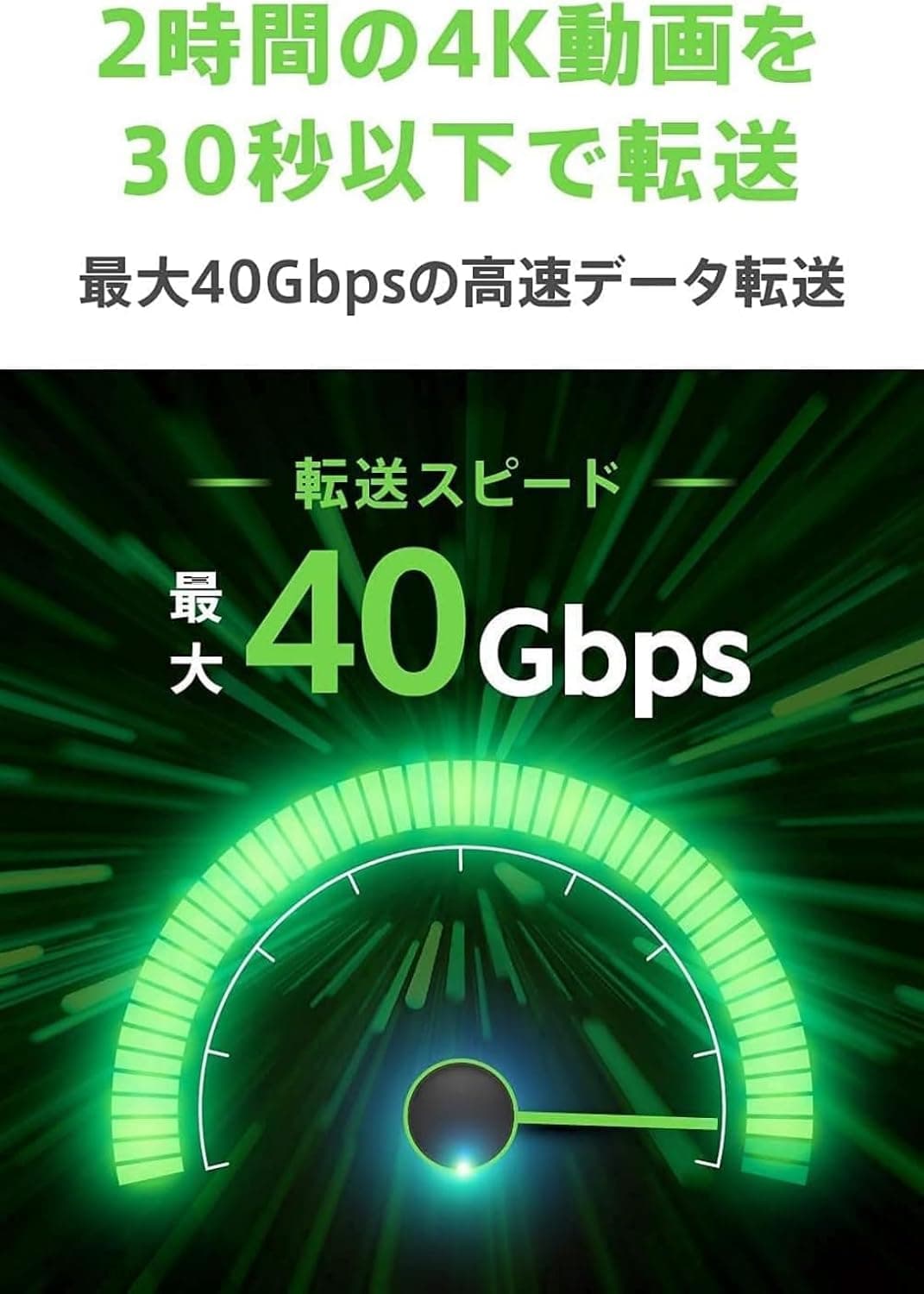
This is the single most misunderstood point about the product. The standard allows 40Gbps; this cable's spec sheet says 20Gbps.
Thunderbolt 3 cables effectively split into two bandwidth tiers depending on length and construction, and carrying 40Gbps past roughly one meter requires a specific design. "Thunderbolt 3 compatible" on a box does not guarantee 40Gbps.
| Use case | Is 20Gbps enough? |
|---|---|
| One 4K@60Hz monitor plus data at the same time | Yes |
| Laptop charging up to 100W | Yes |
| USB 3.x-class external SSD (~1,000MB/s) | Yes |
| Thunderbolt SSD in the 2,500MB/s class | No — bandwidth-capped |
| eGPU enclosure | Works, but at half the headroom |
| Dual 4K, 8K, or 4K120Hz | Outside the spec |
Read that table as a decision, not trivia. For dock-style use — one display, charging, ordinary file transfers — 20Gbps leaves nothing on the table.
The only people who lose out are those who already own hardware capable of saturating a 40Gbps link.
Compatibility Guide
Both ends are reversible USB Type-C, so orientation never matters. Compatibility covers Thunderbolt 3 ports first, and extends to USB4 and USB-C 3.1 Gen 2 devices.
The listed examples include MacBook Pro (2016-2018), iMac, iMac Pro, ASUS ROG laptops, Lenovo ThinkPad P50/P70, Yoga 900/910, LG Gram 15Z970, Intel NUC6i7KYK, and Samsung Galaxy S8/S9/Note 8. Thunderbolt 3 motherboards and gaming notebooks work as-is, and daisy-chaining is rated for up to six devices.
Three practical traps are worth knowing. First, USB-C is a shape, not a capability — without the lightning-bolt marking next to the port, you do not have Thunderbolt, and Thunderbolt-only features such as eGPU support and daisy-chaining simply will not appear.
Second, plugging into a newer USB4 or Thunderbolt 4 machine does not raise the ceiling: the link negotiates down to the cable, so 20Gbps remains the limit. Third, power delivery stops at 100W.
Machines that ship with a 140W adapter, or gear designed around PD 3.1 at 240W, will charge but may lose ground under sustained load.
There is also an active-cable caveat. Thunderbolt 3 active cables are commonly known to fall back to USB 2.0 speeds (480Mbps) when connected to USB-C devices that lack Thunderbolt, whereas a 2m passive 20Gbps cable passes USB 3.x at 10Gbps.
This product's spec sheet lists it as active, so if your main goal is fast transfers with a phone or a plain USB-C hub, check the product page's USB 3.x wording before ordering.
This is not something you can discover comfortably after the fact.
Physically, 2 meters is generous enough to route behind a desk to a monitor or dock. Certified high-speed cables tend to be thick with a large bend radius, though, so tight right-angle runs and slim cable ducts are not their strength.
Product Details
| Item | Value |
|---|---|
| Connectors | USB Type-C (both ends) |
| Length | 2m |
| Max data rate | 20Gbps |
| Max charging power | 100W (USB PD) |
| Video output | 4K@60Hz |
| Certification | Intel certified |
| Cable type | Active |
Pricing below is captured at a point in time and should be treated as a reference only. Amazon.co.jp listed ¥3,399 as of 26 May 2026; Rakuten (Scintitur) listed ¥5,699 as of 11 Aug 2026; eBay US listed $44.00 as of 9 Jul 2026.
The eBay figure is an overseas listing with shipping and duties on top, so it is not directly comparable. Always confirm the current price on the product page before buying.
Cable Matters is an established PC-accessory brand. The compatibility list topping out at MacBook Pro (2016-2018) is a fair hint that this is a Thunderbolt 3-era design, one generation behind USB4 and Thunderbolt 4.
Warranty follows the manufacturer's policy, and the cable itself is the only thing in the box.
How It Compares
The right cable depends entirely on the job. If 40Gbps is non-negotiable, trade length for bandwidth with a shorter Thunderbolt 3 cable around 0.8m, or step up to a 1m Thunderbolt 4 cable — Thunderbolt 4 guarantees 40Gbps and dual 4K output, which removes the guesswork if your hardware is recent.
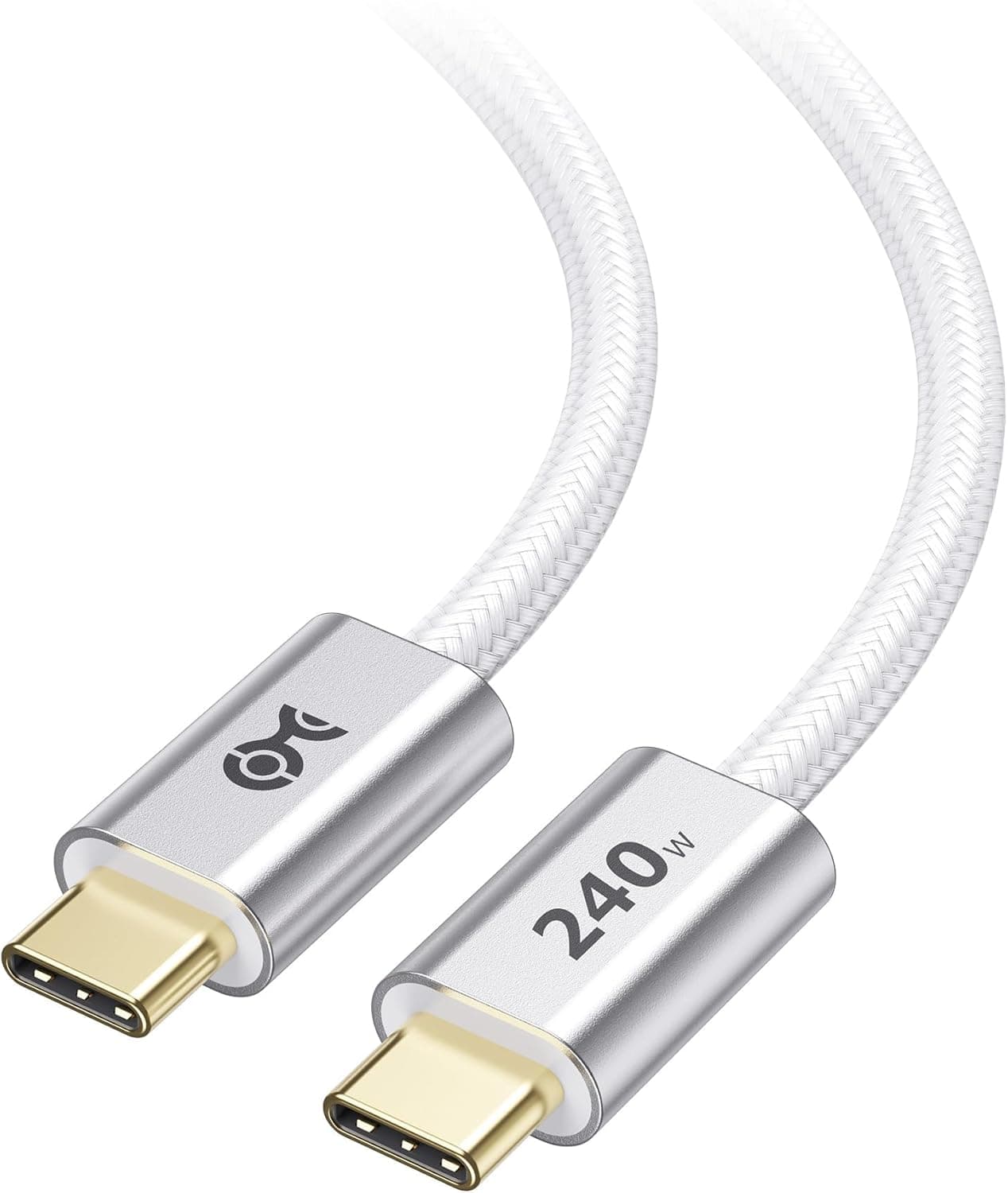
If all you do is charge, this cable is overkill. A 240W PD 3.1 charging cable costs less and delivers more power.
The niche this product actually owns is the middle ground: one display, charging, and data, consolidated into a single 2-meter run.
Review Trends
Complaints in this category cluster into three buckets: dead units, jacket durability, and "it's slower than I expected." The first two are unit variance; the third is usually a spec mismatch rather than a defect — someone expected 40Gbps and bought a 20Gbps cable.
Understanding the distinction above removes that risk entirely.
Who It's For
Ideal for anyone with a Thunderbolt 3 or USB-C laptop who wants charging, 4K@60Hz output, and data over one cable. Think of a MacBook Pro or Windows notebook parked at a desk, feeding a 4K monitor while charging, with a USB 3.x external SSD or dock permanently attached.
The 2-meter length suits the common layout where the laptop sits up front and the monitor or dock lives at the back of the desk.
If you only ever charge, a cheap USB-C power cable is the smarter buy. If you want to extract every drop of performance from Thunderbolt peripherals, buy a 40Gbps cable instead.
This one is about covering the essentials at a usable length.
Before You Buy
First, and worth repeating: it will not hit 40Gbps. The Thunderbolt 3 badge does not change the 20Gbps rating.
Own or plan to own a fast Thunderbolt SSD or an eGPU? Choose a 40Gbps cable.
This is by far the most common regret with this product.
Second, charging stops at 100W. Large notebooks and gaming laptops that expect PD 3.1 at 140W or 240W will still charge, but may lose battery under heavy load.
Check the wattage printed on your stock adapter first.
Third, video maxes out at 4K@60Hz. Dual 4K, 8K, and 4K120Hz are outside the spec, so this is the wrong cable for a high-refresh gaming monitor.
Fourth, the active-cable fallback described above. If fast transfers with non-Thunderbolt USB-C devices are your priority, verify the USB 3.x behaviour on the product page before ordering.
Finally, treat listing metadata with mild suspicion. Retail pages auto-populate manufacturer names, model numbers, compatibility tables, and prices, and mismatched data from another product does occasionally slip in.
The spread between the domestic ¥3,399 and the overseas $44.00 is a reminder of that.
Before ordering, confirm from the product photos and title that all three attributes line up: 2m length, 20Gbps, Thunderbolt 3.
FAQ
Q. It says Thunderbolt 3 — do I get 40Gbps? A.
No. This cable is rated at 20Gbps.
For 40Gbps, pick a shorter Thunderbolt 3 cable or a Thunderbolt 4 cable.
Q. Can it charge a 16-inch class laptop? A.
Power delivery caps at 100W. Machines expecting 140W will charge, but may not keep up under sustained load.
Q. Will it work with a USB4 or Thunderbolt 4 PC? A.
Yes, but the link negotiates to the slower end, so 20Gbps remains the ceiling even on a 40Gbps port.
Q. Can I run two 4K monitors?
A. The video spec is 4K@60Hz. For dual-display setups, look at a Thunderbolt 4 cable and dock instead.
Q. Can I charge a phone with it? A.
Yes, if the phone supports USB PD. For charging alone, though, a cheaper and more flexible charge-only cable is the better tool.
Product Disclosure (Amazon)
- Manufacturer: Cable Matters
- Seller: Cable Matters Japan
- Fulfilled by: Amazon
- ASIN: B01AS8U9KE
- Note: This article covers a manufacturer-made product based on Amazon listing details.