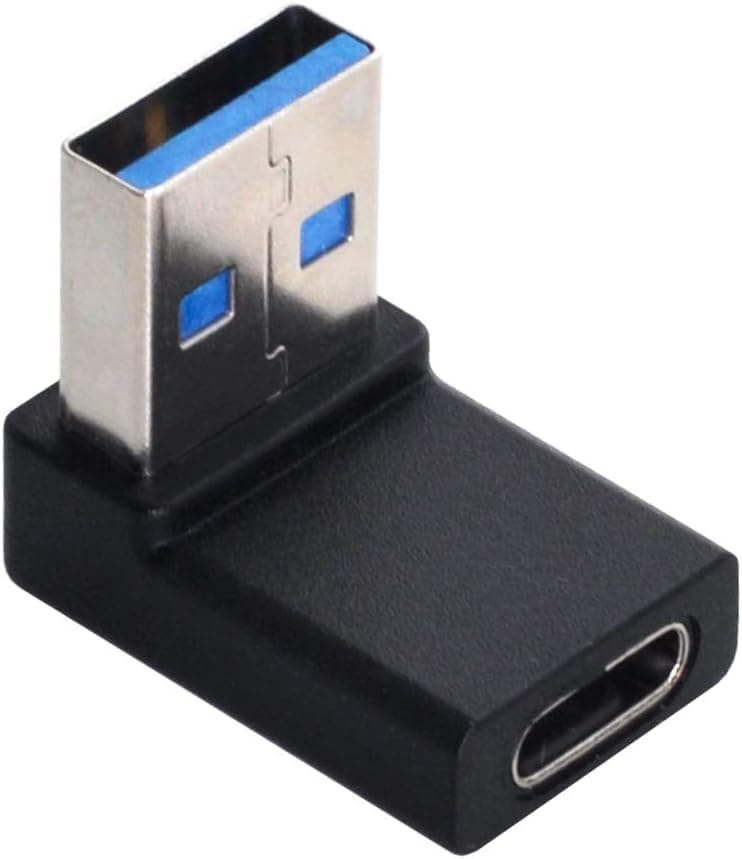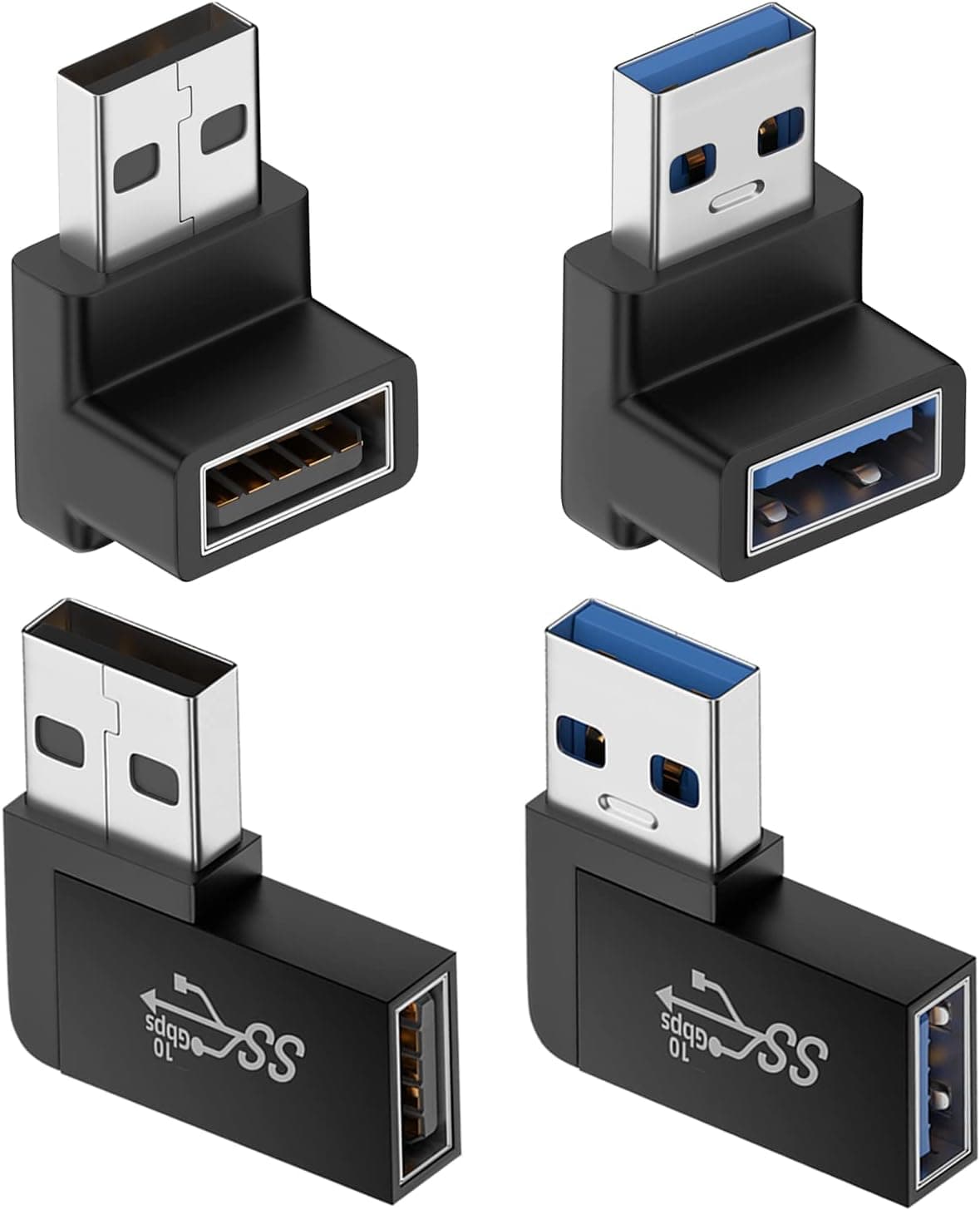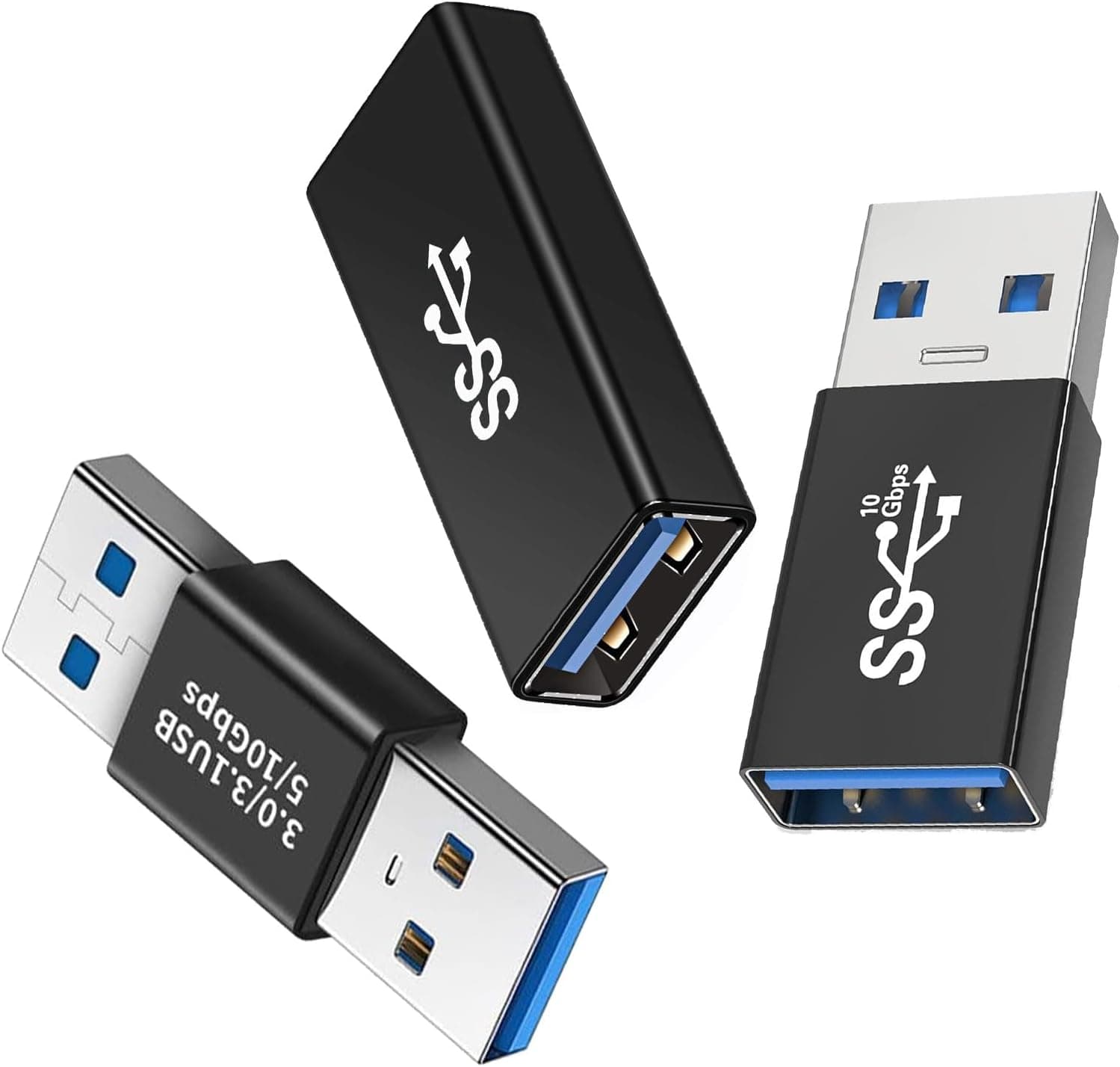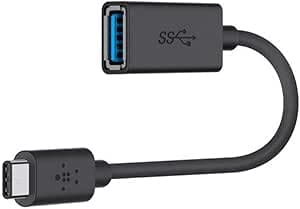
Overview
This is the Belkin F2CU036BTBLK-A — USB-C to USB-A adapter for modern devices, sold in Japan as Belkin 変換アダプタ USB-C to A iPad Pro. It lets you keep using USB-A peripherals with laptops and tablets that only have USB-C ports.
One end is a USB-C male plug, the other a USB-A female port, joined by a short 14 cm cable. It supports USB 3.0 data transfer at 5 Gbps and up to 1.5 A of output.
If you just need to connect one flash drive, mouse or card reader at a time, it is a solid, no-frills choice.
Keep in mind that it only changes the connector shape. It is not a hub that adds ports, and it does not carry video output or fast charging (USB PD).
If you need several devices at once or transfers above 10 Gbps, choose a different product. This article covers where it works, where you have to compromise, and the pitfalls people tend to find after buying.
Compatibility Guide
The USB-C plug physically fits any USB-C port. On ports that support peripherals, including Thunderbolt 3, it works with USB-C devices such as iPad Pro, MacBooks and Surface models.
It will not work on charge-only USB-C ports or on devices that cannot act as a USB host. For smartphones, first check that your phone supports USB host (OTG) mode.
| Item | Spec | Common pitfall |
|---|---|---|
| Connector | USB-C (male) to USB-A (female) | Works in one direction only. It cannot connect a USB-C device to an older PC |
| Data rate | 5 Gbps (USB 3.0) | 10 Gbps external SSDs are also limited to 5 Gbps |
| Charging output | Up to 1.5 A | The actual current depends on the host device |
| Cable length | 14 cm | Too short for devices placed far away |
| Compatible devices | USB-C / Thunderbolt 3 laptops and tablets | Does not work on charge-only ports |
Power is the most common source of confusion. The 1.5 A figure is the adapter's upper limit, not a guarantee that the connected device will get 1.5 A.
How much power a USB-C port supplies varies by model, and tablets in particular may not be able to run power-hungry devices such as portable hard drives. For those devices, use a model with its own AC adapter (self-powered) or a powered hub.
For speed, USB 3.0 flash drives and external SSDs run within the 5 Gbps limit.
Faster USB 3.1 Gen2 (10 Gbps) drives are also capped at 5 Gbps when used through this adapter.
For low-speed devices such as mice, keyboards, printers and USB microphones, you will rarely notice any difference.
The connector is straight, and the base of the USB-C plug has some width. On laptops with USB-C ports right next to each other, it may get in the way of a thick charging cable in the neighboring port, so check the port spacing first.
Product Info
Belkin has made phone and PC accessories for many years and offers phone and email support in Japan. The box contains only the adapter.
No drivers or software are needed, because the operating system recognizes it as soon as you plug it in.
The prices below were collected when this article was written. They are snapshots from specific dates and change often with sales and stock, so check the product page for the current price.
| Store | Price at capture | Date captured |
|---|---|---|
| Amazon.co.jp | JPY 2,580 | Aug 26, 2026 |
| Amazon.co.jp (captured on a different date) | JPY 2,934 | Jul 1, 2026 |
| eBay | $12.98 | Aug 2, 2026 |
Check the retailer's page for the latest price. No-name adapters are often sold in multi-packs, so this one costs more per unit.
You are paying for brand-level quality control and domestic support.
Check the retailer's page for the latest user reviews. That is not a large number of reviews, but the rating is consistently good.
Comparison With Alternatives
There are several ways to connect USB-A devices to a USB-C port.
| Option | Best for | Trade-off |
|---|---|---|
| This product (Belkin, cable style, USB 3.0) | People who want one branded adapter | Higher price per unit, single port |
| Small USB 2.0 adapters | Mouse or keyboard only | Much slower transfers |
| USB 3.0 adapter multi-packs | Leaving one plugged into each device | Quality varies by brand |
| USB-C hub | Several devices at once | Bulkier and more expensive |
Because this is a cable-style adapter, the weight of the connected device puts less strain on the port than with a direct plug-in adapter. On the other hand, if you want to leave a wireless mouse receiver plugged in all the time, the dangling cable gets in the way.
A small plug-in adapter suits permanent use, while this one suits travel and frequent plugging and unplugging.
Recommended Users
- People who switched to a USB-C-only laptop. You can keep using your USB-A mouse, keyboard and flash drives without buying new ones. Even gaming mice work with no noticeable effect on responsiveness.
- iPad Pro users who move photos and files. Connect a USB-A card reader or flash drive through this adapter to work with supported files in the Files app.
- Travelers who want a just-in-case adapter. The 14 cm cable takes up little room in a pouch and handles jobs like reading a flash drive someone hands you.
- People burned by unreliable cheap adapters. If poor contact has been a problem, choosing a brand known for quality control makes sense.
Before You Buy
Check the direction. This adapter plugs into a USB-C host (PC or tablet) and accepts a USB-A device.
It cannot connect a USB-C flash drive or phone to a PC that only has USB-A ports. This is the most common mistake, so confirm which way you need to connect first.
No fast charging or video output. Output is up to 1.5 A, and USB PD fast charging is not supported.
You can charge a phone from the USB-A side, but slowly. It also cannot carry video, so use a dedicated product such as a USB-C to HDMI adapter to connect a monitor.
High-power devices may not run. As noted above, the host decides how much current is available.
A bus-powered portable hard drive on a tablet may not be recognized or may disconnect partway through. That is a power shortage, not a faulty adapter, and a self-powered drive or a powered hub will fix it.
Only one port. If you want to use a mouse and a flash drive at the same time, a USB-C hub is tidier than buying two adapters.
Think of this as a tool for connecting one device reliably.
The iPad Pro name does not mean it is iPad-only. It is a general-purpose adapter for any USB-C host, and it also does not guarantee that every device will work on an iPad Pro.
When buying, check the model number F2CU036BTBLK-A and the product images to make sure you have the right item.
FAQ
Q. Can I connect a USB-C flash drive to a PC that only has USB-A ports? A.
No. This adapter goes USB-C (male) into the host and accepts USB-A (female).
For the reverse, you need a separate USB-A male to USB-C female adapter.
Q. Can I use an external SSD with an iPad Pro? A.
A USB-A SSD will generally work at up to 5 Gbps. Bus-powered drives may not get enough power, so use a powered hub if the drive does not work.
Q. Will a USB 3.1 Gen2 SSD reach its full speed? A.
No. Through this adapter it is limited to 5 Gbps (USB 3.0).
For full speed, connect USB-C to USB-C directly.
Q. Can it charge a phone?
A. Yes, but output is up to 1.5 A and depends on the host, and fast charging is not supported.
Q. Do I need drivers?
A. No. It is recognized automatically.
Product Disclosure (Amazon)
- Manufacturer: Belkin
- Seller: Amazon.co.jp
- Fulfilled by: Amazon.co.jp
- ASIN: B07D7CVR3B
- Note: This article covers a manufacturer-made product based on Amazon listing details.