Overview
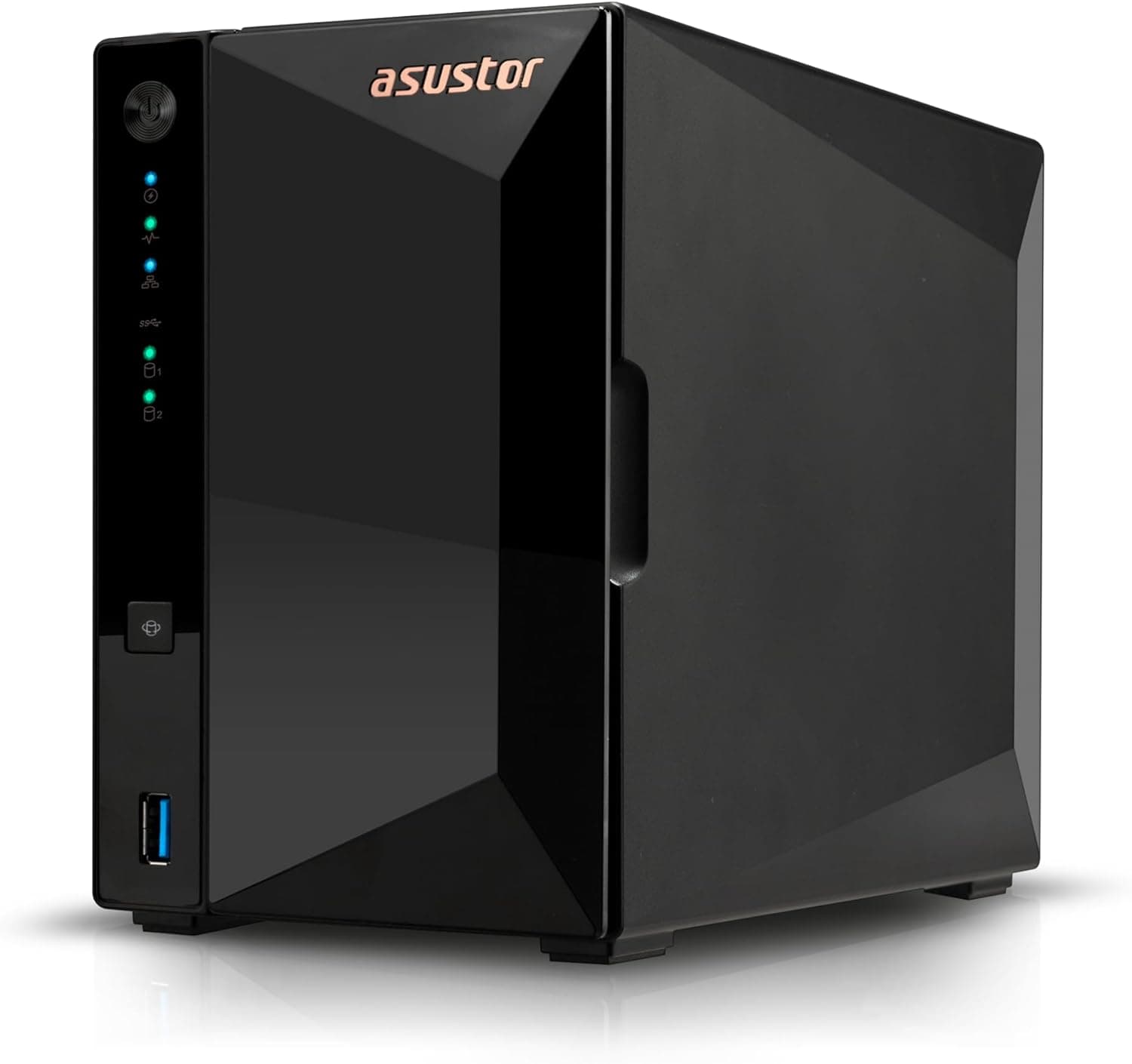
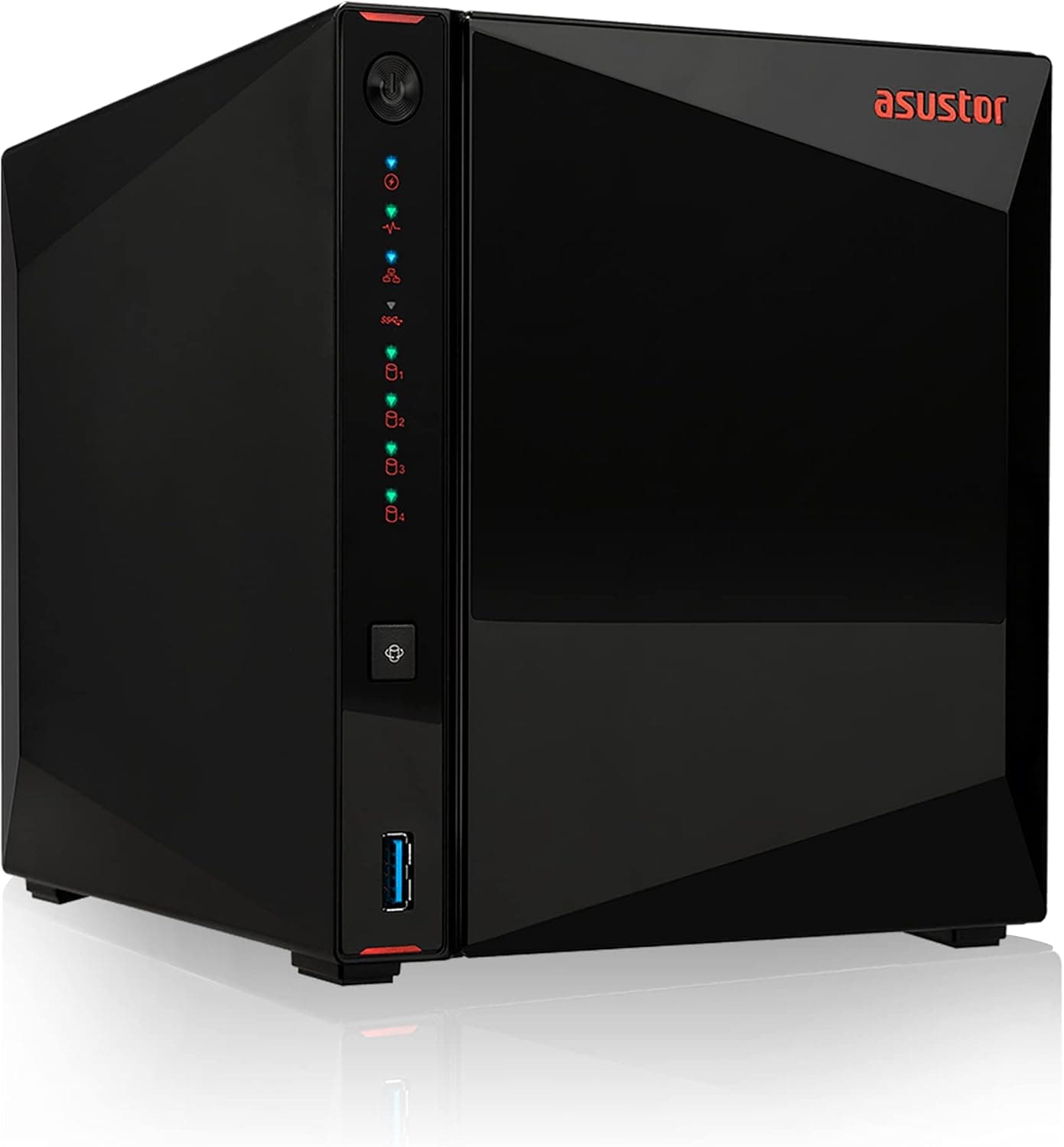
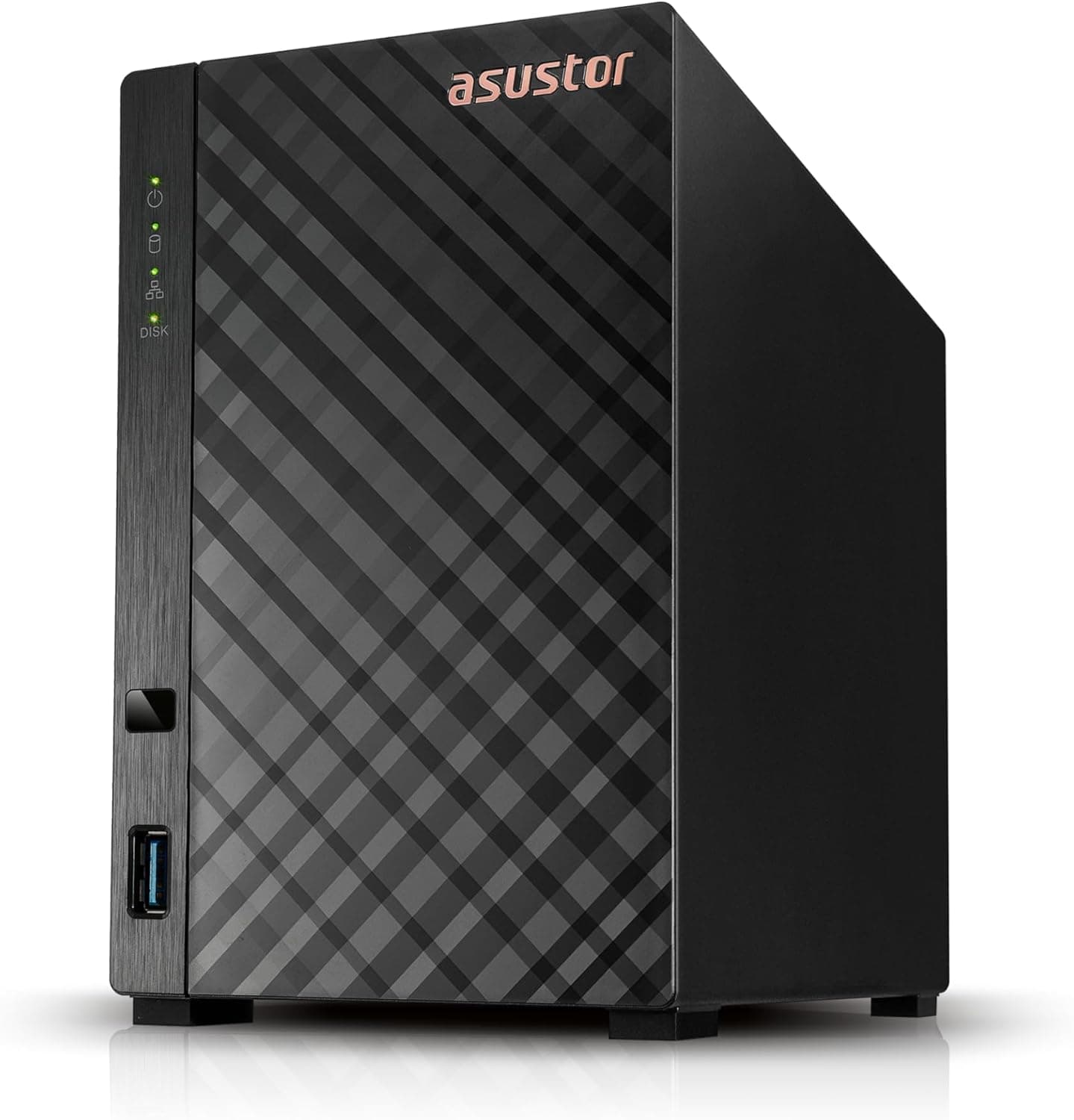
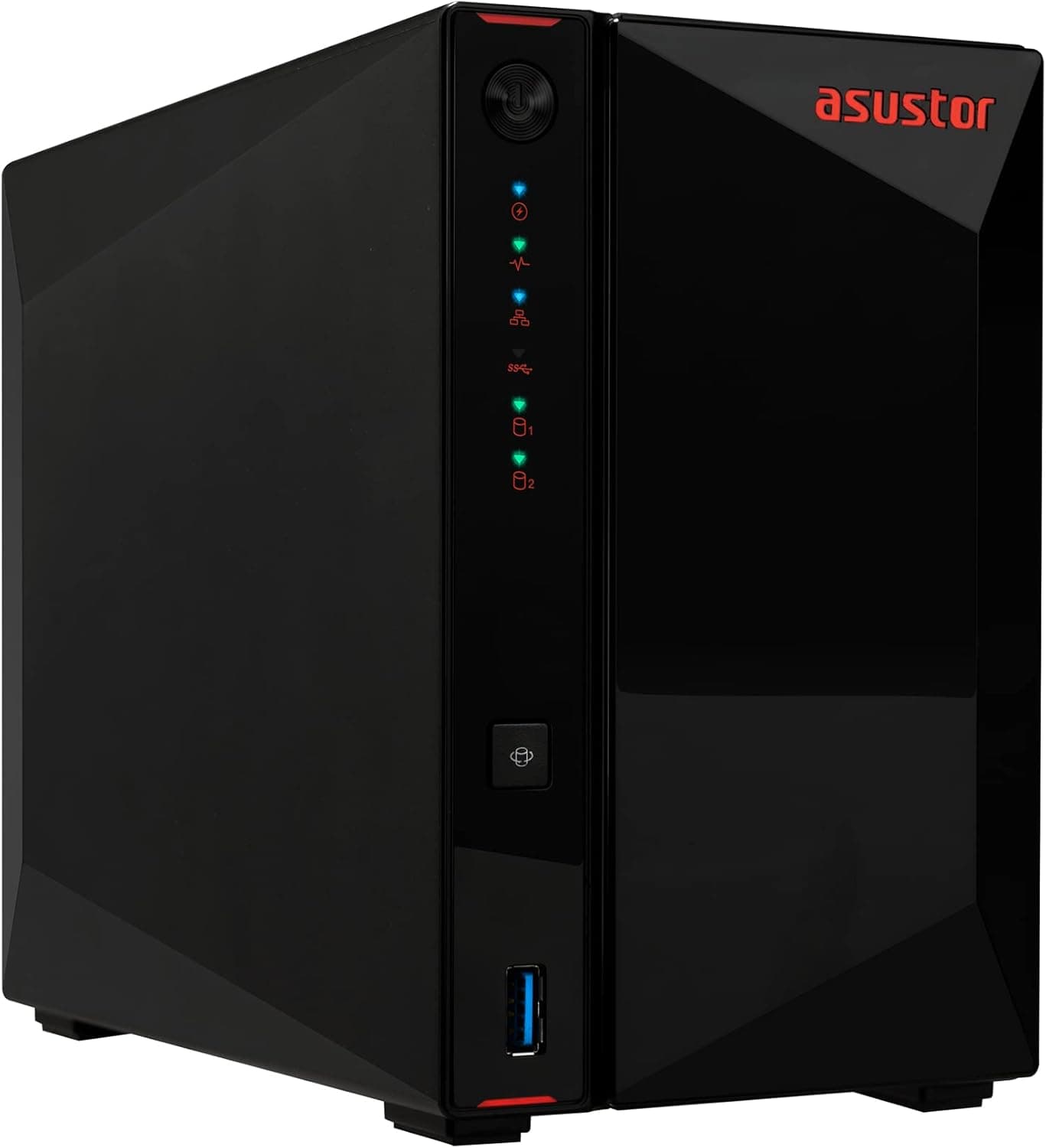
The Asustor AS5202T is a 2-bay network-attached storage (NAS) with a gaming-inspired design that stands out in any home office or living room. It targets power users who need fast file access and media streaming, thanks to dual 2.5GbE ports that can be link-aggregated for up to 5Gbps throughput. Powered by an Intel Celeron dual-core processor (2.0GHz base, 2.7GHz boost) and 2GB of DDR4 RAM (expandable to 8GB), it handles 4K HDR transcoding and file sharing smoothly.
Network: Two 2.5 Gigabit Ethernet ports with link aggregation support. Combined bandwidth up to 5Gbps. Storage: Compatible with 3.5-inch and 2.5-inch SATA HDD/SSD. Two hot-swappable bays, supporting up to 36TB total (18TB x 2). Video Output: HDMI 2.0a port with hardware decoding for 10-bit 4K HDR (HEVC, VP9 Profile2). Can be used as a direct media player connected to a TV or monitor. USB: One USB 3.0 front, two USB 3.0 rear for external drives or UPS.
The Asustor AS5202T launched in 2019 as a mid-to-high-tier NAS. While not the newest model, it still offers competitive features like dual 2.5GbE and 4K HDR transcoding.Check the retailer's page for the latest price. Warranty is 3 years from the manufacturer. The package includes a power adapter, Ethernet cable, HDMI cable, quick-start guide, and screws. Available through and major electronics retailers.
Home server builders: Ideal for file sharing, media streaming, and backup. The 2.5GbE ports make large file transfers snappy. Media enthusiasts who want direct playback: Use the HDMI output to connect to a TV and run Plex or Kodi for 4K HDR content with hardware transcoding. * Gamers needing extra storage: The gaming aesthetic and fast network suit storing game installs on the NAS. However, don't expect SSD-level load times; it's better for archival or secondary game libraries.
This is a diskless model; you must purchase HDDs or SSDs separately. With only two bays, RAID 1 mirroring halves usable capacity. The Celeron J4005 CPU can handle single 4K HDR transcoding but struggles with multiple simultaneous streams. The default 2GB RAM is adequate for basic file serving, but for Docker containers or virtualization, upgrade to 8GB. You'll also need a 2.5GbE-capable switch or client adapter to fully utilize the network speed.
Q: How do I set up link aggregation on the 2.5GbE ports? A: In the ADM web interface, go to Network settings and select Link Aggregation (choose 802.3ad dynamic or balance-tlb). Make sure your switch supports the same mode, or you can use the two ports separately for different networks. Q: Can I upgrade the RAM myself? A: Yes. Remove the back cover to access the single SO-DIMM slot. It supports up to 8GB DDR4-2400 (non-ECC). Q: Does this NAS support Docker? A: Yes. Install the Docker app from App Central. However, with only 2GB of RAM, running multiple containers may be limited; upgrading to 8GB is recommended.
Product Disclosure (Amazon)
- Manufacturer: ASUSTOR
- Seller: New Oriental Technology
- ASIN: B07PW9DV56
- Note: This article covers a manufacturer-made product based on Amazon listing details.