Overview
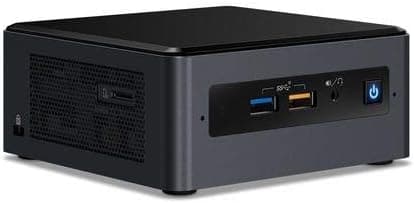
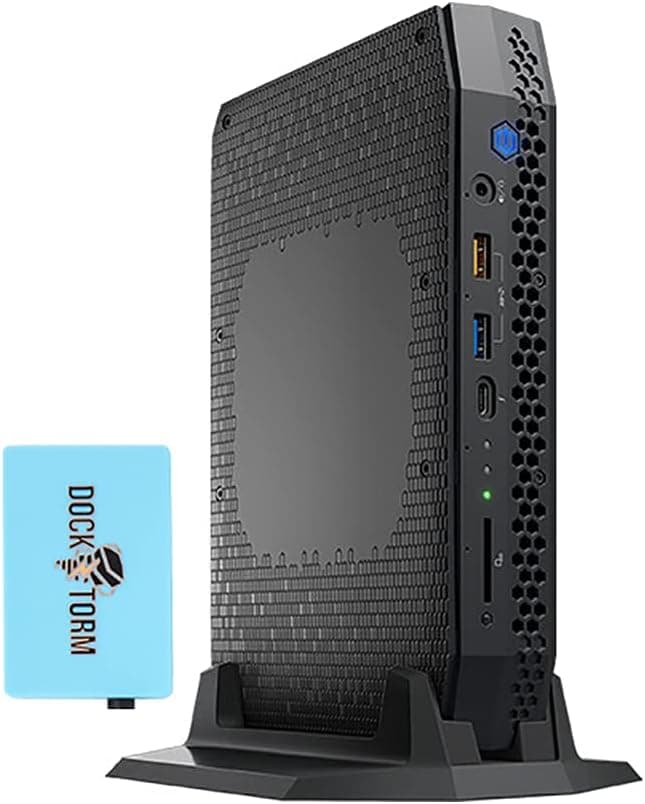
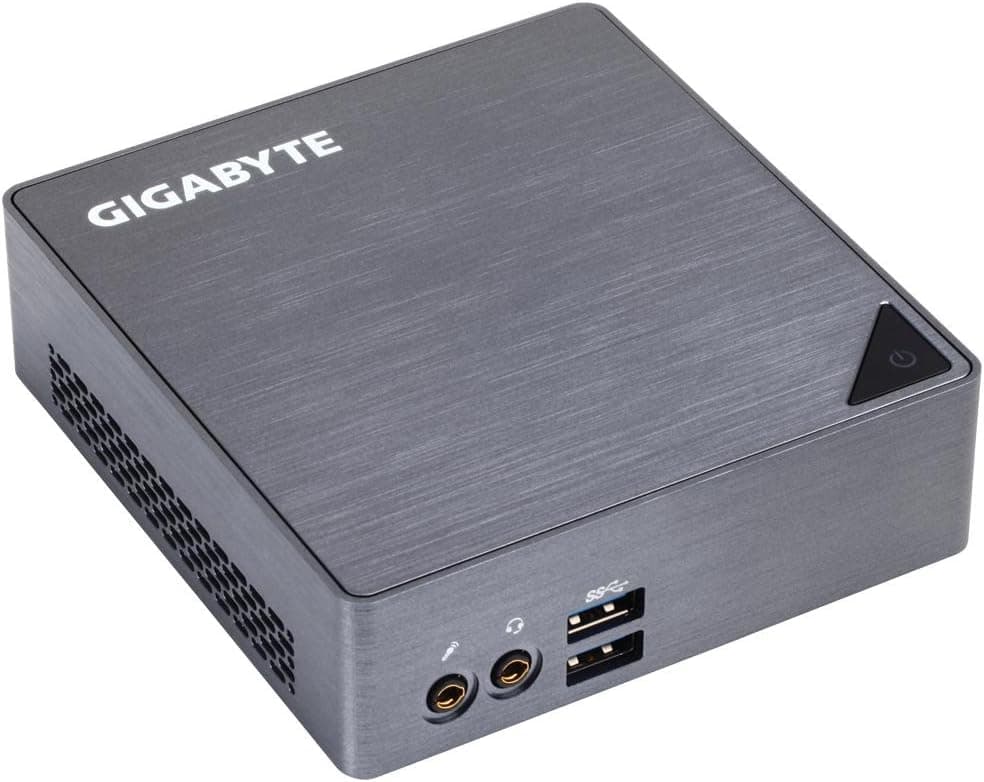
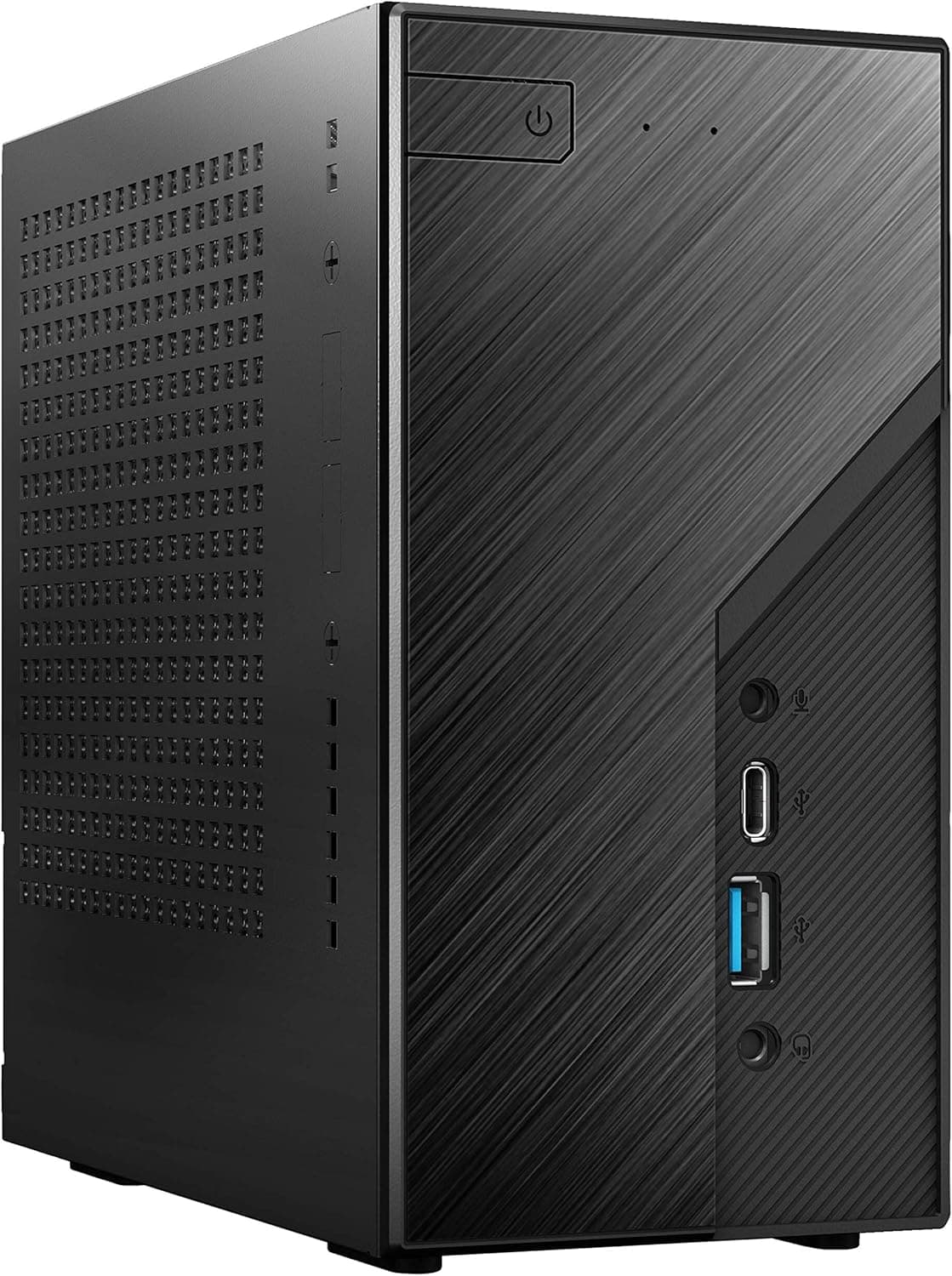
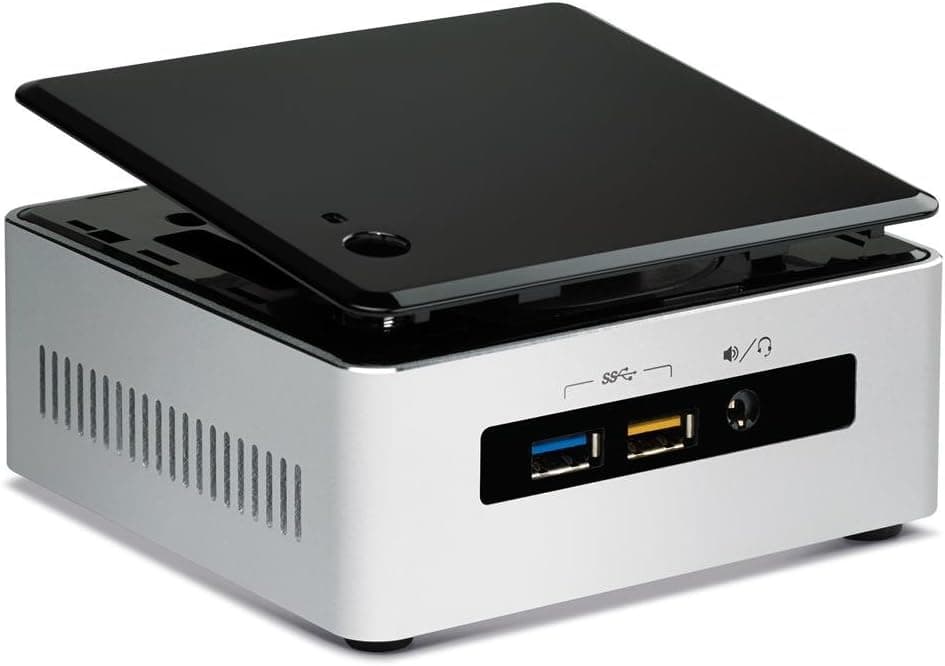
The AOOSTAR MACO is a barebone mini PC built around the AMD Ryzen 7 H255 processor. This 8-core, 16-thread CPU boosts up to 4.9GHz and pairs with the integrated Radeon 780M graphics, which uses the RDNA 3 architecture. The chassis measures just 130 x 130 x 60 mm and weighs about 0.66 kg, making it one of the more compact options in its class.
Memory support covers dual-channel DDR5 at 5600MHz, expandable up to 128GB. For storage, you get two M.2 2280 NVMe PCIe 4.0 x4 slots with support for up to 8TB total. The inclusion of an OCuLink port (64Gbps) and dual USB4 ports opens up external GPU and high-speed peripheral possibilities that are rare at this size.
This machine sits in the mid-to-high tier of mini PCs, targeting users who need serious compute power without sacrificing desk space. The Ryzen 7 H255 and Radeon 780M combination handles office work, light gaming, and creative tasks with ease. A fingerprint sensor adds a convenient security layer for quick, password-free login.
Compatibility Guide
Memory uses the DDR5 SO-DIMM form factor, which is the laptop-style module rather than the full-size DIMM found in desktop towers. You can install up to 128GB across two slots in dual-channel mode. Make sure to buy SO-DIMM modules, not standard desktop RAM.
Storage is handled by two M.2 2280 NVMe SSD slots running at PCIe 4.0 x4 speeds, supporting up to 8TB combined. The OCuLink port does not occupy either M.2 slot, so you can connect an external GPU without sacrificing internal storage capacity.
For displays, the MACO offers HDMI, DisplayPort, and two USB4 ports, all of which can carry video signals. This allows up to four simultaneous 4K displays. Networking is covered by dual 2.5Gbps Ethernet ports, which is a welcome feature for users with high-speed internet or NAS setups.
Product Info
The AOOSTAR MACO is powered by the Ryzen 7 H255, an 8-core/16-thread processor with a maximum boost clock of 4.9GHz. The integrated Radeon 780M GPU features RDNA 3 architecture with a boost clock of 2700MHz. Memory support includes dual-channel DDR5 at 5600MHz, expandable to 128GB.
Storage options include two M.2 2280 NVMe PCIe 4.0 x4 slots with support for up to 8TB total. The OCuLink port provides 64Gbps of bandwidth, offering faster external GPU connectivity compared to Thunderbolt 4 or USB4. A 120W Type-C power adapter is included in the box.
In terms of market positioning, this is a mid-to-high-tier mini PC aimed at users who need substantial processing power in a compact form factor. The combination of Ryzen 7 H255 and Radeon 780M delivers a balanced experience suitable for office productivity, light gaming, and creative workloads.
Best Use Cases
- Office workers who want to declutter their desk. The 130 x 130 x 60 mm chassis can be mounted behind a monitor using the included VESA bracket, keeping cables tidy. Users who need extensive internal expansion will find the two M.2 slots limiting.
- Creators who edit videos or do light gaming. The Radeon 780M with RDNA 3 architecture handles 1080p gaming and video editing smoothly. Those who want to play the latest AAA titles at maximum settings should look elsewhere or consider an external GPU.
- Enthusiasts planning to use an external GPU. The OCuLink port (64Gbps) allows eGPU connections without occupying an M.2 slot. Note that hot-swapping is not supported, so you must power down before connecting or disconnecting.
Things to Consider
This is a barebone kit, so you will need to purchase DDR5 SO-DIMM memory and M.2 2280 NVMe SSDs separately. Factor these costs into your budget when comparing against pre-built mini PCs.
The OCuLink port does not support hot-swapping. Always power off the system before connecting or disconnecting an external GPU. While OCuLink offers higher bandwidth than Thunderbolt 4 or USB4, an external GPU will still be somewhat limited compared to a direct PCIe connection in a full-size desktop.
The integrated Radeon 780M is capable for 1080p gaming and creative work, but it will struggle with 4K gaming at high settings in demanding titles. You may need to lower resolution or graphical settings, or invest in an external GPU for the most demanding workloads.
FAQ
Q: What memory and storage should I buy?
A: You need DDR5 SO-DIMM modules (up to 128GB, dual-channel) and M.2 2280 NVMe SSDs (up to 8TB across two slots). Be sure to purchase the laptop-style SO-DIMM memory, not standard desktop DIMMs.
Q: How do I connect an external GPU?
A: Use the OCuLink port (64Gbps). It does not occupy an M.2 slot, so you can keep both internal SSDs installed. Remember that hot-swapping is not supported, so power down before connecting.
Q: Can I run four displays simultaneously?
A: Yes. By combining the HDMI, DisplayPort, and two USB4 ports, you can connect up to four displays at once. 4K resolution is supported across all outputs.
Product Disclosure (Amazon)
- Manufacturer: AOOSTAR
- Model: MACO AMD Ryzen 7 H 255
- ASIN: B0G6HZR5MQ
- Note: This article covers a manufacturer-made product based on Amazon listing details.