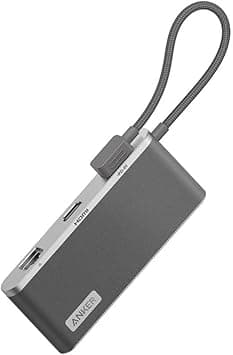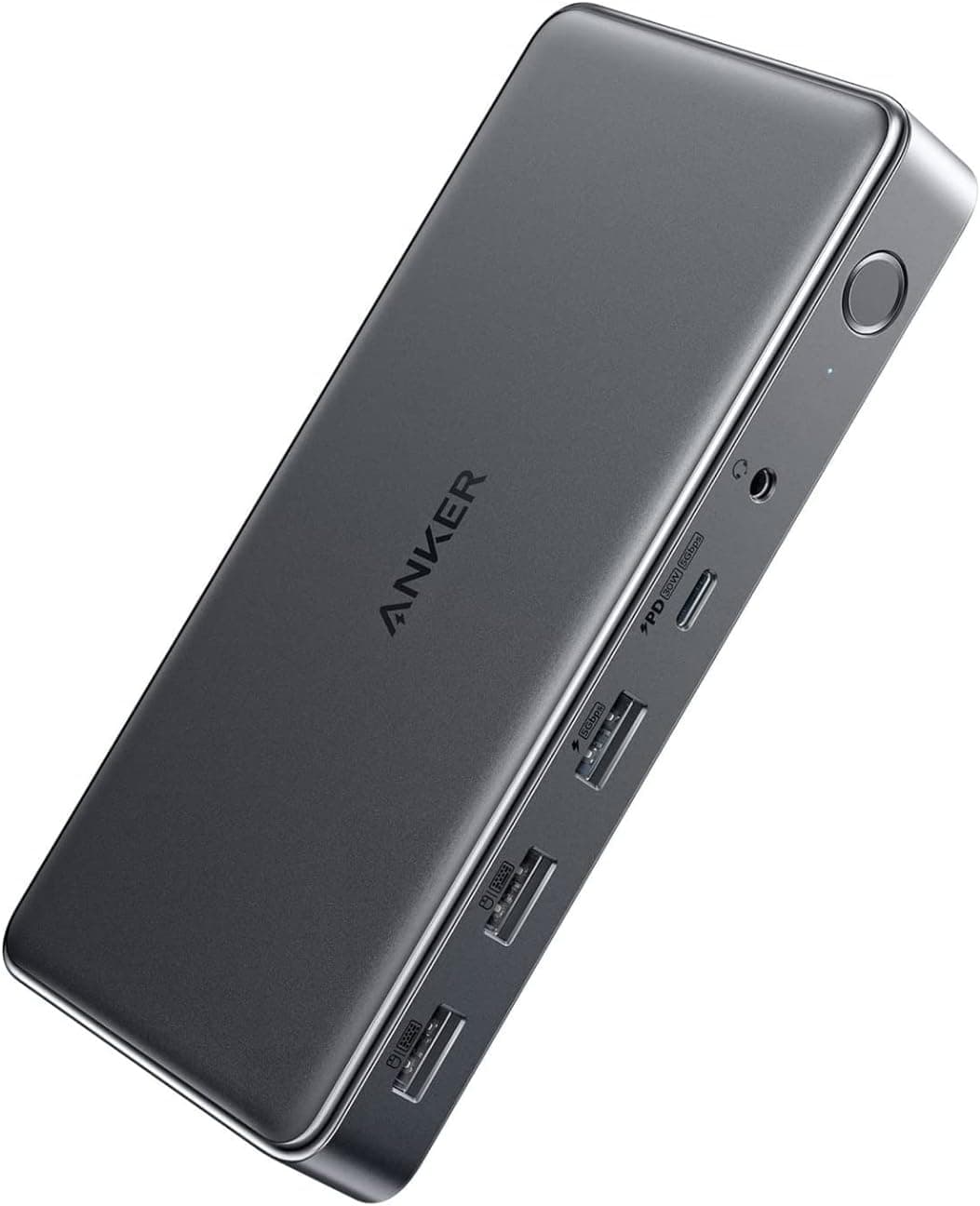
This article covers Anker 564 USB-C ドッキングステーション (10-in-1.
Overview
The Anker 564 USB-C Docking Station is a 10-in-1 hub designed specifically for MacBook users. It packs two HDMI ports and one DisplayPort, enabling up to four external displays when paired with DisplayLink drivers on Apple Silicon Macs. The upstream USB-C port delivers 100W Power Delivery, so you can charge your laptop and connect peripherals through a single cable. With two additional USB-C ports (30W PD each), four USB-A ports, Gigabit Ethernet, and a 3.5mm audio jack, this dock covers almost every connectivity need for a modern laptop workstation. It supports both macOS and Windows, though the multi-monitor features on Mac require a free driver installation.
Connectivity & Compatibility
The host connection uses USB-C (USB 3.2 Gen2) and is compatible with Thunderbolt 3/4 ports. For video, you get two HDMI 2.0 ports (up to 4K/60Hz) and one DisplayPort 1.4 (up to 4K/60Hz). MST (Multi-Stream Transport) is supported natively on Windows, allowing extended desktop mode without extra software. On macOS, DisplayLink drivers enable up to four displays (including the built-in screen). Data ports include one USB 3.2 Gen1 USB-C and one USB-A (both up to 5Gbps), plus two USB 2.0 USB-A ports (up to 480Mbps). The Gigabit Ethernet port provides reliable wired networking. A 3.5mm audio combo jack lets you connect headphones or external speakers.
Product Info
Released in late 2022, the Anker 564 sits in the mid-to-high tier of USB-C docking stations. Its key differentiators are the 10-port count, 100W PD passthrough, and triple-display video outputs. The package includes a 1.0m USB 3.2 Gen2 cable, a 180W AC adapter, a power cord, and a manual. Anker offers an 18-month warranty (extendable via registration). Typical street price in Japan is around ¥29,990.
Best Use Cases
MacBook users needing multiple external monitors: Apple Silicon Macs natively support only one external display, but with DisplayLink drivers, the Anker 564 unlocks up to four screens. Ideal for developers, video editors, or traders who need a large visual workspace. Professionals who want a single-cable setup: The 100W PD charging means you can leave your MacBook charger at home. Just plug the dock into your laptop and you get power, data, video, and networking through one cable. * Users with many USB peripherals: With four USB-A ports and two USB-C ports, you can connect external drives, a mouse, keyboard, and a printer simultaneously without needing an extra hub. If you prefer a Thunderbolt-native solution with higher bandwidth and no driver requirements, consider the CalDigit TS4 or OWC Thunderbolt Hub instead. The Anker 564 is best for those who prioritize port variety and value over raw Thunderbolt speed.
Product Disclosure (Amazon)
- Manufacturer: Anker
- ASIN: B0BP69VJPZ
- Note: This article covers a manufacturer-made product based on Amazon listing details.