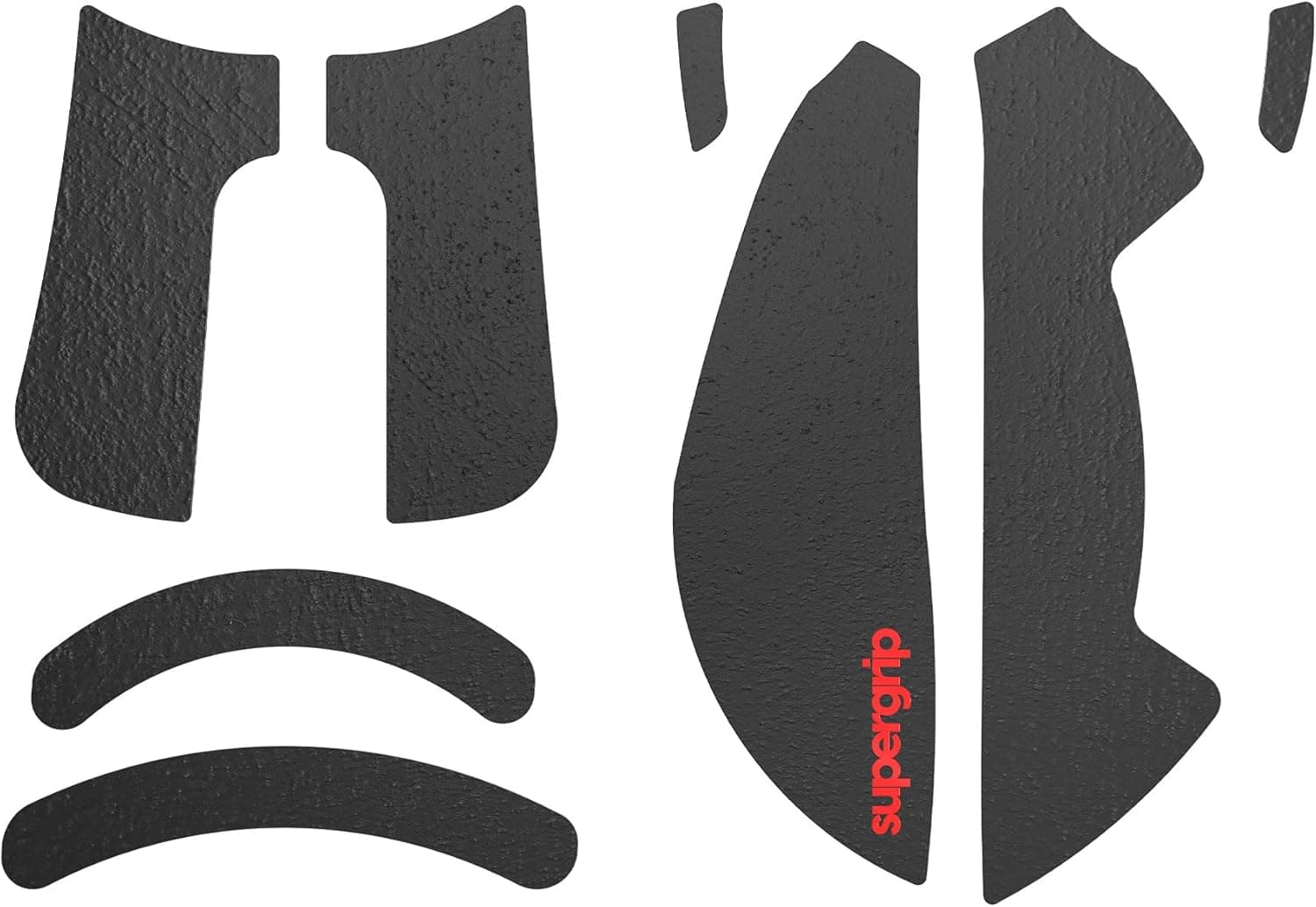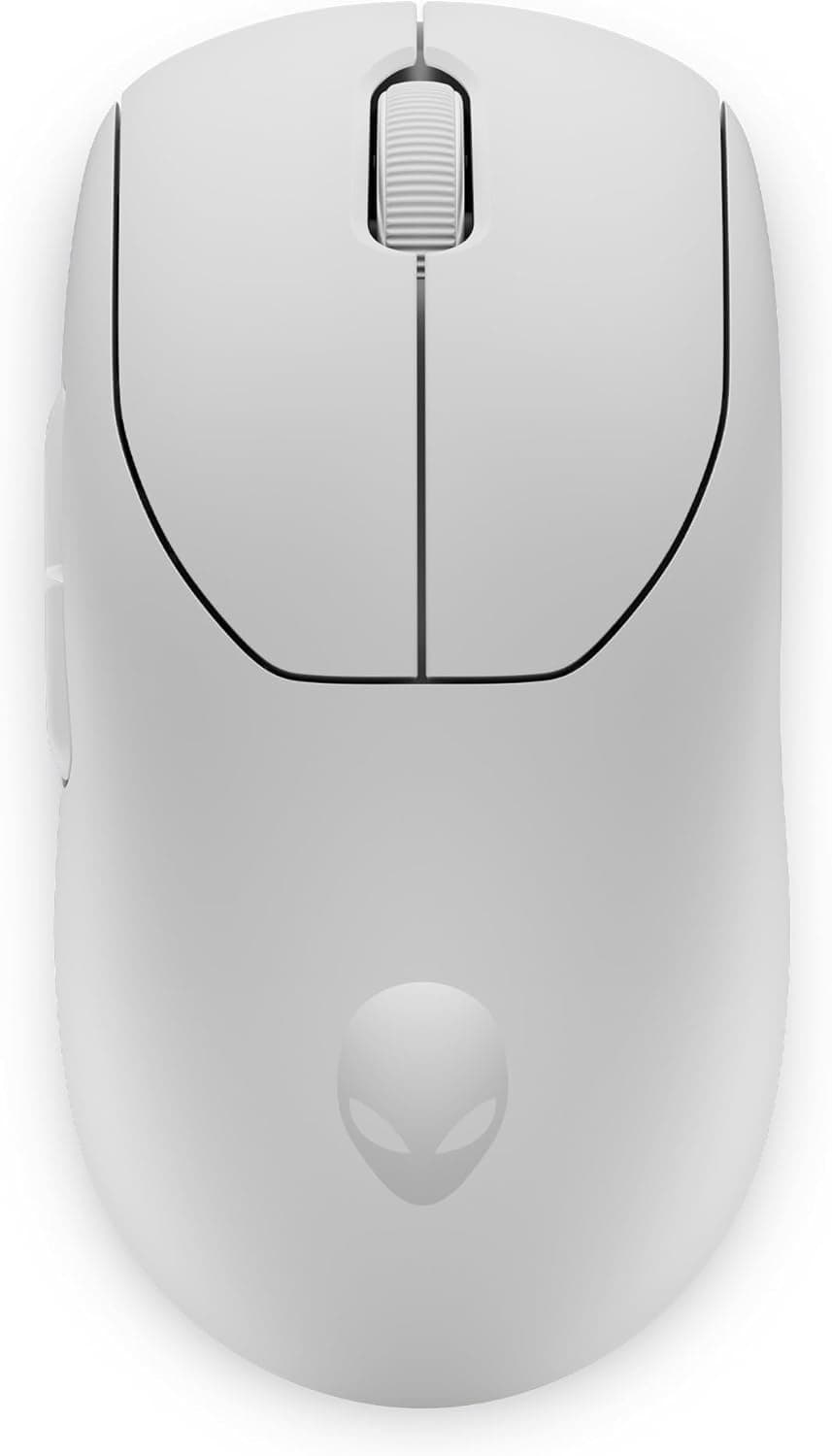
This article covers Alienware Pro ワイヤレス ゲーミングマウス LL Pro WL 26000 DPI 6ボタン.
Overview
The Alienware Pro Wireless Gaming Mouse is the result of an 18-month collaboration between Dell's gaming brand Alienware and professional esports organization Team Liquid, incorporating feedback from over 100 pro gamers. It features a 26,000 DPI optical sensor and supports polling rates of up to 4kHz in wireless mode (0.25ms response) and 8kHz in wired mode (0.125ms response). This mouse adopts a symmetrical design with a strong focus on balanced weight distribution and smooth gliding. Alienware's proprietary magnetic force keyplate combined with optical switches eliminates switch bounce while delivering a crisp, consistent click feel. The included USB dongle stores inside the mouse body, making it easy to carry without losing the receiver.
Connectivity & Compatibility
The mouse supports both 2.4GHz wireless and USB wired connections. Wireless mode delivers 4kHz polling, while wired mode pushes to 8kHz. To achieve full 8kHz/4kHz performance, Alienware recommends pairing it with a 9th-gen Intel Core i7 or AMD Ryzen 7 2000 series or newer Alienware desktop or laptop. Compatible with Windows 10 and 11. Customization requires Alienware Command Center (AWCC v6.1x or later). A mid-2024 software update added multi-profile support and additional features.
Product Info
Released in mid-2024, the Alienware Pro Wireless Gaming Mouse sits firmly in the high-end gaming mouse segment. Its pro-gamer-driven design and ultra-high polling rates justify the premium positioning. The standard warranty is one year (may vary by region). The package includes the mouse, USB dongle, detachable nylon-braided USB cable, and a quick-start guide.
Best Use Cases
Competitive FPS players: The 0.25ms wireless response time provides a tangible edge in fast-paced shooters where every millisecond counts. However, to fully utilize 8kHz, a powerful CPU is required; users with older systems may not see benefits. Users who prefer ambidextrous mice: The symmetrical shape suits left-handed players and those who frequently switch grip styles. Right-handed ergonomic enthusiasts may find it less comfortable. * Alienware ecosystem users: Integration with AWCC allows unified device management and optimal performance tuning. While it works with non-Alienware PCs, some advanced features may be limited.
Things to Consider
This mouse is overkill for casual use. The 8kHz polling rate places a noticeable load on the CPU, potentially degrading performance on entry-level PCs. With only six buttons, it lacks the macro-heavy layout preferred by MMO players. Battery life is not officially specified, but maintaining high polling rates likely requires more frequent charging than typical wireless mice. ## FAQ
Q: Can I use this mouse with a Mac? A: Officially, only Windows 10/11 is supported. Basic pointer movement may work on Mac, but AWCC customization and high-polling-rate operation are not guaranteed. Q: Which connection mode is better, wired or wireless? A: For absolute lowest latency, wired 8kHz is ideal. However, many pro gamers find 4kHz wireless indistinguishable in practice, and the freedom from cable drag is a significant advantage in competitive play. Choose based on your setup and preference. Q: How does Alienware's magnetic force keyplate differ from other optical switches? A: The magnetic force keyplate prevents the button from sticking during rapid clicks, a phenomenon known as 'switch stickiness.' This ensures consistent actuation feel and allows precise tuning of click sound and tactile feedback, which is harder to achieve with conventional optical switch designs.
Product Disclosure (Amazon)
- Manufacturer: Alienware
- Seller: APPI STORE
- Fulfilled by: APPI STORE
- ASIN: B0CTKJYZGW
- Note: This article covers a manufacturer-made product based on Amazon listing details.
![Logitech ロジテック G502 LIGHTSPEED ワイヤレスゲーミングマウスブラック [並行輸入品]](/_next/image?url=https%3A%2F%2Fm.media-amazon.com%2Fimages%2FI%2F613ieTi2alL._AC_SL1500_.jpg&w=1920&q=75)