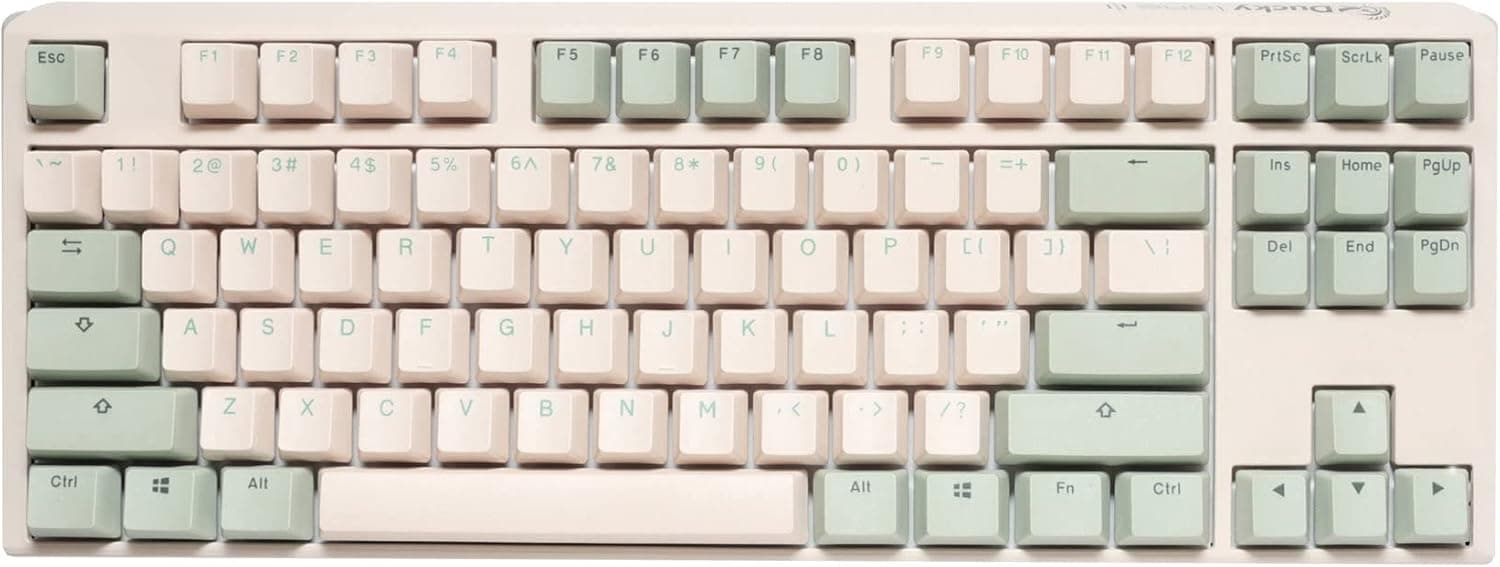
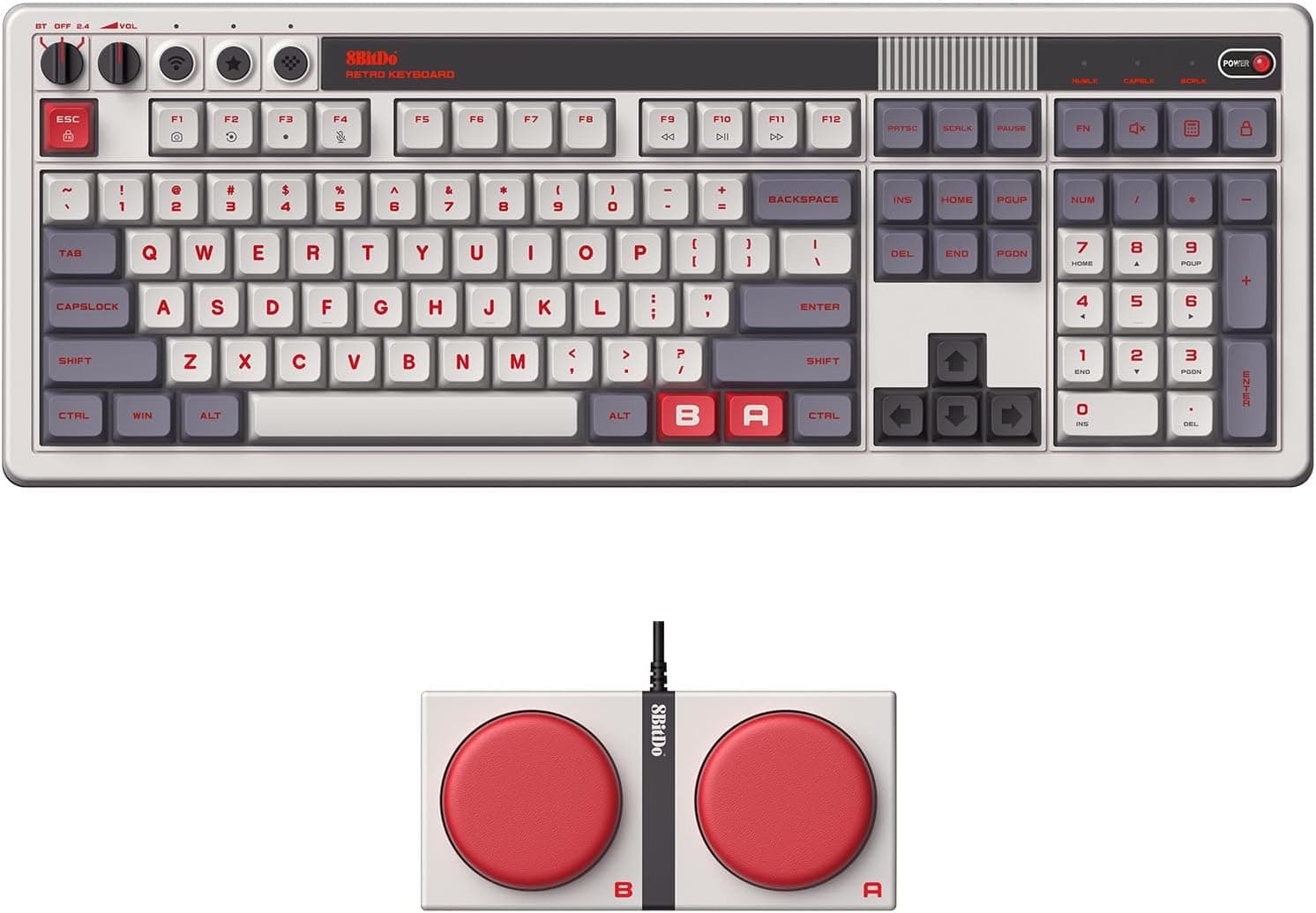
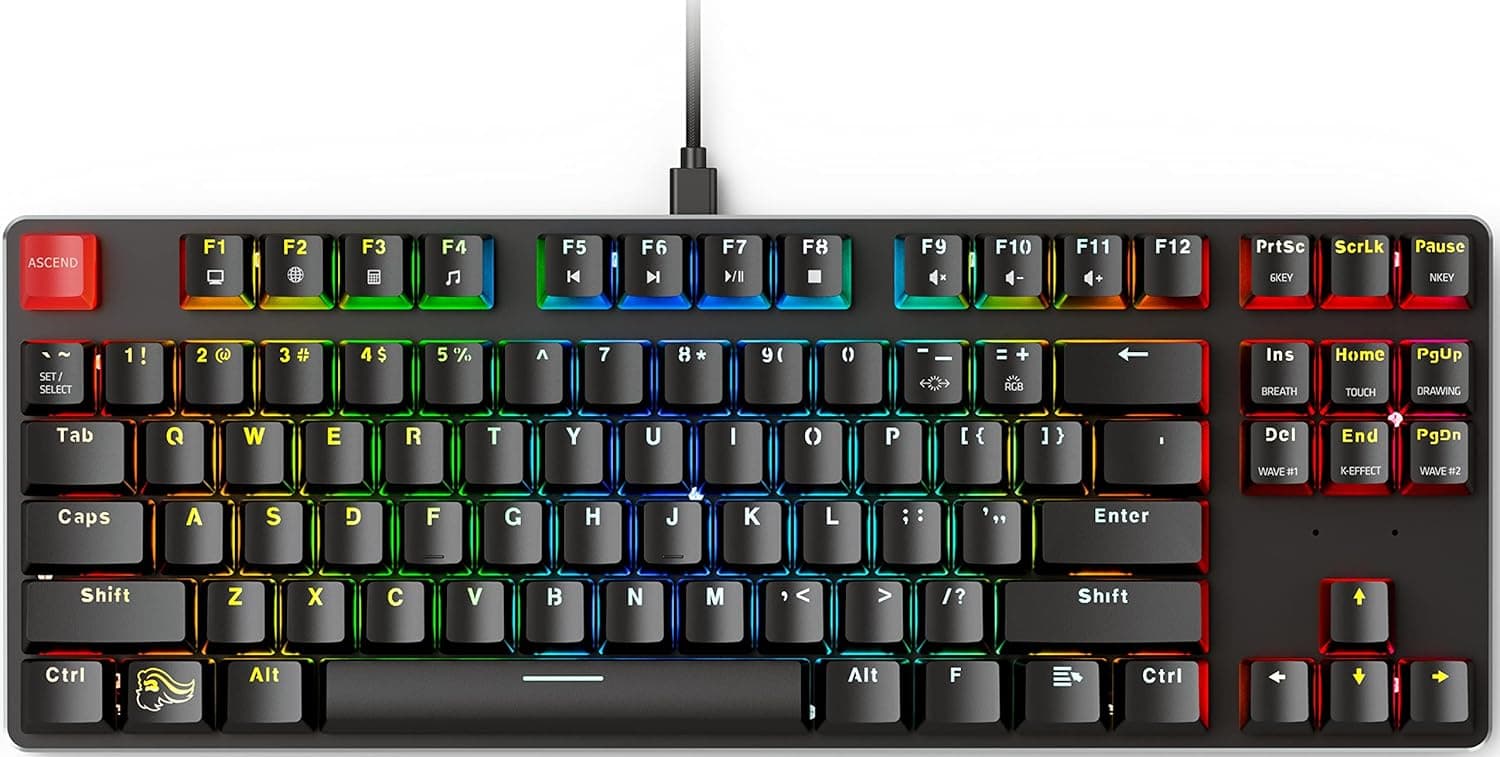
The 8BitDo Retro Edition N — Azerty Layout Retro Mechanical Keyboard pairs a look inspired by classic home consoles with an 87-key mechanical layout. This version uses AZERTY, the layout used in French-speaking countries.
Many shoppers find it on Amazon Japan because of its design. Whether you will be happy with it depends mostly on one thing: the layout is very different from both Japanese (JIS) and US layouts.
This article explains who it suits and who should look for a different layout.
Overview
The short answer: this keyboard is for people who already type French on AZERTY, or who are used to AZERTY, and want 8BitDo's retro design on their desk. If you mainly type Japanese or write code in English, the same design in another layout will serve you better.
It has 87 keys in a tenkeyless (TKL) layout with no number pad. Because it is narrower than a full-size board, you can keep your mouse closer to your body, which is easier on your shoulders and arms.
The switches are mechanical. Each keystroke feels clearer than on a membrane keyboard, so it is easier to tell when a key has registered during long typing sessions.
The colors and styling recall 1980s home consoles. It is better thought of as a keyboard you choose for the feel of your desk than one you choose for its numbers.
What AZERTY Means
AZERTY is used mainly in France and Belgium. It is named after the first six letters on its top letter row.
Compared with the QWERTY layouts common in Japan and the US, the main differences are:
| Item | AZERTY (French) | QWERTY (US / JIS) |
|---|---|---|
| Top-left letters | A and Z sit where Q and W are | Q and W |
| M key | Right of L | Right of N |
| Number row | Needs Shift for digits | Digits without Shift |
| Brackets, @ and similar symbols | Often need AltGr | Mostly Shift |
| Accented letters | Dedicated keys for é, è, à, ç | None |
Numbers and symbols make the biggest difference. On French AZERTY, pressing a top-row key on its own types an accented letter or a symbol, and you need Shift to get a digit.
People who enter a lot of numbers in spreadsheets, or programmers who use brackets and symbols constantly, will type much slower until they adjust.
French and Belgian AZERTY also place some symbols differently. In addition, most AZERTY keyboards use the ISO physical shape, with a tall Enter key and an extra key next to the left Shift.
The listing for this model says 87 keys, so if you plan to swap keycaps, check the Enter key shape and the key arrangement in the product photos.
Compatibility Guide
The listed connection is wired USB, so it works with any desktop or laptop that has a USB port. It should behave like any standard USB keyboard and be recognized on Windows, macOS and Linux without special drivers.
The listing does not say whether the cable ends in USB-A or USB-C, so if your laptop only has USB-C ports, check whether you need an adapter.
Being recognized is not the same as typing what the keycaps show. A keyboard only tells the OS which key position was pressed; the OS layout setting decides which character that produces.
If you plug it into a PC set up for a Japanese layout, you will press the key labeled A and get a q.
| OS | How to make the output match the keycaps |
|---|---|
| Windows | Add the French keyboard layout in language settings and switch to it |
| macOS | Add French AZERTY as an input source |
| Linux | Select the French layout in your desktop's keyboard settings |
Typing Japanese makes this harder. Most Japanese input systems assume a JIS or US layout.
Typing romaji on AZERTY can take some awkward setup depending on the OS, and the keycaps may still not match what you type in some places. This keyboard suits people who are fine not typing Japanese on it.
The same goes for use with a laptop. Many operating systems apply one layout setting to both the built-in and the external keyboard.
If the built-in keyboard is JIS, one of the two keyboards will always type something different from what its keys show.
Product Info
The main specs from the listing:
| Item | Value |
|---|---|
| Keys | 87 |
| Switches | Mechanical |
| Layout | AZERTY |
| Connection | Wired USB |
| Intended devices | Desktop and laptop PCs |
On Amazon Japan, the price was ¥20,263 when checked on 23 September 2026. That puts it in the middle of the price range for mechanical keyboards.
Prices change with sales and stock, so check the current price on the product page before you buy.
It was rated 4.7 out of 5 from 39 reviews on Amazon Japan when checked in September 2026.
The rating is high, but the number of reviews is small. Instead of relying on the average, read the individual reviews and check whether the reviewers knew they were buying an AZERTY board.
The seller and shipper are listed as RAREWAVES-JP, not 8BitDo itself. Before you buy, check the seller's page for who handles the warranty and for how long, what happens if the unit is faulty, what comes in the box, where it ships from, and how long delivery takes.
Who It's For
- People who type French every day: Dedicated keys for accented letters make French writing comfortable.
- People already used to AZERTY: If you lived in a French-speaking country or use AZERTY at work, you can keep your usual layout in Japan.
- 8BitDo design fans who know what they are buying: If you want it for display or for the look of your desk, the layout matters less.
- Tenkeyless fans who want more desk space: The 87-key layout gives your mouse more room to move.
Who Should Skip It
- Mainly Japanese typists: As explained above, you will always have extra setup and keycaps that do not match. Choose a JIS or US layout instead.
- English-language programmers: Brackets, braces, @ and the pipe often need AltGr, which breaks your coding rhythm.
- Heavy number entry: There is no number pad, and the top row needs Shift for digits, so it is a poor fit for spreadsheets and data entry.
- Wireless users: The listing for this version shows wired USB only.
- Competitive gamers: No polling rate or latency figures are listed, so there is not enough data to compare it on performance.
Compared With Alternatives
Seeing it next to keyboards with different layouts and design goals makes it easier to judge where it fits.
| Product | Why choose it |
|---|---|
| 8BitDo Retro Edition N (AZERTY) | You want retro styling and AZERTY together |
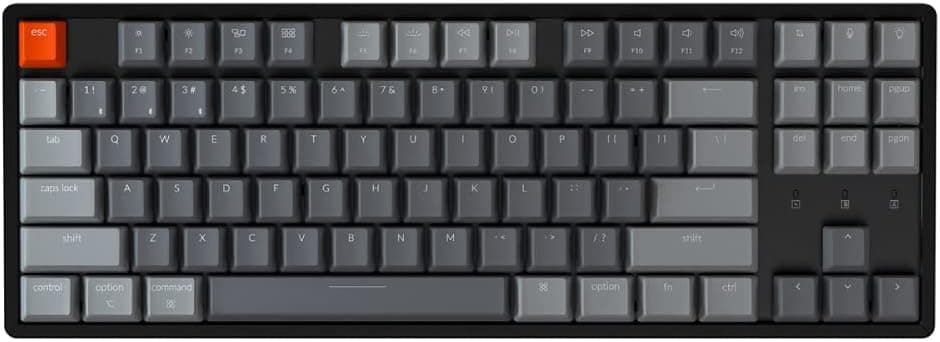
| Keychron K3 Ultra 8K | You want a wireless 75% board in US layout |
| Corsair K65 RGB MINI | You want a 60% English-layout board with gaming switches |
| Razer BlackWidow V4 75% Barebones | You want to pick your own switches and keycaps |
| GravaStar K1 Lite | You want a distinctive look plus wireless |
Like the GravaStar, this keyboard is chosen for its design, but its layout is fixed to AZERTY. If you will type Japanese or English on it, the US or English-layout boards above need far less setup.
Before You Buy
The most common mistake is not noticing the layout. The Amazon Japan listing title includes Keyboard Azerty, but it is easy to miss in the Japanese product name, and the keyboard looks the same as versions with other layouts.
Before you order, check the product photos and confirm that the top-left letters read AZERTY.
The switch type is not listed. Different mechanical switches sound and feel very different.
Clicky switches can be distracting at night, in shared rooms or on video calls. If noise matters to you, confirm the switch type on the product page or with the manufacturer before you decide.
The listing for this version says wired USB. Some 8BitDo retro keyboards are advertised with wireless support.
Versions that look the same may have different specs, so if you need wireless, check the connection type on the page you are buying from.
Check the seller's warranty terms. Because the seller is RAREWAVES-JP, you may not get the same coverage as from an official Japanese distributor.
Find out whom to contact and what the return terms are before a problem comes up.
You cannot change the layout later. You can set the OS to treat it as QWERTY, but the keycaps will not change.
To make the labels match, you would need to replace the whole keycap set. Since it may use the ISO shape, a standard US keycap set may not fit as is.
FAQ
Q. Can I type Japanese on it? A.
Yes, depending on your OS settings, but it is not comfortable. Most Japanese input systems assume JIS or US layouts, so the keycaps and what you type often will not match.
If you mostly type Japanese, choose a JIS or US keyboard.
Q. Can I use it as QWERTY through OS settings? A.
Yes. The OS decides which character each key position produces.
The keycaps will still read AZERTY, so this only works well for touch typists.
Q. Does it work with a Mac? A.
Yes. It is a wired USB keyboard, so it works with any Mac that has a USB port.
Add French AZERTY as an input source so that what you type matches the keycaps.
Q. Does it have a number pad?
A. No. It is an 87-key tenkeyless layout. If you enter a lot of numbers, add a separate number pad.
Q. What does it cost and how is it rated? A.
When checked in September 2026 on Amazon Japan, it was ¥20,263 and rated 4.7 out of 5 from 39 reviews.
Prices change, so check the product page when you buy.
Product Disclosure (Amazon)
- Manufacturer: 8Bitdo
- Seller: RAREWAVES-JP
- Fulfilled by: RAREWAVES-JP
- ASIN: B0DPJ3Y7WR
- Note: This article covers a manufacturer-made product based on Amazon listing details.