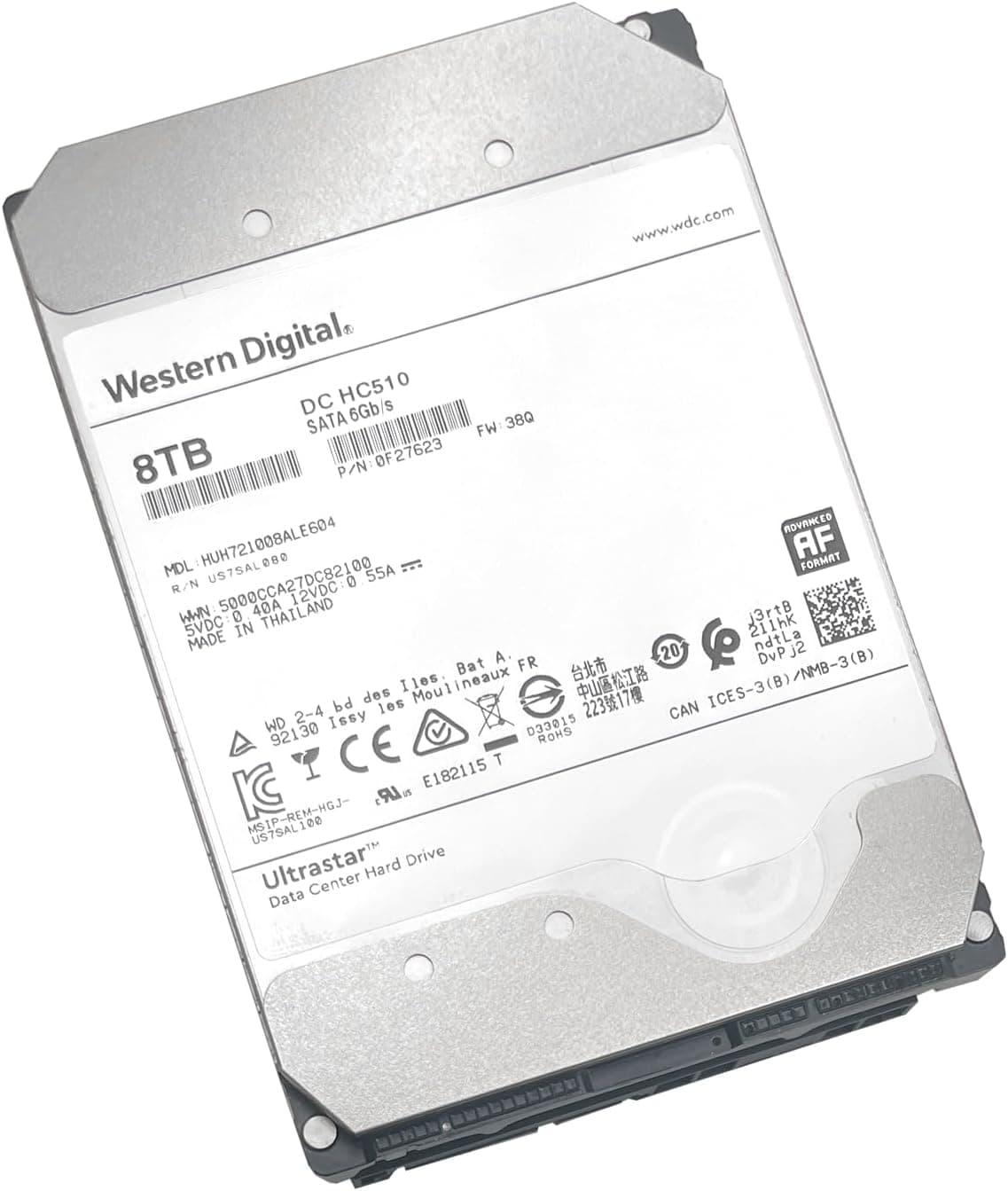
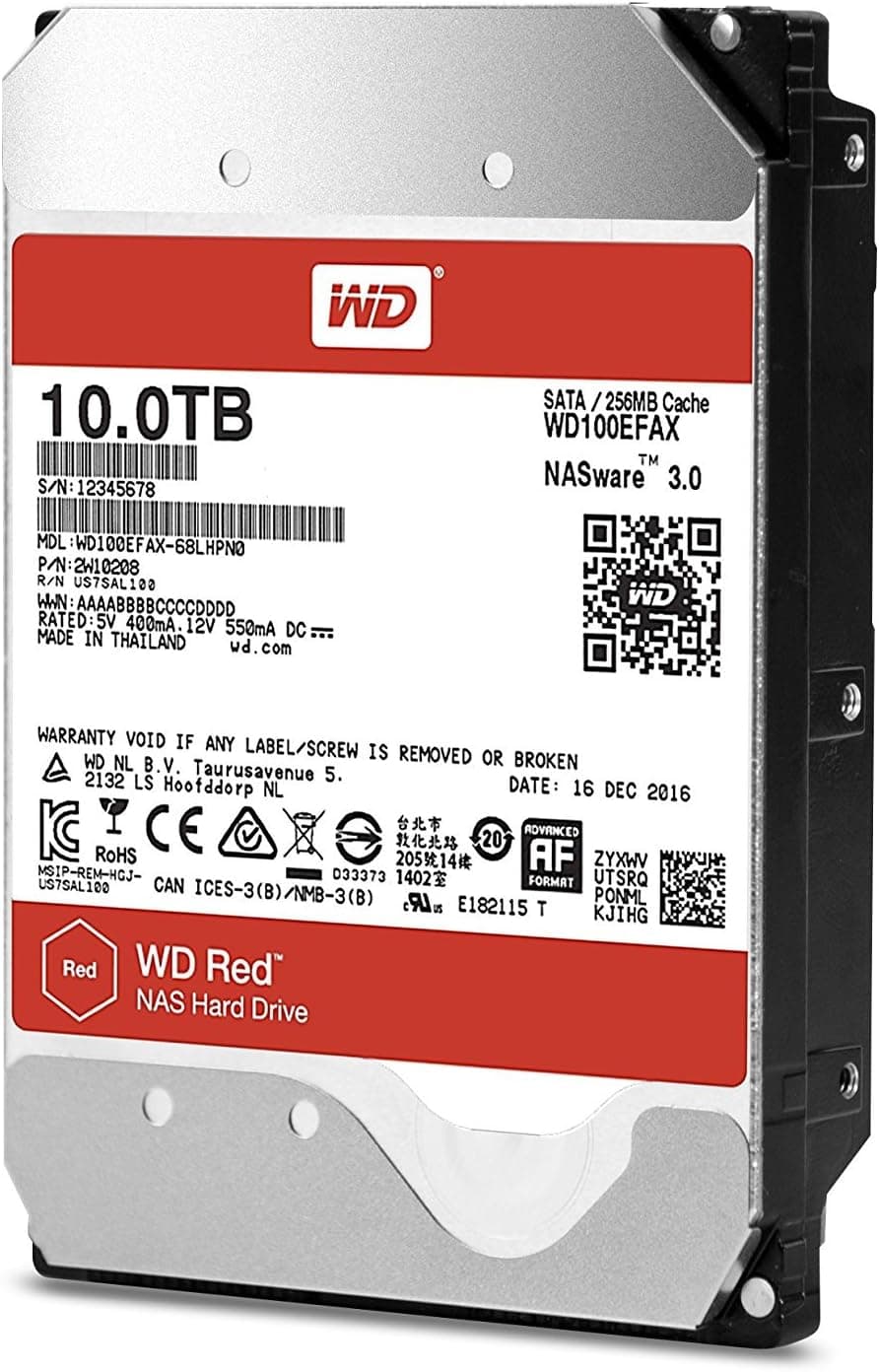
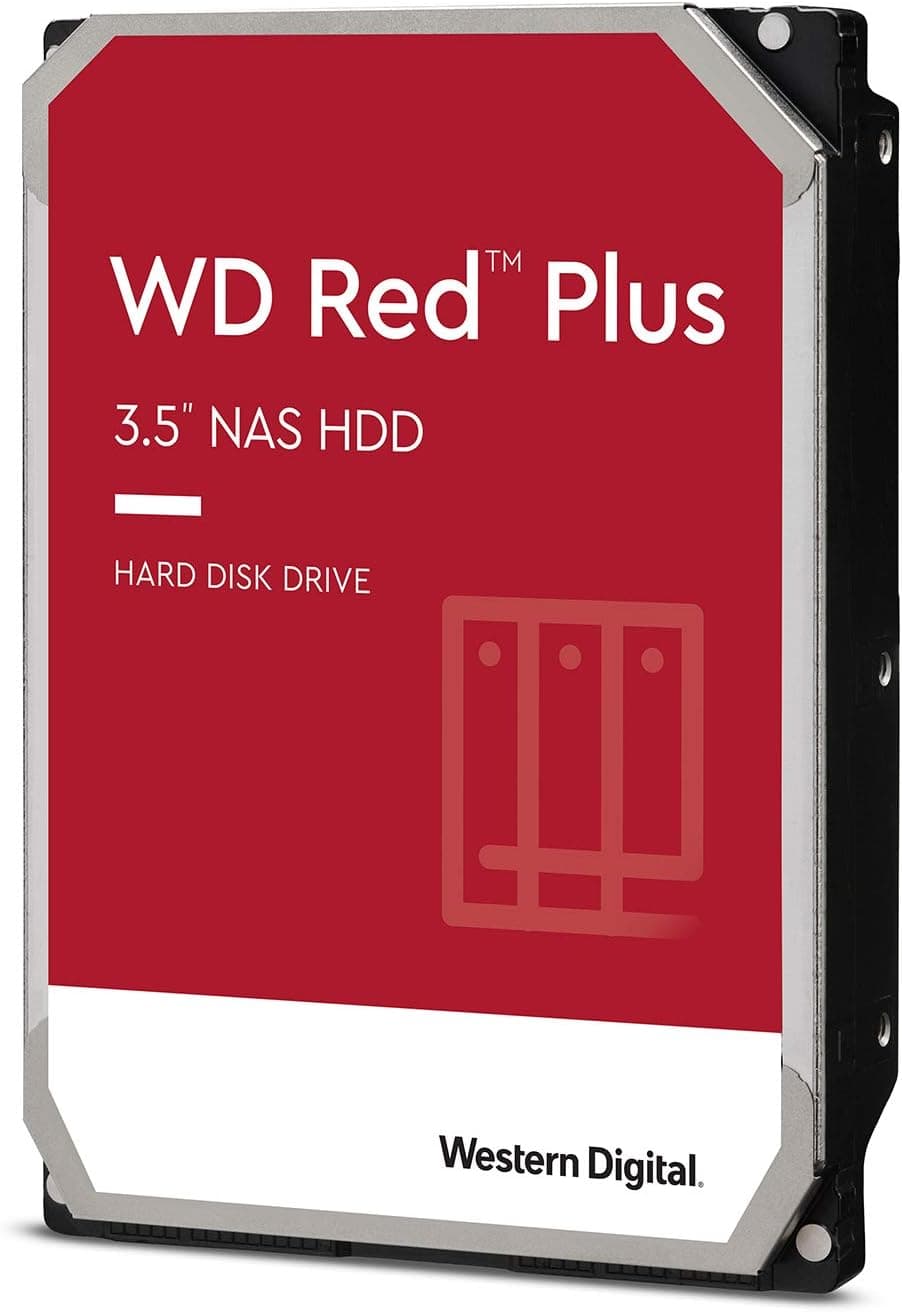
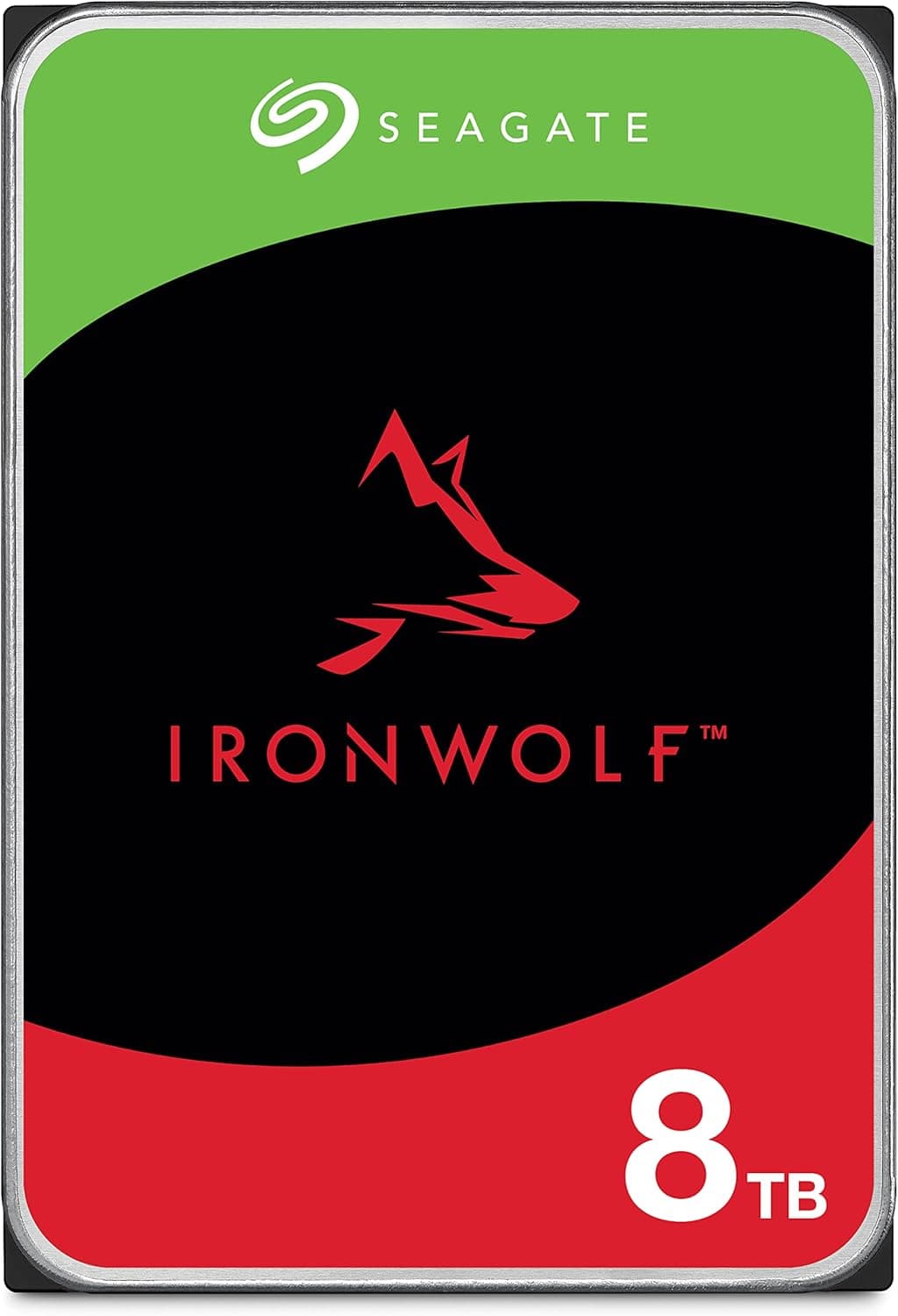
This article covers 2TB Caviar Sata 3 64MB 3.5インチ グリーン.
Overview
The Western Digital Caviar Green 2TB is a 3.5-inch internal hard drive designed for quiet operation and low power consumption. It features a 64MB cache and SATA 6Gbps interface, with a spindle speed of 5400 RPM. This drive prioritizes energy efficiency and silence over raw performance, making it an excellent choice for bulk data storage.
Ideal for file servers, NAS enclosures, and backup drives, the Caviar Green leverages IntelliPower technology to dynamically adjust spin speed for optimal power usage. It fits well in desktop PCs as a secondary storage drive where capacity matters more than speed.
Positioned as an entry-level to mid-range storage solution, this HDD offers great value per terabyte. However, it is not recommended for operating system installations or applications that require fast random access.
Compatibility Guide
- Form factor: 3.5-inch (fits standard desktop PC cases)
- Interface: SATA 6Gbps (backward compatible with SATA 3Gbps and 1.5Gbps)
- Power connector: Standard SATA 15-pin power connector
- OS support: Windows, macOS, Linux – recognized by any standard SATA controller
- Important: Because the drive is 2TB, ensure your system supports GPT partitioning. Legacy BIOS with MBR may only recognize up to 2TB (some older systems may see less). UEFI mode is recommended.
Product Info
This drive belongs to Western Digital's Caviar Green family, offering 2TB capacity, 64MB cache, and SATA 6Gbps interface. Originally released in the early 2010s, it remains available through retailers like online retailers. Pricing typically ranges around ¥3,000 (subject to fluctuation), with a standard 2-year warranty from the seller. Market positioning is entry-level, targeting users who need large capacity at the lowest possible cost.
Best Use Cases
- File server / NAS builder: Low power draw and quiet operation make it suitable for always-on environments. The 5400 RPM speed keeps heat down, reducing cooling needs. However, for multi-drive RAID arrays, consider WD Red drives for better vibration tolerance.
- Backup storage: Perfect for archiving photos, videos, and documents. The cost per gigabyte is significantly lower than SSDs, making it ideal for cold storage or periodic backups.
- Silent PC enthusiast: Idle noise is very low – often quieter than case fans. Seek noise during access is present but not intrusive. If absolute silence is required, an SSD is a better choice.
Things to Consider
- The 5400 RPM spindle speed results in slower random access and sequential transfer rates compared to 7200 RPM drives. Avoid using this as a boot drive or for gaming.
- The 2TB capacity may cause compatibility issues with older BIOS systems that do not support GPT. Always use UEFI and GPT to utilize the full capacity.
- Competitors like Seagate Barracuda (7200 RPM) offer better performance but consume more power and produce more noise. Choose based on your priority: speed vs. silence.
- This specific model (likely WD20EARX) is an older generation. Newer WD Blue or WD Black drives offer improved performance and reliability, though at a higher price.
FAQ
Q: Can I install my operating system on this drive?
A: Technically yes, but boot times and application loading will be noticeably slower than an SSD. We recommend using an SSD for the OS and this HDD for data storage.
Q: Is it suitable for use in a NAS?
A: It can work in a basic NAS, but for 24/7 RAID environments, WD Red or WD Purple drives are more reliable. For a home media server or simple file sharing, it's fine.
Q: How do I use the full 2TB capacity?
A: Boot your system in UEFI mode and initialize the disk as GPT in Disk Management (Windows) or Disk Utility (macOS). This allows partitions larger than 2TB.