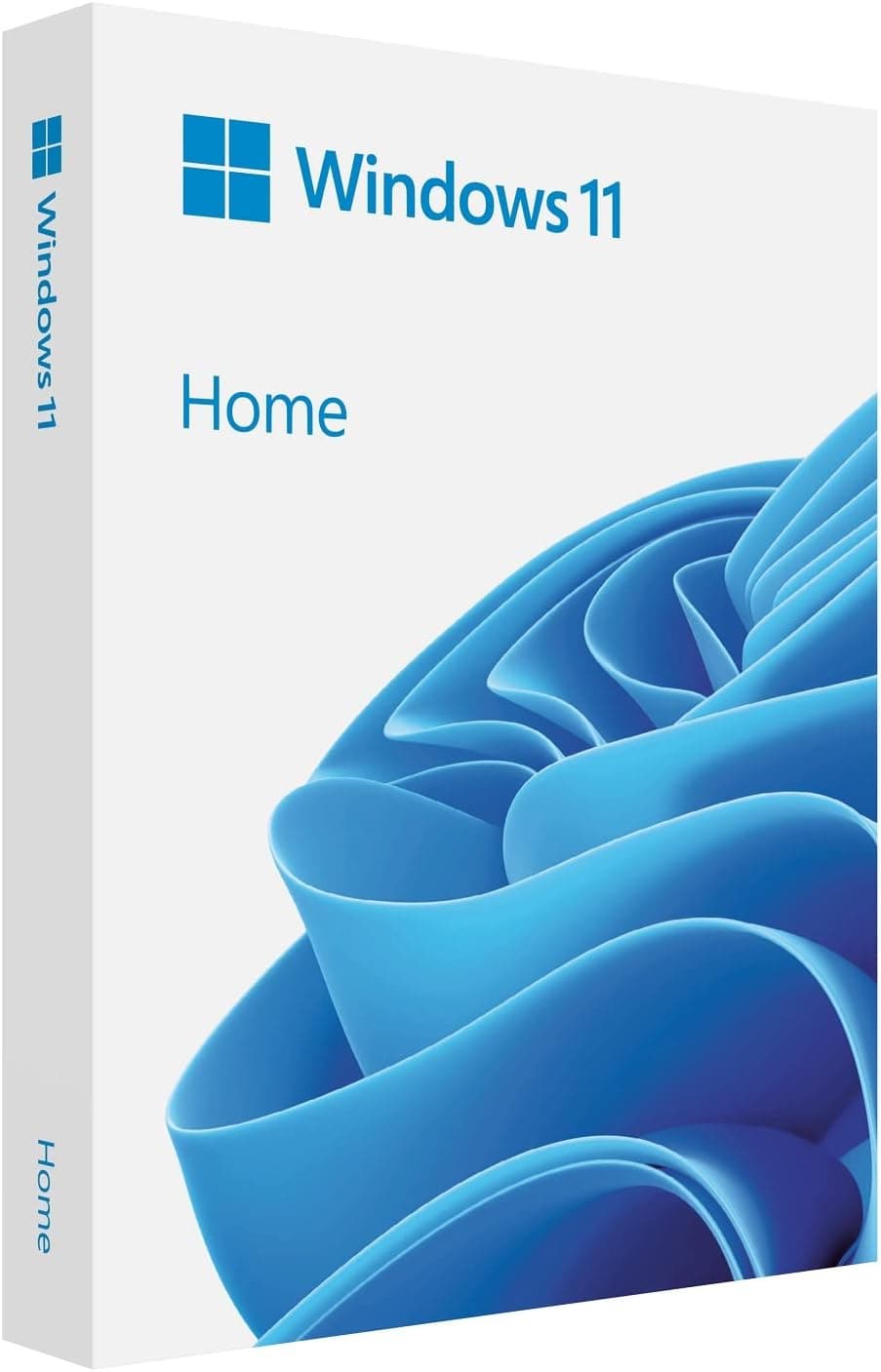
This article covers マイクロソフト Windows 11 日本語版で新体験.
Overview
Microsoft Windows 11 Home Japanese Edition is the latest operating system designed for everyday computing. Released in October 2021, it brings a refreshed user interface with a centered Start menu, widgets, and improved multitasking features like Snap Layouts. This edition is fully localized in Japanese, making it ideal for users in Japan. It emphasizes security by requiring TPM 2.0 and Secure Boot, providing a more secure foundation. Whether upgrading from Windows 10 or performing a clean install, this OS offers a modern experience for home users.
Key Features
Quick Spec Digest Processor: 1 GHz or faster with 2+ cores on a compatible 64-bit processor or SoC Memory: 4 GB RAM minimum Storage: 64 GB or larger storage device Graphics: DirectX 12 compatible graphics / WDDM 2.x Display: >9 inch with HD resolution (720p) Security: TPM 2.0, UEFI Secure Boot required * Internet: Required for updates and some features These requirements ensure smooth operation and access to all Windows 11 features. The TPM 2.0 requirement is a notable change from Windows 10, so check your PC's compatibility.
Compatibility Guide
Windows 11 Home Japanese Edition is compatible with PCs that meet the minimum system requirements. Supported CPUs include Intel 8th Gen and newer, AMD Ryzen 2000 series and newer, and Qualcomm Snapdragon 850 and newer. At least 4 GB of RAM and 64 GB of storage are required. The system must support UEFI with Secure Boot and have TPM 2.0 enabled. Many older PCs may lack TPM 2.0 or have it disabled in BIOS. Additionally, a DirectX 12 compatible GPU is needed. Use Microsoft's PC Health Check tool to verify compatibility before purchase.
Product Info
Windows 11 Home Japanese Edition was released on October 5, 2021. It is available for purchase at for approximately ¥15,152 (tax included). The license is for one PC and is perpetual. This edition is positioned as an entry-level to mid-range OS for home users. Compared to Windows 11 Pro, it lacks features like Remote Desktop, BitLocker, and Group Policy management, but it covers all essential needs for daily use. Purchase link: View on Amazon.co.jp
Best Use Cases
Home users: Ideal for browsing, office work, media consumption, and light gaming. The intuitive interface and enhanced security make it a safe choice. Students: Perfect for educational tasks, online classes, and collaboration with Microsoft 365. * Upgraders from Windows 10: If your PC meets the requirements, the free upgrade path offers a seamless transition to the latest features.
Things to Consider
Before purchasing, verify that your PC meets the system requirements, especially TPM 2.0 and Secure Boot. Some older hardware may not be compatible. Additionally, certain legacy applications and peripherals may lack Windows 11 drivers. Windows 11 Home lacks advanced features like domain join and BitLocker, so business users should consider Pro. The upgrade from Windows 10 is free but only available for 10 days to revert; after that, a clean install is needed. Also, note that Windows 11 requires a Microsoft account and internet connection for initial setup.