Overview
The WD Elements Portable Type-C is Western Digital's portable hard drive line built around a USB-C connector, and the WDBLSS0040BBK-WESN sits at the generous end of that family with 4TB of capacity. It is the kind of drive you reach for when a laptop's internal storage is nearly full or when a desktop needs a straightforward backup target. Capacity, not speed, is the headline here.
The interface is USB 3.2 Gen 1, and the drive also works with USB 3.0 and USB 2.0 hosts. Because the connector is USB-C, modern thin-and-light laptops can plug in without an adapter. A SuperSpeed USB-C cable rated for 5Gbps is included, so the drive is usable right out of the box.
Supported operating systems are Windows 10 and later plus macOS 11 and later. Other platforms may require reformatting, which is worth checking before you buy if you plan to use the drive with older machines or unusual hardware. For photo archives, video footage and general data shuttling, the combination of 4TB and a USB-C connector is the main draw.
Compatibility Guide
The drive connects over USB 3.2 Gen 1 and is backward compatible with USB 3.0 and USB 2.0 ports. Since the connector is USB-C, any laptop or desktop with a USB-C port can use it directly. If your machine only has USB-A ports, you will need a USB-C to USB-A cable, which is not the included cable.
On the software side, Windows 10 and later and macOS 11 and later are the stated supported systems. Other operating systems may need the drive reformatted, and reformatting erases existing data, so plan accordingly. Changing the file system can broaden compatibility, but out of the box the drive is intended for the listed platforms.
Game console and TV use is not covered by the supported-OS information for this model. If you want an external drive for a console, verify compatibility separately before committing. For PC backup and moving files between computers, no special configuration is required.
Product Info
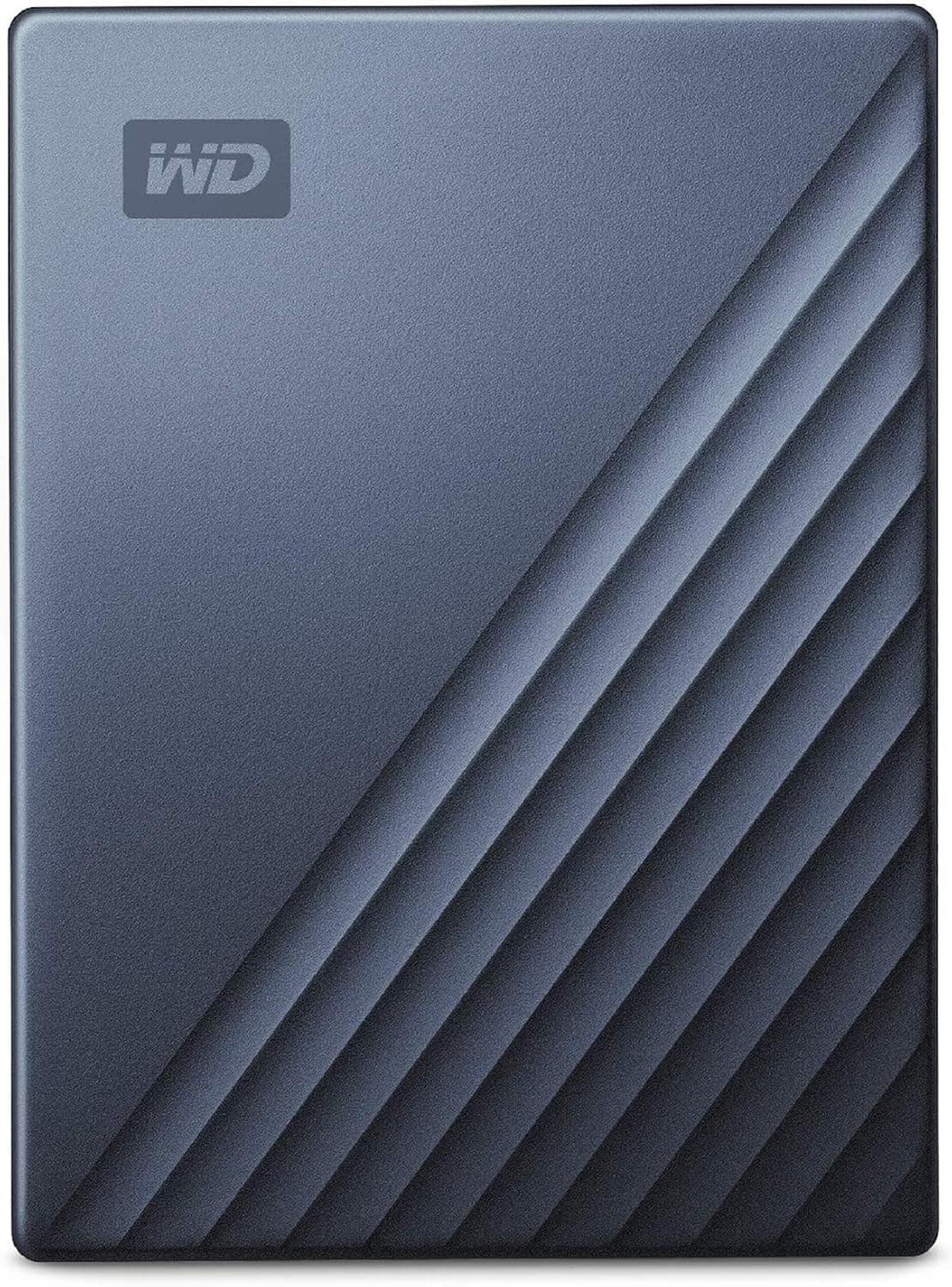
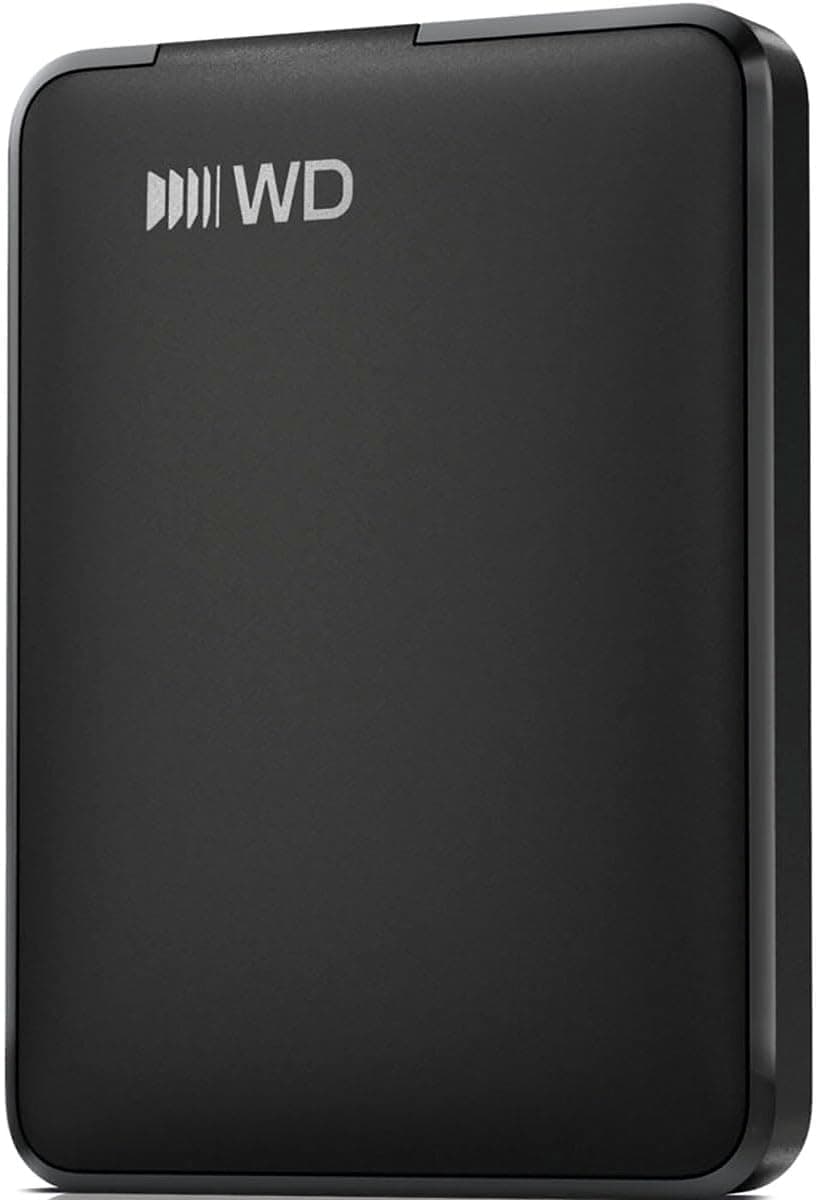
The WDBLSS0040BBK-WESN launched on October 30, 2026, and its pitch is simple: 4TB of storage in a USB-C portable enclosure. Physical dimensions are roughly 111 mm long, 82 mm wide and 24 mm tall, with a weight of 240 g, which keeps it in the same pocketable class as other portable hard drives.
In the market, this sits in the mid range of high-capacity portable storage. It cannot match an SSD for speed, but 4TB at this class of pricing is exactly what mechanical portable drives are for. Buyers who prioritize capacity per dollar and easy transport over raw throughput are the natural audience.
Best Use Cases
- Photographers and videographers with growing archives: 4TB absorbs RAW files and high-bitrate footage, and USB-C connects straight to a laptop. Anyone who wants to edit directly off the drive should look at an SSD instead.
- Laptop owners running out of internal space: USB 3.2 Gen 1 makes expansion simple, and Windows 10 or later and macOS 11 or later need minimal setup. Not ideal for workloads that demand constant high-speed access.
- People moving data between several PCs: one USB-C cable handles the connection, and backward compatibility with USB 3.0 and USB 2.0 helps in mixed-hardware environments. Poor fit for daily churn of many small files.
Things to Consider
Mechanical drives fall far behind SSDs on random access, so launching games from the drive or scrubbing video timelines directly on it will feel slow. Treat it as archival and transport storage rather than a working scratch disk. That single distinction prevents most disappointment.
Although the drive uses USB-C, the included cable is a USB-C to USB-C design. Desktops with only USB-A ports will need a separate adapter or cable, so check your ports before ordering. The supported-OS list is also limited to Windows 10 and later and macOS 11 and later, meaning older systems may require reformatting.
A 4TB SSD would be dramatically faster but costs far more. If your use is archival, this drive is plenty. If you need frequent reads and writes as part of daily work, budget for an SSD or NVMe solution instead.
FAQ
Q: Can I use it on a PC that only has USB-A ports?
A: Yes, with a USB-C to USB-A cable or adapter. The included cable is intended for USB-C to USB-C connections, so plan for an extra cable if your machine lacks USB-C.
Q: Does it work as an external drive for a game console?
A: The supported-OS information for this model lists only Windows 10 and later and macOS 11 and later, and console support is not stated. If console use is your goal, choose a drive with explicit console compatibility.
Q: Should I pick 4TB or a smaller capacity?
A: Choose 4TB if you accumulate photos and video over years. For documents and occasional multi-gigabyte transfers, a smaller model is enough. Work backward from how much data you actually need to keep.
Product Disclosure (Amazon)
- Model: WDBLSS0040BBK
- ASIN: B0H2FSM8WR
- Note: This article covers a manufacturer-made product based on Amazon listing details.