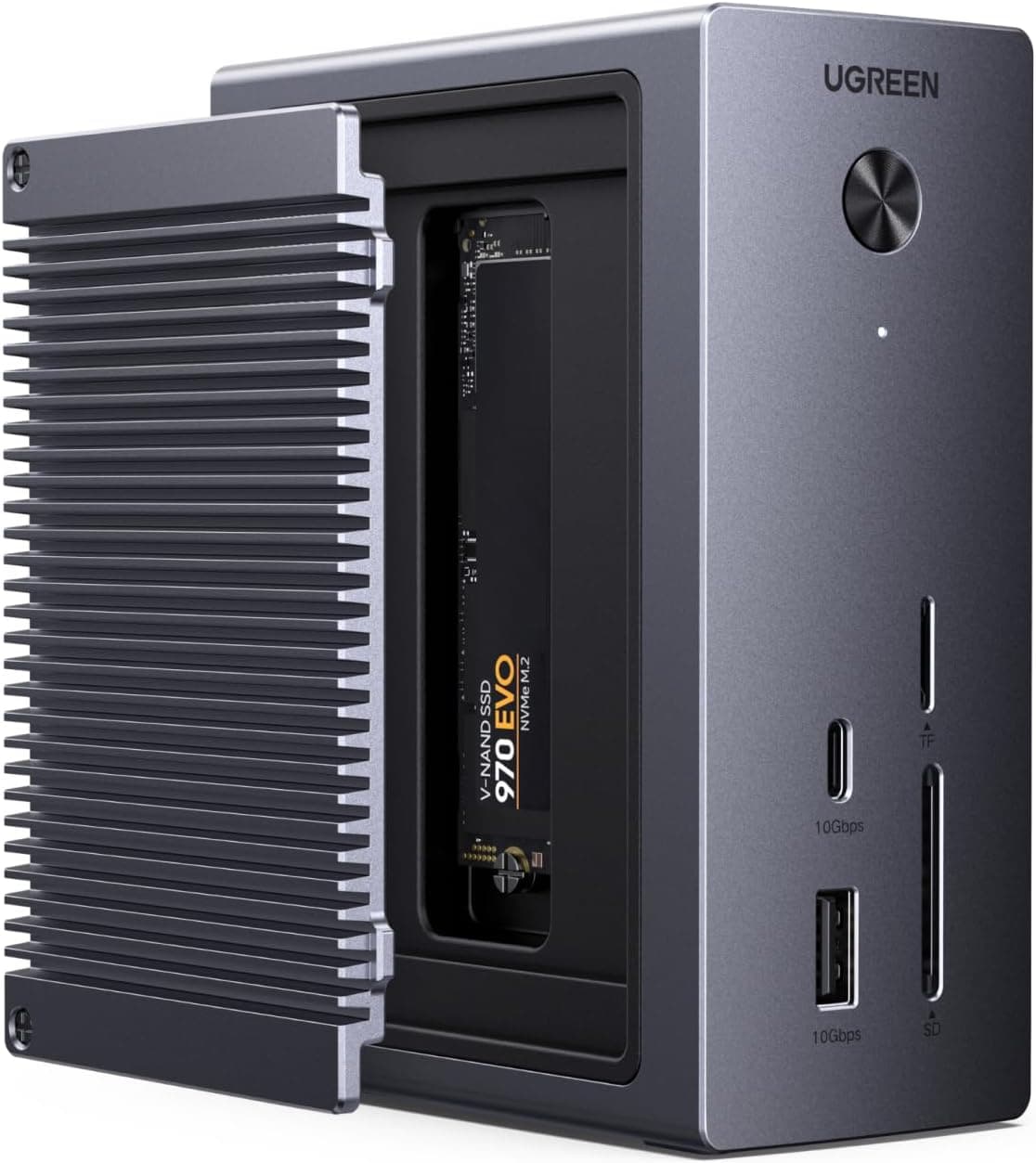
This article covers UGREEN ドッキングステーション 10-in-1 M.2 NVMe SSD増設 10Gbps高速転送 ノートPC100W充電 HDMI 4K60Hz出力 usb ドッキングステーション M.2 NVMeポート・PD3.0・USB-C.
Overview
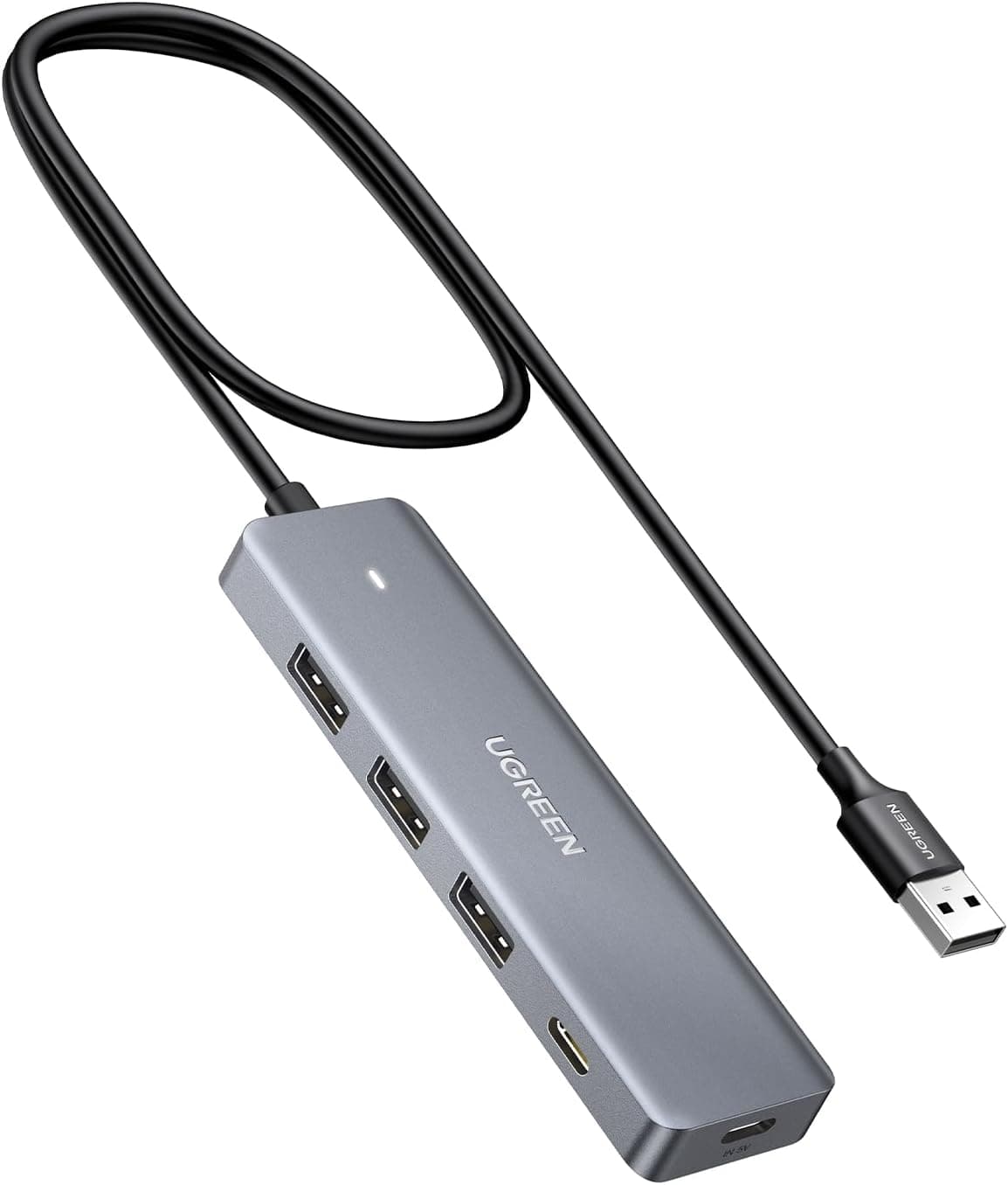
The UGREEN 10-in-1 Docking Station stands out by integrating an M.2 NVMe SSD slot directly into the dock. This allows you to add internal-grade storage without carrying an external drive. It connects via USB-C to laptops, tablets, and handheld gaming consoles like the Steam Deck and ROG Ally. Key features include HDMI 2.0 output at 4K 60Hz, 100W Power Delivery pass-through (85W to host), Gigabit Ethernet, and a built-in SD/TF card reader. The aluminum alloy chassis helps dissipate heat, ensuring stable performance during extended use.
Connectivity & Compatibility
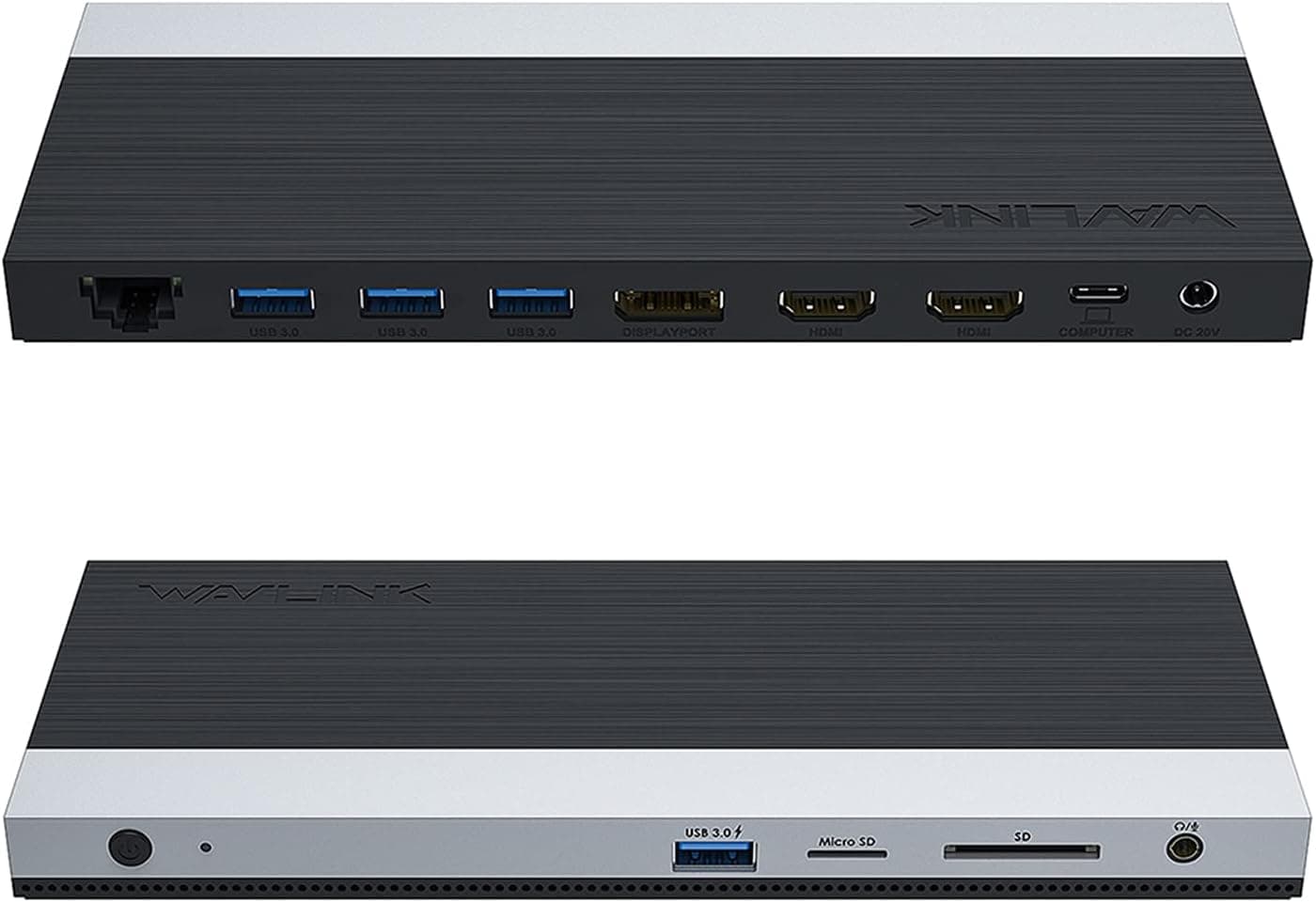
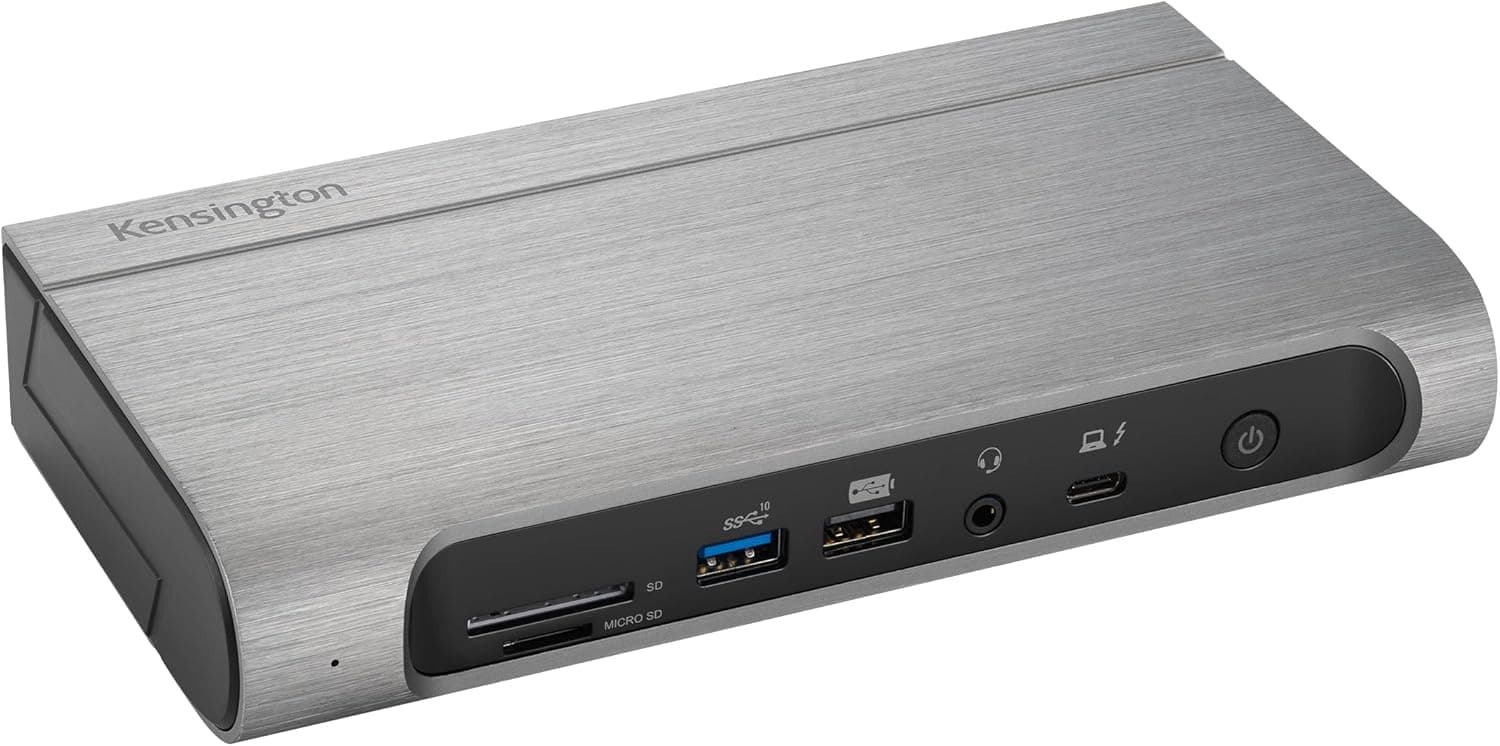
This dock is compatible with any USB-C host device running Windows, macOS, Linux, iOS, or Android — no drivers required. It also works with USB-C game consoles. Port configuration: USB-A 3.2 Gen2 (10Gbps) ×1 USB-C 3.2 Gen2 (10Gbps) ×1 USB-A 3.0 (5Gbps) ×2 HDMI 2.0 (4K@60Hz) M.2 NVMe SSD slot (up to 10Gbps) SD/TF card reader (up to 170MB/s) Gigabit RJ45 Ethernet PD 3.0 input (100W max, 85W delivery to host) The M.2 slot supports NVMe SSDs and comes with a screwdriver and thermal pad for easy installation. The dock's thermal design keeps the SSD cool under load.
Product Info
Released around 2025, the UGREEN 10-in-1 Docking Station is priced at approximately ¥8,548 on Japan. Warranty is typically 18 months (check manufacturer details). The package includes a USB-C full-featured cable, screwdriver, thermal pad, and manual. Market positioning is mid-range; the built-in M.2 slot at this price point offers exceptional value compared to docks without storage expansion. It competes with similar 10-in-1 docks but adds the unique ability to install an internal SSD directly.
Best Use Cases
Laptop users running out of internal storage: Add an M.2 NVMe SSD to the dock for extra capacity without cluttering your desk with external drives. Ideal for creative professionals and data-heavy workflows. However, if your laptop has an accessible internal SSD slot, upgrading that may be more cost-effective. Handheld gaming console dock (Steam Deck / ROG Ally): Connect your console to an external 4K monitor, wired network, and expanded storage via the M.2 slot. Note: verify that your console's PD charging profile is compatible with the 85W output. * Home office setup: Connect multiple peripherals, an external monitor, and Ethernet to your laptop with a single USB-C cable. The PD pass-through keeps your laptop charged. You'll need to supply your own 100W PD adapter.
Product Disclosure (Amazon)
- Manufacturer: UGREEN
- Seller: Ugreen Japan Co., Ltd
- Fulfilled by: Amazon
- ASIN: B0F62RQ2QM
- Note: This article covers a manufacturer-made product based on Amazon listing details.