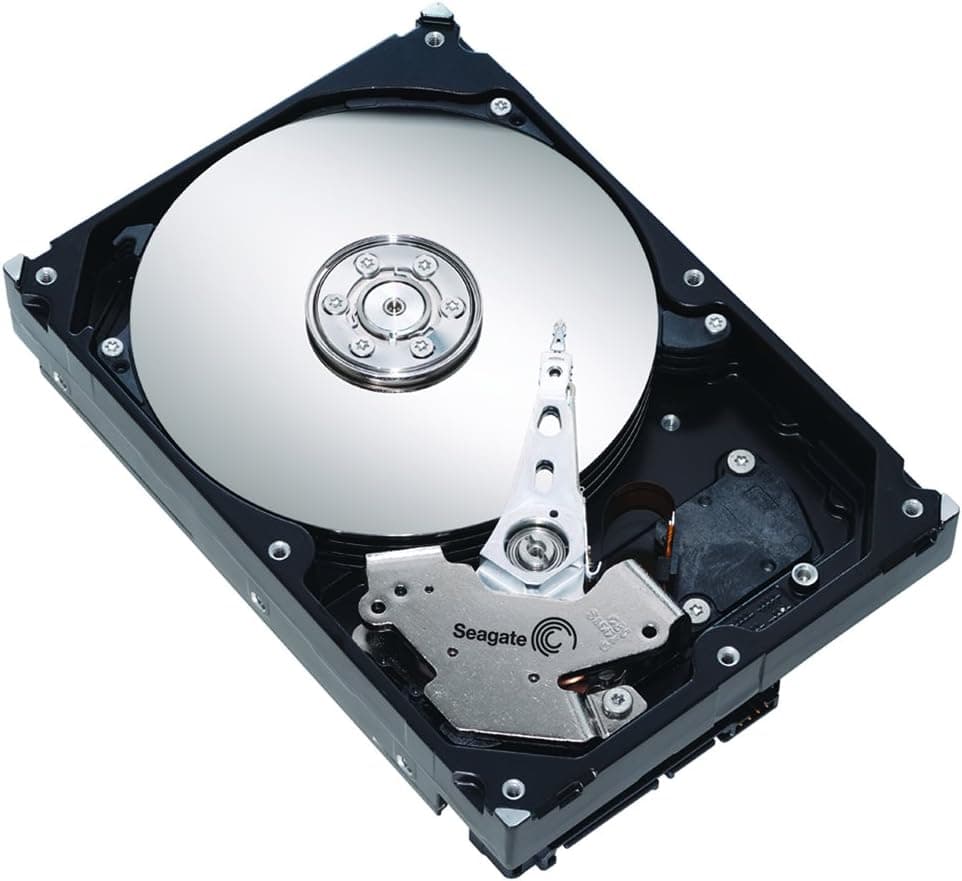
Overview
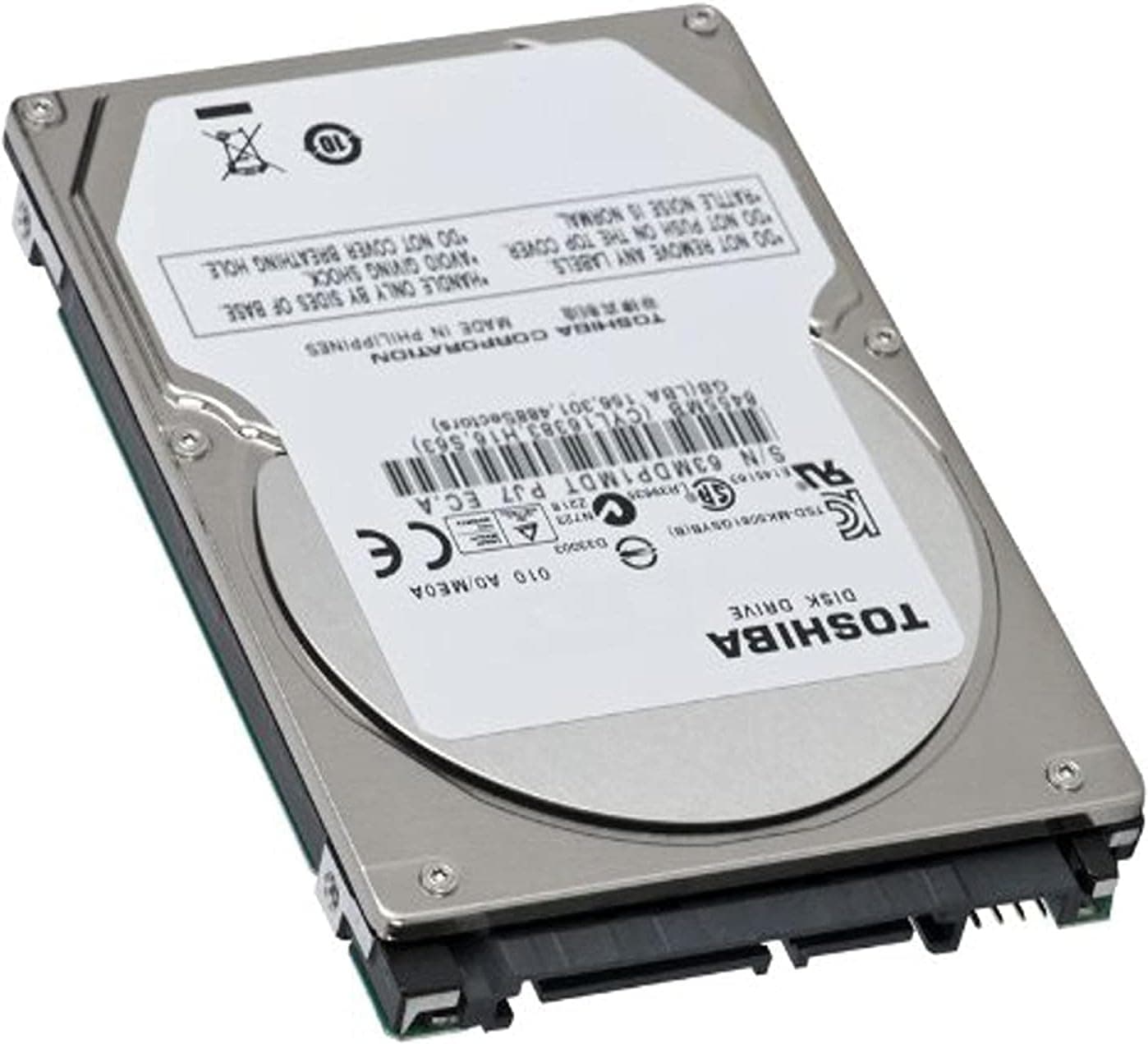
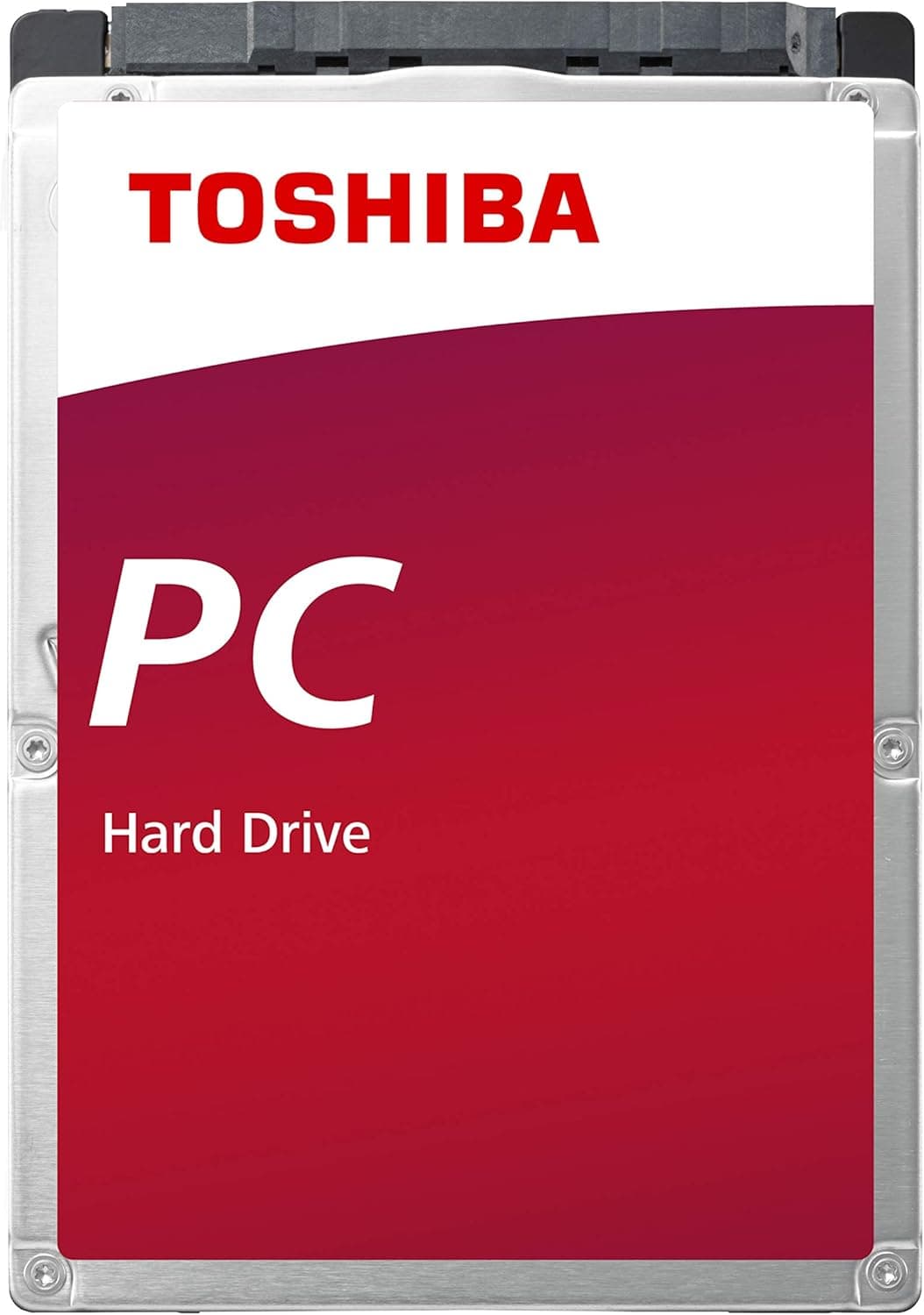
The Toshiba MQ01ACF050 is a 2.5-inch internal hard drive with a 7mm profile. It is built for tight spaces such as laptop drive bays, small barebones systems, and external enclosures where a slim SATA drive still makes sense.
Its interface is SATA 6Gb/s, capacity is 500GB, spindle speed is 7278rpm, cache is 16MB, and the drive uses 4K sectors. It will not match an SSD for speed, but it remains a low-cost way to hold a large amount of data.
In today's market, 2.5-inch hard drives like the MQ01ACF050 have settled into a supporting role: data storage, backups, and giving older laptops a second life, while SSDs handle the system drive. The slim 7mm height is the clearest reason to pick this model over a thicker drive.
Compatibility Guide
The drive connects over SATA 6Gb/s, so it works with SATA ports on desktops, laptops, and USB adapter enclosures. On a SATA 3Gb/s port it will still run, with the link speed falling back to the slower standard.
The form factor is 2.5-inch with a 7mm height. That thin profile helps in older laptops designed around shallow bays, where a thicker drive might not fit. If you want to mount it in a 3.5-inch bay, plan on a bracket or adapter.
Because this is a mechanical drive with spinning platters, treat it gently when installing it in a laptop. For gear that travels often, an SSD is the safer choice. In a desktop used for data storage, installation is straightforward once you have a SATA cable and a power connector available.
Product Info
The MQ01ACF050 pairs 500GB of capacity with a 7278rpm spindle, 16MB of cache, 4K sectors, and a SATA 6Gb/s interface. Listed dimensions are 100 mm long, 70 mm wide, and 9.5 mm high, with a weight of 100 g.
Its market position is entry-level storage for data. A 500GB capacity looks modest next to modern high-capacity SSDs, and that is exactly why the price stays low. The realistic role is a secondary store of files rather than a fast system drive.
Best Use Cases
- Someone reviving an older laptop on a budget: the 7mm, 2.5-inch SATA format fits shallow bays more easily, but people chasing speed should look elsewhere.
- A user who wants a cheap secondary store for photos and documents: 500GB works as a data shelf while the system stays on an SSD, though heavy large-file workflows will feel cramped.
- A builder making a simple backup drive in an external enclosure: a 2.5-inch SATA drive drops into a matching case easily, but anyone carrying it around daily should choose an SSD.
Things to Consider
First, do not compare this drive to an SSD on speed. If faster boot times and quicker app loading are the goal, an SSD is the right purchase instead.
Second, 500GB is small by current standards. For game libraries or video archives, plan on pairing it with a larger drive or external storage.
Third, mechanical drives are more sensitive to vibration and shock than flash storage. A stationary desktop or an enclosure suits this drive better than a laptop that moves constantly. The 7mm height is a real advantage, but it should not be mistaken for a claim about speed or ruggedness.
FAQ
Q: Can I drop this into a laptop as a straight swap?
A: It is a 2.5-inch SATA drive at 7mm, so it physically fits many machines with a matching bay. Check your model's supported drive thickness and connector before opening the chassis.
Q: How should I choose between this and an SSD?
A: Pick an SSD when boot speed and load times matter, and pick this drive when cost per gigabyte for bulk data matters. Using both together is the practical setup.
Q: Does it work in an external enclosure?
A: Yes, if the enclosure supports 2.5-inch SATA drives. Confirm the enclosure's supported size and thickness before buying.
Product Disclosure (Amazon)
- Model: MQ01ACF050
- ASIN: B00K09MOR8
- Note: This article covers a manufacturer-made product based on Amazon listing details.