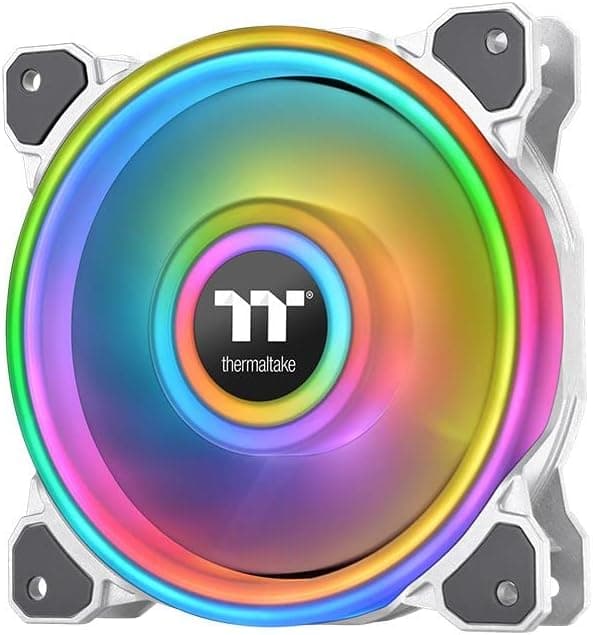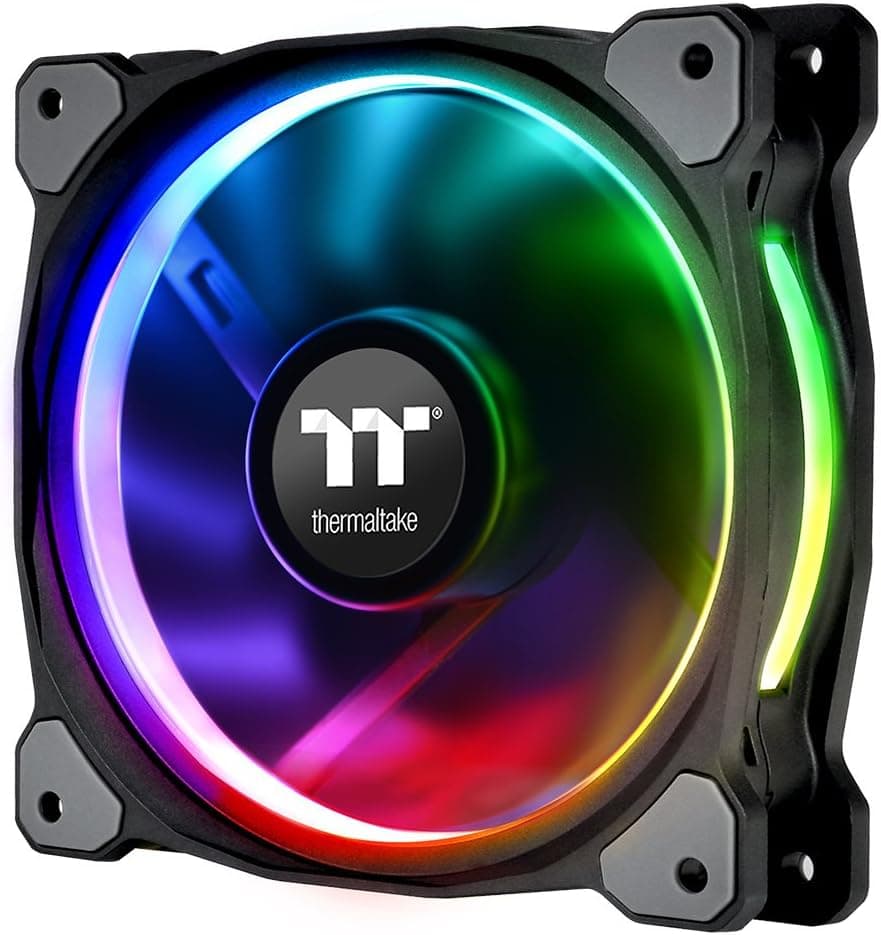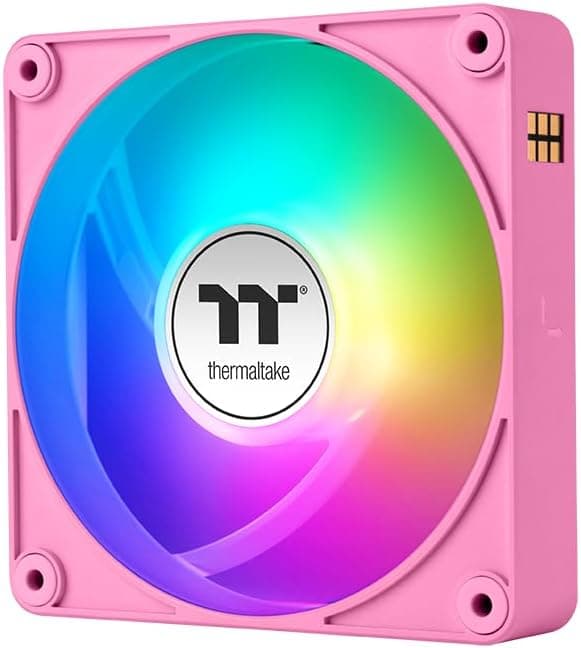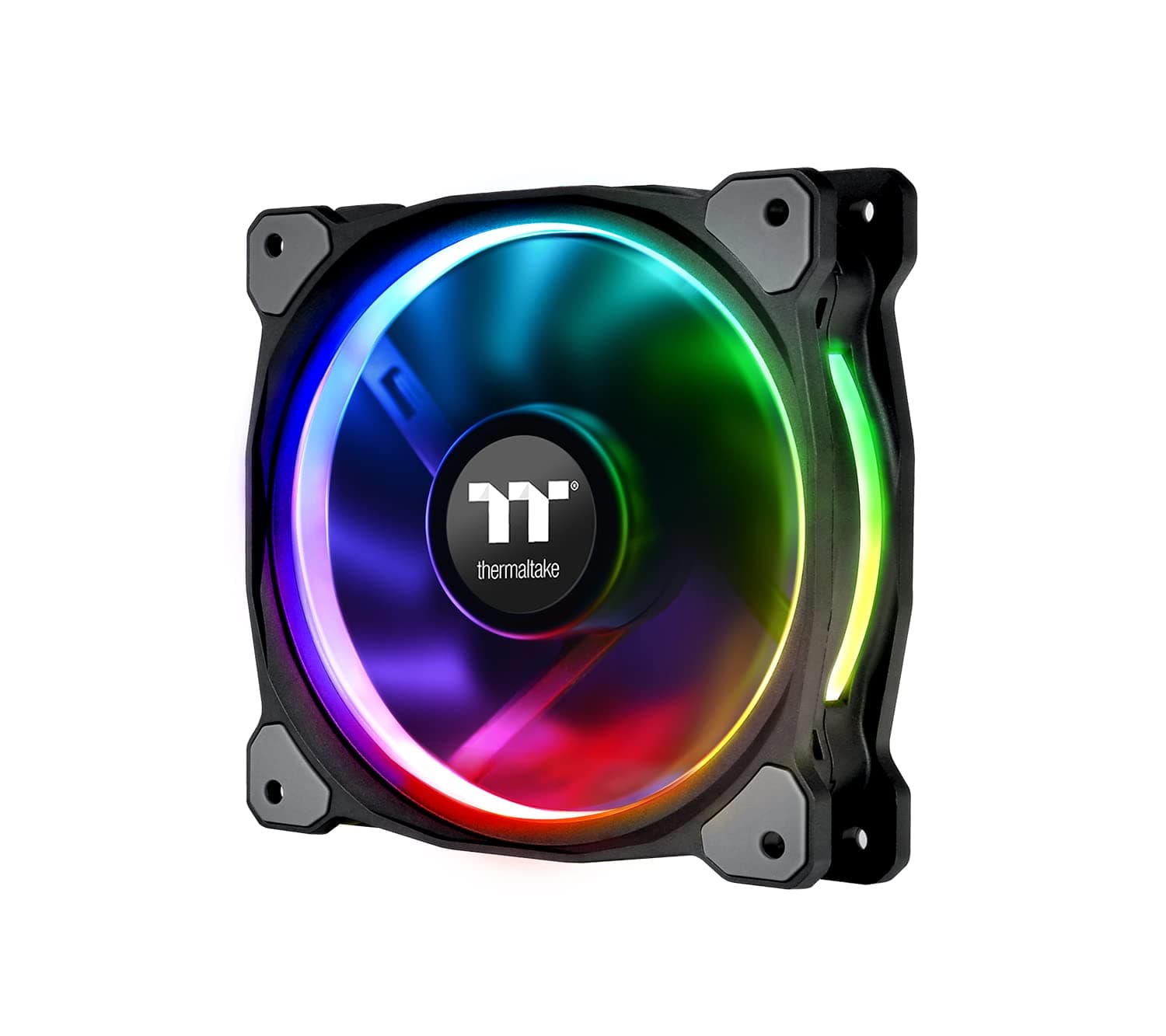
This article covers Thermaltake CL-F076-PL12SW-Aリビングプラス12 RGBラジエーターファンLumi Plus TTプレミアムエディションコンボキット.
Overview
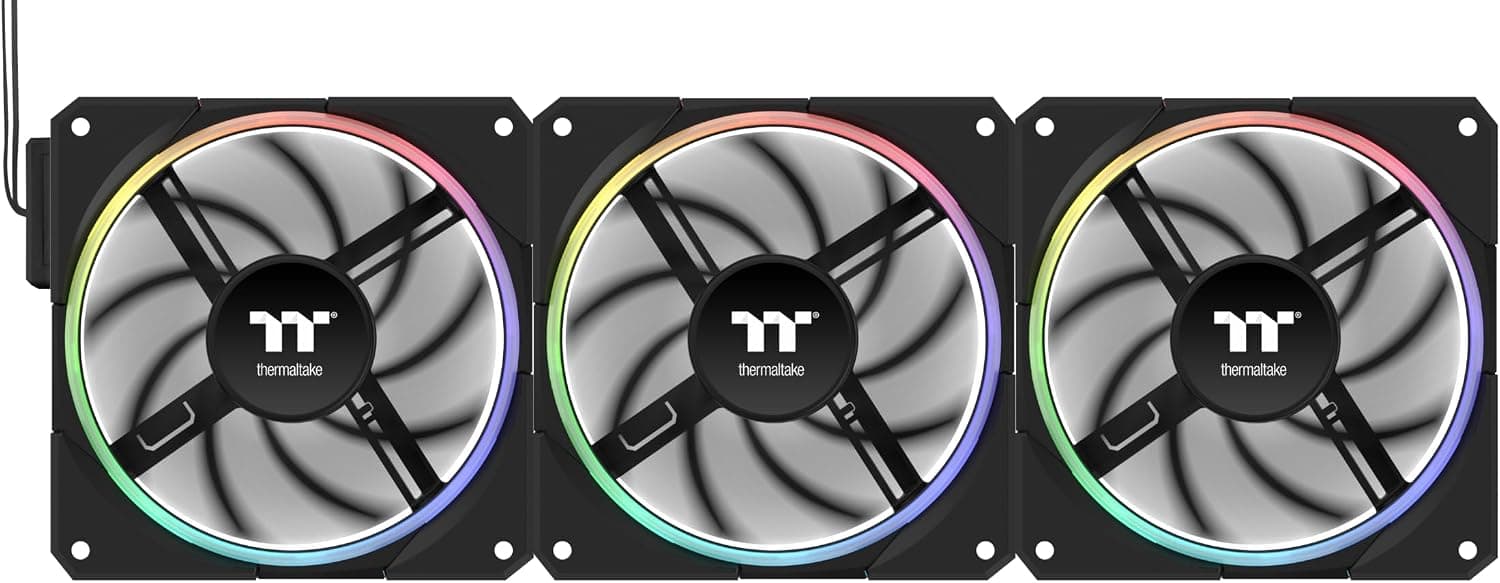
The Thermaltake Lumi Plus TT Premium Edition Combo Kit (model CL-F076-PL12SW-A) is a triple-pack of 120mm RGB radiator fans aimed at builders who want coordinated lighting and solid static pressure for liquid cooling setups. Each fan features a ring of addressable RGB LEDs around the center hub, paired with a seven-blade impeller designed to push air through dense radiator fins. This kit belongs to Thermaltake's TT Premium line, which means it's built to a higher fit-and-finish standard than the company's entry-level Riing fans. The package includes three fans, mounting screws, and a daisy-chain cable for both PWM and ARGB signals. There is no separate controller or remote; all lighting and speed control goes through the motherboard's 5V ARGB header and 4-pin PWM header. Rated noise is just 18 dBA at maximum speed, making this one of the quieter RGB fan options on the market. Power draw for the entire triple pack is 16.7W at 12V, which is well within the capacity of any standard motherboard fan header.
Compatibility Guide
Standard 120mm x 120mm x 25mm form factor fits most ATX, Micro-ATX, and Mini-ITX cases. Radiator mounting uses the standard 120mm screw spacing. Works with radiators up to roughly 30mm thick without issue. Requires a 5V 3-pin ARGB header on the motherboard for lighting control. Not compatible with 12V RGB headers. PWM control via 4-pin header. The daisy-chain cable lets you run all three fans from a single PWM and a single ARGB header.
Product Info
Released in late 2018, the Lumi Plus TT Premium Edition sits in the mid-to-high-end segment of Thermaltake's cooling lineup. It's positioned as a direct accessory for the company's Floe Riing series of AIO liquid coolers, but works equally well as case fans. Fan speed: 500–1,500 RPM (PWM controlled) Noise level: 18 dBA max Voltage: 12V Power consumption: 16.7W (three fans combined) Frame material: polycarbonate Warranty: 2 years (standard) The RGB ring supports 16.8 million colors and is compatible with ASUS Aura Sync, GIGABYTE RGB Fusion, MSI Mystic Light, and ASRock Polychrome Sync.
Best Use Cases
Thermaltake ecosystem builders: If you already own a Thermaltake case (like the View 71 or Core P3) and a Thermaltake AIO, these fans will match the aesthetic perfectly. The daisy-chain cabling keeps the build clean. Silence-focused gamers: At 18 dBA max, these fans are genuinely quiet. They're a good fit for a living-room gaming PC or a workstation where fan noise would be distracting. However, if you need maximum airflow for overclocking, consider higher-RPM alternatives. * RGB beginners: No separate controller means lower cost and simpler setup. Plug into the motherboard headers, install the manufacturer's RGB software, and you're done. ## Alternatives
Noctua NF-A12x25 PWM: Superior cooling and noise performance, but no RGB and a beige/brown color scheme that doesn't suit every build. Choose Noctua if performance is your only priority. Corsair LL120 RGB: Brighter, more vibrant LEDs with a dual-ring design, but requires the iCUE Commander Pro or Lighting Node Core (sold separately). The Lumi Plus is cheaper and simpler if you already have a 5V ARGB motherboard.
Things to Consider
Without a 5V ARGB header on your motherboard, the RGB lighting will not function. There is no adapter to convert to 12V RGB. Maximum airflow (CFM) is not officially published, so you'll need to rely on third-party reviews if you're comparing raw air-moving capability. The kit does not include a fan hub or remote control. All control is motherboard-dependent. As a 2018 product, compatibility with the latest RGB ecosystems (e.g., L-Connect 3) is limited. Stick with the major motherboard brands listed above. ## FAQ Q: Can I use these fans on a radiator? A: Yes. The static-pressure blade design works well on 120mm radiators. Use the included long screws to mount through the fan into the radiator. Q: My motherboard only has a 12V RGB header. Can I still use the RGB? A: No. These fans require a 5V addressable RGB header. Connecting them to a 12V header will damage the LEDs. You would need a different fan or a motherboard upgrade. Q: Do I need to buy anything else to control all three fans? A: No. The included daisy-chain cable lets you connect all three fans to a single PWM header and a single ARGB header. No extra hub or controller is required.
Product Disclosure (Amazon)
- Manufacturer: Thermaltake
- Seller: フレッシュ本舗2号店
- Fulfilled by: フレッシュ本舗2号店
- ASIN: B07JHPL4HX
- Note: This article covers a manufacturer-made product based on Amazon listing details.