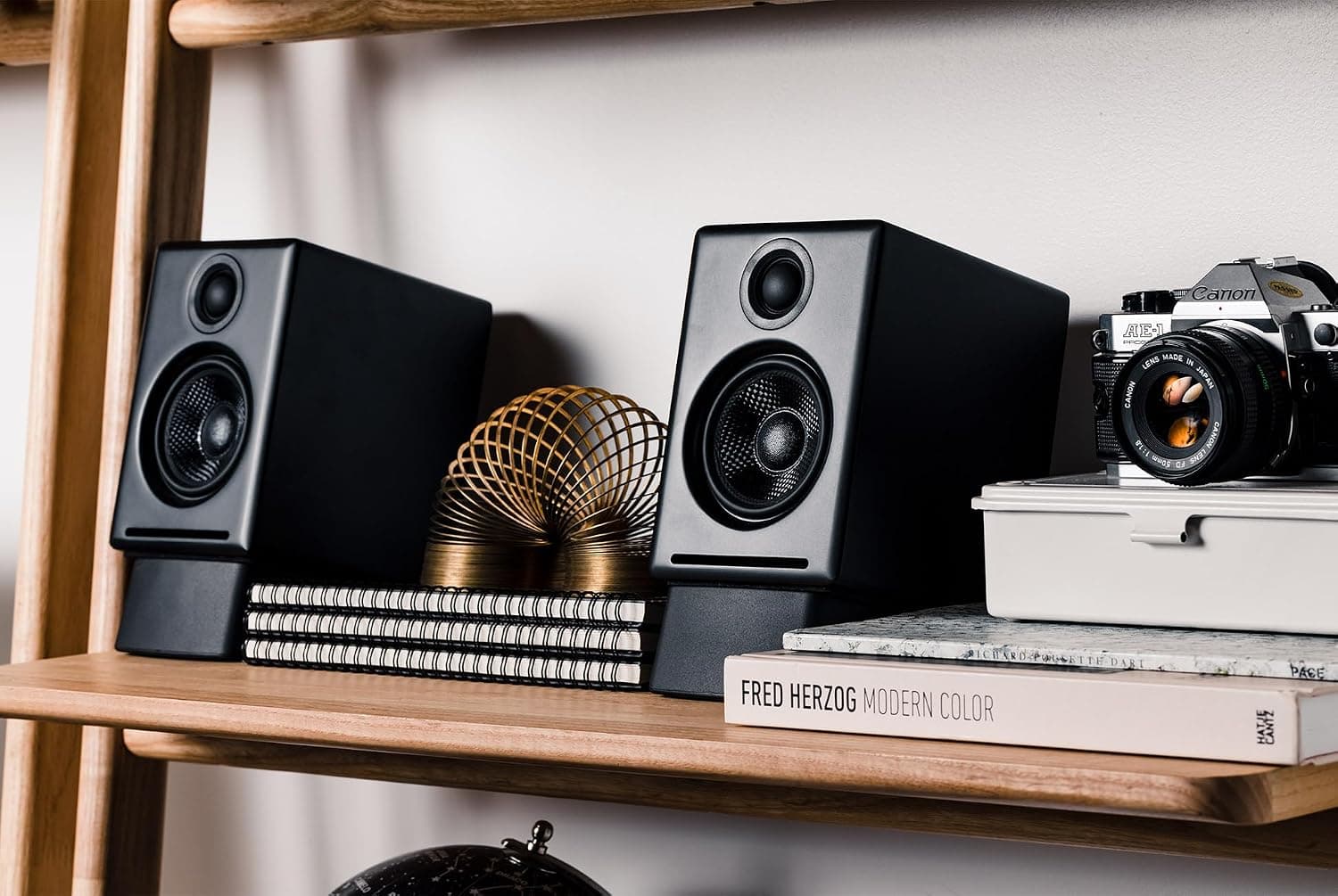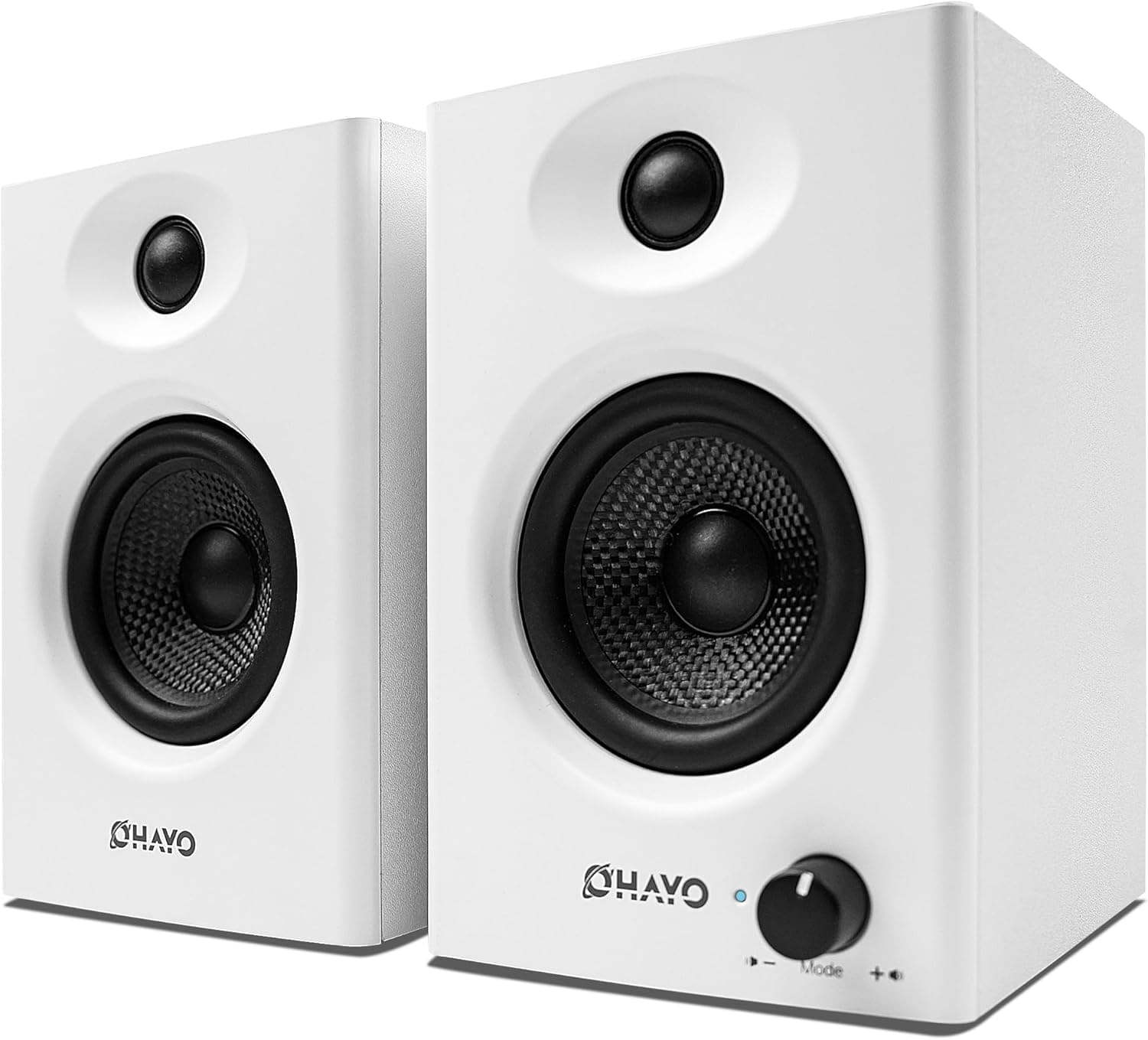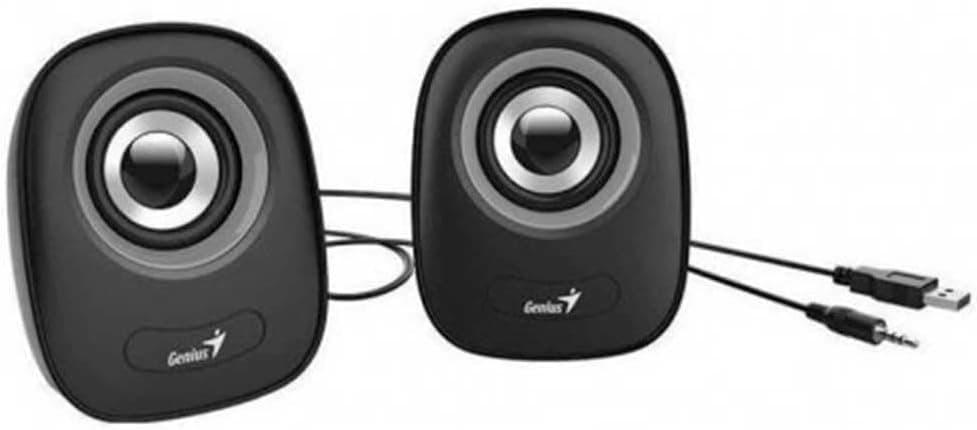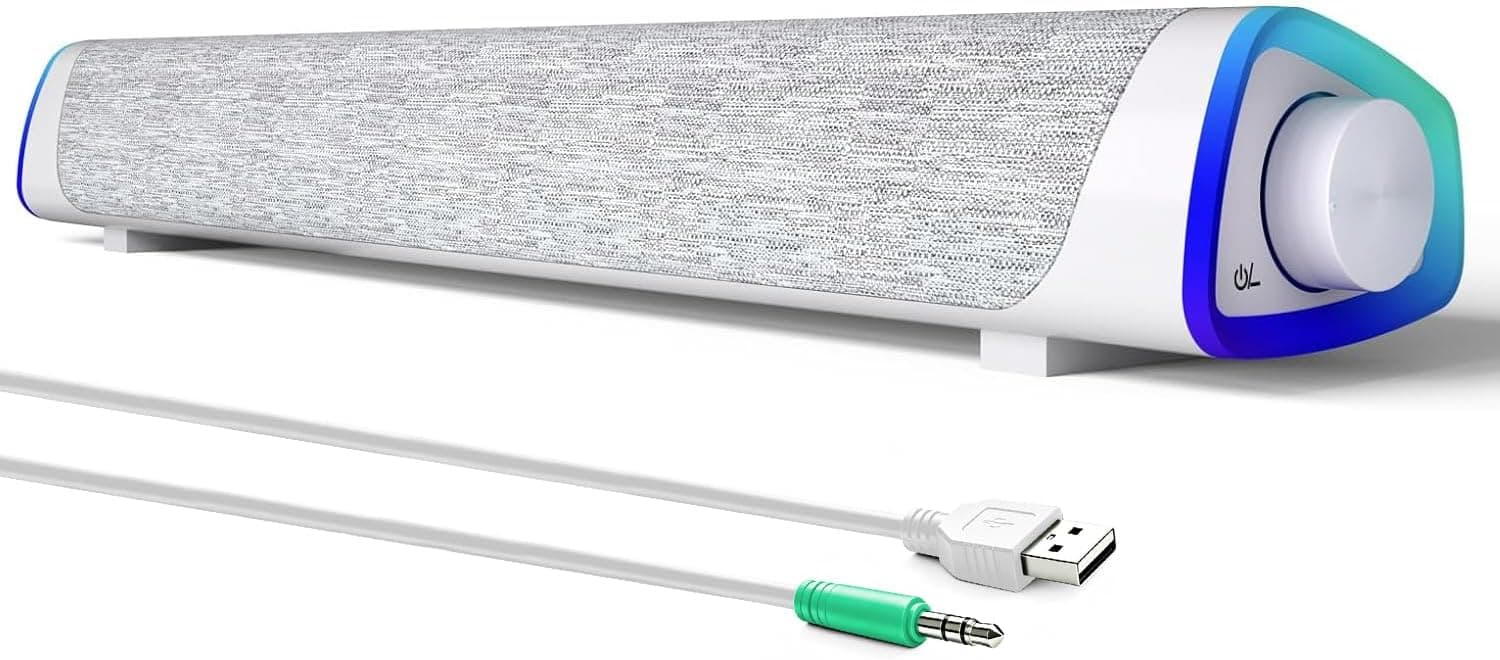
The SOULION R30 is an entry-level desktop PC speaker that runs on USB bus power and takes audio through a single 3.5mm stereo mini jack.
This article works through the published specs and Amazon rating data to show what it actually does — and what it does not.
Overview
The R30 pairs two full-range drivers with a rated output of 3W (RMS), drawing all of its power from a USB port. The honest framing is this: it is not gear for listening to music well, it is gear for fixing the thin, boxy sound of built-in laptop or monitor speakers with the least possible cost and effort.
Setting that expectation up front is the single biggest factor in whether buyers end up satisfied.
The defining design choice is the 30-degree upward tilt. A flat-lying desktop speaker fires past the front edge of the desk rather than toward your ears, and the smaller the speaker, the more that costs you.
Angling the drivers up toward ear height is a sensible way to compensate for limited output — it buys clarity through directivity rather than through wattage.
The side LEDs are the other visible feature. They can be switched off, so buyers who dislike RGB lighting are not stuck with it.
By the same token, the lighting is not a good reason to choose this speaker over another.
Reading the Key Specs
| Spec | Value | What it means in practice |
|---|---|---|
| Output | 3W (RMS) | Sized for one person at 0.5-1m. Not for filling a room |
| Frequency response | 60Hz - 20kHz | Bottom end stated at 60Hz. Tuned for vocal clarity, not slam |
| Drivers | 2x full-range | No separate tweeter/woofer. One driver covers everything |
| Connection | USB power + 3.5mm AUX | USB is power only. Audio is always analog |
| LED lighting | Yes (on/off) | You are not forced to run it lit |
The number that matters most is the 60Hz lower limit. It does not mean nothing below 60Hz exists; it means 60Hz is the bottom of the range the manufacturer stands behind.
In small enclosures, output below roughly 80Hz typically falls away quickly. If you want to feel explosions in films or the kick in EDM, a 2.1ch system with a subwoofer is the right category, not this one.
The "2x full-range" configuration matters too. With no crossover splitting duties between drivers, the midrange gets congested at high volume.
The flip side is that speech-centric content — video calls, podcasts, commentary, in-game dialogue — tends to come through naturally.
Compatibility Guide
You need exactly two things: one free USB-A port and one 3.5mm analog audio output.
If either is missing, budget for an adapter. Check your actual machine before ordering.
Four things to verify:
- A free USB-A port. USB is used for power only, with no data transfer, so it does not even have to be a PC port — a USB charger or a monitor's USB hub works fine. Laptops with USB-C only will need an adapter.
- A 3.5mm line or headphone output. This is the most common trip-up. Many recent laptops and tablets have dropped the headphone jack, in which case you also need a USB-C-to-3.5mm DAC or a USB audio adapter. On a desktop, the light-green rear jack (line out) is the normal destination.
- Cable reach. Two cables — USB power and 3.5mm audio — have to reach your machine. If your tower sits on the floor, plan on using a monitor hub or an extension.
- No Bluetooth. There is no wireless mode at all. A phone or tablet with a 3.5mm output can be connected by cable, but this is a wired-only device.
Supported form factors are desktops and laptops, and beyond PCs it will connect to anything with a 3.5mm analog out — a TV, a console controller jack, a music player, a digital piano.
For TVs, confirm an analog output exists first; some models offer only optical digital out.
One note on power: USB bus-powered speakers cut out when the host sleeps or shuts down. That auto-off behavior is convenient, but if you want sound from another device while the PC is off, power the speaker from a separate USB charger.
Product Info
As captured on 3 September 2026, the listed price on Amazon.co.jp was ¥5,937.
Prices in this segment move a lot — sales and coupons push them down, stock shortages push them up — and this article will not update itself, so check the product page for the current figure before buying. Listings for the same model sometimes appear on marketplaces such as eBay, but parallel-import units may be handled differently for support than domestic retail stock.
Check the retailer's page for the latest user reviews.Check the retailer's page for the latest price.
Comparing star ratings across price tiers tells you very little.
The box includes a USB power cable and a 3.5mm audio cable, so nothing extra is required to get started.
A manufacturer warranty is typical, but terms vary by sales channel — confirm the details on the listing.
Product Disclosure (Amazon)
- Manufacturer: SOULION
- Seller: Amazon US
- Fulfilled by: Amazon US
- ASIN: B0CLRHQW87
- Note: This article covers a manufacturer-made product based on Amazon listing details.
How It Compares Across Price Tiers
PC speakers solve distinctly different problems at different prices. Deciding where to compromise is easier with the tiers laid out.
- Under ~¥3,000 bars and mini 2.0ch sets. The goal here is simply "sound comes out." The R30 sits a step above, and the tilt plus discrete driver housing usually shows up as better speech intelligibility.
- Around ¥5,000 (the R30's tier). The goal is escaping built-in speakers. Meeting audio, dialogue, and game music become easy to follow. Bass weight and stereo width are fundamentally capped at this tier.
- ¥8,000-15,000 powered 2.0ch. More cabinet volume and more amplifier output make music listening realistic. Most people disappointed by an R30 were really in this tier from the start.
- 2.1ch and above. A dedicated bass unit changes films and action games entirely, at the cost of space and cabling.
Spending more is not automatically better. If you have only about 200 mm of width, no free outlet on the power strip, or you can only listen quietly late at night, a large speaker's advantages never materialize.
Those constraints are exactly where a compact USB-powered unit like the R30 is the correct answer.
What to Expect in Daily Use
Video calls are the best-matched use case. 3W is plenty for one person's desk, a single full-range driver keeps the vocal band intact, and the upward tilt means the same volume setting is easier to follow.
For anyone whose ears tire during long meetings, not wearing a headset is a real benefit.
Do not expect headroom, though. Small drivers in small enclosures distort as you push them, and the bass collapses first.
The realistic sweet spot is low-to-moderate volume; try to fill a room and the price tier reveals itself immediately.
A word on noise: USB bus-powered units can pick up electrical noise from the host PC. If you hear hiss at idle, or noise that tracks mouse movement, moving the power connection from the PC's USB port to a USB charger often clears it up.
That fix applies to USB-powered speakers generally, not just this model.
Best Use Cases
The R30 tends to feel like good value for these buyers:
- Remote workers who need clearer meeting audio. It comfortably beats muddy built-in speakers, and it leaves your ears uncovered — a meaningful difference over a long day of calls.
- People with cramped desks. USB power means no wall-wart stealing an outlet, which alone justifies it on a crowded power strip.
- Video watchers and casual gamers. If comfortable dialogue and background music are the bar, it clears it.
- Students and first-time buyers. Two cables, no configuration, hard to get wrong. Starting here and learning which direction you want more of — bass or volume — before upgrading is a sound strategy.
- Anyone wanting a second, secondary-desk speaker. A simple sound source for a machine that is not your main rig.
Before You Buy
If music listening is the main purpose, skip this one. 3W of output with a 60Hz floor is not a design aimed at reproducing music well.
Anyone who wants defined bass lines or drums with real weight will be disappointed. Stretching the budget to a ¥10,000-class 2.0ch set with a bigger cabinet and more amplification is cheaper in the long run than buying twice.
It is also wrong for competitive FPS. Speakers inherently let both ears hear both channels, so precise positional cues lose to a headset.
That is a limitation of the format, not the price, and buying a more expensive speaker will not fix it.
Confirm the 3.5mm output before ordering. Buying on the assumption of "just plug it into the PC" and then discovering there is no headphone jack is the most common failure with this class of product.
Thin USB-C-only laptops and tablets deserve particular scrutiny.
Remember that USB is power only. It is easy to assume a USB connection means the speaker acts as a USB DAC.
It does not — audio always arrives over the 3.5mm cable, and the PC treats it as an ordinary analog output.
Verify the listing details yourself before buying. Seller, fulfillment, and accessory information shown on an Amazon product page can change with stock and, occasionally, show metadata that does not match the product.
The price and rating quoted here are values captured in early September 2026. Confirm from the product images and title that you are looking at the right item, and check that price and availability still match.
Disliking RGB is not a problem here since the LEDs switch off — but if you are buying for the lighting, keep expectations modest. Fine-grained RGB synchronization with keyboards and fans is generally not part of the package at this price.
FAQ
Q. Can it connect to a phone over Bluetooth? A.
No. Connectivity is USB power plus 3.5mm AUX only, with no wireless support.
A phone can be connected by cable if it has a 3.5mm output or you use an adapter.
Q. Will it play sound if I only connect the USB cable? A.
No. USB supplies power only.
Audio must come through the 3.5mm cable into your PC's headphone or line output.
Q. Does it work with the PC turned off? A.
Not if it is powered from the PC's USB port — it shuts down with the host. Power it from a USB charger or a monitor's USB port and it will keep working with the PC off.
Q. How is the bass? A.
The stated response bottoms out at 60Hz, so this is not a speaker you feel in your chest. It prioritizes vocal and midrange clarity.
For bass weight, look at a 2.1ch system with a subwoofer.
Q. Can I use it with a TV or game console? A.
Yes, if the device has a 3.5mm analog audio output.
Some TVs only provide optical digital out, so check the jacks first. You will also need a USB port for power.
Q. Where do I adjust the volume? A.
Both the unit's own control and your PC's volume setting apply. If you hear noise, avoid maxing out the PC-side volume and set the final level on the speaker instead.