Overview
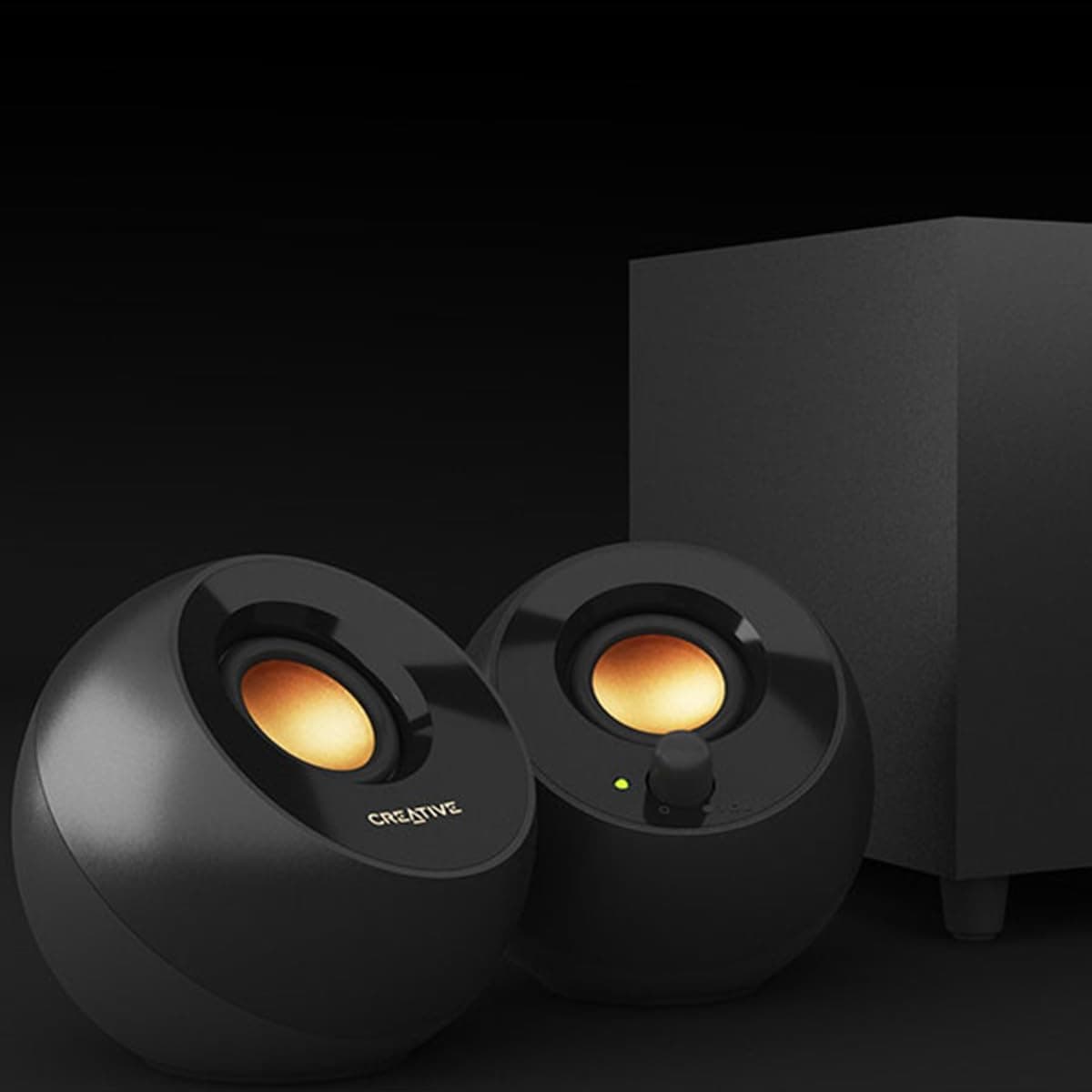
The Creative Pebble SP-PBL-WH is a compact 2.0-channel desktop speaker system designed for simplicity and affordability. Its white chassis houses upward-firing drivers angled at 45 degrees, paired with rear passive radiators that deliver surprisingly punchy bass for such a small unit. What sets the Pebble apart is its USB-powered design. Just plug the included USB cable into your computer's USB-A port, connect the 3.5mm audio cable to your headphone or line-out jack, and you're ready to go. No AC adapter, no driver installation, no fuss. It's an ideal entry-level solution for anyone who wants better audio than built-in laptop speakers without cluttering their desk.
Connectivity is straightforward: a 3.5mm analog input for audio and a USB-A port for power. The USB connection handles power only — the computer won't recognize the Pebble as a USB audio device, so no drivers are needed. It works with Windows, macOS, and Chrome OS out of the box. For use with TVs, smartphones, or tablets, you'll need a separate USB AC adapter (5V/1A or higher) since the Pebble doesn't include one. Note that many TV USB ports are for service only and may not supply enough power. The left and right speakers connect via a fixed cable approximately 1.2m long, giving you about 1m of separation — enough for a typical dual-monitor setup.
The Creative Pebble SP-PBL-WH is an award-winning entry-level speaker that earned the Kakaku.com Product Award 2024. It delivers a peak output of 8.8W (4.4W RMS) — modest on paper, but the passive radiators add noticeable low-end presence that elevates the listening experience far beyond its price point. Warranty is one year from the manufacturer. The package includes the left and right speakers, a 3.5mm audio cable (1.2m), a USB power cable (1.2m), and a speaker-to-speaker cable (1.2m).Check the retailer's page for the latest price.
Budget-conscious users building their first desktop setup The Pebble requires zero technical knowledge to set up. Plug and play. It's perfect for students, remote workers, or anyone who just wants better sound without spending much. However, if you're into music production or cinematic gaming, the limited power and lack of subwoofer output may leave you wanting more. Minimalist desk setups With no AC adapter and only two thin cables to manage, the Pebble keeps your workspace tidy. Its compact footprint fits easily beside a monitor or under a laptop stand. The short speaker-to-speaker cable (≈1m) does restrict placement, so it's not ideal for wide monitor arrays. Multi-device households Grab a USB AC adapter and you can use the Pebble with a TV, tablet, or even a smartphone via its headphone jack. It's a versatile secondary speaker for the living room or bedroom. Just remember it's wired-only — no Bluetooth means you'll always need a cable.
The Pebble lacks Bluetooth entirely. If wireless streaming is a must, look at the Creative Pebble Plus which adds Bluetooth connectivity. Volume management requires a bit of care. If you crank the source device to 100% and then adjust volume on the speaker knob, you'll likely encounter distortion. The sweet spot is keeping the source at 50-70% and using the speaker knob for fine-tuning. The passive radiators are on the rear panel. Placing the speakers flush against a wall will muffle bass response. Also, never set the speakers down on their rear — the radiators need clearance to function properly.
Q: Only one speaker produces sound. What's wrong? A: First, ensure the 3.5mm plug is fully inserted into both the speaker and your device. If you're connected to a mono output (like some TV headphone jacks), only one channel will play. Try a stereo line-out or headphone port instead. Q: The audio sounds distorted or crackling. A: Lower the volume on your source device (phone, PC, TV) to around 50-70%, then increase volume using the speaker knob. Distortion usually occurs when the source signal is too hot. Q: Can I use this with my TV? A: Yes, if your TV has a 3.5mm headphone jack. For power, you'll need a separate USB AC adapter (5V/1A minimum) because most TV USB ports don't supply enough current for the speakers.
Product Disclosure (Amazon)
- Manufacturer: CREATIVE
- Seller: CREATIVE STORE
- Fulfilled by: Amazon
- ASIN: B077XHBHCP
- Note: This article covers a manufacturer-made product based on Amazon listing details.