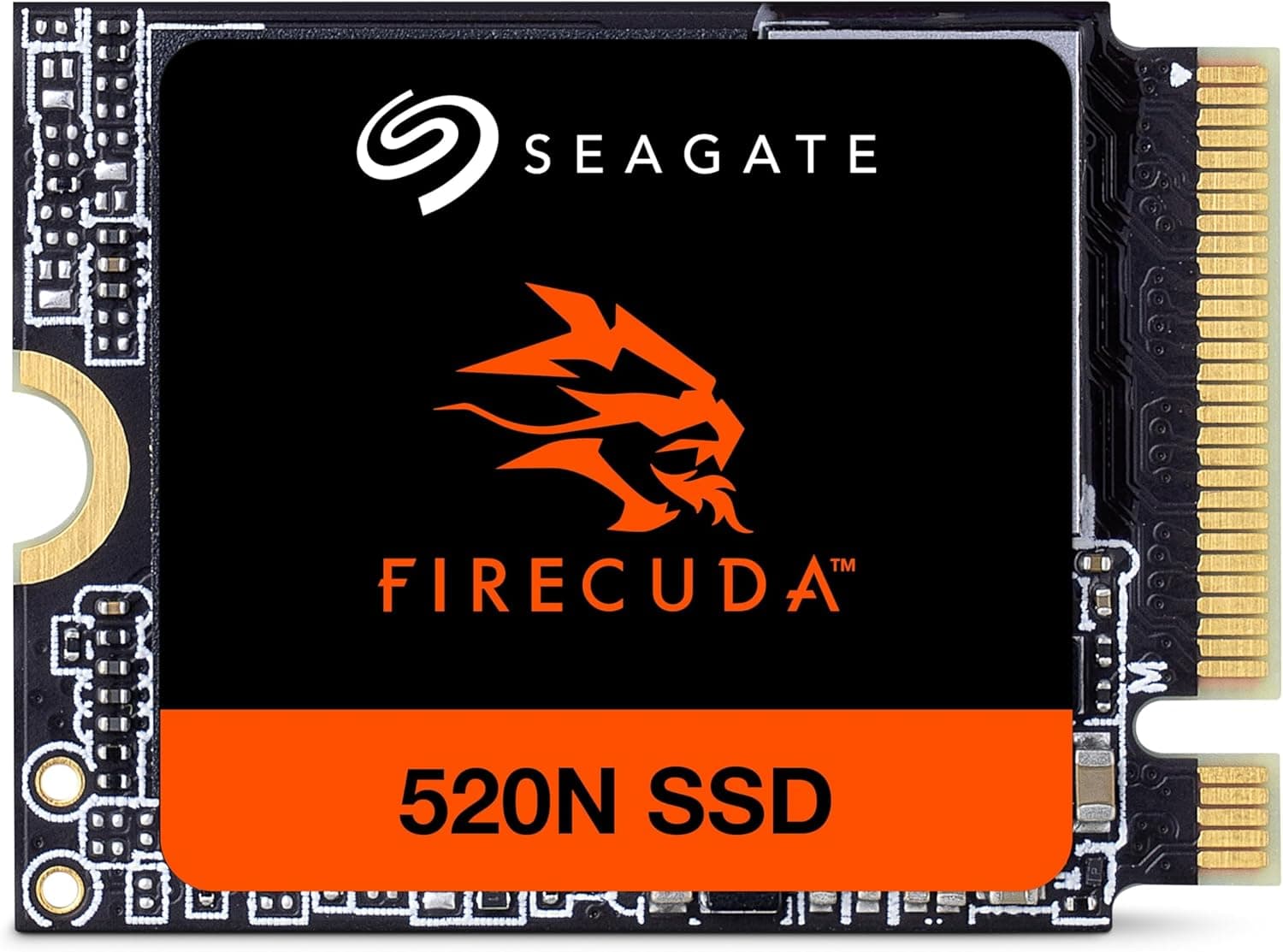
This article covers Seagate FireCuda 520N M.2 2230 内蔵 SSD【データ復旧 3年付】 2TB PCIe Gen4 x4 ROG Ally Steam Deck 対応 5年保証 正規代理店 ZP2048GV3A002.
Overview
The Seagate FireCuda 520N is an NVMe SSD in the compact M.2 2230 form factor, designed specifically for handheld gaming PCs and ultra-portable laptops. With a 2TB capacity and PCIe Gen4 x4 interface, it delivers sequential read speeds up to 5000MB/s, making it one of the fastest 2230 SSDs on the market. This drive is an ideal upgrade for devices like the Steam Deck, ASUS ROG Ally, and Microsoft Surface Pro 9+, where the original storage is often limited to 512GB or less. The FireCuda 520N comes with a 5-year warranty and includes Seagate's Rescue data recovery service for 3 years, providing peace of mind for your game saves and important files. Positioned at the high end of the 2230 SSD market, the FireCuda 520N competes directly with the WD SN740 and Sabrent Rocket 2230. Its combination of large capacity, Gen4 speed, and included data recovery sets it apart for users who prioritize data security.
Compatibility Guide
The FireCuda 520N uses the M.2 2230 form factor (22mm wide, 30mm long). It is compatible with any device that has an M.2 2230 slot and supports NVMe. Key compatible devices include: Steam Deck (all models) ASUS ROG Ally (all models) Microsoft Surface Pro 9 and later Select ultrabooks and mini PCs with 2230 slots The interface is PCIe Gen4 x4, but it is backward compatible with PCIe Gen3 slots, where it will operate at Gen3 speeds (around 3500MB/s). It is not compatible with M.2 2280 slots (80mm length) without an adapter, and even then, physical fit may be problematic. Before purchasing, verify your device's M.2 slot size and interface generation. Some devices may require a BIOS update to recognize a new SSD.
Product Info
The Seagate FireCuda 520N (model ZP2048GV3A002) launched in late 2023. The 2TB variant typically retails around ¥40,000–¥45,000 in Japan, which is competitive for a high-capacity 2230 Gen4 SSD. It includes a 5-year limited warranty and 3 years of Rescue data recovery service. Market positioning: high-end. It targets enthusiasts who need maximum storage and speed in the smallest M.2 form factor. The included data recovery service is a unique differentiator in this segment.
Best Use Cases
Steam Deck / ROG Ally gamers needing more space If you're tired of juggling game installs on a 64GB or 512GB drive, the 2TB FireCuda 520N lets you keep your entire library installed. It's perfect for AAA titles that exceed 100GB. However, if you only play lightweight indie games, a 1TB model may be more cost-effective. Surface Pro power users The Surface Pro 9 and later have replaceable 2230 SSDs. Upgrading to the FireCuda 520N dramatically improves file transfer speeds and application load times for creative professionals. Be aware that the Surface's thermal design is limited, so sustained heavy writes may cause throttling. * Mini PC enthusiasts Some mini PCs (e.g., Intel NUC 13 Pro, Minisforum UM790) use 2230 SSDs. The 2TB capacity allows you to consolidate OS and data on one drive. Note that most desktop motherboards use 2280 slots, so this drive is not suitable for standard desktop builds.
Things to Consider
First and foremost, confirm your device has an M.2 2230 slot. Many laptops and desktops use the longer 2280 form factor, and the 2230 will not physically fit without an adapter (which may not be reliable). Also, if your device only supports PCIe Gen3, you won't get the full Gen4 speed, though it will still be fast. Compared to competitors like the WD SN740, the FireCuda 520N offers the advantage of Rescue data recovery, but it is often priced slightly higher. If you don't value data recovery or are on a tight budget, the SN740 may be a better choice. Heat management is important. The 2TB model can run warm under sustained writes. In handheld devices like the Steam Deck, consider using a thermal pad or ensuring adequate airflow. Without proper cooling, the drive may throttle and reduce performance. ## FAQ
Q: Can I use this SSD in a PS5? A: No. The PS5 requires an M.2 2280 SSD (80mm length). The 2230 form factor is too short to fit in the PS5's expansion slot. Look for a 2280 Gen4 SSD instead. Q: Does the Rescue data recovery service cover accidental deletion? A: Rescue is designed for mechanical or electronic failures that make the drive unreadable. It does not cover accidental file deletion or logical corruption. For those cases, you should maintain separate backups. Q: Is the 2TB model worth the extra cost over the 1TB version? A: If you plan to install multiple large games (e.g., Call of Duty, Starfield) or work with large media files, the 2TB is worthwhile. For lighter use, the 1TB model (around ¥25,000) offers similar speed at a lower price.
Product Disclosure (Amazon)
- Manufacturer: シーゲイト(SEAGATE)
- ASIN: B0CGF8V3XG
- Note: This article covers a manufacturer-made product based on Amazon listing details.