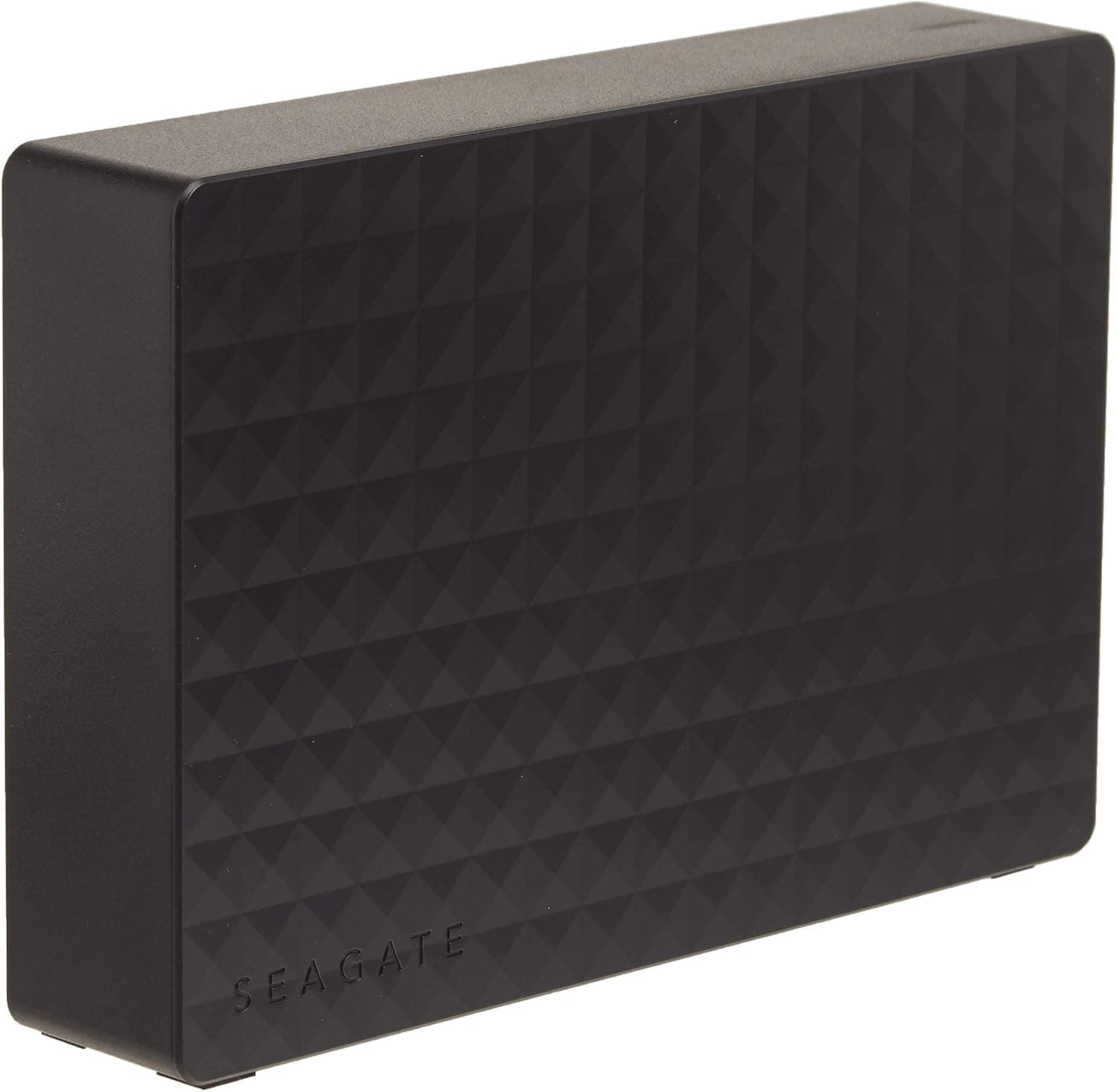
This article covers Seagate Expansion HDD 4TB 静音 省エネ PS4 動作確認済 縦・横置可 3年保証 外付け ハードディスク 3.5" 有料データ復旧サポートオプションSTEB4000100.
Overview
The Seagate Expansion HDD 4TB (model STEB4000100) is a reliable external hard drive from one of the most trusted names in storage. With 4TB of capacity and USB 3.0 connectivity, it offers ample space for backing up photos, videos, games, and documents. Its quiet operation and energy-efficient design make it suitable for always-on use, while the compact chassis supports both vertical and horizontal placement. This drive is officially verified for PlayStation 4, making it a great choice for expanding console storage. Setup is truly plug-and-play—no driver installation required on Windows 10/8.1/8/7 or macOS 10.12 and later. The included USB 3.0 cable and power adapter get you started right out of the box. Positioned as an entry-level to mid-range external HDD, the Seagate Expansion 4TB delivers excellent value for users who need reliable bulk storage without breaking the bank. It's a straightforward, no-frills solution for data backup and media libraries.
Compatibility Guide
The Seagate Expansion HDD uses a USB 3.0 interface (backward compatible with USB 2.0). For best performance, connect it to a USB 3.0 port on your PC, Mac, or PS4. When connected to USB 2.0, transfer speeds will drop to USB 2.0 levels. Supported operating systems include Windows 10/8.1/8/7, macOS 10.12 and later, and Mac OS X 10.9 through 10.11. It is also verified for PlayStation 4. The drive comes pre-formatted in exFAT, so it works out of the box with both Windows and macOS without reformatting. Physical dimensions are 3.66 cm wide, 12.6 cm tall, and 17.6 cm deep, weighing 0.95 kg. It requires an external power adapter (included) and can be placed horizontally or vertically. Note that a vertical stand is not included, but the rubber feet on the bottom provide stable horizontal placement.
Product Info
The Seagate Expansion HDD 4TB is built around a 3.5-inch, 5,400 RPM hard drive with a USB 3.0 bridge. Cache size is not publicly specified, but the drive delivers adequate sequential read/write speeds for typical backup and media storage tasks. It comes with a 3-year limited warranty (valid only for units purchased from authorized Japanese distributors). An optional paid data recovery service is available through Seagate's support portal. The price point is competitive for a 4TB external HDD, offering strong cost-per-gigabyte value. Market positioning is entry-level to mid-range. It's a straightforward, reliable choice for users who need large-capacity external storage without extra features like hardware encryption or USB-C.
Best Use Cases
Users needing bulk backup storage: With 4TB capacity, this drive is perfect for backing up large photo libraries, video projects, and important documents. USB 3.0 speeds make daily backups practical. PlayStation 4 gamers expanding storage: Officially verified for PS4, it works seamlessly as external storage for game installs and captures. Ideal for gamers who have filled their console's internal drive. * Users prioritizing quiet and low power: The drive operates quietly and consumes less power than many competitors, making it suitable for always-on setups like media servers or backup targets. This drive is not recommended for users who need portable storage (it requires a power adapter) or those who demand SSD-level speeds for frequent file transfers. Also, if you need USB-C connectivity, you'll need an adapter.
Things to Consider
This is a 3.5-inch desktop external HDD that requires a power outlet—it's not a bus-powered portable drive. Make sure you have a free power socket near your desk. Also, while USB 3.0 is fast enough for HDDs, it's not as fast as modern USB 3.2 Gen 2 or Thunderbolt interfaces. Competitors include Western Digital My Book and Toshiba Canvio Desk series. Seagate's advantage is the 3-year warranty and optional data recovery service, but prices and features vary. Compare before buying. The drive may ship formatted as NTFS. If you plan to use it with macOS exclusively, you'll need to reformat to APFS or HFS+. Check the format before relying on it. ## FAQ
Q: Can I use this drive with my PS4 without any special setup? A: Yes, simply connect it to a USB port on your PS4. The console will prompt you to format it as external storage. Make sure your PS4 system software is up to date for best compatibility. Q: Is this drive suitable for use with a NAS? A: It is a USB external drive, not a network drive. You can connect it to a NAS that has a USB port, but it won't function as a standalone NAS. Its quiet and low-power design does make it a good candidate for always-on USB-connected NAS usage. Q: How do I sign up for the optional data recovery service? A: You can purchase the service through Seagate's official support portal after registering your product. It is a paid add-on, separate from the standard warranty. Details are in the included docum
Product Disclosure (Amazon)
- Manufacturer: シーゲイト(SEAGATE)
- ASIN: B00TKFEE8K
- Note: This article covers a manufacturer-made product based on Amazon listing details.