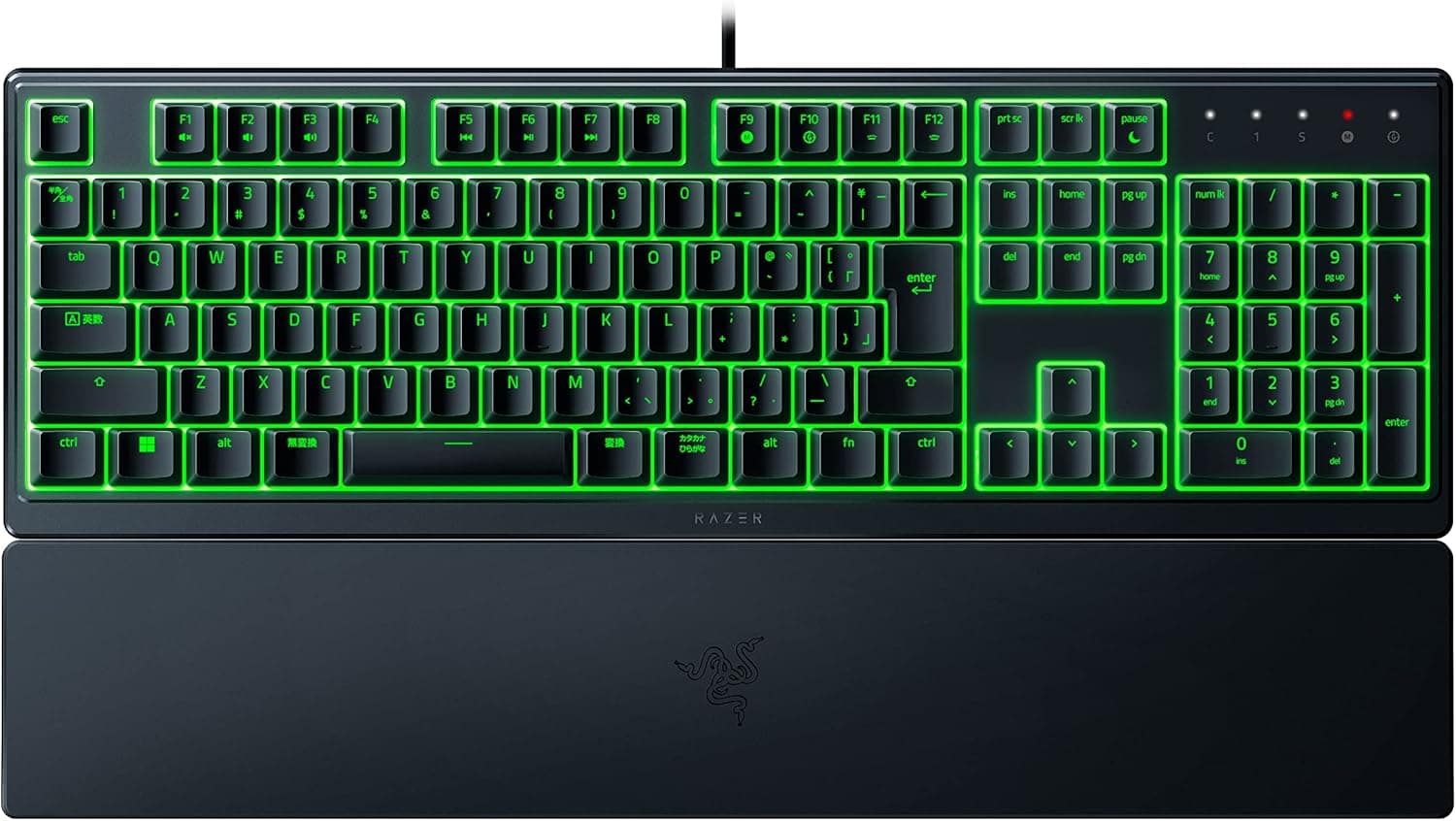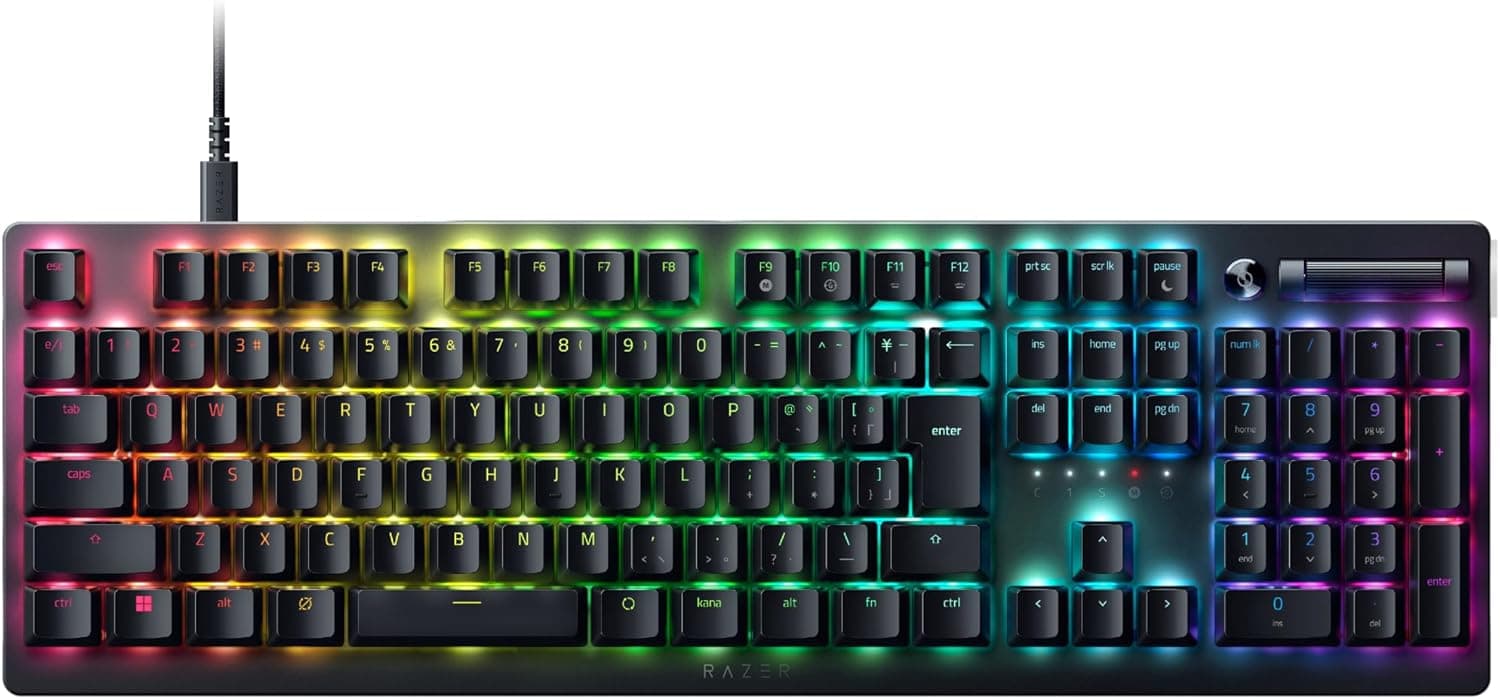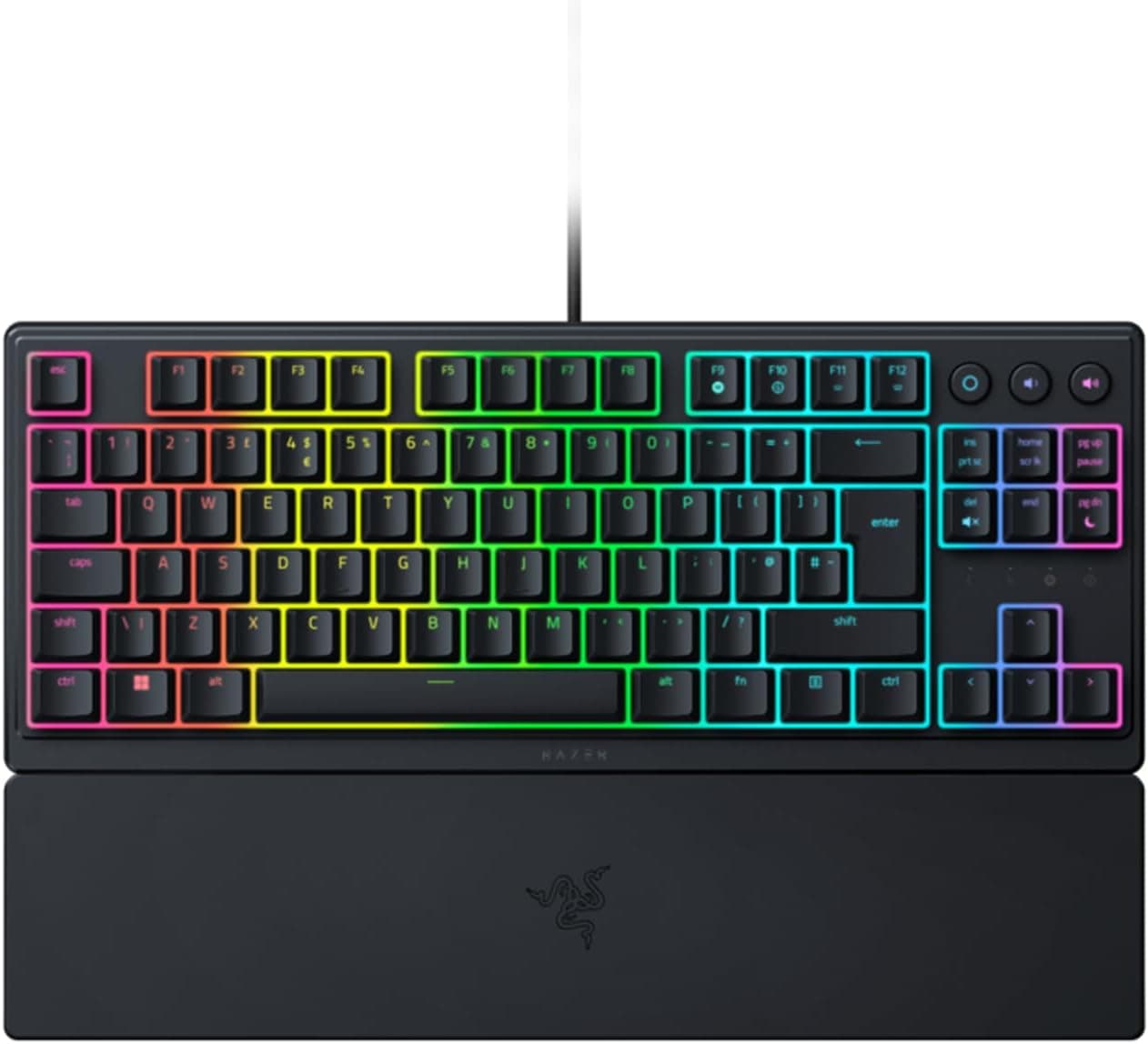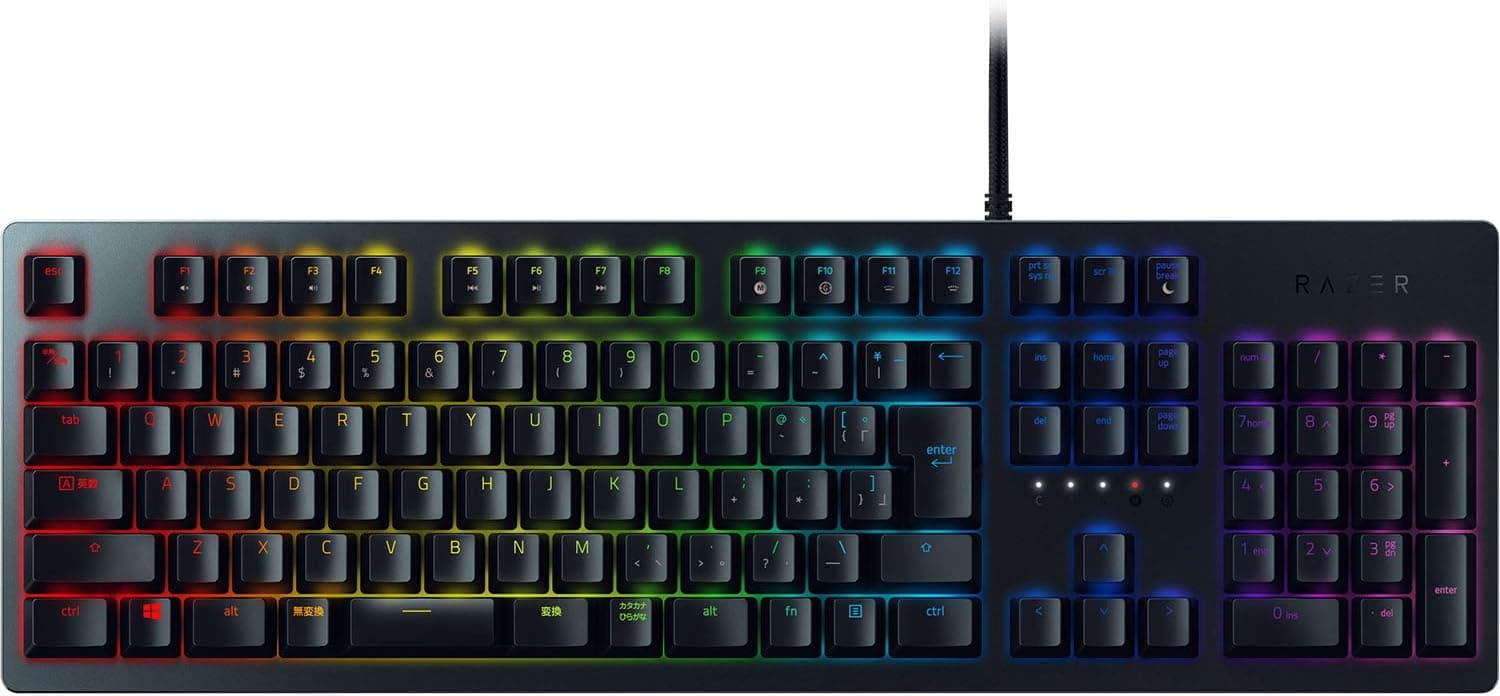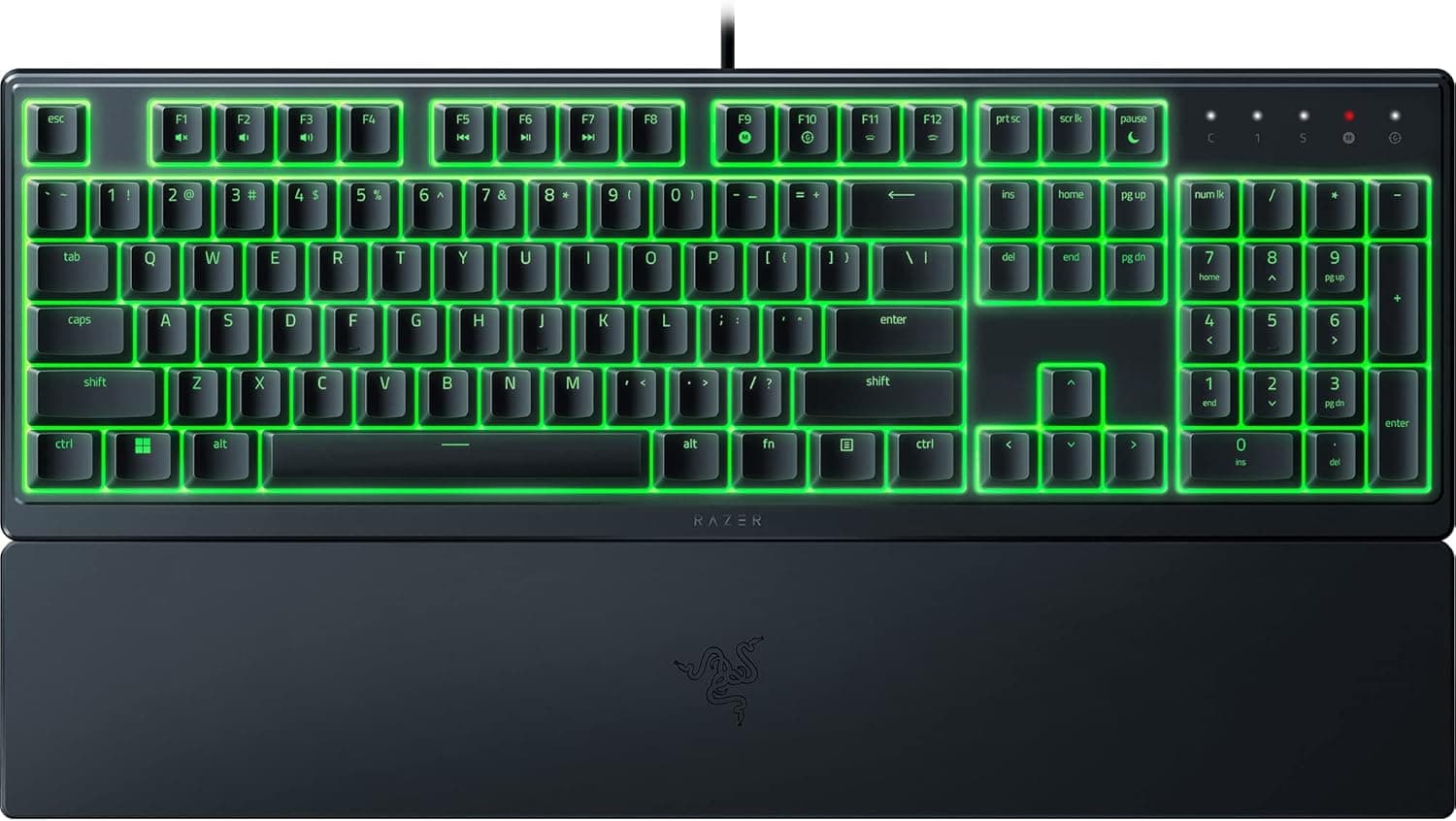
The Razer Ornata V3 X Low-Profile Membrane Gaming Keyboard with Razer Chroma RGB is an entry-tier board built around one priority: keeping keystroke noise down. This article looks at what the spec sheet actually means in daily use, and where buyers most often regret their purchase.
Overview
The Ornata V3 X pairs low-profile keycaps with silent membrane (hybrid membrane) switches. In short, there are three reasons to buy it: quiet operation, the integrated wrist rest, and per-key Razer Chroma RGB lighting.
If you are shopping for typing feel or for a board you can modify later, this is not the product for you.
Amazon's listed rating is 4.6 out of 5 across 180 reviews, or roughly 92% positive (captured June 2026).
A 180-review sample is small next to long-running bestsellers, but it is enough to show the board meets expectations for its class. An average score is not the same as "suits everyone," so read the compatibility and caveat sections below before deciding.
The typing feel is classic membrane: a cushioned bottom-out rather than the light linear travel of a red switch or the sharp click of a blue. Because the profile is low, anyone moving over from a laptop keyboard will adapt almost immediately, while people coming from full-height mechanical boards often describe the bottom-out as vague.
Compatibility Guide
Connection is a single wired USB-A cable roughly 1.8 m long, and the stated OS support is Windows 10/11.
Typing works the moment you plug it in, with no driver install. Changing key assignments or building custom Chroma RGB effects requires Razer Synapse, which matters if you avoid background software — without it you are left with the default lighting.
Two physical points deserve attention. First, 1.8 m sounds generous but can fall short when routing to rear ports on a tower under the desk; a USB extension solves it, though a powered hub is preferable to a passive one if you must go that route.
Second, the wrist rest is fixed and non-removable, so the board's real footprint extends several centimetres beyond the key area. On a shallow desk or a keyboard tray, measure the full depth including the rest before ordering.
The biggest compatibility hurdle is the layout. This unit uses the ES (Spanish) key arrangement, which differs from the Japanese JIS layout in both key count and legends — there is no henkan, muhenkan, or hankaku/zenkaku key.
Running it as a US layout in Windows is the practical workaround, but then some printed legends will not match the characters produced. Anyone used to JIS should expect several days of increased typos.
Mac and console use is not covered by the stated support. Basic HID input may work, but Chroma control and Synapse customization assume Windows.
If a non-Windows machine is the target, look elsewhere.
Product Info
| Item | Detail |
|---|---|
| Switch type | Silent membrane (hybrid membrane) |
| Key layout | ES (Spanish) |
| Backlight | Razer Chroma RGB (per-key customization) |
| Connection | Wired USB-A |
| Cable length | Approx. 1.8 m |
| Wrist rest | Fixed / integrated |
| OS support | Windows 10/11 |
| Software | Razer Synapse |
| Warranty | 1 year |
The line most people skim past is per-key Chroma RGB. Most membrane boards at this tier offer only five or six lighting zones, so you cannot colour individual keys.
Per-key control lets you highlight WASD in FPS titles or colour-code ability keys in an MMO — the practical benefit is spending less time hunting for keys, which outweighs the decorative appeal.
Pricing needs a warning. The listing data shows ¥36,310 (captured June 2026) and ¥35,810 (captured August 2026).
Those figures are an order of magnitude out of line with an entry-level membrane keyboard and most likely reflect a reseller listing or mismatched data, so this article does not treat them as the product's real market price. Check the seller and current price on the product page before buying.
Warranty is one year, and the support channel can differ if the seller is not an authorised Razer distributor.
Alternatives
Among quiet, budget-friendly boards, the Corsair K55 RGB PRO and Logitech G213 are the direct rivals. Both are limited to five- or six-zone lighting, so the Ornata V3 X wins on per-key control; the K55 counters with dedicated macro keys, which matter for MMO or creative workflows.
If typing quality is the priority, the real comparison is not membrane at all. Topre-style capacitive boards deliver quiet with far better feel, optical and magnetic switches deliver competitive response including rapid trigger, and hot-swap custom boards let you change switches later.
The Ornata V3 X is not competing with those — it exists for people who want to avoid the noise and cost of mechanical entirely.
Best Use Cases
- Late-night or shared-space players — the soft bottom-out keeps keystrokes off your microphone during voice chat or streaming.
- Laptop keyboard converts — the low profile means almost no relearning of finger travel.
- Long desk sessions — the integrated wrist rest holds a consistent wrist angle without buying a separate palm rest.
- Existing Razer owners — Chroma RGB syncs lighting with Razer mice, headsets, and mousepads, all managed in Synapse.
- Users comfortable with US/ANSI-style layouts — ES symbol placement is unusual, but running it as US is workable.
Things to Consider
The ES layout is the main trap. Some printed legends will not match what Windows types under a US layout, and IME toggling differs from JIS.
If a Japanese layout is a requirement, buy a domestically distributed JIS model instead.
The listed price does not match the product class. The ¥35,000–36,000 figures captured in mid-2026 are implausible for an entry membrane board.
Prices move constantly and some sellers add a premium, so compare several sellers before ordering. At that budget, mechanical and capacitive boards become realistic options.
Listing metadata can itself be wrong. When a listing is fulfilled by a third-party seller rather than Razer directly, manufacturer, model, and layout fields sometimes disagree with the physical product.
Compare the product images' key legends against the title and confirm you are genuinely getting the ES-layout Ornata V3 X — layout mismatches are a common cause of returns.
Membrane durability trails mechanical. Rubber domes soften with use and the feel changes over time.
Individual keys cannot be swapped or repaired, so plan on replacement rather than maintenance.
The wrist rest cannot be removed. There is no height or angle adjustment, you cannot carry the board alone, and dust collects along the seam.
Wired only. There is no wireless mode and the roughly 1.8 m cable is not detachable, which rules out couch or tablet use.
FAQ
Q. Can I type Japanese on the ES layout? A.
Yes, once you add the Japanese IME in Windows. But some legends will not match the characters produced, and IME toggling uses a different key than JIS.
Symbol-heavy work such as programming will be slower until you adapt.
Q. Does it work without Razer Synapse? A.
Typing and default lighting work on plug-in. Key remapping, per-key Chroma effects, and cross-device lighting sync all require Synapse.
Q. How quiet is it really? A.
There is no mechanical click — just a muted rubber-dome bottom-out. It is not silent, but it is generally not loud enough to disturb someone sleeping in the same room.
A thin desk mat underneath reduces the sound further.
Q. Is simultaneous key press an issue for gaming? A.
Gaming membrane boards typically include anti-ghosting, but the number of keys that register together varies by model. For fighting or rhythm games, check the rollover figure on the product page.
Q. Will it work on Mac or PS5? A.
Stated support is Windows 10/11 only. Basic input may function, but assume Chroma control and remapping require Windows.
Q. What about warranty? A.
One year. The support channel can depend on whether the seller is an authorised distributor, so confirm this before purchase.
Product Disclosure (Amazon)
- Manufacturer: Razer(レイザー)
- Seller: 輸入本舗T-market
- Fulfilled by: 輸入本舗T-market
- ASIN: B09X63H56X
- Note: This article covers a manufacturer-made product based on Amazon listing details.