![Razer DEATHADDER ESSENTIAL 有線ゲーミングマウス [並行輸入品] ブラック](/_next/image?url=https%3A%2F%2Fm.media-amazon.com%2Fimages%2FI%2F710n8APUgAL._AC_SL1500_.jpg&w=1920&q=75)
The Razer DEATHADDER ESSENTIAL 有線ゲーミングマウス [並行輸入品] ブラック is the mouse most people should look at first when buying their first gaming mouse: a shape with a two-decade track record, sold at entry-level pricing. This article lays out what to expect from it and, just as importantly, what you are giving up.
Overview
The DeathAdder line has been in production since 2006, and the Essential is the stripped-down member of that family. It keeps the right-handed ergonomic shell and the optical sensor, and drops the extras: no wireless, no RGB, no onboard memory.
In other words, you are paying for the grip, not for the feature list.
The listing data backs it up. As captured on July 2, 2026, the Amazon.co.jp page showed 754 reviews at 4.6 stars, or 92% positive.
Budget gaming mice usually lose points to switch chatter and unit variance, so holding 4.6 across more than 700 reviews is a genuine signal of consistency rather than marketing.
The counterweight is the market itself. With 55g wireless mice now selling under ¥10,000, the reason to pick the Essential is not speed — it is a known shape at a known price.
Buy it for that, and it delivers.
Connectivity & Compatibility
The connection is wired USB only, with a cable of roughly 2.1m.
Any PC or laptop with a USB-A port recognizes it instantly on Windows 7 and later, macOS, and Linux, with no driver install. No dongle and no pairing also means it works in places where you cannot install software — internet cafés, LAN events, locked-down work machines.
| Environment | Works? | Watch out for |
|---|---|---|
| Desktop PC (USB-A) | Yes | Rear-panel port is most stable |
| USB-C-only laptop | Yes, with adapter | Use a powered hub if chaining devices |
| macOS | Basic use yes | Synapse support varies — check the product page |
| Linux | Basic use yes | Configure via OS-side tools |
| Consoles | Model-dependent | Verify with the manufacturer |
The practical stumbling block is cable management. The 2.1m cable uses a rubber-style sheath rather than braided fabric, so it holds its packaging bends at first.
A mouse bungee, or simply anchoring the cable at the edge of the desk, changes the feel noticeably. Budget for that small accessory if you are going wired.
Razer Synapse lets you remap buttons and adjust DPI and polling rate, but there is no onboard memory. Settings live on the host PC, so multi-machine users need Synapse installed on each one.
Product Info
The core specs: wired USB connection, optical sensor, right-handed ergonomic design, black finish, ~2.1m cable.
No RGB lighting, no swappable grips. The button layout is left, right, wheel click, and two thumb buttons — nothing to learn.
All prices below are as captured on the dates shown and will differ from today's.
| Seller | Price | Captured |
|---|---|---|
| Amazon US | ¥6,809 | July 2, 2026 |
| Amazon (Japan) | ¥11,724 | August 26, 2026 |
| eBay US | $19.99 | August 2, 2026 |
The striking part is the swing: the same ASIN moved from ¥6,809 to ¥11,724 in under two months, roughly 1.7x.
Parallel imports drift with exchange rates, stock, and seller rotation. At ¥6,000 it has little competition in its class; at ¥11,000 it runs into 55g wireless models and the higher DeathAdder tiers.
This is a product whose verdict depends on what you paid, so check the live price before ordering.
The box contains the mouse only. Warranty terms follow the importing seller, not Razer Japan.
How It Actually Feels
The DeathAdder profile is tall with a raised rear hump. That suits a palm grip, where the whole hand rests on the shell and the wrist stays planted — comfortable across long sessions.
Claw and fingertip users often find the same height gets in the way.
As a rough guide, hands measuring over 17cm from wrist crease to middle fingertip get the most out of this shape. Under about 16cm, the thumb buttons sit far forward and the rear hump can push the palm up.
Measuring your hand beats reading spec sheets here, because fit drives satisfaction more than any listed number.
Weight is the other trade-off. Competitive mice have converged on 50–60g; the Essential was never designed around that.
At low sensitivity with big arm sweeps, shape matters more than mass. At high sensitivity with rapid flicks, you will feel the difference.
Alternatives
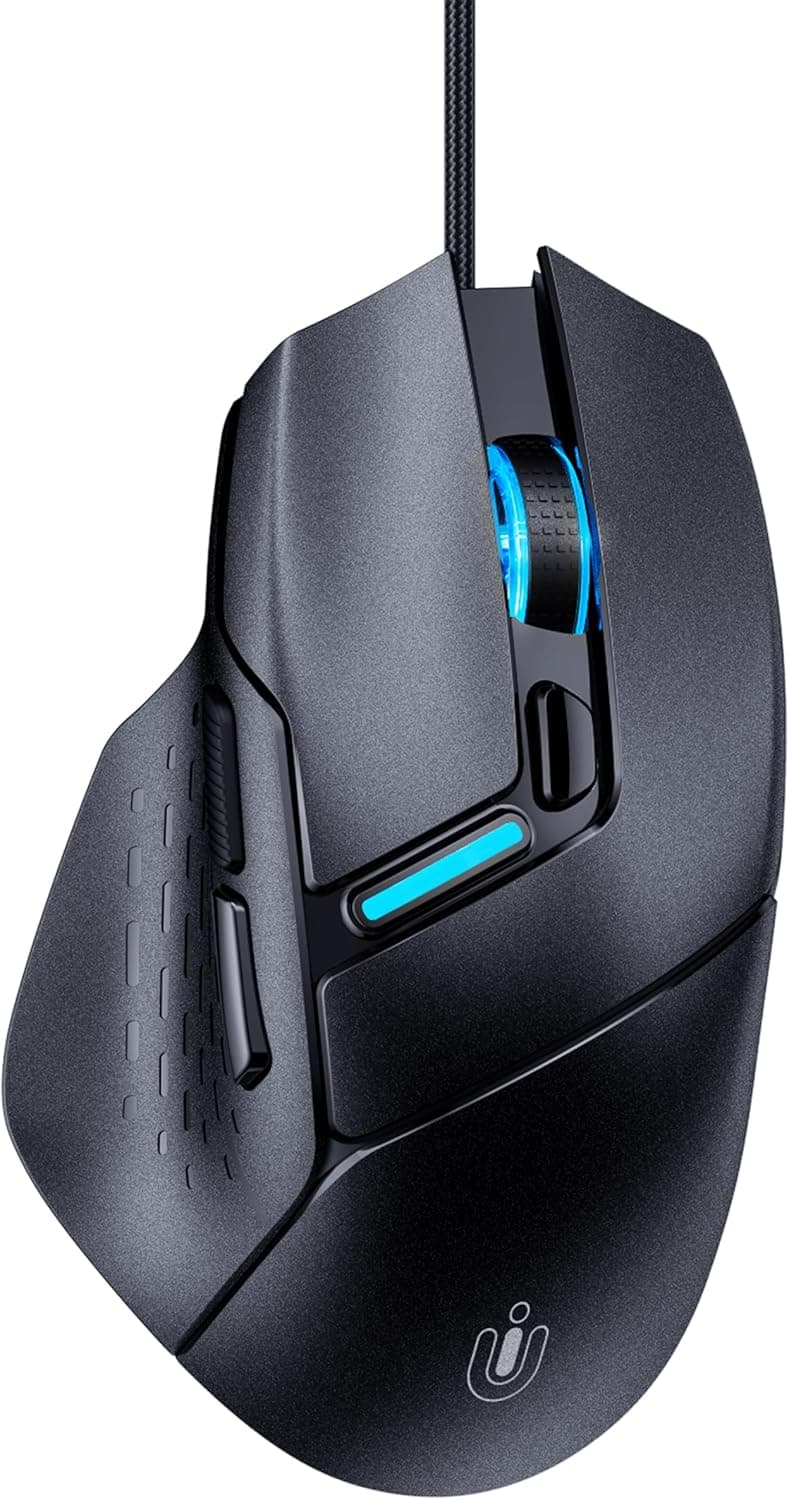
Its rivals at this price are symmetrical lightweights like the Logitech G203 LIGHTSYNC, sensor-focused options like the SteelSeries Rival 3, and multi-button budget models from Redragon. The Essential does not try to win on numbers; it wins on a refined right-handed shell.
| Aspect | DeathAdder Essential | Symmetrical lightweights | DeathAdder V2/V3 tier |
|---|---|---|---|
| Shape | Right-handed, tall | Symmetrical, smaller | Right-handed, refined |
| Connection | Wired only | Wired or wireless | Wired or wireless |
| Settings storage | Host PC only | Varies | Onboard memory |
| Best for | Palm grip, budget | Fingertip, light weight | Competitive play |
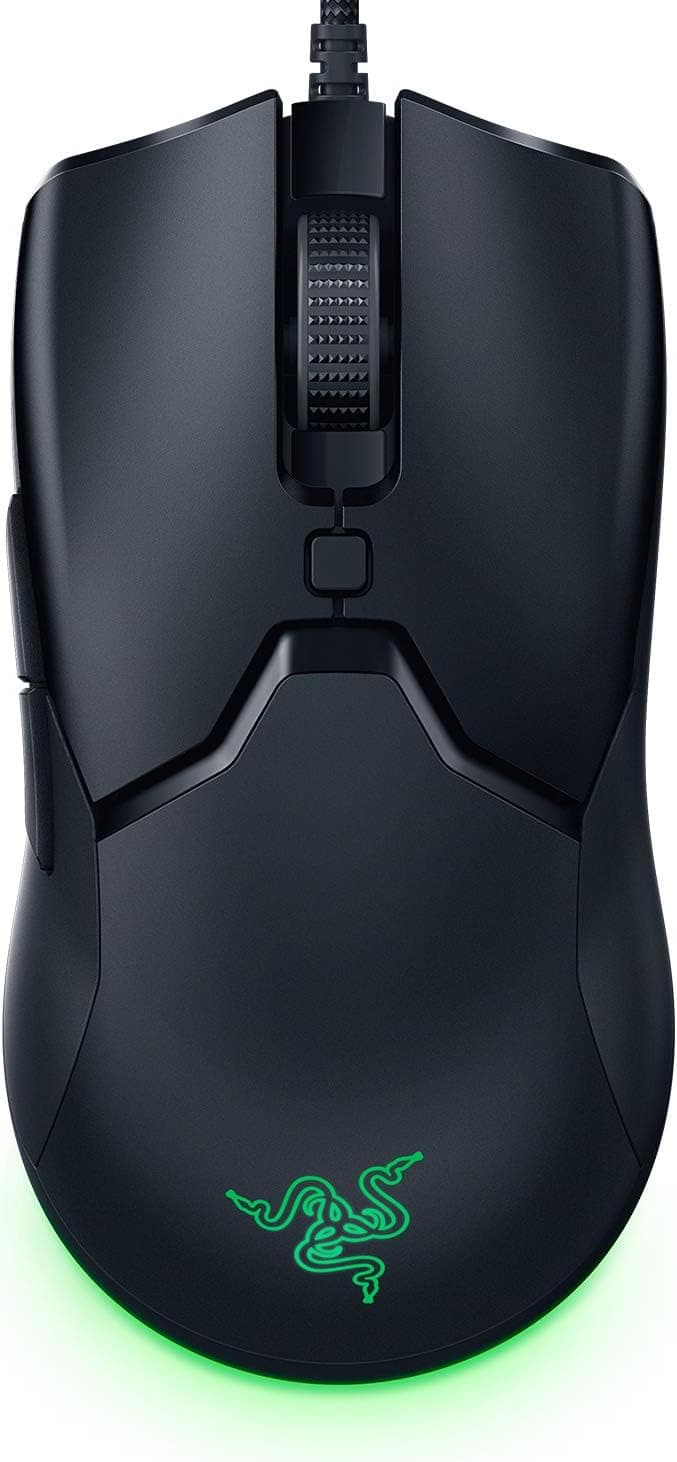
Within Razer itself: pick the Basilisk Essential if you want more buttons, or a Viper if you want low weight and ambidextrous support.
Best Use Cases
It fits first-time buyers who want a shape that is unlikely to disappoint — especially larger hands using a palm grip, shopping well under ¥10,000. The 92% rating across 754 reviews is real reassurance at this tier.
It is also genuinely pleasant for office and creative work, where the wrist-friendly shell pays off daily.
The second strong case is as a backup or travel mouse. Nothing to charge, nothing to pair, and cheap enough to replace without hesitation.
Skip it if you build your aim around sub-60g wireless mice, if you are left-handed, if you need ten or more programmable buttons for MMOs, or if you want your settings to travel with the mouse.
Things to Consider
The parallel-import status is the headline caveat. Razer Japan's domestic warranty does not apply, and support depends entirely on the importing seller.
Switches are consumable parts, and problems within one or two years are not unheard of, so paying more for a domestic retail unit is a defensible choice if local support matters to you. Japanese manuals and packaging may also be absent — relevant if this is a gift.
Next, the price volatility. The captured figures of ¥6,809 and ¥11,724 are the same product months apart.
Buying on the strength of a review that mentioned a low price, without checking the current listing, can mean paying nearly double.
Also note that the Amazon listing may show an overseas seller and fulfiller (Amazon US), which affects shipping time and the returns process. Listing metadata — manufacturer, model number, included items — is occasionally wrong on such pages as well.
Before ordering, check that the images, title, and description all describe the same product. That habit protects you across parallel imports generally, not just here.
The accepted compromises are three: no onboard memory (settings are PC-bound), no RGB lighting, and a weight that is not in the lightweight class. None of these are defects; they are what the price removed.
If any of them bothers you now, buying the higher tier up front is cheaper in the long run.
FAQ
Q. Is a parallel import usable in Japan? A.
Yes. It is a wired USB device with no radio hardware, so there is no certification issue.
The differences are warranty and manual language.
Q. Does it work without Razer Synapse? A.
Yes, plug-and-play covers normal use. Synapse is only needed to remap buttons or change DPI and polling rate.
Q. Can I carry my settings to another PC? A.
No. Without onboard memory, settings are stored on the host PC, so install Synapse on each machine.
Q. I have small hands — will it fit? A.
Possibly not. The tall right-handed shell suits larger hands and palm grips.
Measure your hand before buying.
Q. Essential or the V2/V3 tier? A.
Go higher if you want low weight, wireless, or onboard memory. If you just want the shape at a low price, the Essential does the job.
Product Disclosure (Amazon)
- Manufacturer: Razer(レイザー)
- Seller: Amazon US
- Fulfilled by: Amazon US
- ASIN: B07KFRRVK4
- Note: This article covers a manufacturer-made product based on Amazon listing details.

![[ 強化ガラス素材 ] TALONGAMES マウスソールマウスフィート Logicool G502 X PLUS LIGHTSPEED ワイヤレス無線 RGB](/_next/image?url=https%3A%2F%2Fm.media-amazon.com%2Fimages%2FI%2F51r7Esela4L._AC_SL1500_.jpg&w=1920&q=75)