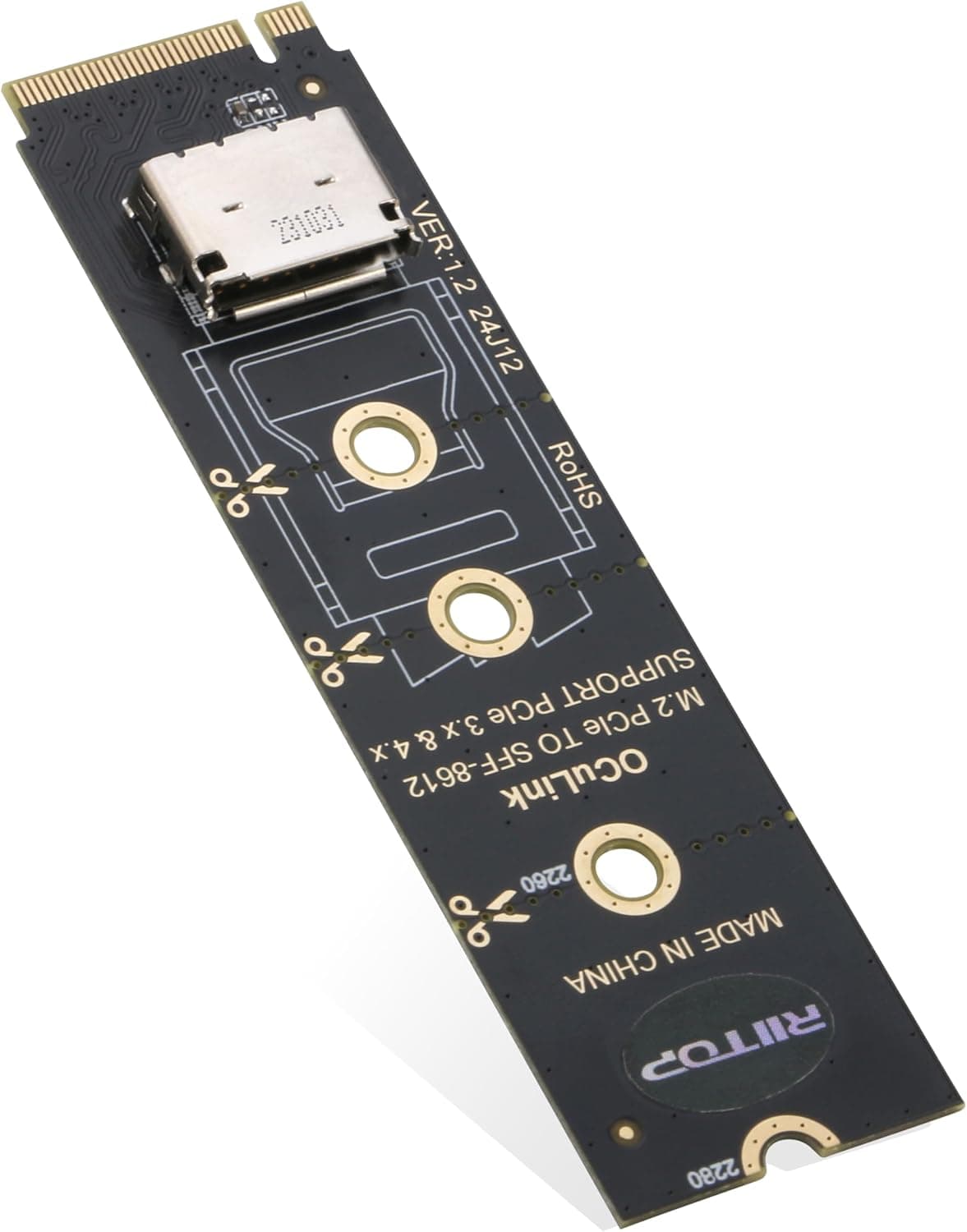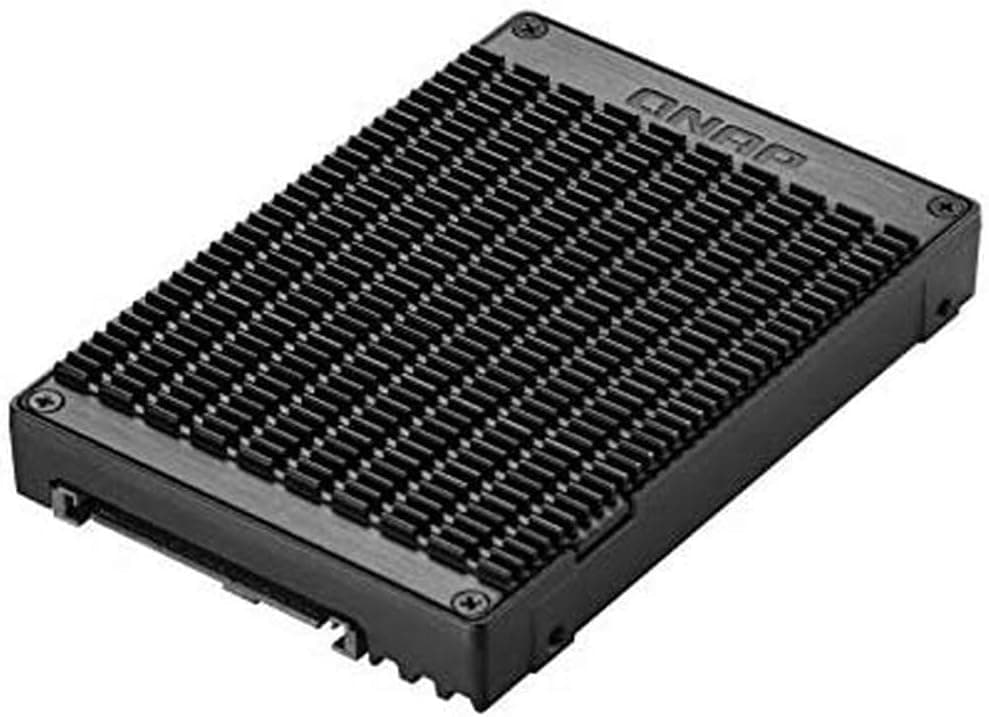
This article covers Qnap Systems U.2 PCIe NVMe Gen3 x4.
Overview
The QNAP QDA-UMP is an adapter that lets you use an M.2 2280 NVMe SSD through a U.2 port. It bridges the U.2 PCIe NVMe Gen3 x4 interface and the M.2 2280 PCIe NVMe Gen3 x4 interface, so desktops and NAS units with U.2 connectivity can accept standard M.2 drives. This is a focused utility item rather than a mainstream component. If you have a motherboard with a spare U.2 port but no free M.2 slot, the QDA-UMP turns that port into a usable NVMe connection. QNAP's design targets enthusiasts who already own M.2 NVMe SSDs and want to reuse them in U.2-based storage environments. The adapter supports a single drive, comes in black, and is simple to mount. The key value is reuse: instead of buying a dedicated U.2 SSD, you can pull an existing M.2 2280 NVMe drive and use it in a U.2 bay. That makes the adapter a niche but practical cost-saving option for QNAP NAS owners and select desktop users.
Compatibility Guide
Before buying, confirm the destination has a U.2 port in the SFF-8639 form factor. The QDA-UMP connects through U.2, so a motherboard or NAS without any U.2 port simply cannot use it. On the drive side, only M.2 2280 NVMe SSDs are supported. SATA M.2 drives are not recognized, and the interface tops out at PCIe Gen3 x4. Installing a Gen4 or Gen5 NVMe drive will work only at Gen3 x4 speeds, so the adapter caps bandwidth regardless of the SSD's rated performance. Power is delivered through the U.2 connector, so no separate power cable is needed for the adapter itself. You do not have to upgrade your PSU for this part. One final note: the unit handles one drive only; you cannot chain multiple SSDs through a single adapter.
Product Info
The QDA-UMP is part of QNAP's accessories lineup and is available through major online retailers. It is priced around ¥16,720 as of September 2026, which positions it as a mid-tier utility adapter for a very specific use case. The black enclosure is simple and storage-focused, with no moving parts. Key facts: Converts an M.2 2280 NVMe SSD into a drive that fits U.2 ports Works with U.2 PCIe NVMe Gen3 x4 and M.2 PCIe NVMe Gen3 x4 interfaces NVMe only; SATA M.2 SSDs are not supported Rated for a single desktop device * No external power needed; power comes from the U.2 connector Market positioning: this is not an entry-level general-purpose dock. It is a specialist adapter for U.2 environments, and it doubles as a bridge between QNAP NAS bays and standard M.2 SSDs. Since few competing products cover this exact conversion, the QDA-UMP often becomes the primary option once your hardware requires the U.2 path.
Best Use Cases
First, QNAP NAS owners with U.2 bays. If you already have an M.2 NVMe SSD, the QDA-UMP lets you install it in the NAS without buying a U.2-specific drive. This suits users who want to reuse existing storage and keep upgrade costs down. Whoever lacks a U.2 bay on their NAS should not buy this adapter. Second, desktop builders with a U.2 port on the motherboard. When all M.2 slots are occupied but a U.2 port remains free, the adapter provides an extra fast NVMe connection. It fits users expanding storage without changing motherboard or platform. Users with open M.2 slots are better off with a direct install. Third, anyone migrating an M.2 NVMe SSD to a U.2-based server or workstation. The adapter avoids re-purchasing storage and keeps the same drive contents intact. If your new system relies on U.2, this is the cheapest migration path available.
Things to Consider
The QDA-UMP has clear limitations: no SATA M.2 support, no M.2 2260/22110 support, and no PCIe Gen4/Gen5 bandwidth. The ¥16,720 street price may feel high for a passive adapter, so confirm your target system actually has a U.2 port before purchasing. Overkill scenarios are easy to identify: if a normal M.2 slot is available, the adapter adds no value. It is also important to remember that this is an internal storage adapter, not an external USB enclosure, so don't expect plug-and-play over USB. ## FAQ
Q: Can I use a SATA M.2 SSD with this adapter? A: No. The QDA-UMP is limited to NVMe (PCIe) SSDs. A SATA M.2 drive will not be detected even if the physical key fits. Q: Does any desktop motherboard support this adapter? A: Only motherboards with a U.2 port can use it. If your board has no U.2 connector, the adapter has nowhere to plug in and you should look at other storage expansion options. Q: What happens if I install a Gen4 or Gen5 M.2 NVMe drive? A: It may fit and run, but the QDA-UMP is specified for PCIe Gen3 x4. The SSD will operate at Gen3 x4 speeds, so you won't reach its rated transfer rates. Use a direct M.2 slot if you need full-speed performance.
Product Disclosure (Amazon)
- Manufacturer: QNAP(キューナップ)
- Seller: A1 ショップ【3300円以上で全国送料無料】※一部送料無料もございます
- Fulfilled by: A1 ショップ【3300円以上で全国送料無料】※一部送料無料もございます
- ASIN: B07SMB97X8
- Note: This article covers a manufacturer-made product based on Amazon listing details.