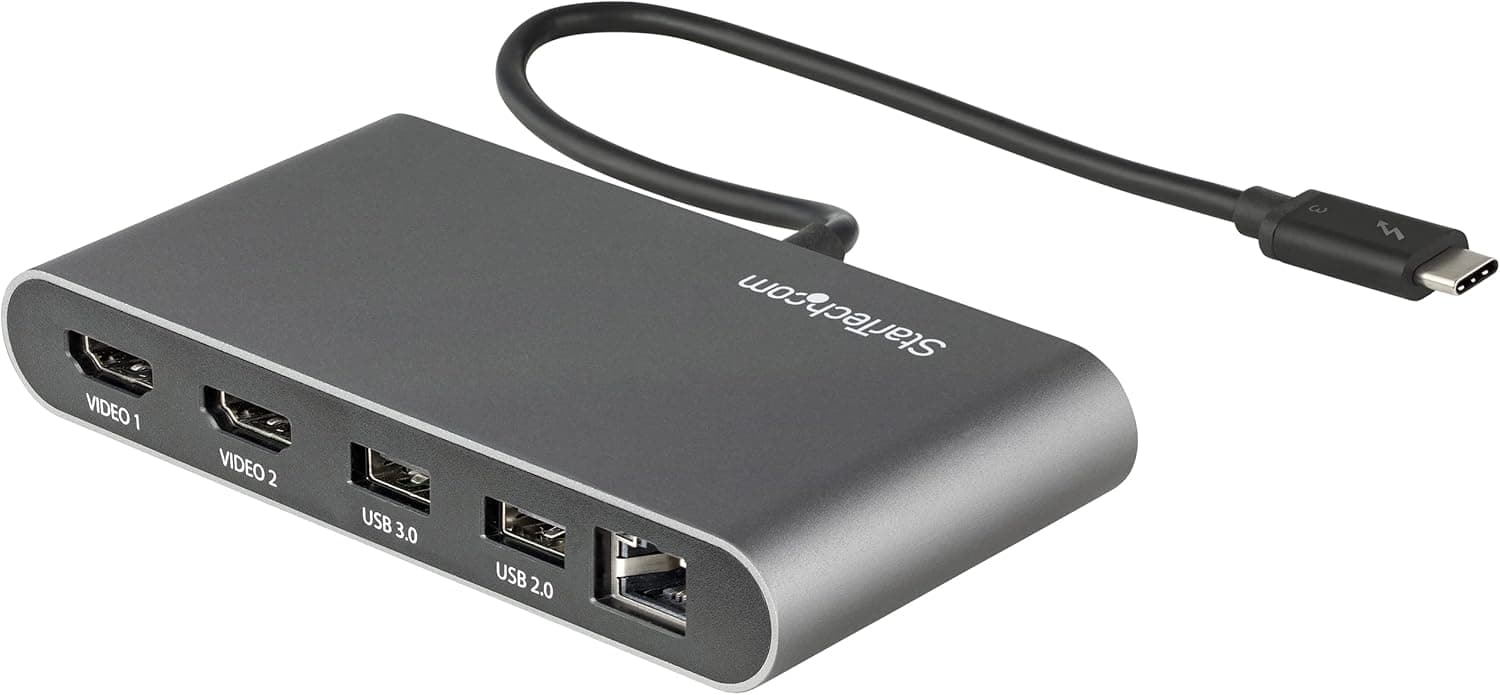
This article covers Plugable USB3.0グラフィック変換アダプタ DipslayLinkチップ採用.
Overview
The Plugable USB 3.0 Graphics Adapter (model with DisplayLink DL-3500) is a compact external video adapter that adds an HDMI display via a USB 3.0 port. It’s designed for users who need a second monitor without opening their PC or upgrading hardware. The adapter supports resolutions up to 2560×1440 at 50Hz and 1080p at 60Hz, making it suitable for productivity tasks like document editing, spreadsheet work, and web browsing. Bus-powered and roughly the size of a playing card, it slips easily into a laptop bag and requires no external power supply.
Connectivity & Compatibility
Connectivity is straightforward: a USB 3.0 Type-A input and an HDMI output (HDMI cable not included). The adapter is compatible with Windows 11/10, macOS 10.15 and later, and ChromeOS 100 and newer. On macOS, both Intel and Apple Silicon (M1/M2/M3) Macs are supported, but you must manually install the latest DisplayLink driver from the Plugable website. Note that some features like screen rotation and clamshell mode may have limitations on Macs. If your computer only has USB-C ports, a separate USB hub or A-to-C adapter (not included) will be needed.
Product Info
This adapter sits in the entry-to-mid range of USB display solutions. The DisplayLink DL-3500 chipset provides broad OS compatibility, and Plugable backs it with lifetime support from their US-based technical support team. The typical street price is around ¥13,000 in Japan (), making it a cost-effective alternative to buying a new PC or installing a graphics card for multi-monitor setups. The adapter itself is the only item in the box; you’ll need to supply your own HDMI cable. Driver updates are handled through DisplayLink’s official channels, ensuring ongoing compatibility with modern operating systems.
Best Use Cases
First, it’s ideal for office workers who need extra screen real estate on their laptop. By connecting a second monitor, you can view documents side by side or keep reference materials open while working on a primary task. The Plugable adapter delivers smooth 60Hz output at 1080p, which is plenty for spreadsheets, email, and web apps. Second, users of low-profile or all-in-one desktops without a dedicated graphics card can benefit. If your PC lacks an available PCIe slot or you’re not comfortable opening the case, this USB adapter provides a simple plug-and-play way to add an external display. It’s not suited for gaming or 3D rendering, but for everyday productivity it performs admirably. Finally, Mac users with M-series chips can also use this adapter to drive an external monitor, though the setup is less seamless than on Windows. You’ll need to install the DisplayLink driver and accept some feature limitations. For Mac users who frequently work with multiple windows and don’t mind a one-time driver configuration, it’s a solid budget option.