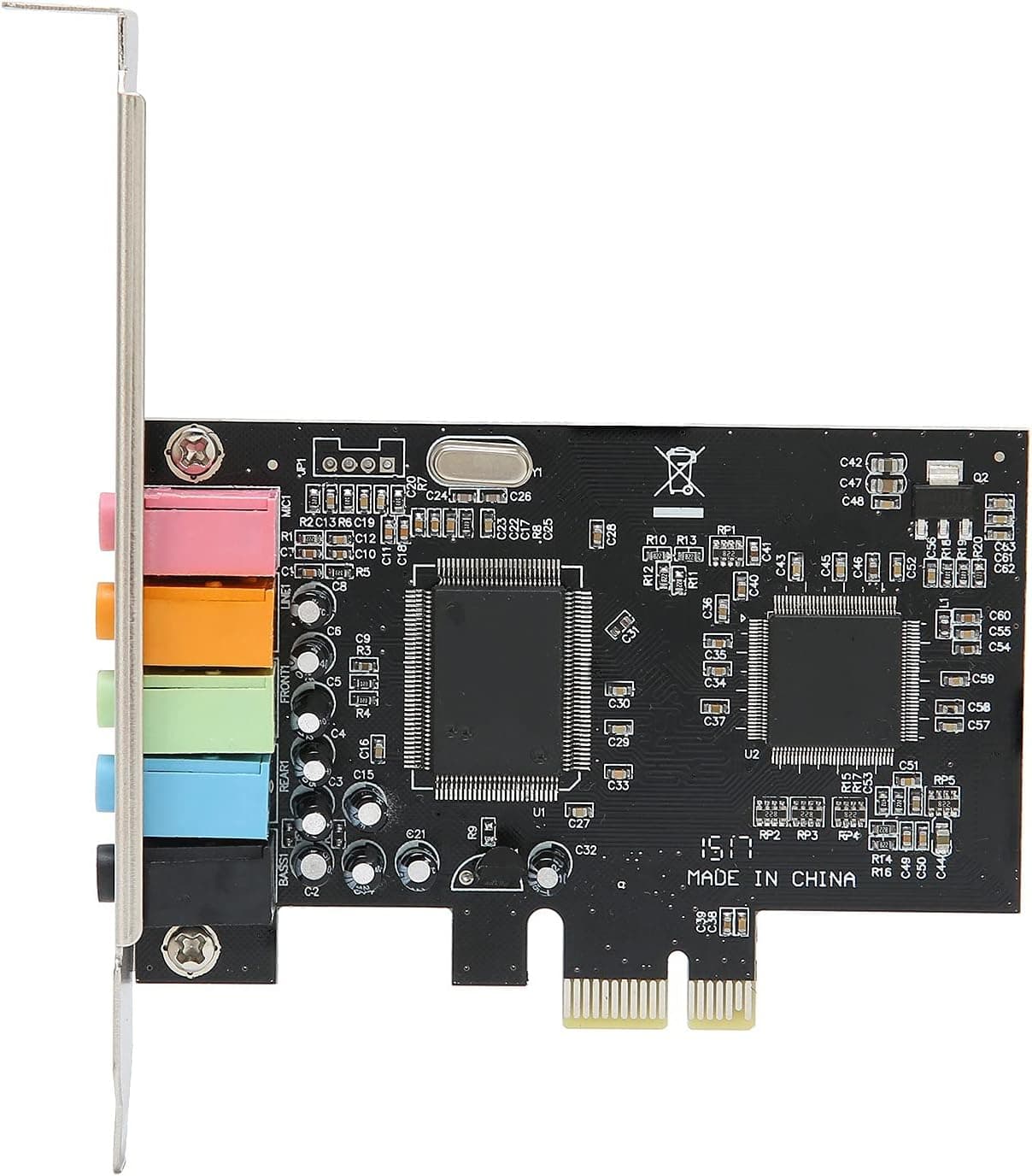
PCIe サウンドカード 5.1 内蔵サウンドカード PC Windows 7 is an entry-level internal sound card sold by ASHATA and built around the CMI8738 audio chip.
This article looks past the spec-sheet phrases "5.1ch" and "PCI Express x1" to explain what the card actually does and does not do.
The short version: this is not a card that improves the sound of a modern PC. It is a cheap way to add analog 5.1-channel outputs to an older system where drivers are still available.
Overview
The card uses the CMI8738 multi-channel audio chip on a PCI Express x1 interface. Three 3.5mm outputs (front L/R, surround L/R, center/subwoofer) make up the 5.1-channel setup, and an S/PDIF digital output is also provided.
Its defining trait is support for DirectSound 3D and EAX — the audio APIs that games of the 2000s were built around.
Official OS support stops at Windows 7 / Vista / XP (32/64-bit); Windows 10 and 11 are not listed. That places the card firmly in legacy territory: keeping an older machine useful, or adding analog multi-channel outputs on the cheap.
A low-profile bracket is included, so slim and small-form-factor chassis are covered.
On Amazon.co.Check the retailer's page for the latest user reviews.
Twelve reviews is a small sample, so the number is not statistically strong, but a 3.3 average is the classic shape of a product where some units work fine for the money and others disappoint.
Treat it as a different class from the 4.5-ish ratings that premium sound cards earn.
Compatibility Guide
Physically the requirement is simple: one free PCI Express x1 slot. Because x1 cards also fit x4, x8 and x16 slots, a board with its x1 slots occupied still has an escape route — an unused x16 slot, often the second graphics slot.
What will not work is a legacy PCI slot: the connector shape is different, and mistaking one for the other is the single most common buying error in this price bracket. Open the case and check before ordering.
The second physical pitfall is graphics card clearance. Mid-range and high-end GPUs are routinely 2.5 to 3 slots thick, and the x1 slot directly beneath them is often blocked.
Verify that you can reach an x1 slot with the GPU installed. The included low-profile bracket solves rear-panel height in slim cases, but it does nothing about neighbouring-slot clearance.
Power is a non-issue. The card runs entirely off the PCIe slot with no auxiliary connector, so PSU capacity never enters the picture.
Being an internal card, though, it lives in an electrically noisy environment. Installing it immediately next to a graphics card can put load-correlated noise onto the analog outputs, so leave a slot of separation where you can.
Software compatibility is the real gatekeeper. Support is specified for Windows 7 / Vista / XP only, and behaviour on Windows 10 or 11 is not guaranteed.
CMI8738-class hardware is sometimes picked up by generic OS drivers, but "it makes sound" is not the same as full 5.1 channel mapping or working EAX effects.
If you need reliable surround on a current OS, buy a current-generation product instead. Linux is likewise not officially listed — treat any success there as a bonus.
| Check | Requirement | Common mistake |
|---|---|---|
| Slot | PCI Express x1 (x4/x8/x16 also fit) | Confusing it with legacy PCI |
| Bracket | Standard and low-profile (included) | Losing the spare bracket |
| OS | Windows 7 / Vista / XP (32/64-bit) | Buying it for a Windows 11 build |
| Speakers | 5.1 set with three 3.5mm inputs | Amp has RCA inputs only |
| Clearance | Free x1 slot under a thick GPU | Nowhere to physically install it |
Product Info
Key specifications: CMI8738 audio chip, 5.1-channel output, PCI Express x1 interface, Windows 7 / Vista / XP (32/64-bit) support, low-profile support with bracket included, and S/PDIF output.
Connectors follow the standard PC colour convention — microphone in (pink), line in (orange), front out (green), rear out (blue), and bass/center out (black). Anyone who has used onboard audio will find the layout familiar.
Check the retailer's page for the latest price.co.jp as captured on 28 August 2026.
Prices move often with sales and stock, so check the product page for the current figure before buying. Whether that price is good depends entirely on the alternative.
As a way to add analog 5.1 output to an old machine that only has onboard audio, it is inexpensive.
But the same budget also buys plenty of USB audio adapters that work regardless of OS and run on laptops too. Unless "internal" and "PCIe" are actual requirements for you, price alone is a weak reason to pick this card.
With a sample that small, individual experiences swing the number heavily, but it is clear this is not a universally loved product. In this segment, unit-to-unit quality and driver availability are usually what drag ratings down.
How to Judge the Sound and Features
The CMI8738 is a C-Media chip that was widespread in the early 2000s, and the design is genuinely old. Do not expect the headphone amplifier strength or dynamic range of a modern card with a discrete DAC.
The value here is channel count and legacy API support, not an audio quality upgrade.
That trade-off does make sense in specific situations. If you own an older speaker set with analog 5.1 inputs and simply need outputs to feed it, or you want to run period games with their original EAX effects, this card may serve you better than an expensive modern one.
The S/PDIF output also lets you hand decoding off to an AV receiver with a digital input.
Compared With Alternatives
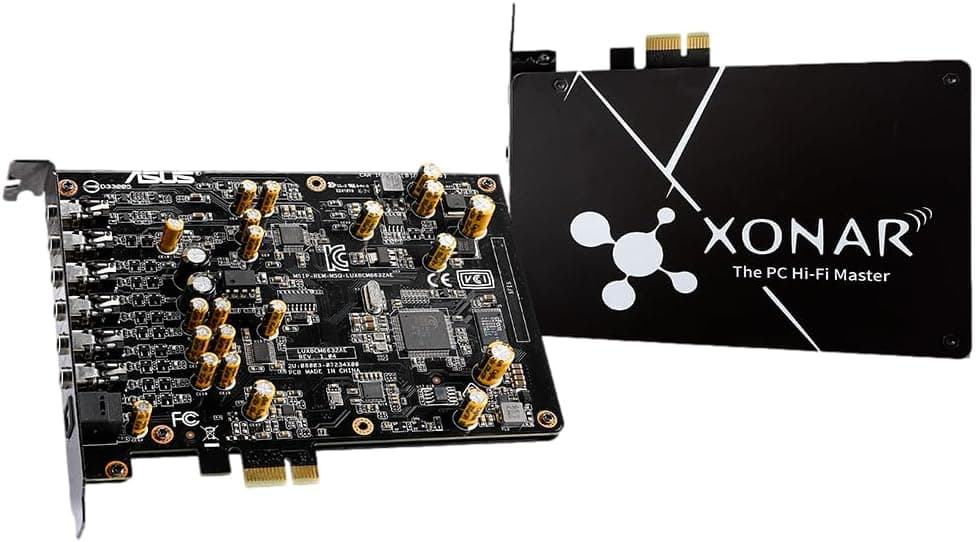
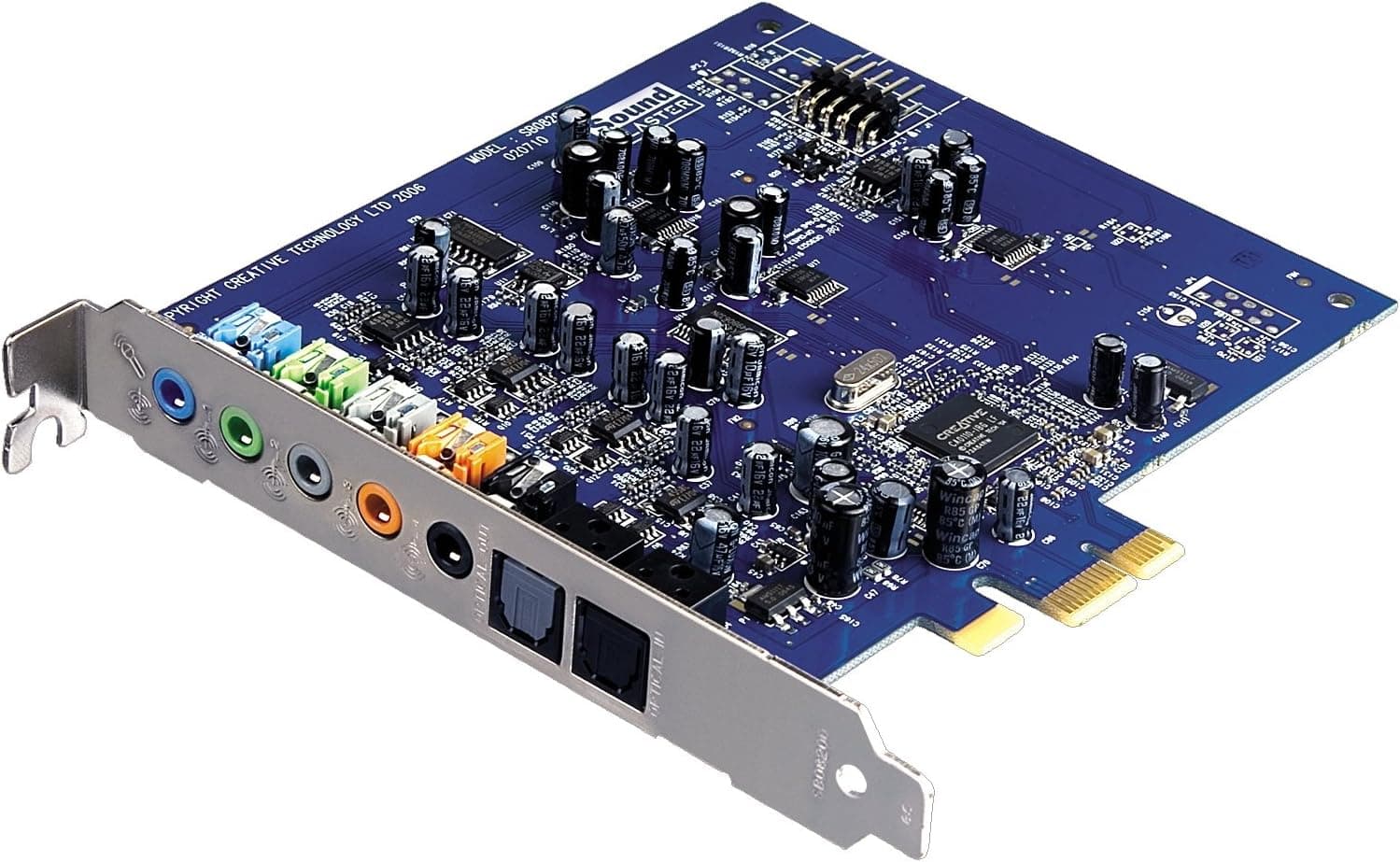
Sound cards split sharply by character. Creative's Sound Blaster line (Audigy Fx Pro, the X-Fi family) brings mature drivers and control software, with much better standing on current operating systems — at a higher price.
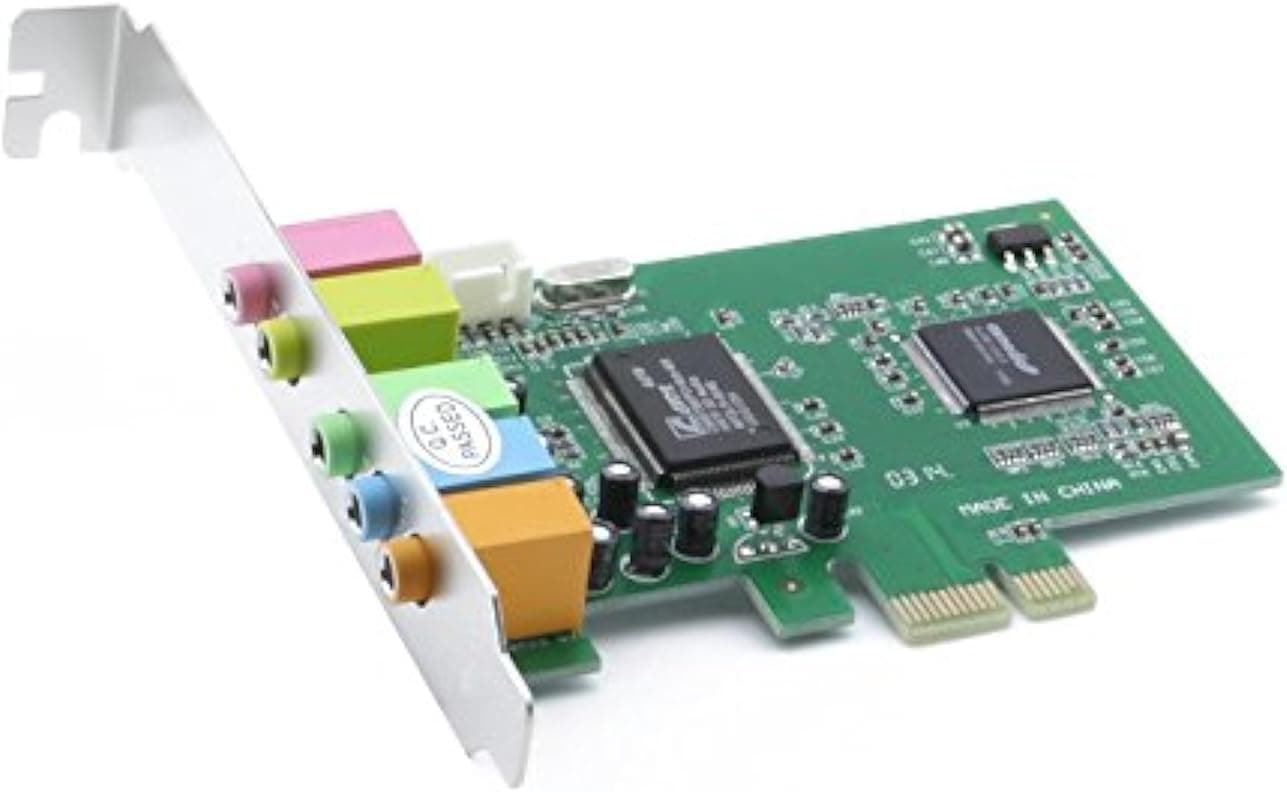
Within the same PCIe x1, 5.1-channel budget category, cards such as the axGear PCI-E 5.1 unit are direct competitors of a similar type.
The other option worth taking seriously is an external USB device. No case needs opening, and anything running on the standard USB Audio Class driver works on Windows 11, macOS and Linux alike.
It also sits physically away from chassis noise. Unless you have a concrete reason to require an internal card, external is the easier choice overall.
Best Use Cases
- Owners of an existing analog 5.1 speaker set — three 3.5mm outputs let you reuse hardware you already have without buying anything else.
- Players of older EAX / DirectSound 3D titles — this chip generation covers ground that modern cards have largely dropped.
- Slim and small-form-factor case owners — the bundled low-profile bracket means no extra parts are needed.
- Buyers on a tight budget — ¥5,172 at capture time (subject to change) is cheap for adding multi-channel output.
It is a poor fit if you want better headphone sound on a Windows 11 gaming PC, a quality microphone input for streaming, or hi-res playback. For those goals, choose a current-generation sound card or a USB audio interface.
Things to Consider
Before Buying
The operating system is the biggest issue. Support is listed only through Windows 7 / Vista / XP.
Buying on the assumption that it will "probably work" on Windows 10 or 11 can leave you with sound that plays but no proper 5.1 channel mapping, or no driver at all.
If a modern OS is in your plans, take this card off the list. Ignoring this is the most common source of regret with products like it.
Confirm the slot type. This is PCI Express x1, not legacy PCI.
Ironically, people buying it to extend the life of an old machine are the most likely to own a board with only PCI slots. Open the case and look for a short black PCIe x1 slot rather than the long white or brown PCI connector.
Speaker-side requirements get overlooked. Real 5.1 playback needs a speaker system with three 3.5mm inputs.
Feeding an AV amplifier with RCA-only inputs requires adapter cables, and if you only own 2.0 speakers, this card gains you almost nothing.
Accept some internal noise. A case interior is electrically busy, and a card at this price has no heavy shielding or power filtering.
Noise correlated with GPU load can appear on the analog outputs. If a low noise floor is your top priority, go external.
**Remember how thin the review data is. Buy from a seller with clear return terms in case you receive a faulty unit.
Finally, a note on the listing itself. Amazon product pages occasionally carry manufacturer, model or OS-support details that do not match the item shipped, and in this price bracket the same card is often sold under several brand names.
Before ordering, do not rely on the description text alone — check the listing photos for bracket shape, the number and colour of the jacks, and the chip marking. That one habit prevents most "what arrived isn't what was described" incidents.
FAQ
Q: Will it work on Windows 10 or 11? A: Official support ends at Windows 7 / Vista / XP (32/64-bit).
Operation on newer systems is not guaranteed and drivers may be hard to obtain. For a Windows 11 build, choose something else.
Q: Can I install it in an old PC that only has PCI slots? A: No.
This card is PCI Express x1 only; the connector differs from legacy PCI.
**Q: My graphics card blocks the x1 slot. A: An x1 card also fits x4, x8 and x16 slots, so use a free longer slot. If nothing is physically available, switching to an external USB sound card is the practical answer.
Q: How do I connect 5.1 speakers? A: Use the three 3.5mm jacks — front (green), rear (blue) and center/subwoofer (black).
Confirm in advance that your speaker system has three 3.5mm inputs.
Q: Is the low-profile bracket included? A: Yes.
Swapping it for the standard bracket allows installation in slim cases. The spare bracket is small, so take care not to lose it when unpacking.
Q: Will my headphones sound better? A: Do not count on it.
The CMI8738 is an old chip and the card is not built around headphone amplification. For better headphone sound, a dedicated headphone amp or a USB audio interface with a built-in DAC is the right tool.
Product Disclosure (Amazon)
- Manufacturer: ASHATA
- Seller: Amazon US
- Fulfilled by: Amazon US
- ASIN: B0969SP46X
- Note: This article covers a manufacturer-made product based on Amazon listing details.