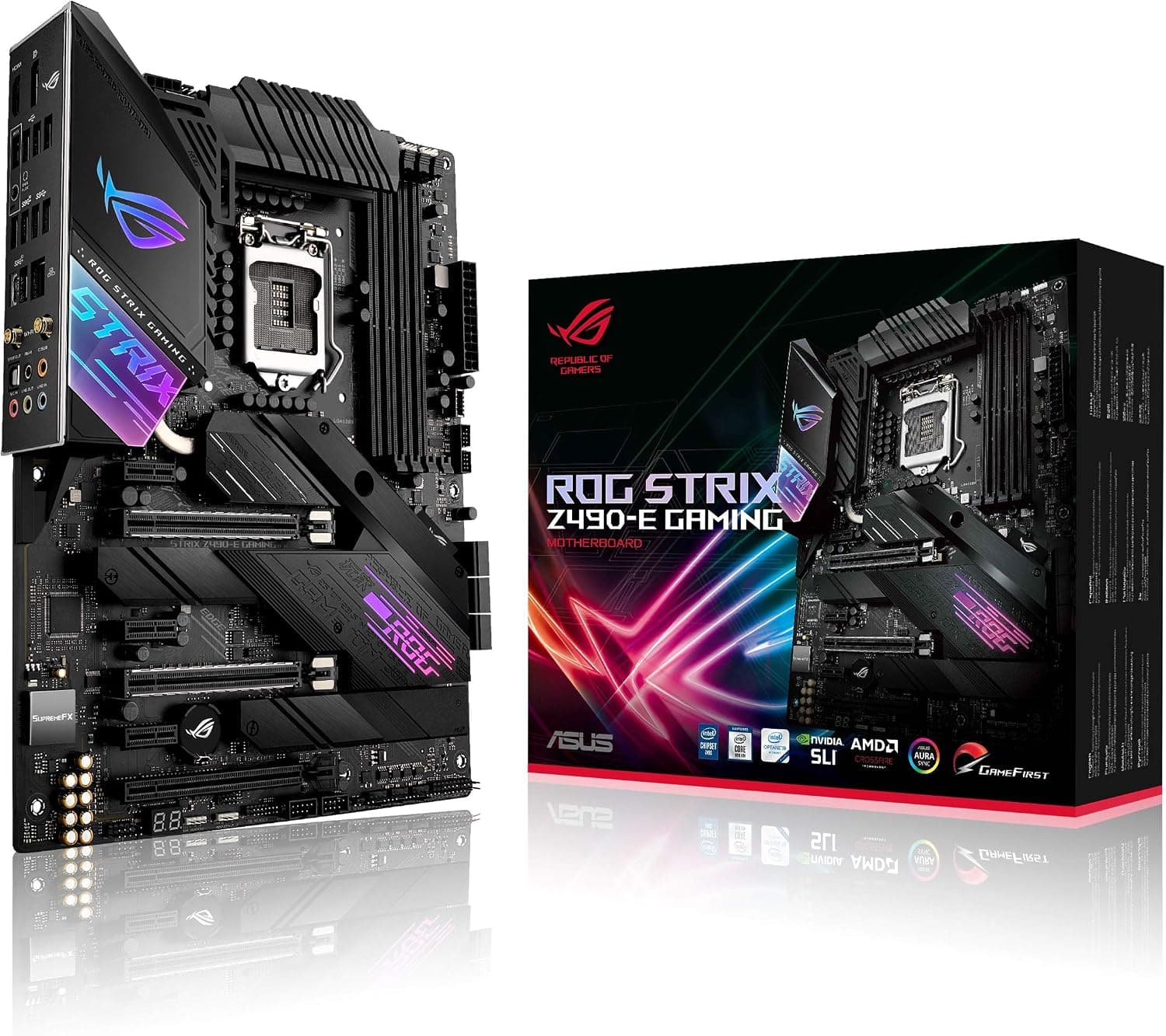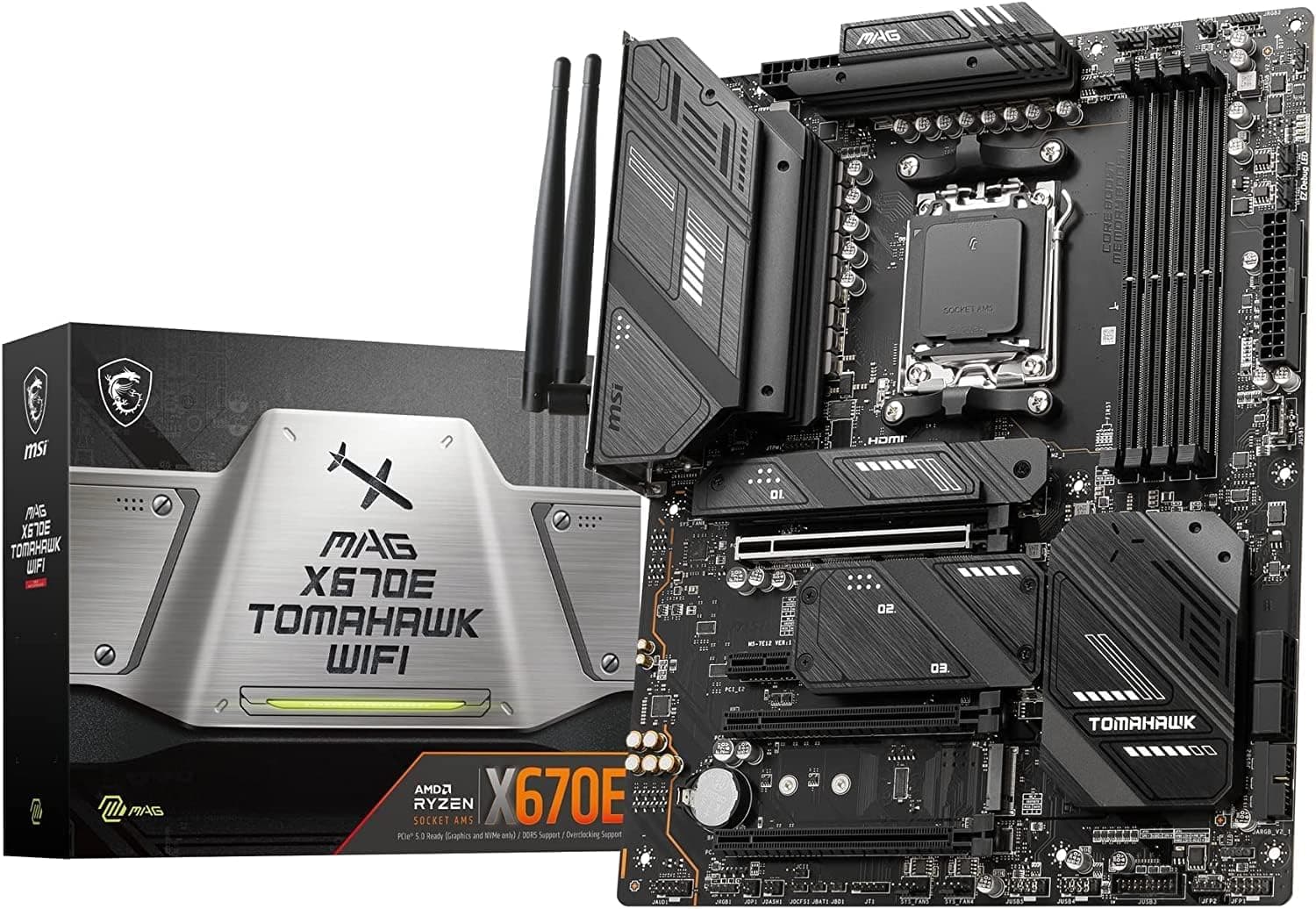
This article covers MSI マザーボード【MSI 人気定番モデル】MAG X670E TOMAHAWK WIFI AMD Ryzen 7000.
Overview
The MSI MAG X670E TOMAHAWK WIFI is a Socket AM5 ATX motherboard designed for the mid-range enthusiast segment, supporting AMD Ryzen 7000 (Zen 4) and 9000 (Zen 5) processors. It features a robust 14+2+1 phase power delivery with 80A SPS MOSFETs, ensuring stable operation even with high-core-count Ryzen 9 CPUs. The board includes two PCIe 5.0 x16 slots (one wired x16) and four DDR5 memory slots (up to 128 GB), making it a strong foundation for a future-proof gaming or content creation rig.
True to the MAG series ethos, the TOMAHAWK WIFI sports a stealthy all-black aesthetic with minimal RGB lighting. The enlarged VRM heatsink extends to the rear I/O cover, keeping temperatures in check under sustained loads. MSI has also employed a server-grade 8-layer PCB with 2 oz copper for improved signal integrity and thermal performance.
Compatibility Guide
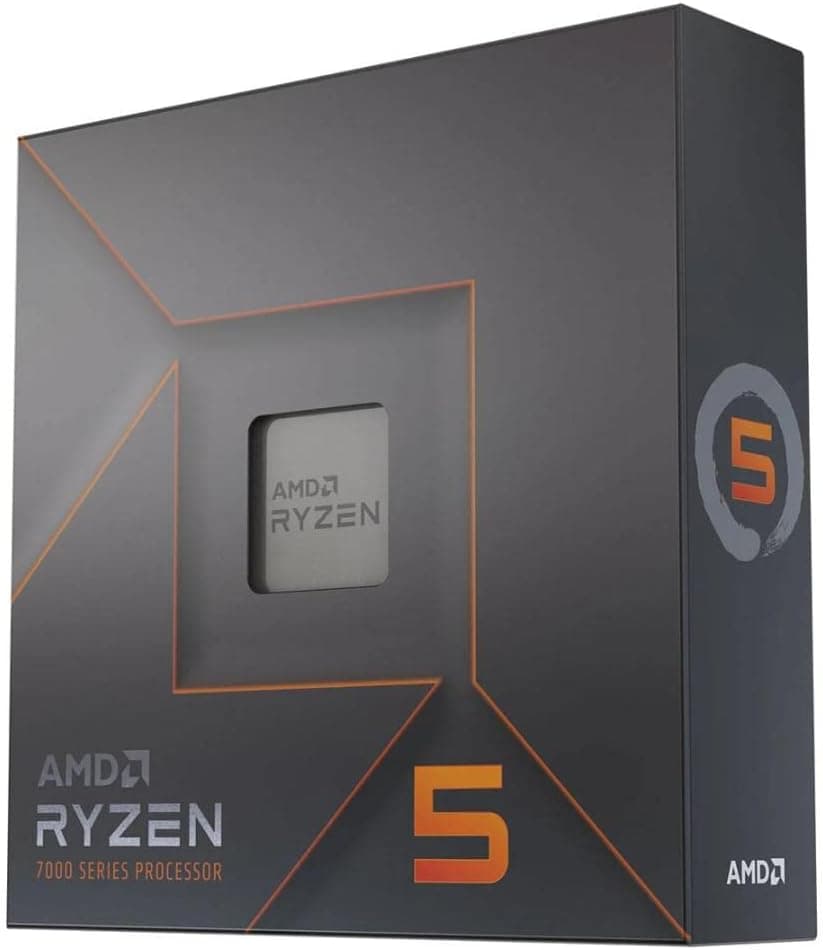
- CPU: AMD AM5 socket – Ryzen 7000 and 9000 series. Perfect for Ryzen 5 through Ryzen 9.
- Memory: DDR5 only; 4 slots up to 128GB. Supports XMP and EXPO profiles.
- Form Factor: Standard ATX (305x244mm). Fits most ATX cases; check dimensions for smaller chassis.
- Expansion Slots: 1× PCIe 5.0 x16 (CPU), 2× PCIe 4.0 x16 (from chipset; second slot runs at x4 mode when occupied), 1× PCIe 3.0 x1. Dual GPU setups are possible but bandwidth limited on the second slot.
- Storage: 4× M.2 slots: one PCIe 5.0 x4 (closest to CPU), three PCIe 4.0 x4. Each supports 2280/2260/2242; no pre-installed heatsink on all slots. Also 4× SATA 6Gbps ports.
- Power Connectors: 24-pin ATX, 8-pin EPS + 4-pin EPS. For high-TDP CPUs and overclocking, connect both the 8-pin and 4-pin headers.
- PSU Recommendation: 650W minimum for Ryzen 7 with mid-range GPU; 750W+ for Ryzen 9 with RTX 4070-class or higher.
- Rear I/O: Includes HDMI 2.1 and DisplayPort 1.4 (both from CPU iGPU), 1× USB 3.2 Gen2x2 Type-C, 4× USB 3.2 Gen2 (2C+2A), 8× USB 3.2 Gen1 Type-A, 4× USB 2.0 Type-A, 2.5G LAN, AMD Wi-Fi 6E + Bluetooth 5.3.
Product Info
- Release Date: June 2023 (alongside Ryzen 7000 series).
- Price Tier: ~$280–$350 USD / ~¥53,000–¥55,000 JPY.
- Warranty: 2 years (MSI Japan authorized distribution).
- Supported OS: Windows 11, Windows 10, Linux.
- Positioning: Solid mid-range/high-mid choice. Offers the X670E chipset with PCIe 5.0 support for both GPU and M.2, without the premium price of flagship models like the MSI MEG series. Ideal for gamers and creators who need current-gen connectivity without overspending.
Best Use Cases
- Gaming PC for 1440p/4K high-refresh setups
Pair this board with a Ryzen 7 7800X3D or Ryzen 9 7950X and an RTX 4070 or higher for smooth high-resolution gaming. PCIe 5.0 x16 ensures your GPU is not bandwidth-limited for years to come. However, if you are on a tight budget and only plan to use a Ryzen 5, a cheaper B650 board may be sufficient. - Content creation workstation
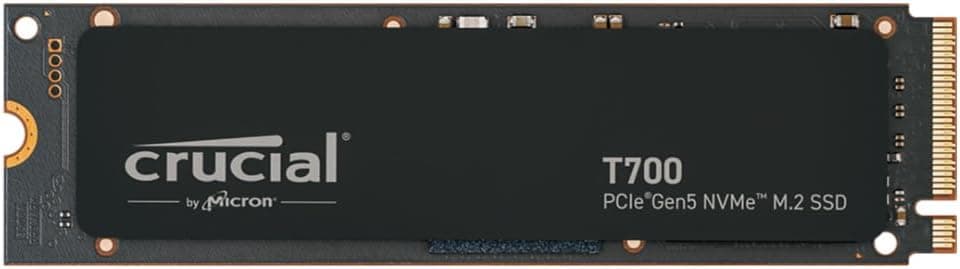
With support for up to 128GB DDR5 and four M.2 slots (including one PCIe 5.0), this motherboard excels for video editing, 3D rendering, and software compilation. The strong VRM handles Ryzen 9 sustained loads without thermal throttling. But note that PCIe 5.0 SSDs are expensive; PCIe 4.0 models are more cost-effective for most workflows. - Future-proofed build for the DIY enthusiast
AM5 socket longevity (promised through at least 2027) and PCIe 5.0 readiness make this board a great long-term investment. You can start with a Ryzen 5 DDR5 build and upgrade to a future Ryzen “Zen 6” CPU and next-gen GPU later. Beginners should be comfortable with BIOS updates and memory overclocking for optimal performance. - Small Form Factor (SFF) – not ideal
ATX size means this board won’t fit most SFF cases (ITX/micro-ATX). If compactness is a priority, consider an AM5 micro-ATX X670E board instead.
Things to Consider
- BIOS update required for Ryzen 9000? Possibly. Use BIOS Flashback (USB port + power supply only, no CPU needed) to update easily.
- M.2 heatsinks: Only two of the four M.2 slots have pre-installed heatsinks? Actually, MSI includes a heatsink for the primary M.2 slot only. For PCIe 5.0 SSDs, an aftermarket heatsink is strongly recommended.
- PCIe slot bandwidth: The second PCIe x16 slot physically is x16 but electrically wired as x4 when the third slot (x1) is occupied? Check manual. In any case, dual GPU setups will experience x8/x4 or x8/x8 depending on configuration.
- Competitor comparison: The ASUS TUF GAMING X670E-PLUS and Gigabyte X670E AORUS ELITE AX offer similar features at a comparable price. MSI’s BIOS has improved but may still be less intuitive than ASUS for some users.
FAQ
Q: Can I use this motherboard with a Ryzen 5 7600?
A: Yes, it works perfectly. However, the X670E chipset is overkill for a Ryzen 5; a B650 motherboard would be more cost-effective while still providing good performance.
Q: Which PCIe slot should I plug my GPU into?
A: Use the topmost PCI_E1 slot (c
Product Disclosure (Amazon)
- Manufacturer: MSI
- ASIN: B0C3ZMYLW9
- Note: This article covers a manufacturer-made product based on Amazon listing details.