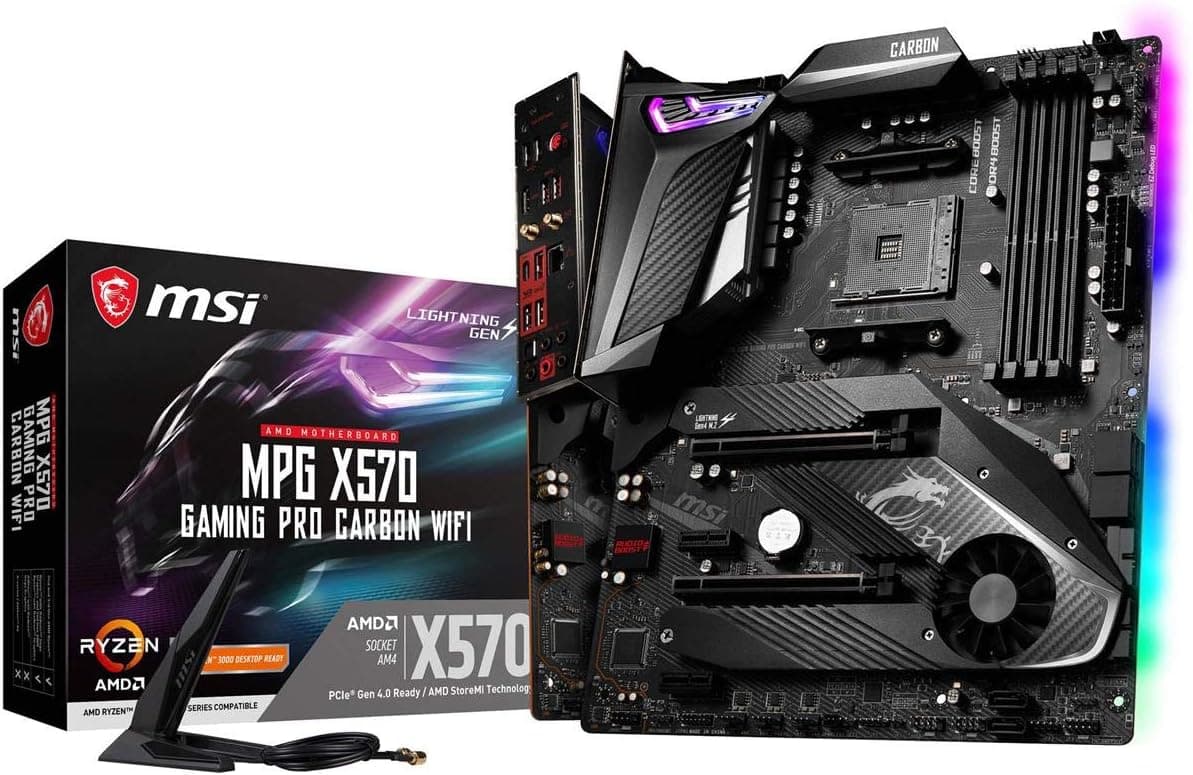
This article covers MSI MPG X570 Gaming PRO カーボンWiFiマザーボード (AMD AM4.
Overview
The MSI MPG X570 Gaming PRO Carbon WiFi is an ATX motherboard built around the AMD X570 chipset, supporting Socket AM4 processors from the 2nd and 3rd generation Ryzen families. It brings PCIe 4.0 to the mainstream, doubling bandwidth for GPUs and NVMe SSDs compared to PCIe 3.0. Onboard Wi-Fi 6 (802.11ax) and Bluetooth 5.1 eliminate the need for separate networking cards. With rich RGB lighting via Mystic Light, high-end audio through Audio Boost 4, and efficient Frozr heatsink design, this board targets gamers and enthusiasts who want a feature-packed foundation for their Ryzen build.
Compatibility Guide
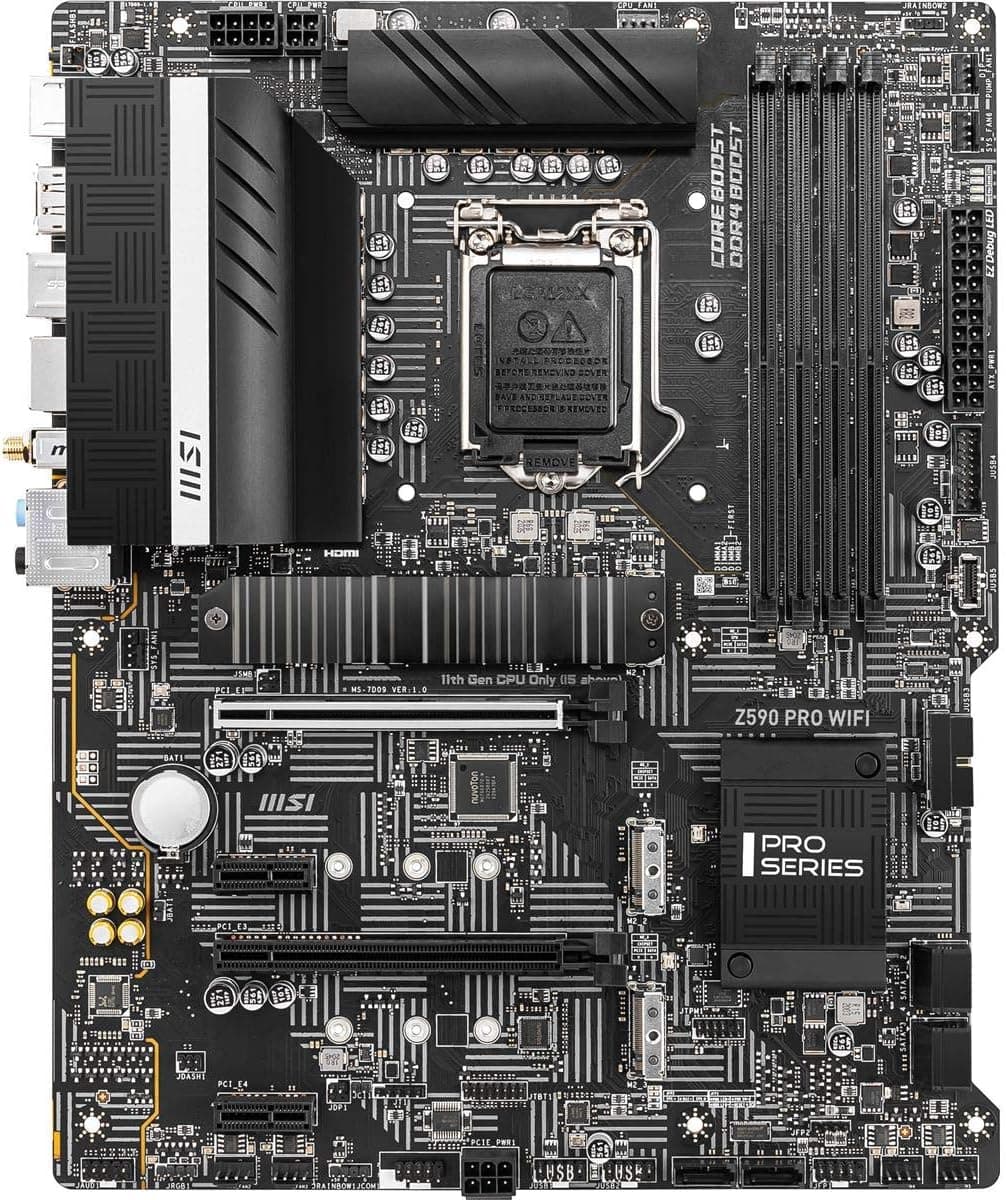
The motherboard uses Socket AM4 and officially supports Ryzen 2000 (Pinnacle Ridge) and 3000 series (Matisse) processors. Ryzen 5000 series may work after a BIOS update, but check the official compatibility list. It has four DDR4 DIMM slots supporting up to 128GB and speeds up to DDR4-4400+ (OC). The ATX form factor fits standard mid-tower cases. Power connectors include 24-pin ATX, 8-pin EPS, and an additional 4-pin EPS for extra CPU power. Expansion slots include two PCIe 4.0 x16, two PCIe 4.0 x1, two M.2 slots (both PCIe 4.0 x4), and six SATA 6Gb/s ports. Front panel USB 3.2 Gen 2 Type-C header is available.
Product Info
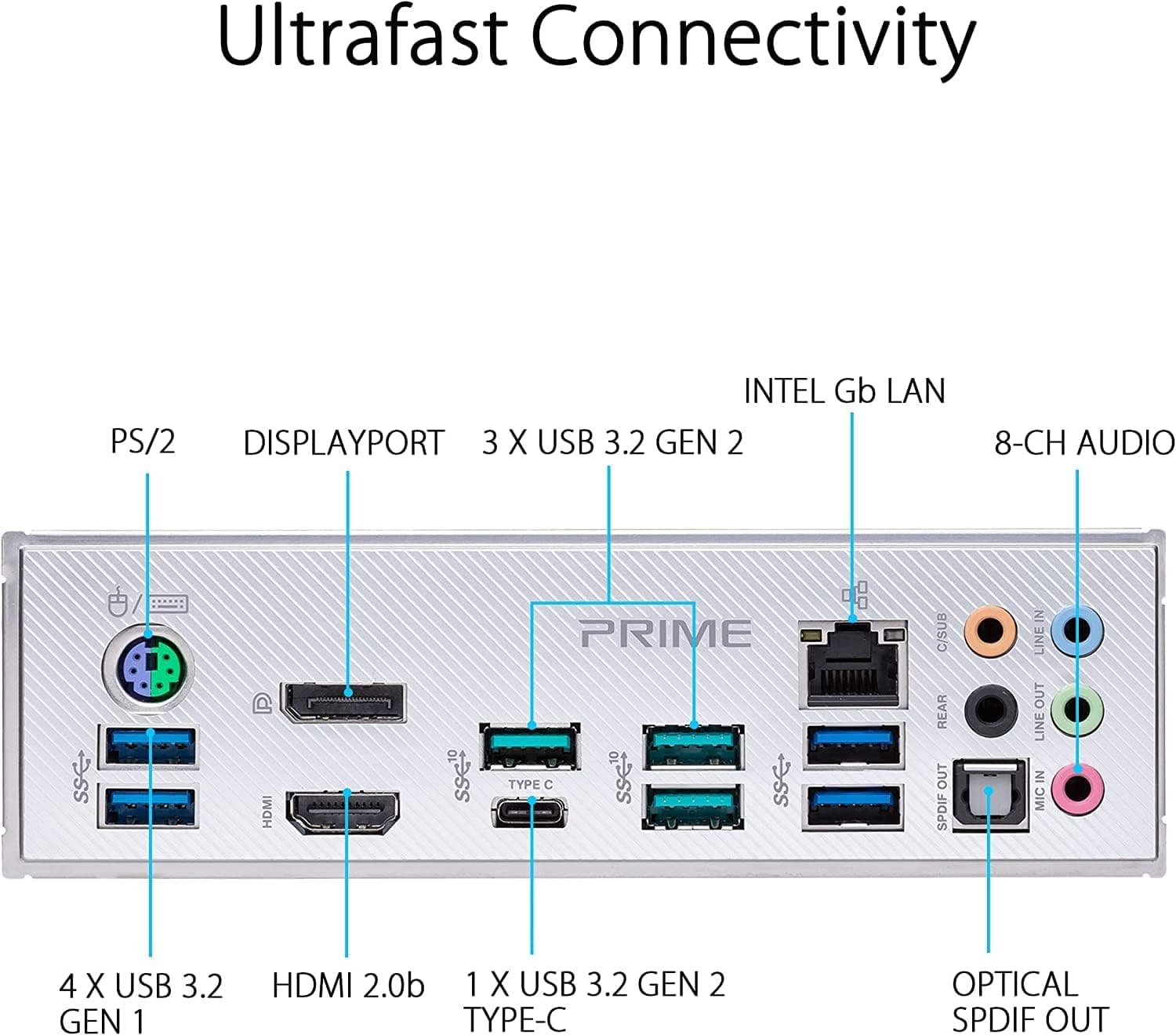
Released in mid-2019, the MSI MPG X570 Gaming PRO Carbon WiFi sits in the upper-midrange tier of X570 boards. The original MSRP was around $250, but current street price is about $200. It comes with a 3-year manufacturer warranty. The X570 chipset itself has an 11W TDP and requires active cooling via a small fan, which may produce noticeable noise over time. The board uses a 12+2 phase VRM design (doubled) with 60A power stages, Realtek ALC1220 audio codec, Intel I211-AT Gigabit LAN, and Intel AX200 Wi-Fi 6 module. Rear I/O includes USB 3.2 Gen 2 Type-A (two), Type-C (one), USB 3.2 Gen 1 (two), HDMI (not functional without integrated GPU), and PS/2 combo.
Best Use Cases
Gamers: Pair with a PCIe 4.0 GPU like RTX 30 series or RX 6000 series to fully utilize bandwidth. The two PCIe 4.0 M.2 slots allow fast game loading. For budget-conscious builders, a B450/B550 board might suffice, but this board offers extra connectivity and future-proofing. Content Creators: Video editors and 3D renderers benefit from the ability to install 128GB of DDR4-3600 memory. The onboard Wi-Fi 6 is convenient for moving large files over a LAN. Absence of Thunderbolt 3 is a limitation for those needing fast external storage. Enthusiasts Building on a Budget: Buying used Ryzen 3000 CPUs (e.g., Ryzen 5 3600) can yield a high-performance system at low cost while still enjoying PCIe 4.0 speeds. A BIOS update may unlock Ryzen 5000 support for even more performance. ## Alternatives
Direct competitors include the ASUS TUF Gaming X570-Plus (Wi-Fi) and Gigabyte X570 AORUS ELITE Wi-Fi. The ASUS TUF is known for its military-grade durability and clean aesthetics, while the Gigabyte board offers superior audio but often ships with older Wi-Fi 5. The MSI MPG X570 Gaming PRO Carbon stands out with its extensive RGB lighting (Mystic Light) and efficient Frozr heatsink design. If you need Wi-Fi 6 and Bluetooth 5.1 out of the box, MSI is the better pick.
Things to Consider
The chipset fan is a weak point: it can become noisy after a few years of dust accumulation. Consider replacing it with a fanless X570S board or a B550 board if silent operation is a priority. PCIe 4.0 riser cables are sensitive to signal degradation; if you plan to vertically mount your GPU, invest in a high-quality PCIe 4.0 cable. Also, the board does not support Ryzen 5000 series out of the box—you may need to update the BIOS using a supported CPU first. Overall, this is a well-rounded motherboard for users who want PCIe 4.0 and onboard Wi-Fi 6 without breaking the bank. ## FAQ Q: Can I use a Ryzen 7 5800X on this motherboard? A: Yes, after updating the BIOS to a version with AGESA ComboV2 1.2.0.0 or newer. Check the official support page for the latest BIOS. Q: Does the second M.2 slot share bandwidth with SATA ports? A: The first M.2 slot (M2_1) is connected to the CPU and does not share. The second slot (M2_2) via the chipset shares bandwidth with some SATA ports—specifically SATA ports 5 and 6 are disabled when M.2 is populated in that slot. Q: Is this motherboard compatible with Windows 11? A: Yes, it meets the requirements with an AMD Ryzen 2000 or newer CPU, UEFI with Secure Boot, and TPM 2.0 (enable fTPM in BIOS).
Product Disclosure (Amazon)
- Manufacturer: MSI
- ASIN: B07T4M3RTR
- Note: This article covers a manufacturer-made product based on Amazon listing details.