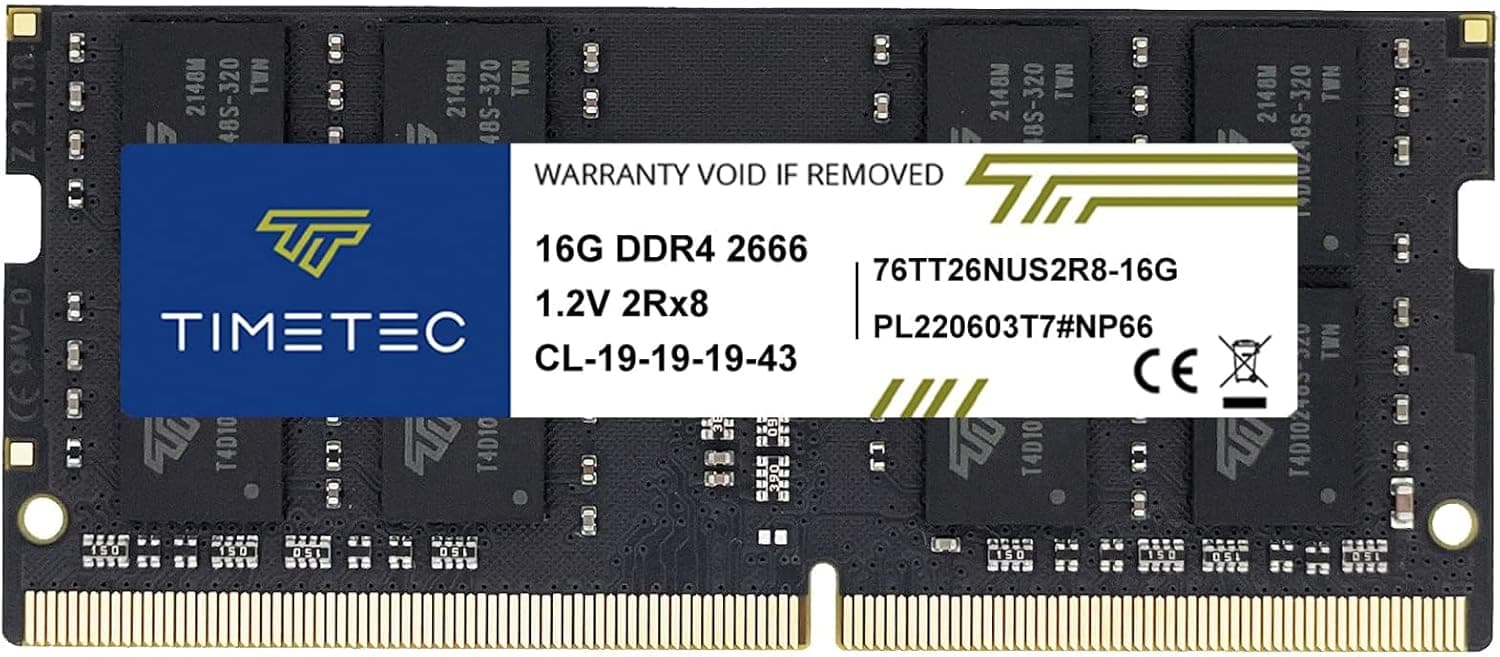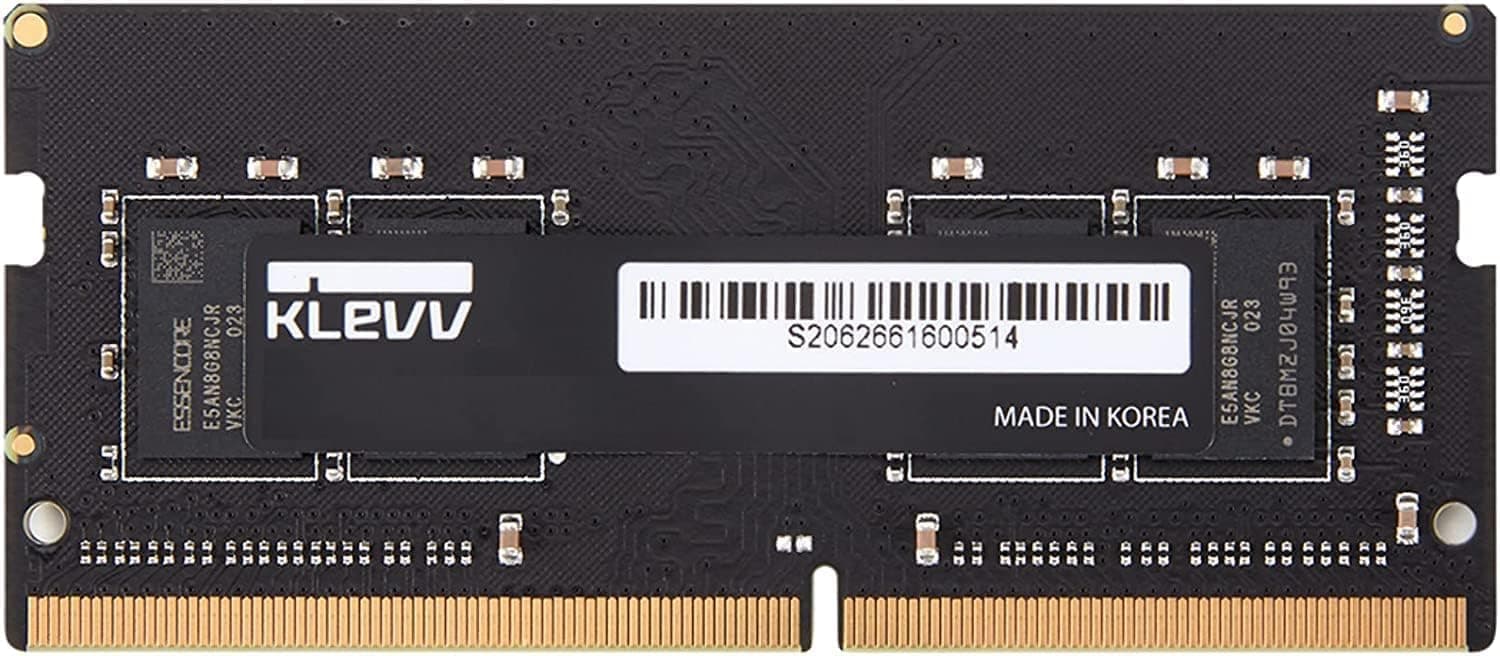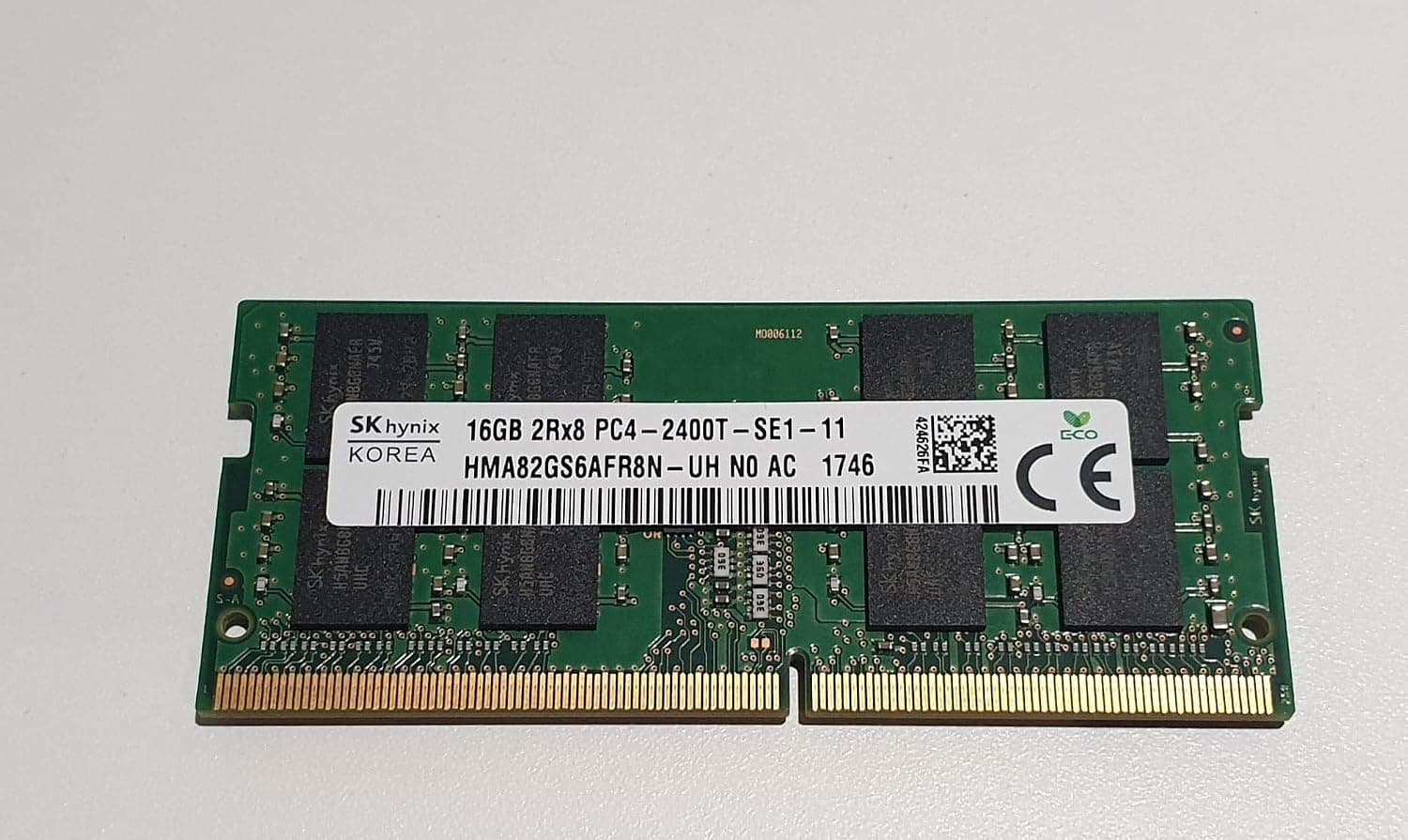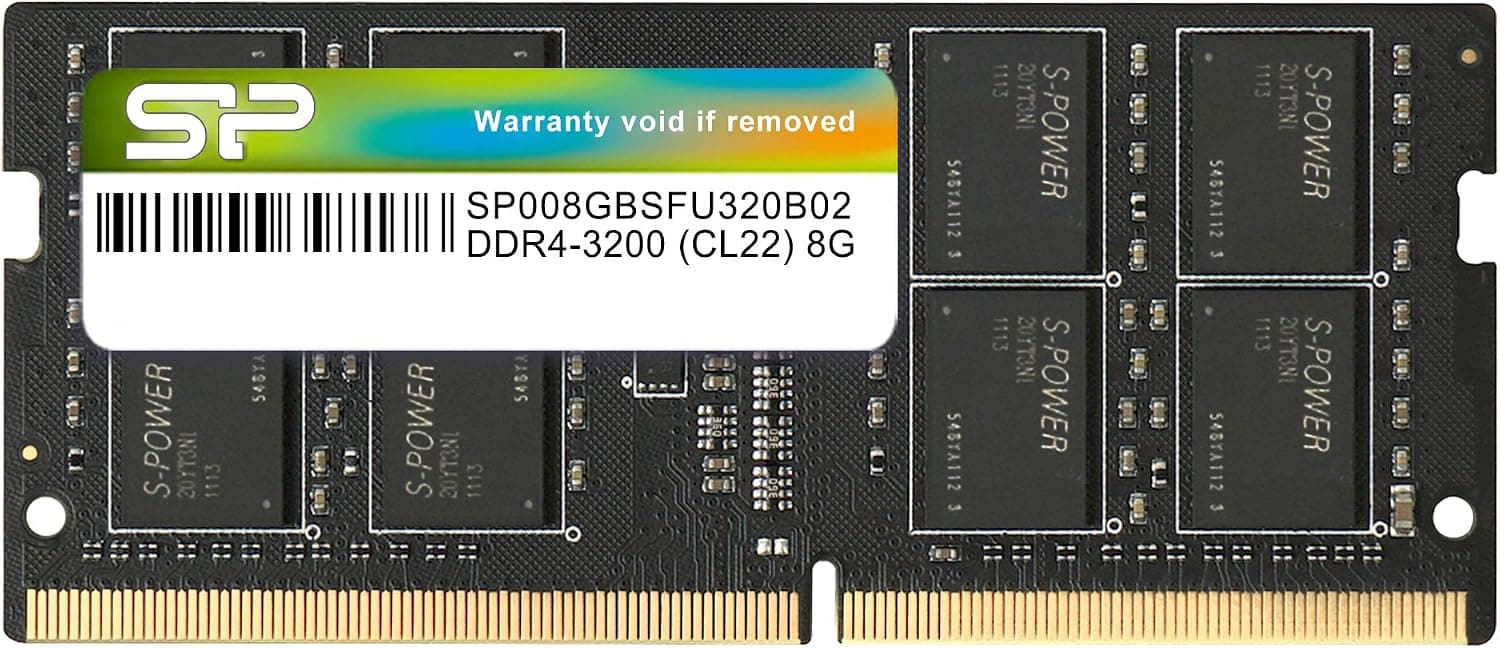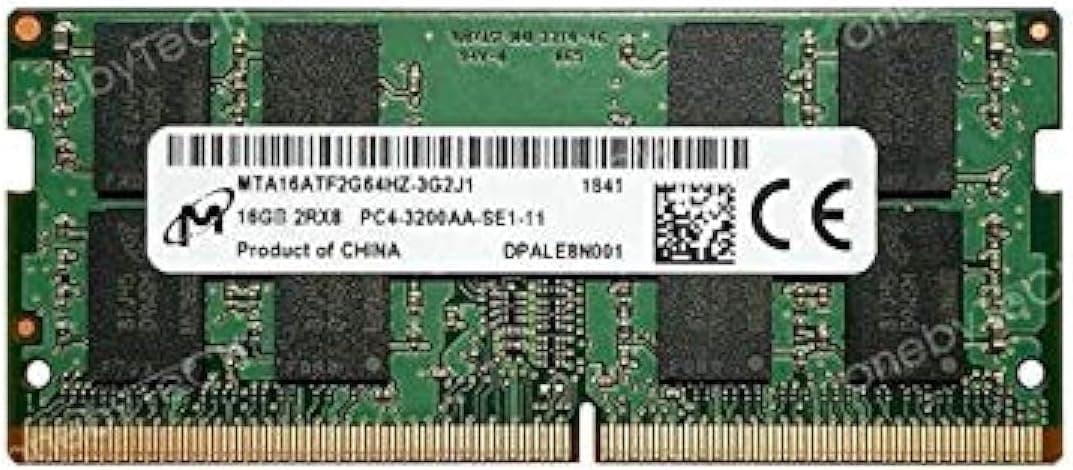
This article goes past the spec sheet: what 2Rx8 and CL22 actually mean in daily use, which machines will never reach the rated 3200 MT/s, and who should not buy this module at all.
Overview
Micron fabricates the DRAM dies themselves, so this module is built in-house from chip to assembly — an OEM-grade part. There is no heat spreader, no RGB, no overclocking profile.
That is a strong score, but 69 is a small sample. Upgrade memory tends to get five stars when it boots and one star when it does not, so the rating reflects compatibility luck more than build quality.
The compatibility checklist below will determine your satisfaction far more than the star count does.
| Scenario | Verdict |
|---|---|
| Thin laptop with soldered memory | Cannot be upgraded. Check first |
Performance in Numbers
CL22 translates to 22 / 3200 x 2000 = 13.75 nanoseconds of first-word latency.
CL22 is not a slow product — it is a to-spec product, and chasing tighter timings has almost no practical payoff in a notebook.
The difference you actually feel is capacity, not latency or bandwidth. Even on an SSD, that path is orders of magnitude slower than RAM, and you get the half-second hitch when switching windows.
The value of 16GB is that the paging never starts.
Compatibility Guide
Three things matter most.
- It will not fit a desktop DIMM slot. SO-DIMMs are about half the length. That said, small barebones like the ASRock DeskMini, NUC-class systems, and some industrial Mini-ITX boards pair desktop CPUs with SO-DIMM slots — judge by the slot, not the CPU.
- It cannot serve an ECC requirement. This module is non-ECC, so mobile workstation configurations that expect ECC SO-DIMMs will reject it.
The listed platforms (Intel LGA1151/LGA1200/LGA1700, AMD FP5/FP6/FP7) come from an automated table, so do not take them literally. LGA names are desktop socket names, while notebook CPUs are soldered down.
Check the manufacturer service manual, or Task Manager (Performance > Memory > Slots used) on the running machine.
Speed needs the same caution. Rough guidance follows, but implementations vary within a generation, so confirm against your model.
| Generation | Speed you will typically see |
|---|
Buying a 3200 module for a 2133-capped machine is not wasted money: you still get the full 16GB, and the module runs at rated speed if you move it to a newer system later. It is equally reasonable, though, to buy a cheaper slower part if your platform caps out anyway.
On two-slot machines, the real decision is whether to run dual channel. Integrated GPUs borrow system memory for graphics, so a single-channel configuration halves the bandwidth available to them and shows up clearly in light gaming and high-resolution video playback.
Better than one stick, but two identical modules is the clean answer.
Product Info
| Item | Value |
|---|---|
| Capacity | 16 GB |
| CAS latency | CL22 (22-22-22) |
| Voltage | 1.2 V |
| Part number | MTA16ATF2G64HZ-3G2J1 |
| Rank | 2Rx8 (dual rank) |
| Form factor | SO-DIMM (260-pin) |
Check the retailer's page for the latest price.co.jp as captured on 2026-08-31**. DRAM pricing swings hard year to year, and OEM parts sold through marketplace sellers vary widely in price. Since this article will not update itself, check the current price on the product page and compare it against same-spec modules from other vendors before ordering.
Both the seller and the shipper are CHIYUANDIANZISHANGWU, a third-party marketplace seller — this is not fulfilled by Amazon.
How It Compares
| Option | Where it sits |
|---|---|
| This module (Micron OEM) | Micron die and Micron assembly. Accepted cleanly by vendor laptops |
| Crucial equivalents | Crucial is Micron consumer brand. Very similar part, clearer retail warranty |
| Kingston / SK hynix | Widely available and price-competitive. Chip sourcing can vary by lot |
Because Micron and Crucial are effectively the same company, a Crucial part with a clear retail warranty is often the lower-hassle purchase. The case for this specific module is when you want to match the Micron stick your laptop already shipped with, or when its price happens to undercut the alternatives on the day you buy.
Installation
- Shut down fully and unplug the AC adapter.
Remove the battery if it is removable, or use the BIOS battery-disable mode if your machine has one. 2.
Remove the bottom cover screws. Lengths often differ by position, so lay them out in order.
- Touch bare metal to discharge static, then push the retaining clips on the existing module outward.
The module will tilt up. 4.
Insert the new module at the same angle, seat it fully, and press it down until both clips latch. Do not touch the gold contacts. 5.
- If you want certainty, run one full pass of MemTest86 to catch infant-mortality failures early.
Best Use Cases
- Mini PCs and all-in-ones. Plenty of small systems use SO-DIMMs, so even with a fixed CPU you can still raise memory. The 1.2V operating voltage keeps heat modest, which helps in cramped chassis.
- Light creative work. For Lightroom catalog work or 1080p timeline editing, 16GB is the practical floor, and crossing it removes most of the stalling.
- Matching the factory module. Vendor laptops frequently ship with Micron memory already installed, so this is a reasonable way to pair like with like.
Things to Consider
The most common mistake is buying this for a machine that cannot be upgraded at all. Many thin laptops solder memory to the board with zero slots.
If the spec sheet says onboard or non-upgradeable, this module has nowhere to go. Verify with the service manual before you order.
Next most common: installing one stick and living in single channel. On integrated-graphics machines this directly costs you GPU performance.
Starting with one stick for budget reasons is fine, but the same lot may not be available when you buy the second. If dual channel is the plan, buy both at once.
Mixing capacities or speeds forces the slower timing and leaves the excess capacity running single channel.
Not reaching 3200 MT/s is a trap you discover after purchase. As described above, older platforms silently clock down with no error or warning, which leads to the complaint that fast memory changed nothing.
The capacity benefit is still real, but if you are buying for speed, check your platform ceiling first.
The sales channel deserves attention. Both seller and shipper here are a third-party marketplace account, not Amazon — this is OEM bulk stock reaching consumers.
Memory is hard to authenticate by sight, so avoid unusually cheap listings or sellers with almost no feedback, confirm the return policy, and verify the manufacturer and part number with CPU-Z once the module arrives.
Listing metadata is sometimes wrong. Manufacturer, model number, and compatibility fields are often left over from a different product; in the source data for this article the overseas price field simply repeated the domestic price.
Confirm that the product image, title, and part number (MTA16ATF2G64HZ-3G2J1) all agree before you order.
**Finally, who should skip this.
FAQ
Q.
A. Yes. Most systems accept it and the capacities add up. Two identical modules remain the clean option.
Q. Does it work in a MacBook?
A. Check your exact model first.
Q. Is 2Rx8 dual rank a problem? A.
Generally no on laptops and mini PCs with at most two slots, and dual rank can even be marginally faster thanks to rank interleaving. Systems with many slots, or particular models, sometimes restrict rank configurations — follow the service manual if it says anything on the subject.
Q. Is CL22 slow?
A. Notebook SO-DIMMs normally carry no XMP profile, so this is the standard choice rather than a compromise.
Q. Does upgrading void the warranty? A.
It depends on the vendor. Some publish service manuals and treat memory swaps as user-serviceable; others use warranty seals.
If the machine is still in warranty, read the vendor policy before opening it.
Q. How long will 16GB last?
A. For Office, browsing, and video calls it is comfortable for the foreseeable future.
Product Disclosure (Amazon)
- Manufacturer: Micron
- Seller: CHIYUANDIANZISHANGWU
- ASIN: B08BCSV1L2
- Note: This article covers a manufacturer-made product based on Amazon listing details.