Overview
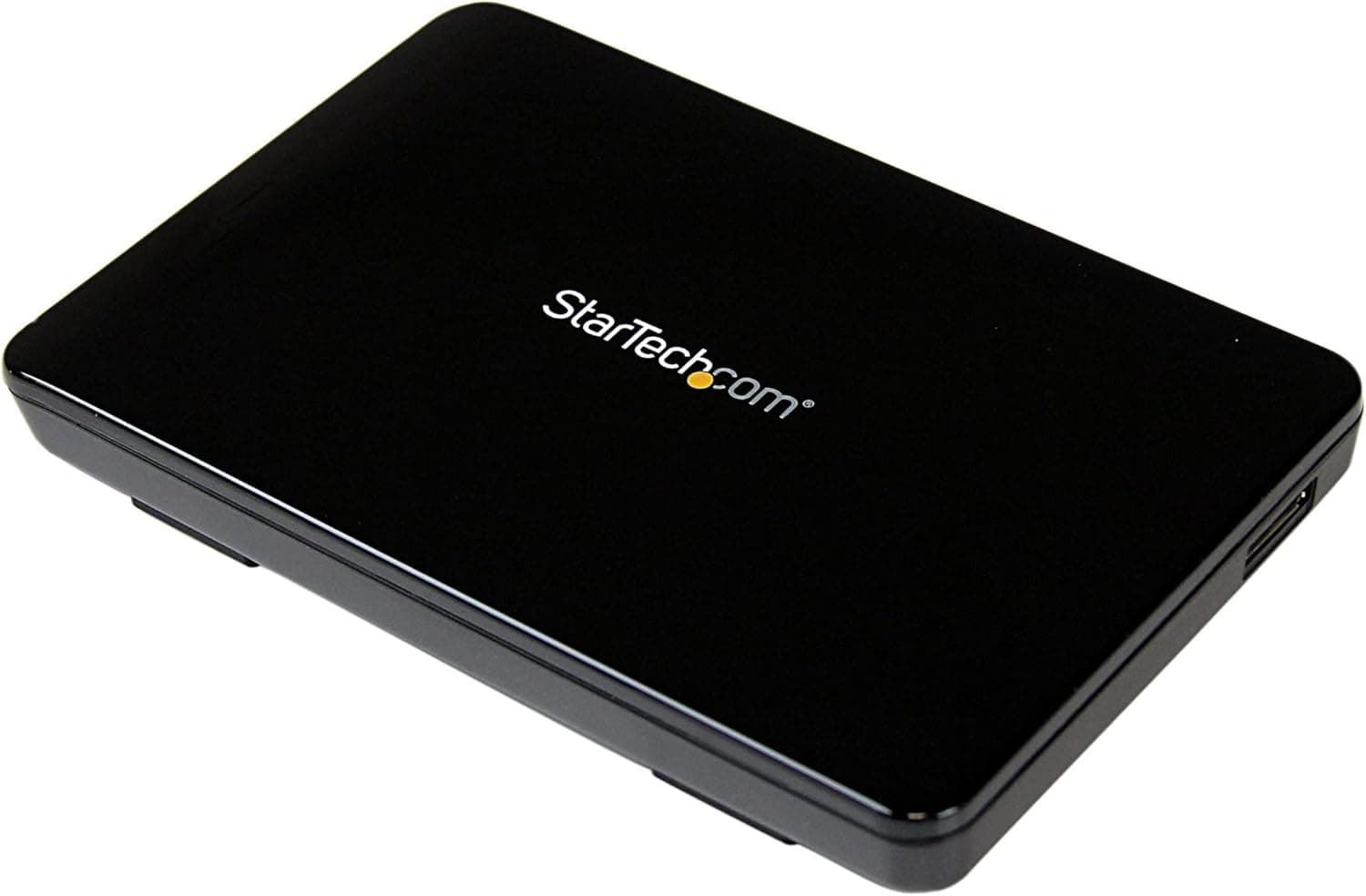
The Logitec LGB-PBSU3S is a slim USB enclosure that turns a 2.5-inch HDD or SSD into an external drive. The black chassis measures 130 x 78.8 x 15.7 mm and weighs just 64 g, so it slips into a laptop bag without adding bulk. It is aimed at people who have a spare 2.5-inch drive left over after a storage upgrade, or who want to carry desktop files around in a pocket-sized package.
The connection is USB 3.2 Gen1, and the enclosure is also designed to work on USB 3.1 Gen1, USB 3.0 and USB 2.0 ports. Logitec lists compatibility with DOS/V PCs that have a USB port and with Intel Mac series machines. Copy software for HDDs is included, which makes the drive-to-drive migration step easier to start.
This is a simple, assembly-free enclosure rather than a high-speed NVMe solution. Its role is to give an existing SATA-class 2.5-inch drive a second life as an external volume, and the low price reflects that focused purpose.
Compatibility Guide
The enclosure accepts 2.5-inch HDDs and SSDs only. Desktop 3.5-inch drives will not physically fit, so check the label on your drive before buying. If you pulled a drive out of a laptop during an upgrade, it is almost certainly the right size.
On the host side, Logitec specifies DOS/V PCs with a USB port and Intel Mac series computers. The enclosure's interface is USB 3.2 Gen1, and it is built to be recognized on USB 3.1 Gen1, USB 3.0 and USB 2.0 ports as well. Keep in mind that plugging into an older USB 2.0 port will cap throughput at that standard's level.
A common pairing is a laptop whose internal drive was swapped for a larger model, with the original drive moved into this enclosure as a backup target. Another practical setup is leaving the enclosure connected to a spare USB port on a desktop and using it as a place to park photos and video projects.
Product Info
The LGB-PBSU3S was released on December 6, 2019, and Logitec states a one-year warranty period. Pricing sits in the entry tier, well below the cost of a new external SSD, because the product assumes you already own the drive.
Its market position is clearly entry level. There is no NVMe support and no attempt at premium transfer speeds; the value comes from turning a spare SATA 2.5-inch drive into a usable external volume for a small outlay. Buyers who need maximum throughput should look at a different class of product.
Best Use Cases
- Laptop owners who upgraded their internal storage and now have an orphaned 2.5-inch drive: this enclosure turns that drive into an external volume without buying new storage, though anyone chasing peak external SSD speed should look elsewhere.
- Office workers who shuttle documents and photos between a desktop and other machines: the 64 g body travels easily and works anywhere a USB port exists, but people who need rugged, drop-resistant gear should choose a tougher option.
- Anyone migrating data off an old laptop to a new PC: the bundled HDD copy software gives the move a starting point, while heavy bulk-transfer workloads will want more headroom.
Things to Consider
This is a 2.5-inch-only product, so a 3.5-inch desktop hard drive simply will not fit. Confirm the drive size before ordering, because the enclosure cannot be adapted to larger platters.
The USB 3.2 Gen1 interface is not built to unleash NVMe speeds. If fast external storage is the goal, an NVMe-capable enclosure is the better fit and will feel far quicker in daily use.
The included copy software assists with drive migration, but results can vary with source and destination capacity and partition layout. Back up important data before starting a migration so a failed copy does not cost you files.
FAQ
Q: Can I use a 3.5-inch desktop hard drive with this enclosure?
A: No. The LGB-PBSU3S is designed for 2.5-inch HDDs and SSDs, and a 3.5-inch drive will not physically fit. If you want to externalize a full-size desktop drive, you need a 3.5-inch-compatible enclosure instead.
Q: Will it work on an older PC that only has USB 2.0 ports?
A: Yes, it is designed to operate on USB 2.0 as well as USB 3.2 Gen1, USB 3.1 Gen1 and USB 3.0. Transfer speeds will drop to USB 2.0 levels, so expect longer waits when moving large files.
Q: Is it useful as a spare after swapping a laptop's internal drive?
A: Yes. Putting the removed 2.5-inch drive into this enclosure gives you an external drive for backups or overflow data, and the bundled HDD copy software helps with moving data to the new drive.
Product Disclosure (Amazon)
- Model: LGB-PBSU3S
- ASIN: B081Z1SLDP
- Note: This article covers a manufacturer-made product based on Amazon listing details.