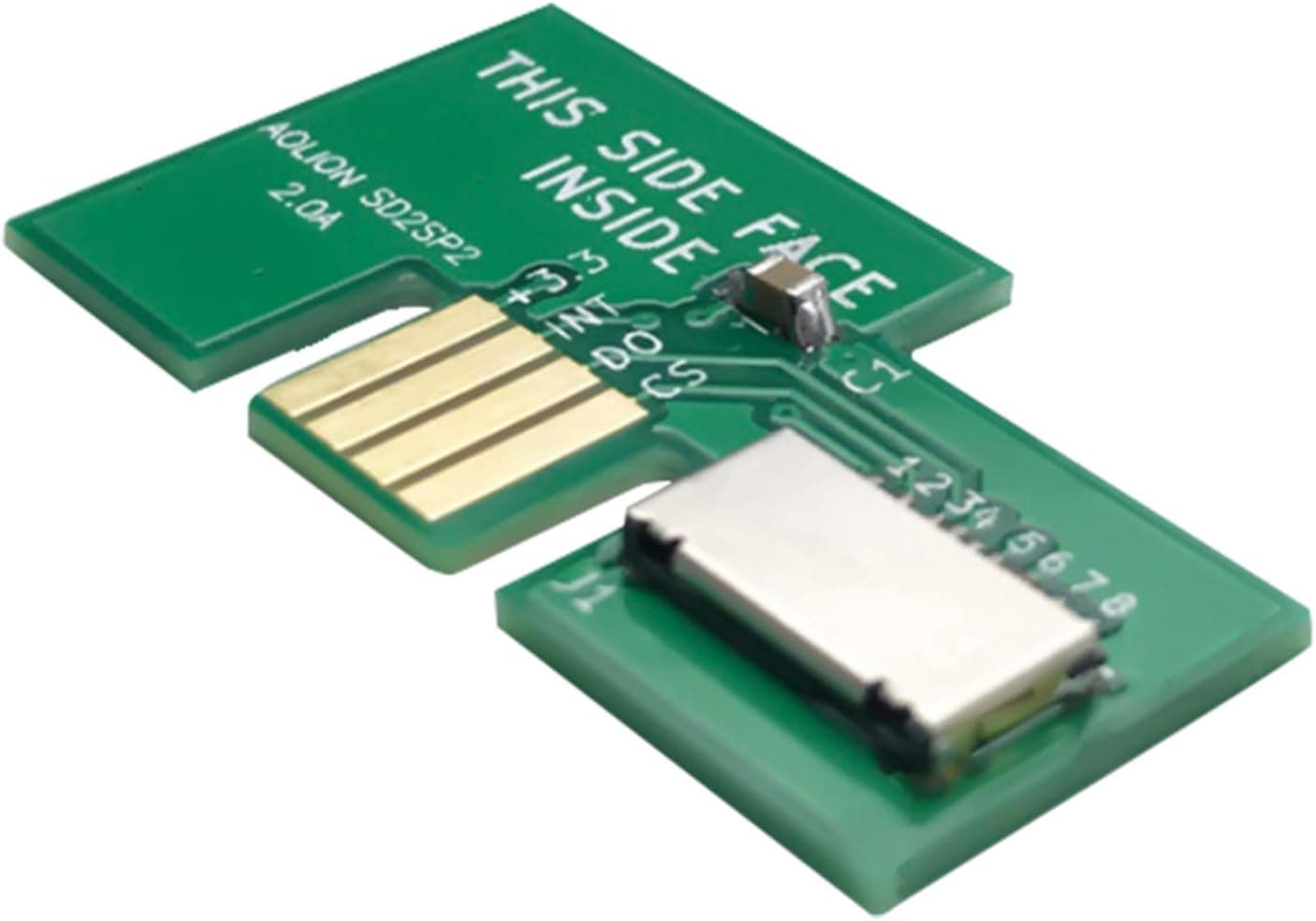
The SD2SP2 adapter is a small board that slots into Serial Port 2 on the underside of a GameCube, turning a microSD card into console-readable storage. This article covers the LICHIFIT SD2SP2 adapter: how to confirm your console is compatible, what else you need, and the pitfalls people only discover after buying.
Overview
This is a microSD-equipped breakout board for the GameCube's Serial Port 2 (SP2). The short version: if you own an original DOL-001 console and already have a way to launch homebrew, this is the cleanest and cheapest way to add storage.
If you own a later DOL-101, or you only play original discs, the product is of no use to you at all.
Compared with SD Gecko style adapters that sit in a memory card slot, the advantage is simple: nothing sticks out. SP2 lives in a recess on the console's underside, so the adapter sits nearly flush and does not consume a controller port.
On Amazon.co.jp it holds 4.6 out of 5 stars across 263 reviews (roughly 92% positive, captured 2026-09-02) — solid for a third-party accessory.
Keep in mind that those ratings mostly reflect whether the board works, not how easy the overall setup is.
Connectivity & Compatibility
The single most important check — and the source of most returns — is the console revision. The stated compatibility is GameCube DOL-001 (models with Serial Port 2) only.
| Where to look | DOL-001 (works) | DOL-101 (does not) |
|---|---|---|
| Underside | Two port covers (SP1 and SP2) | No SP2 cover |
| Rear video output | Digital AV Out present (omitted on some late units) | No Digital AV Out |
| Model label | DOL-001 | DOL-101 |
Note that some late DOL-001 units had only the Digital AV Out removed. Do not conclude "no Digital AV Out means DOL-101" — judge by the model label and the presence of the SP2 cover.
If you are buying a console secondhand, look for a photo of the underside.
On the software side, Swiss is the reference homebrew. It recognizes the SD2SP2 as a storage device and can load disc images and homebrew apps such as GBI and mGBA from it.
Format the card as FAT32; exFAT on large cards is reported to be unreliable, so reformat even 64GB+ cards to FAT32. There is no officially guaranteed capacity ceiling, so start with an ordinary microSDHC card and try a different one if you hit trouble.
On speed: SP2 runs over the EXI bus, which has nothing like USB or SATA bandwidth. Expect load times comparable to — sometimes better than — the optical drive, not an SSD-style transformation.
Product Info
The listed specs are three: microSD media support, GameCube Serial Port 2 connection, and DOL-001 compatibility. The package contains the board only; no microSD card is included.
No tools are required and the console does not need to be opened.
Price on Amazon.co.jp was ¥3,197 as captured on 2026-09-02 (sold and shipped by Amazon).
Small boards like this move with stock levels and exchange rates, and this article will not be updated, so check the listing for the current price before buying. Equivalent units circulate widely on eBay, but once shipping and wait time are counted the gap versus domestic stock is usually small.
Reviews stand at 263 with 4.6 out of 5 (about 92% positive, captured 2026-09-01).
Negative reviews for this product class typically come down to prerequisites rather than the board itself — "my console had no SP2" or "I didn't know I needed a separate way to boot Swiss." The Buying Notes below cover both.
Warranty terms vary by seller; check the listing.
Setup Steps
Confirm your console is DOL-001 and has an SP2 cover on the underside.
Format a microSD card as FAT32.
On a PC, copy Swiss and your own dumped disc images to the card.
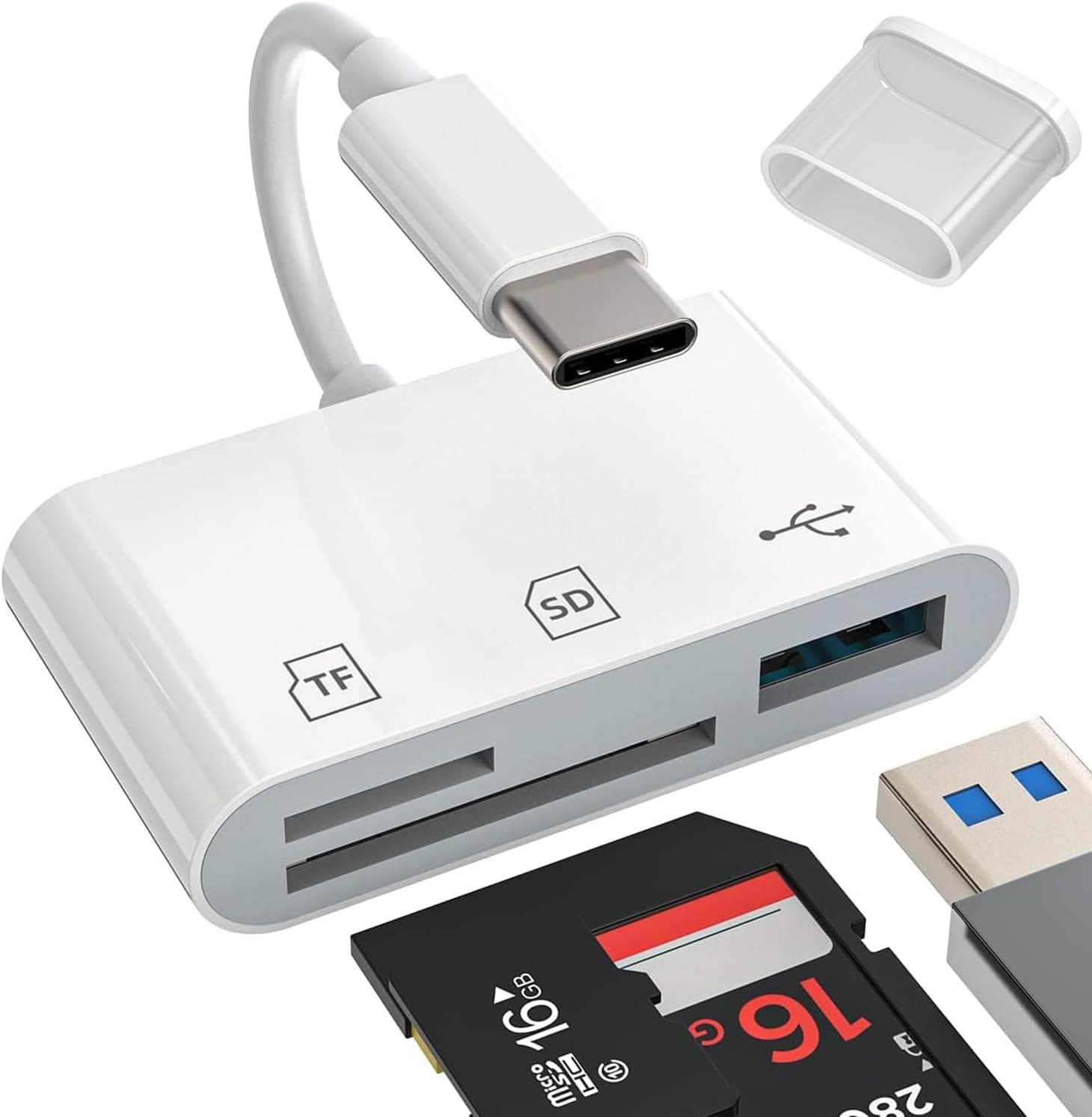
You will need a card reader for this step. 4.
Insert the card into the adapter, remove the SP2 cover, and seat the board. 5.
Launch Swiss using whatever homebrew boot method you have, then load files from the SD2SP2.
Step 3 trips people up more than expected — many laptops have no microSD slot, so having a USB card reader on hand keeps the process moving.
Buying Notes
1. This adapter alone will not boot homebrew. That is the biggest misconception.
The SD2SP2 is storage; the GameCube has no ability to boot from an SD card. Launching Swiss requires a separate method — a Game Boy Player boot disc exploit, an Action Replay or FreeLoader disc, SD Media Launcher, or a hardware modification.
Sort that out before you buy, or the adapter will arrive and do nothing.
2. DOL-101 is physically incompatible. No cable or adapter works around it.
An SD Gecko style memory card adapter is the alternative there.
3. Do not expect a dramatic speed increase. The real value is skipping disc swaps, sparing a wearing optical drive, and a tidy install — not raw throughput.
4. Card compatibility varies. Bigger and faster is not automatically better; older, smaller microSDHC cards often just work.
If a card is not recognized, redo the format (FAT32, default allocation unit size) before blaming the card.
5. Only use data you have the right to use. Dumping discs you own is a different matter from downloading images. That call is yours.
6. Do not take the listing metadata at face value. Amazon listings sometimes carry manufacturer, model, or compatibility details that do not match reality, and the DOL-001-only restriction is often not prominent.
Cross-check the product photos (a slim board shaped to sit in the SP2 recess) against the title, and scan the reviews for DOL-101 complaints.
Best Use Cases
- DOL-001 owners who can already launch Swiss. Cheapest, tidiest storage upgrade available, and it saves the optical drive from further wear.
- Collectors who care about looks. Nothing protrudes from the front, so the console's silhouette stays intact on a shelf.
- Homebrew users running GBI or mGBA. Apps and config live on one card, and PC transfers are a single microSD away.
- Anyone unwilling to open the console. Tool-free, non-destructive, and fully reversible.
It is not for DOL-101 owners, original-disc-only players, or anyone chasing big load-time reductions — nor for buyers expecting it to work straight out of the box, since the boot method is extra work.
FAQ
Q. How do I tell if my GameCube is a DOL-001? A.
Check the model label on the underside and whether there are two port covers (SP1 and SP2). One cover means no SP2.
Judging by Digital AV Out alone misidentifies late DOL-001 units.
Q. Can I boot backups just by plugging this in? A.
No. You need a separate way to launch Swiss or other homebrew.
The adapter only supplies storage.
Q. What card capacity is supported? A.
No official ceiling is stated. Start with a standard microSDHC formatted as FAT32, and keep larger cards on FAT32 too.
If a card misbehaves, try another.
Q. SD2SP2 or SD Gecko? A.
On DOL-001 the SD2SP2 wins on looks and handling. On DOL-101 only SD Gecko works.
With a DOL-001 you can also use SP2 for storage and leave the memory card slot free for saves.
Q. Will installing it damage the console? A.
No soldering or disassembly — you just pop off the SP2 cover and seat the board. The cover is held by thin tabs, so ease it off with a fingernail or a thin plastic tool, and keep track of it afterward.
Q. What does it cost?
A. ¥3,197 on Amazon.co.jp as captured on 2026-09-02. Prices shift with stock, so check the listing.
Product Disclosure (Amazon)
- Manufacturer: LICHIFIT
- Seller: Amazon US
- Fulfilled by: Amazon US
- ASIN: B083XWH9LM
- Note: This article covers a manufacturer-made product based on Amazon listing details.