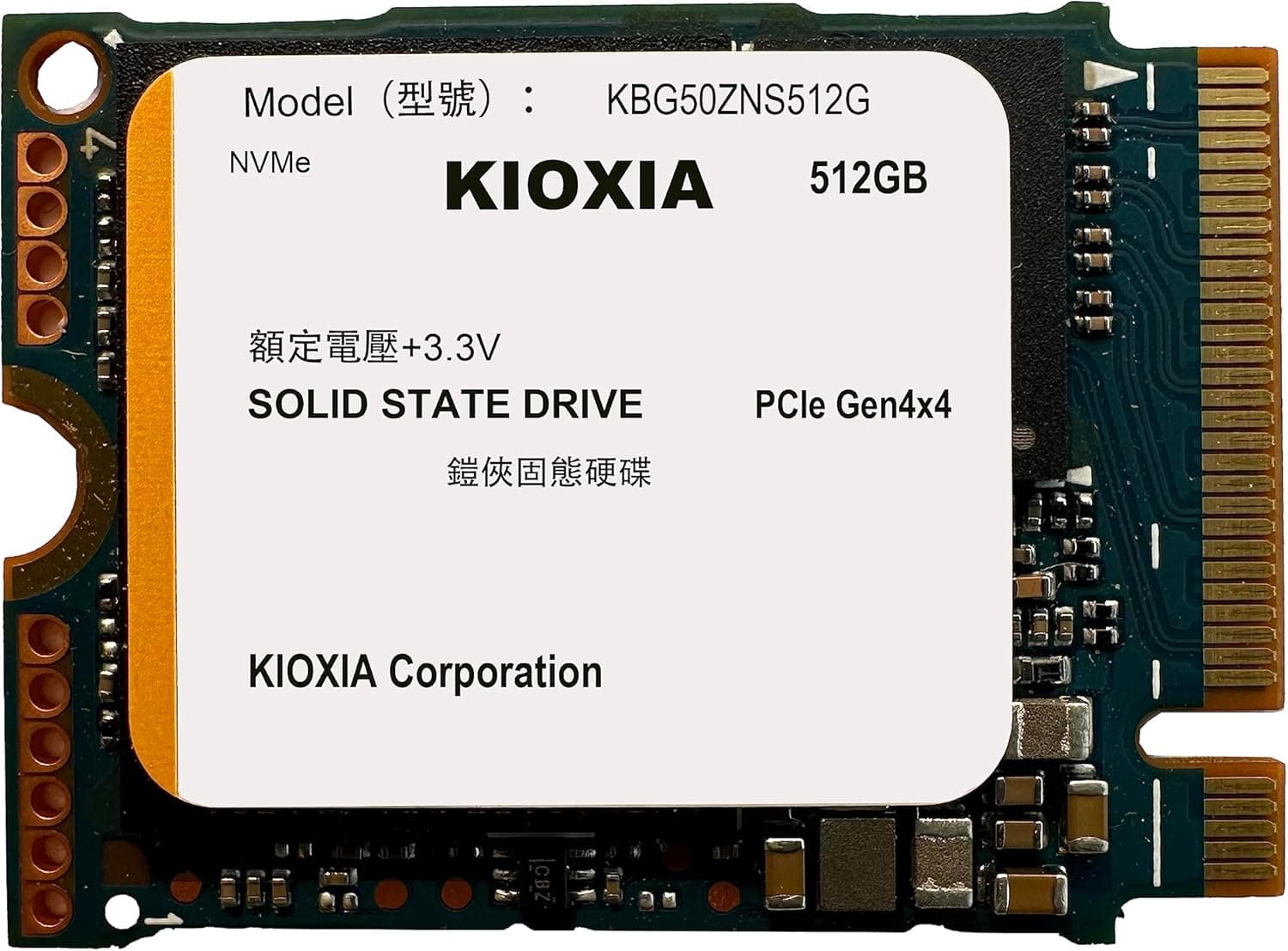
Overview
The Kioxia Exceria Plus 1 TB is an M.2 2280 NVMe SSD built for PCIe 3.0 x4 connections. It pairs TLC NAND with a Phison E12S controller and includes 1,024MB of DRAM cache on the 1TB version, a combination that favors stable long writes rather than just peak speed. Launching in June 2020, this drive has remained a sensible pick for gamers and creative users who want a dependable system drive. In the PCIe 3.0 generation, the Exceria Plus sits in the upper mid-range tier: it is more robust than entry-level DRAM-less SSDs, while not going after the exotic bandwidth of later PCIe 4.0 flagships. The 1TB capacity makes it practical for housing a Windows installation, a game library, or scratch files for photo and video work. The current street price is around ¥43,150 (September 2026), which is on the high side for a 1TB PCIe 3.0 drive today. That pricing makes it a pick for buyers who value the TLC plus DRAM design and familiar reliability over cutting-edge sequential numbers.
Compatibility Guide
The Exceria Plus 1 TB uses the M.2 2280 form factor, so it can be installed directly into any open M.2 slot on a desktop motherboard or supported laptop. Before buying, confirm that the slot supports NVMe over PCIe, because some M.2 ports are SATA-only and will not talk to this drive. The interface is PCIe 3.0 x4, which is backward compatible with newer PCIe 4.0 motherboards; the drive simply runs at PCIe 3.0 speeds. Any machine with a free NVMe M.2 slot and enough internal clearance for a 2280 card will accept it without extra power cables. Power consumption is low enough that the SSD does not affect PSU sizing. The main compatibility checklist is: NVMe support, a vacant M.2 slot, and physical space around the slot for installation.
Product Info
Kioxia Exceria Plus 1 TB went on sale in June 2020. It is a 1,000GB M.2 NVMe SSD with TLC NAND, a Phison E12S controller, and 1,024MB of DRAM cache on the 1TB model. The observed retail price is approximately ¥43,150 as of September 2026. For warranty details, checking the official Kioxia product documentation is recommended. In market terms, this is a mid-to-high-tier design within the PCIe 3.0 era. The inclusion of DRAM and TLC separates it from budget drives, while its PCIe 3.0 interface keeps it a step below newer high-end parts. That positioning still makes sense for older PCIe 3.0-era motherboards that are being refreshed with a fast boot drive.
Best Use Cases
- Gaming PC system drive A player building or upgrading a PCIe 3.0 gaming PC will appreciate the 1TB capacity and NVMe responsiveness for OS and game installs. The TLC and DRAM design helps keep install tasks and patching stable. Gamers on PCIe 4.0 boards who want maximum transfer speed might prefer a newer drive instead. - Upgrade from SATA SSD or HDD Users running a SATA boot drive get a visible improvement in boot times and large file copies after moving to this M.2 NVMe drive, provided the motherboard has a free NVMe M.2 slot. If the board lacks such a slot, a SATA SSD remains the correct upgrade path. - Creative workflows with large files Photographers and video editors handling multi-gigabyte files benefit from the stable write behavior of TLC NAND. However, editors who need the highest possible bandwidth for direct, heavy asset streaming should look at PCIe 4.0 storage and a matching platform. - Users buying hardware for long-term reliability Because this model launched in 2020 and uses a proven controller and DRAM architecture, it is a relatively dependable candidate for a secondary or backup machine. Budget-focused builders may find cheaper DRAM-less alternatives if sustained write stability is not a priority.
Things to Consider
The ¥43,150 street price is high relative to many current 1TB NVMe SSDs, so value shoppers should weigh the DRAM and TLC advantages against cheaper alternatives. The PCIe 3.0 x4 interface also limits maximum throughput compared with PCIe 4.0 drives, even when installed in a newer slot. Additionally, not every M.2 slot is NVMe-capable, and some compact laptops only provide room for single-sided 2280 modules, so physical and protocol compatibility must be checked before purchase. For pure office workloads, the performance would be overkill; a modest SATA or entry-level NVMe SSD will deliver similar everyday results at lower cost. ## FAQ
Q: Can I install this drive in a PCIe 4.0 M.2 slot? A: Yes. It will operate normally, but the link will negotiate at PCIe 3.0 x4, so the extra bandwidth of PCIe 4.0 is not used. Q: Is it good for storing games? A: The 1TB capacity and stable TLC/DRAM design make it a solid game drive on PCIe 3.0 platforms. Just note that a PlayStation 5 environment, which requires a PCIe 4.0 drive with higher throughput, would not be a suitable target for this model. Q: Will I notice a difference after moving from a SATA SSD? A: In general, you should see a noticeable improvement in boot time and file transfers if your system