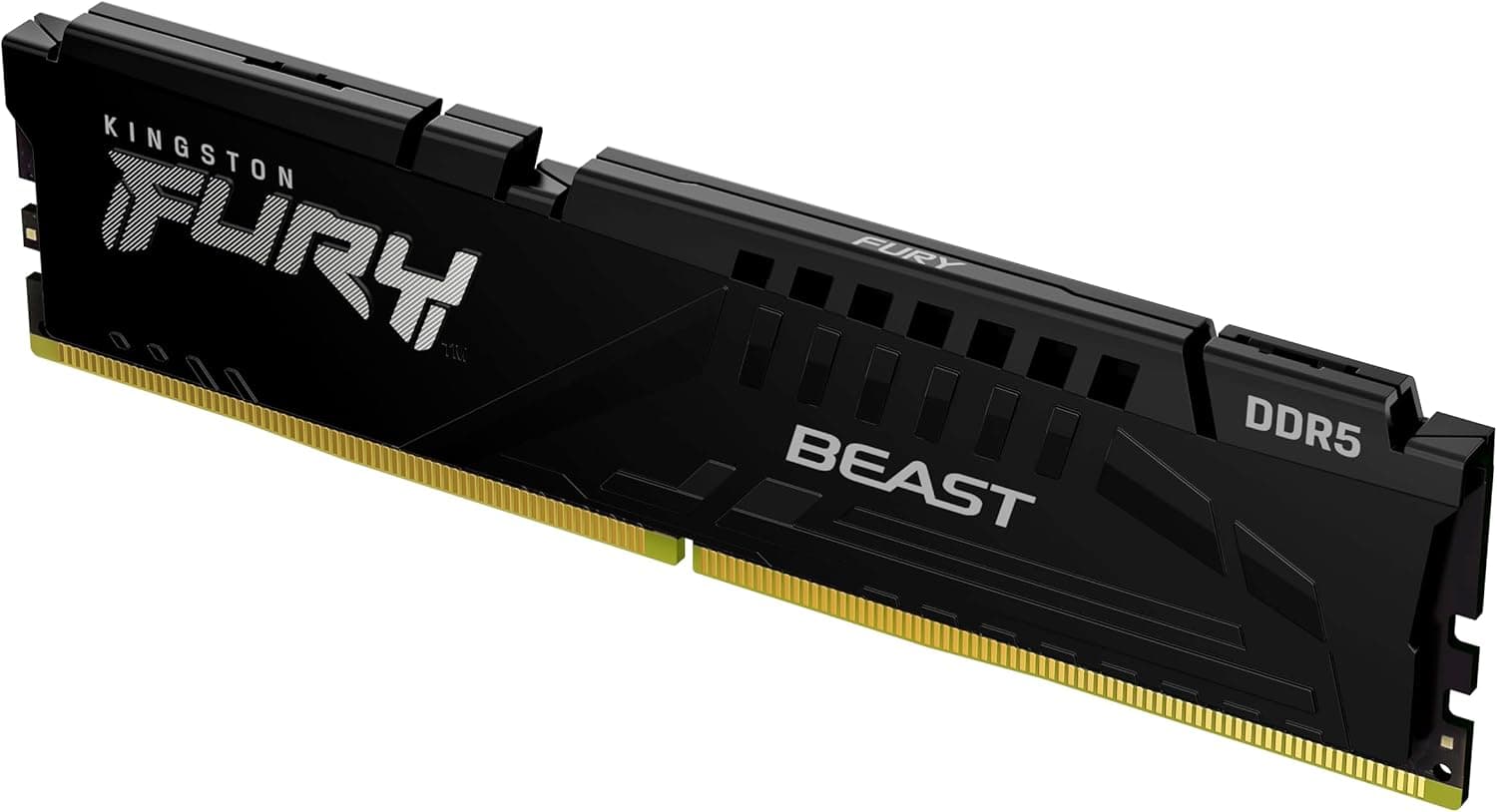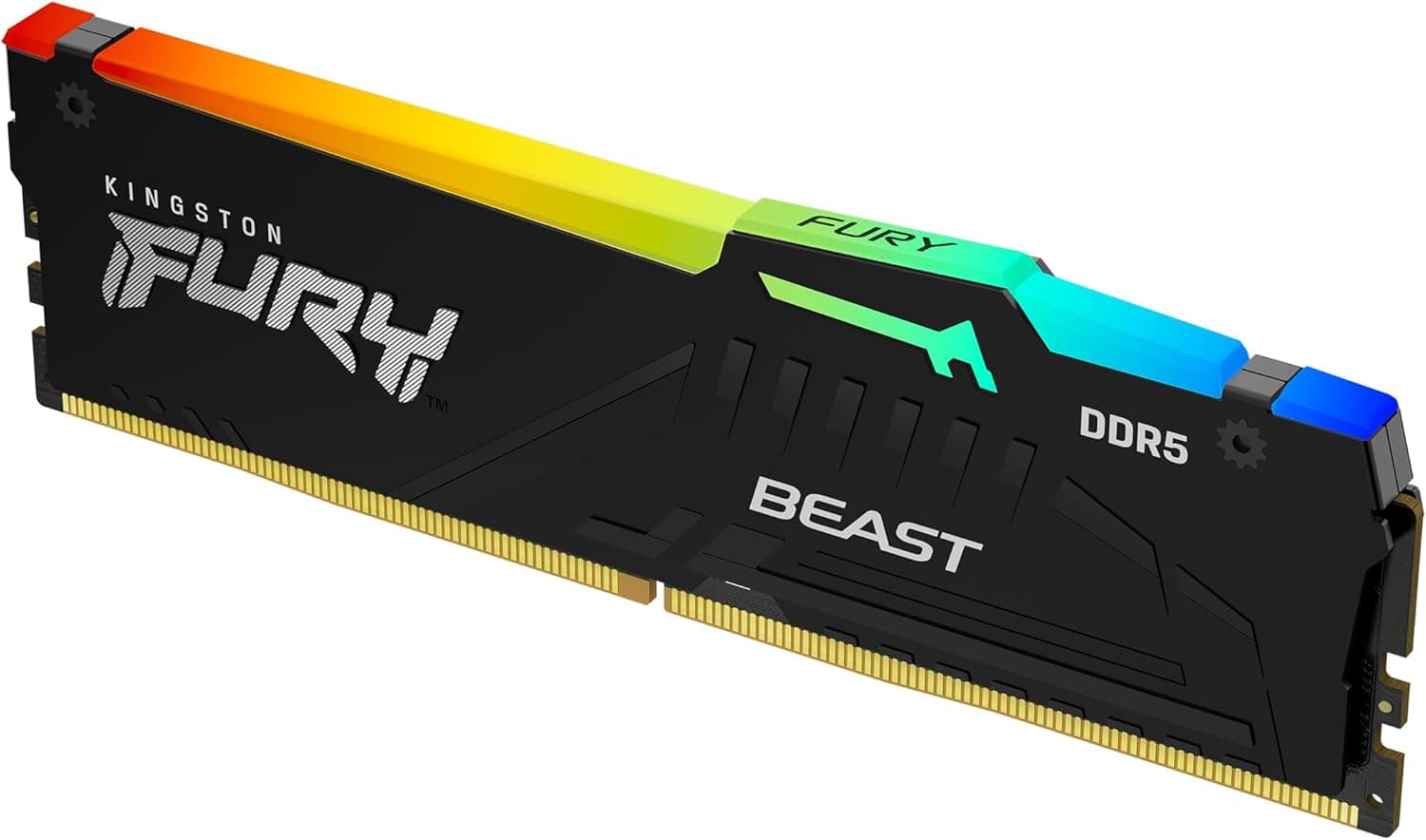
This article covers Kingston FURY Beast Black RGB EXPO 16GB 6000MT.
Overview
Kingston's FURY Beast Black RGB EXPO memory brings DDR5 performance to gamers and PC enthusiasts who want a straightforward upgrade path. The KF560C30BBEA-16 is a single 16GB module running at 6000MT/s with CL30 latency, featuring a sleek black heat spreader and customizable RGB lighting. It supports both AMD EXPO and Intel XMP 3.0, making it a versatile choice for modern platforms. Out of the box, the module operates at the JEDEC standard of 4800MT/s, but enabling the EXPO or XMP profile in BIOS instantly lifts it to 6000MT/s CL30. This plug-and-play approach is ideal for users who want high memory bandwidth without diving into manual overclocking. The patented infrared sync technology ensures that multiple modules glow in harmony even without motherboard RGB software compatibility. Positioned in the mid-range segment, this memory offers a compelling balance of price, performance, and aesthetics. It's particularly well-suited for AMD AM5 builds where 6000MT/s CL30 is the sweet spot for Ryzen 7000 series CPUs. The single-module format allows buyers to start with 16GB and later add a second module for dual-channel 32GB, making it a flexible entry point into DDR5.
Compatibility Guide
Memory type: DDR5 DIMM, 288-pin. Compatible with Intel 600/700 series motherboards and AMD AM5 (Ryzen 7000/8000/9000 series). AMD EXPO and Intel XMP 3.0 certified. Enable the appropriate profile in BIOS to reach 6000MT/s at CL30. Without the profile, it runs at 4800MT/s. For dual-channel operation, purchase two identical modules and install them in the A2 and B2 slots (second and fourth from the CPU). Voltage: 1.1V (JEDEC) default, ~1.35V under EXPO/XMP. The motherboard automatically adjusts; no manual voltage tweaking is required for standard use. * When using four modules, the memory controller may need slight voltage adjustment (e.g., 1.25V) for stability. Check your motherboard's QVL for validated configurations.
Product Info
Released in April 2024, this memory module is widely available through retailers like . Pricing typically ranges from ¥7,000 to ¥9,000 per module depending on market conditions. Kingston backs it with a limited lifetime warranty, and the module is validated by major motherboard vendors. Market positioning: mid-range. The 6000MT/s CL30 spec is considered the sweet spot for DDR5 gaming PCs, especially with AMD Ryzen 7000 series CPUs. It's not the fastest DDR5 available (6400MT/s+ or CL28 exist), but it offers excellent value for everyday gaming and light productivity tasks.
Best Use Cases
Entry-level to mid-range gaming PC builders: Pair with a Ryzen 5 7600 or Core i5-14600K for smooth 1080p/1440p gaming. Start with one module, then add another later for 32GB dual-channel. This memory won't bottleneck a mid-range GPU like an RTX 4060 or RX 7600. AMD EXPO users: If you're building an AM5 system, this memory is a no-brainer. The EXPO profile delivers the optimal 6000MT/s CL30 that Ryzen 7000 CPUs love. You get the performance without manual tuning headaches. Budget-conscious RGB enthusiasts: The RGB lighting is bright and customizable via Kingston FURY CTRL software. The infrared sync ensures consistent lighting across modules without needing motherboard RGB software. This is a cost-effective way to add flair to your build. Not recommended for: Hardcore gamers who need 32GB+ immediately, or creative professionals requiring 64GB+ for video editing/3D rendering. Also, avoid if your motherboard only supports DDR4.
Things to Consider
Single module means you'll need to buy two if you want dual-channel performance. A 2x16GB kit might be more cost-effective in the long run. Without enabling EXPO/XMP, the memory runs at 4800MT/s, significantly reducing performance. Don't forget to change the BIOS setting. Always check your motherboard's QVL for compatibility, especially if you plan to populate all four slots. Some boards may struggle with high-speed memory in full configuration. Competitors like G.Skill Trident Z5 Neo and Corsair Vengeance DDR5 offer similar specs but often at higher prices. Kingston's value proposition is strong, but the RGB software ecosystem is less feature-rich than some rivals. ## FAQ
Q: Can I use this memory on an Intel motherboard? A: Yes, it supports Intel XMP 3.0, so you can enable the profile on Intel 600/700 series boards to reach 6000MT/s. The AMD EXPO profile is not available on Intel, but the XMP profile is separate. Q: If I buy two single modules, will dual-channel work automatically? A: Yes, as long as you install them in the correct slots (A2/B2) and they are identical models. However, for best stability, purchase two modules from the same production batch (same kit). Q: Is CL30 better than CL36 for gaming? A: Generally yes. Lower latency (CL30) provides better gaming performance, especially on Ryzen CPUs that are sensitive to memory latency. The price difference is usually small,