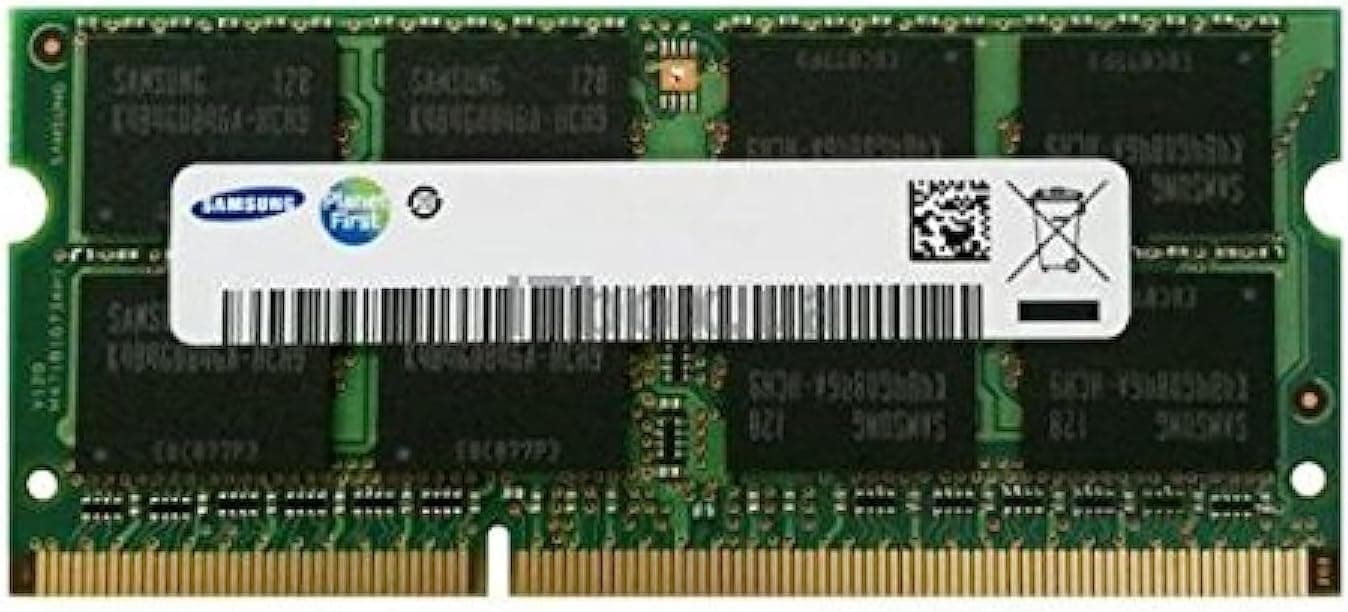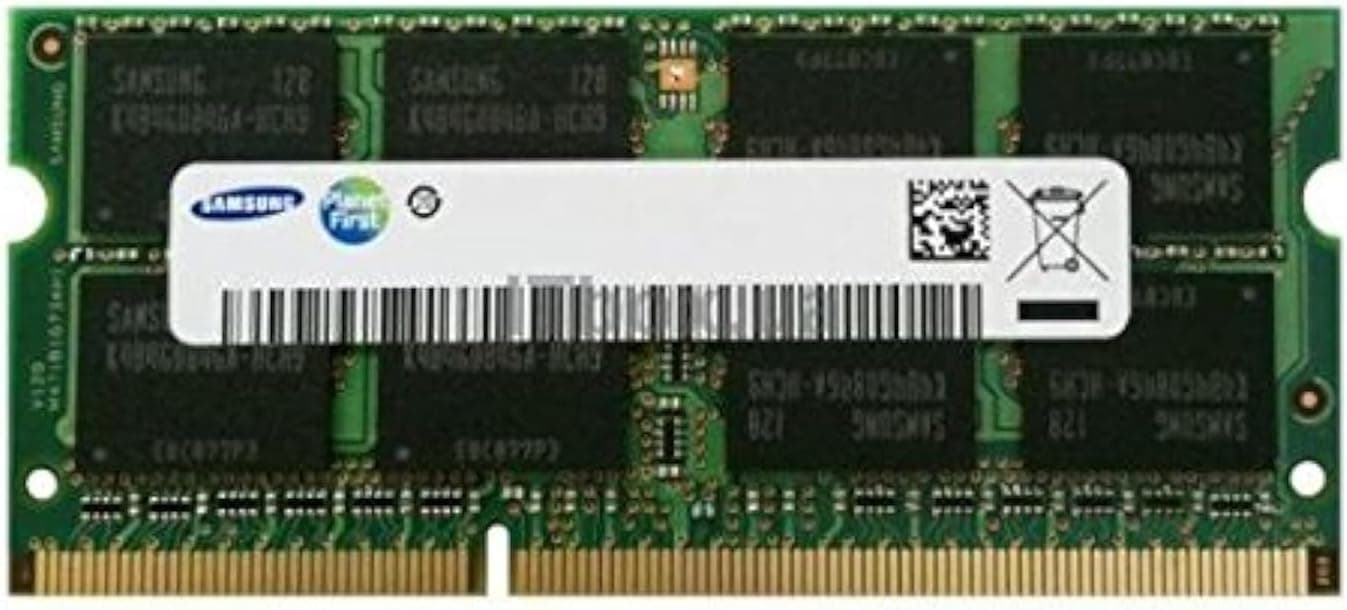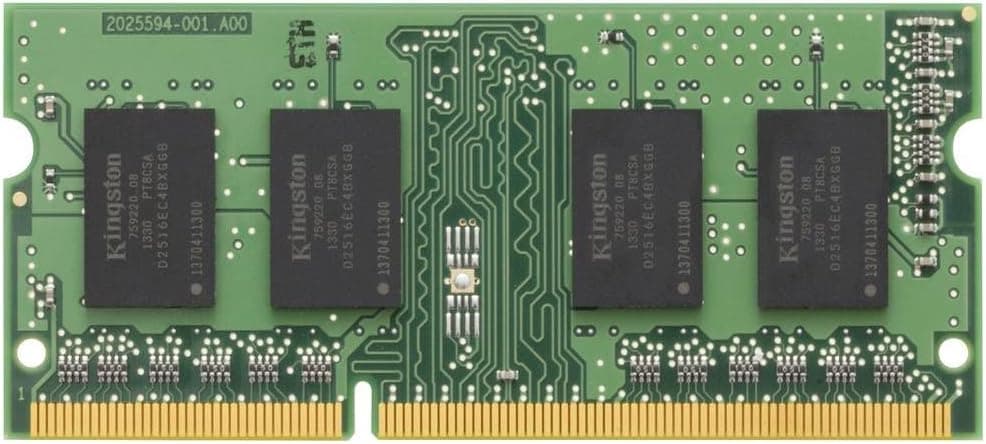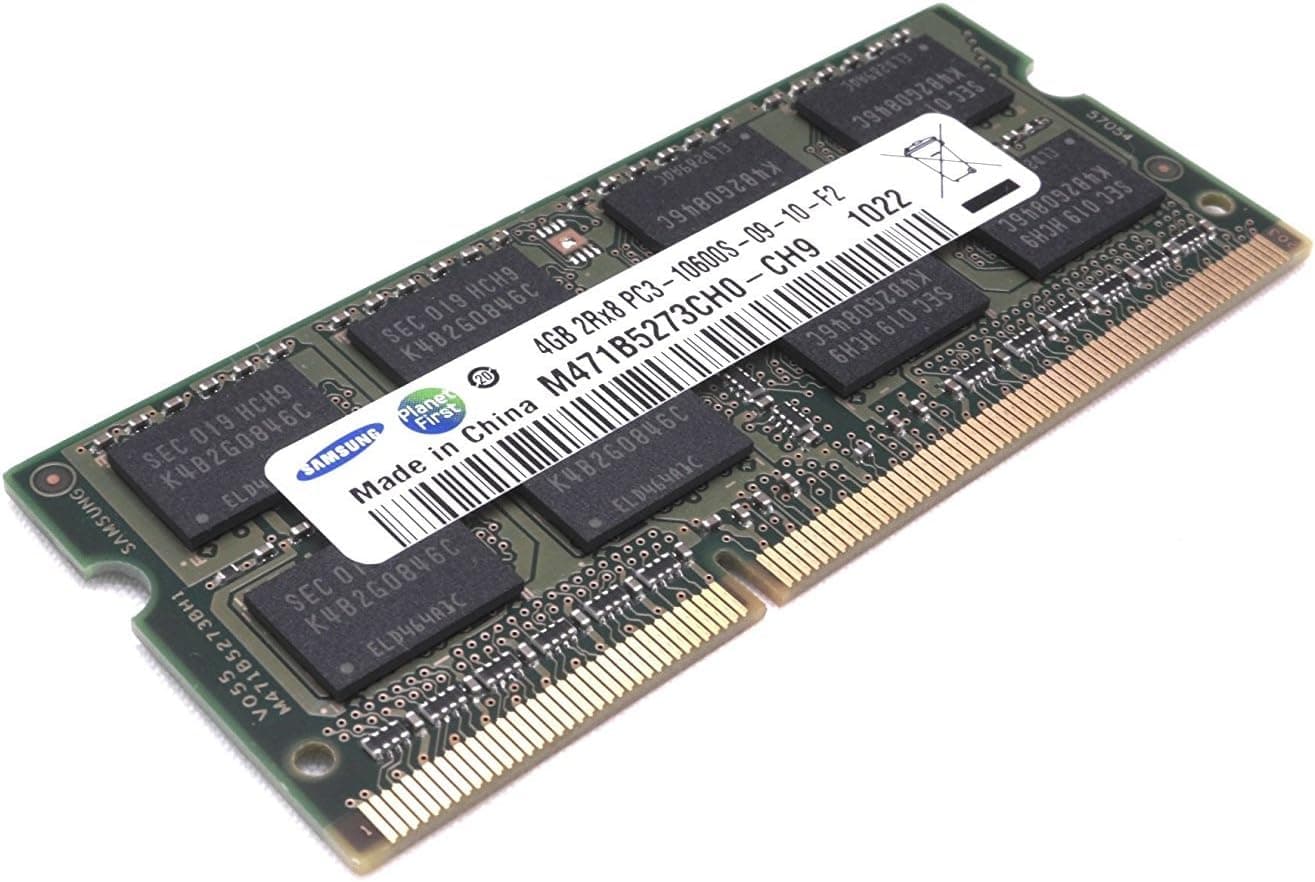
This article covers 4.0 GB Samsung pc3.
Overview
Samsung's 4GB PC3-10600 DDR3 1333MHz SO-DIMM memory module is designed for DDR3-era notebook PCs, offering a 4GB capacity in a 204-pin SODIMM form factor. It operates at 1333MHz (PC3-10600 bandwidth) and serves as an entry-level upgrade part for legacy systems. The module is ideal for reviving older laptops or thin clients that still use DDR3 memory, providing a cost-effective way to boost performance for basic tasks like web browsing and office work. This Samsung OEM module is built with reliable NAND and PCB, ensuring stable operation in compatible systems. However, it's strictly limited to DDR3 platforms and cannot be used in modern DDR4 or DDR5 systems. The 4GB capacity is modest by today's standards, adequate for light productivity but insufficient for memory-intensive applications.
Compatibility Guide
Memory Standard: DDR3 SO-DIMM, 204-pin, PC3-10600 (DDR3-1333). Compatible Devices: Notebooks, Mini-ITX systems, all-in-one PCs with SODIMM slots. Important Notes: Verify your motherboard supports DDR3, not DDR2 or DDR4. Some older chipsets may require dual-rank modules; this module is dual-rank (2Rx8). Check memory voltage requirements (standard 1.5V, not low-voltage 1.35V). Real-World Pairings: Works in many laptops from 2010–2015 such as Lenovo ThinkPad T420/T430/X230, Dell Latitude E6xxx series, HP ProBook 6xx series.
Product Info
Released around 2010–2012, this module is now available through secondary markets like . Pricing is typically around ¥3,980 for the single 4GB stick. Warranty depends on the seller but often 30 days to 1 year. Market positioning is entry-level, targeting budget-conscious users or those maintaining legacy hardware. Samsung's manufacturing quality is known for reliability, though no official Samsung product page exists for this aging part. The TDP is negligible (typically <5W).
Best Use Cases
Reviving Old Notebooks: If you have a DDR3-era laptop that feels sluggish, upgrading from 2GB to 4GB (or 8GB with two sticks) can noticeably improve multi-tasking and boot times. This module is an affordable drop-in solution. Budget Secondary PC Builds: For ultra-low-cost builds using old hardware, a 4GB DDR3 stick can complement a SSD to create a usable system for basic tasks. However, consider 8GB if possible. * Temporary Workaround: For specific situations where a legacy system needs a small memory boost for a short period (e.g., testing or data recovery), this module is cost-effective. Not Recommended For: Modern gaming, video editing, running multiple VMs, or as primary memory in a system running Windows 11 (minimum 4GB but 8GB+ recommended). ## Alternatives
Competitors include Hynix and Micron equivalent DDR3-1333 SODIMM modules, often priced similarly. Samsung offers better brand recognition and perhaps better compatibility due to widespread use. No-name generic modules can be cheaper but risk compatibility and reliability. If you need higher capacity, a 8GB DDR3 SODIMM (e.g., PC3-10600 8GB) costs roughly 2–3x more and is better for future-proofing, but 4GB is fine for light use.
Things to Consider
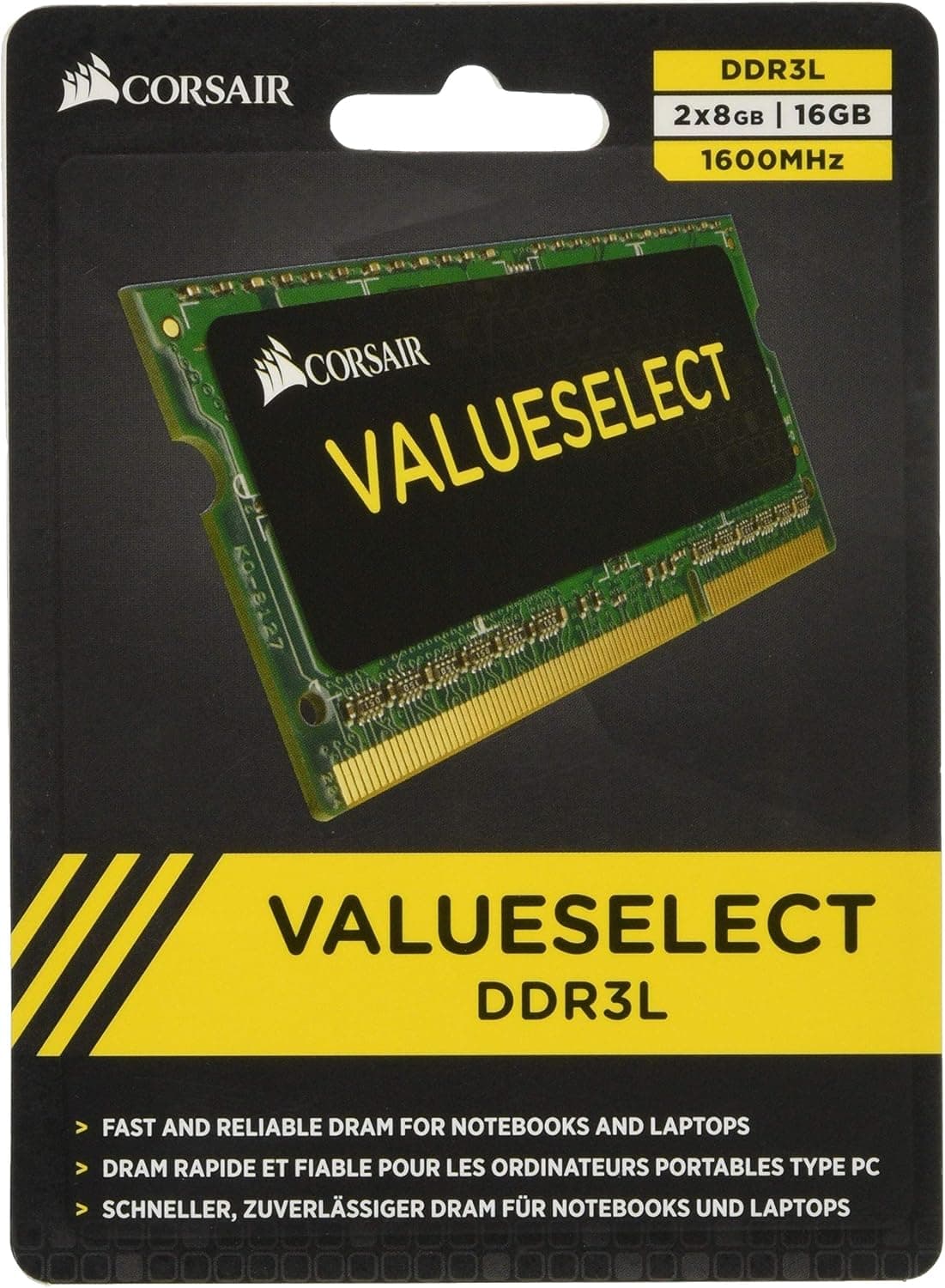
Compatibility Caveats: This module uses 1.5V standard voltage. Some newer (or older) systems require low-voltage DDR3L (1.35V) and may not boot with standard voltage. Check your motherboard's documentation. Capacity Limitations: 4GB is the minimum viable memory for Windows 10/11. You'll likely need two sticks for 8GB total for a comfortable experience. If your system only has one SODIMM slot, consider a 8GB module instead. Used Market Quality: Since this is an old product, used modules may have wear. Buy from sellers with good ratings and return policy. No Official Support: Samsung no longer supports this product. No firmware updates or compatibility lists. ## FAQ Q: Will this work in a MacBook Pro from 2011? A: Yes, MacBook Pro mid-2012 and earlier (non-Retina) use standard DDR3 SODIMM. However, Macs are picky about RAM; if you mix with existing module, ensure same specs. Q: Can I overclock this memory? A: These modules are not designed for overclocking. Running above 1333MHz is unlikely to work reliably. Q: How many modules can I install? A: Typically 2 slots are available in laptops, allowing up to 8GB total with two 4GB sticks. Some older systems support up to 16GB with 8GB modules, but verify motherboard limit.
Product Disclosure (Amazon)
- Manufacturer: サムスン(SAMSUNG)
- Seller: Toy light
- Fulfilled by: Amazon
- ASIN: B003XN3BZC
- Note: This article covers a manufacturer-made product based on Amazon listing details.