This article covers Ipolex 2.5G イーサネットカード 2ポート NIC ネットワークアダプター Realtek RTL8125BGコントローラー対応 デュアルRJ45ポート PCI Express ギガビットイーサネットカード Windows.
Overview
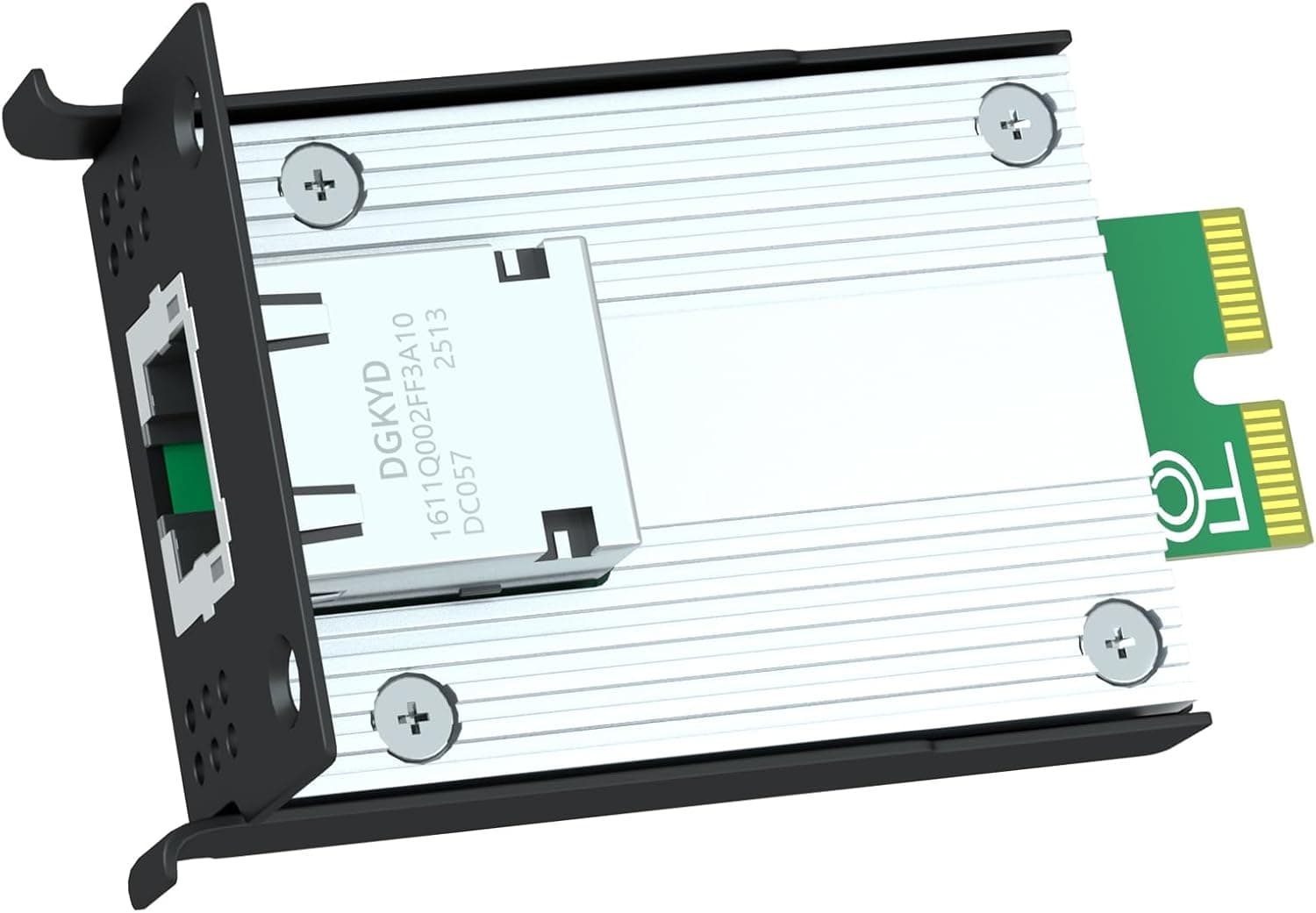
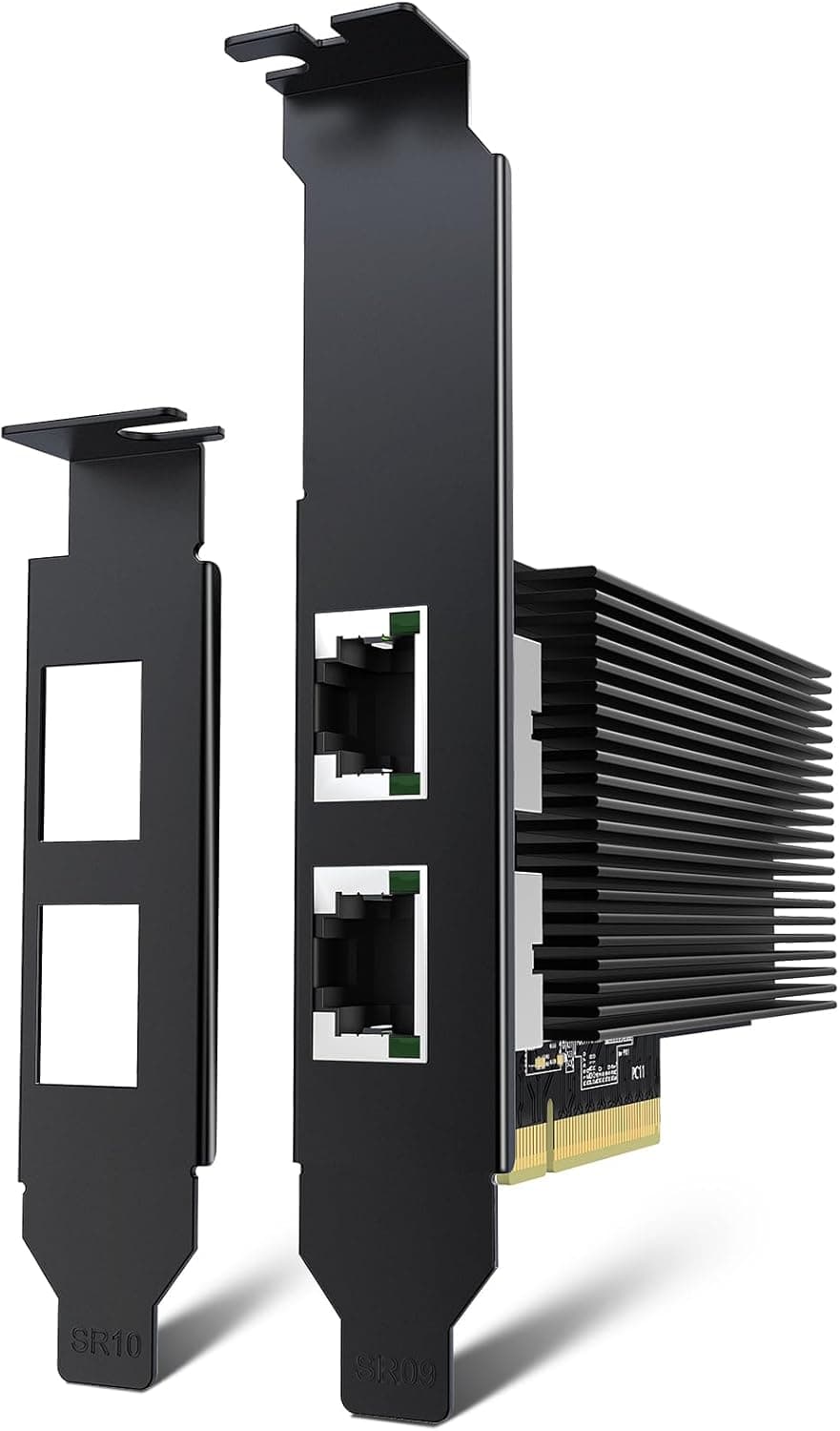
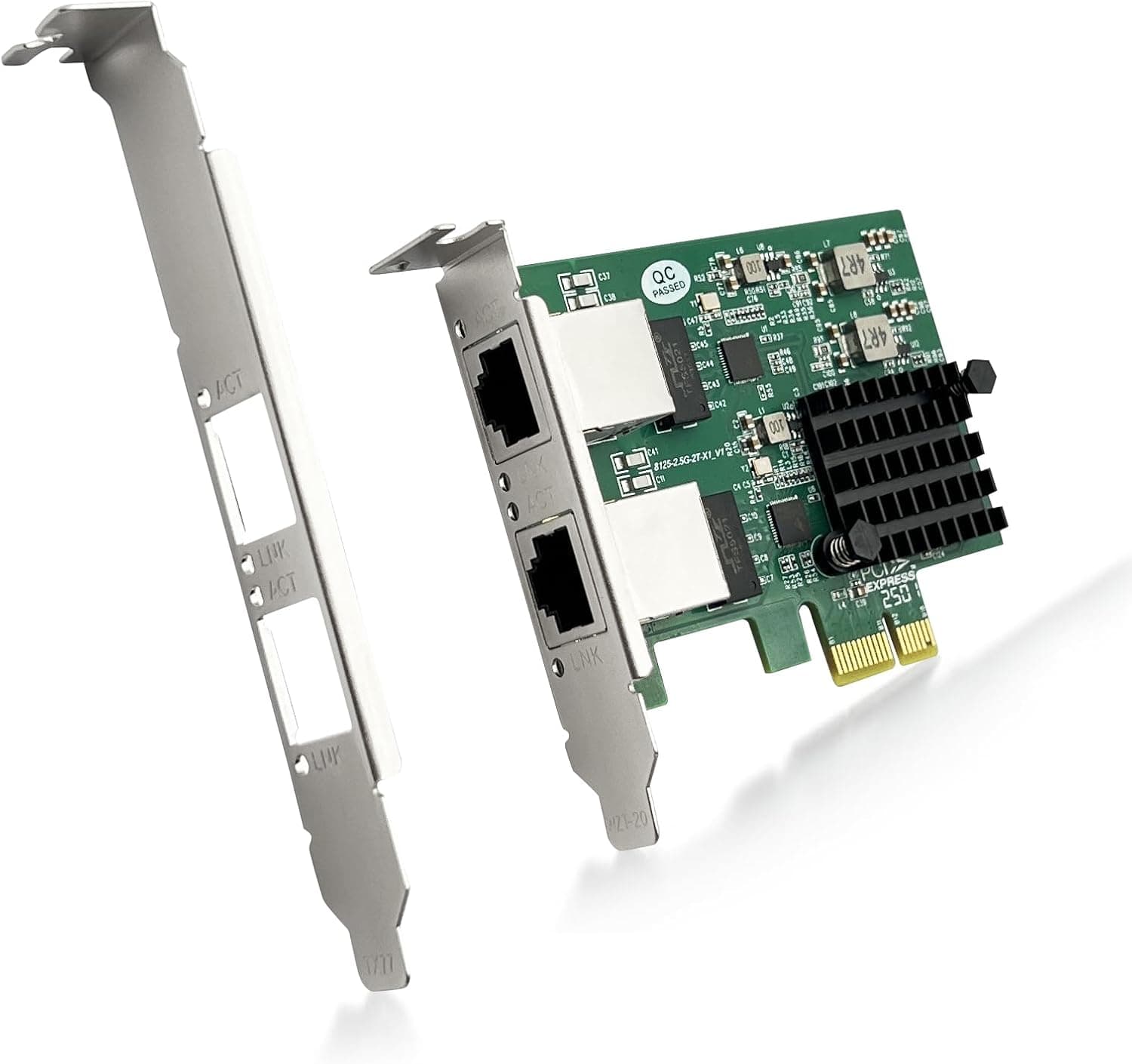
The Ipolex 2.5G Ethernet Card 2-Port NIC is a PCIe expansion card that adds two 2.5 Gigabit Ethernet ports to any desktop PC. It uses a dual-controller design combining the Realtek RTL8125BG with an ASMedia ASM1806 bridge chip, delivering independent 2.5Gbps bandwidth on each RJ-45 port. For users looking to upgrade from legacy 1Gbps networking without replacing their motherboard, this card offers a straightforward path to 2.5Gbps. It runs on PCI Express 2.0 x1, making it compatible with older systems that lack modern high-speed networking.
Connectivity & Compatibility
Interface: PCI Express 2.0 x1 (works in x4, x8, x16 slots as well) Ports: Dual RJ-45, each supporting 2.5GBASE-T Supported OS: Windows 7/8/10/11, Windows Server 2008 R2–2019, Linux 2.6.x–5.x, CentOS 6/7/8, Ubuntu 16–20, VMware ESXi 6 Not supported: ESXi 7/8, FreeBSD, hot-swap, Wake on LAN, DPDK, iSCSI, FCoE * Supported features: PXE network boot, VLAN tagging, jumbo frames
Product Info
Released around 2023, the Ipolex 2.5G NIC is priced at approximately ¥14,252 on Japan. It comes with a 3-year manufacturer warranty and includes both standard and low-profile brackets for slim cases. Market positioning is entry to mid-range. It offers excellent value compared to Intel I225/I226-based dual-port NICs, making it a cost-effective choice for upgrading to 2.5GbE.
Best Use Cases
NAS and file server users: Eliminate the 1Gbps bottleneck for large file transfers. Dual ports allow direct connection between NAS and client for maximum throughput. Creative professionals handling large media files: Video editors and 3D artists can accelerate asset transfers. Existing Cat5e cables work fine at 2.5Gbps. Home lab and testing environments: Works with Linux and VMware ESXi 6, supports VLANs and jumbo frames. An affordable way to build a 2.5GbE lab network. Not ideal for: Users needing ESXi 7/8 or FreeBSD support, or those requiring WOL or iSCSI functionality.
Things to Consider
The Realtek RTL8125BG may not be recognized by Windows' built-in drivers; download the latest driver from Realtek's website before installation. On Linux, kernel 5.x and later include native support, but older distributions may require manual driver compilation. To achieve full 2.5Gbps speed, you need a 2.5GBASE-T switch or router and Cat5e or better cabling. The card will auto-negotiate to 1Gbps if connected to a gigabit-only network. While the card has two ports, PCI Express 2.0 x1 offers roughly 500MB/s (one direction) of total bandwidth. Sustained full-speed traffic on both ports simultaneously (2 × 312MB/s) will approach this limit. For constant dual-port saturation, consider a PCIe 3.0 x1 or higher card. ## FAQ
Q: Does this card work with Windows 11? A: Yes, Windows 11 is supported. Install the latest RTL8125BG driver from Realtek's official site. Q: What hardware do I need for 2.5Gbps speed? A: You need this card, a 2.5GBASE-T switch or router, and Cat5e or higher Ethernet cables. Also ensure your PCIe slot is at least x1. Q: Can I combine both ports for 5Gbps? A: Yes, via OS-level teaming or link aggregation, provided your switch supports LACP. This increases multi-session throughput rather than doubling single-stream speed.
Product Disclosure (Amazon)
- Manufacturer: ipolex
- Seller: KJ_STORE
- Fulfilled by: KJ_STORE
- ASIN: B0BW8FKR33
- Note: This article covers a manufacturer-made product based on Amazon listing details.