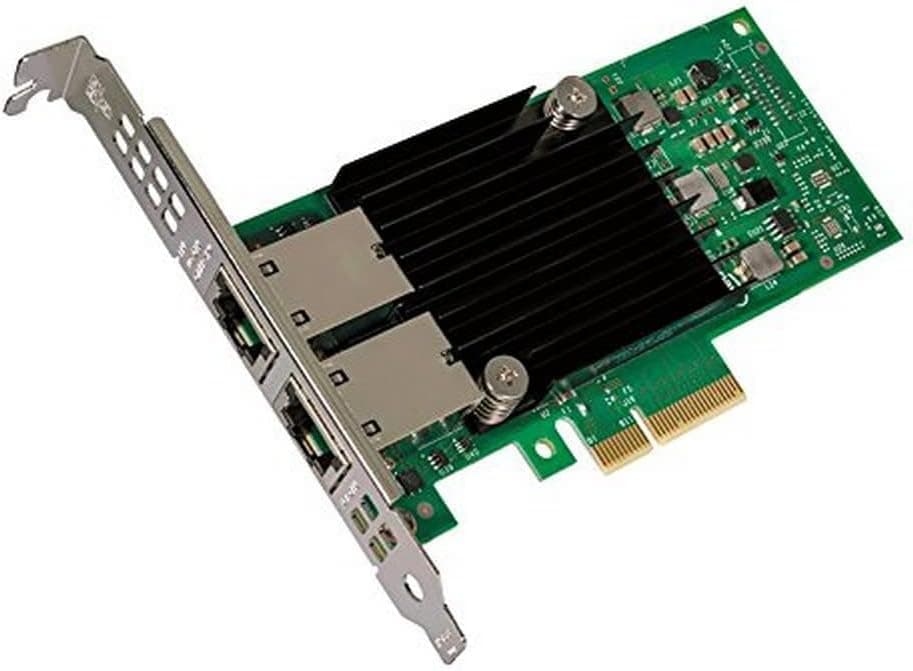
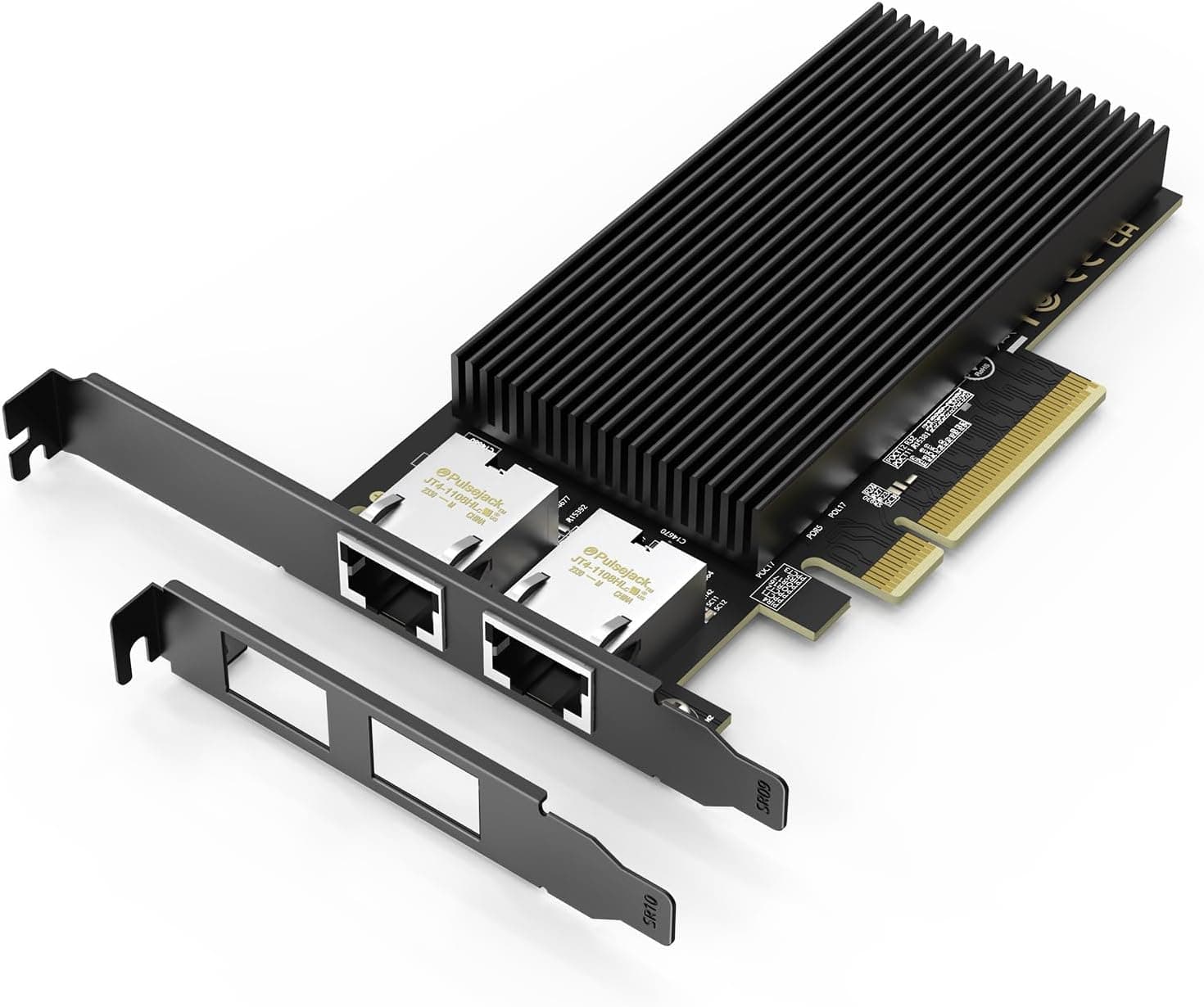
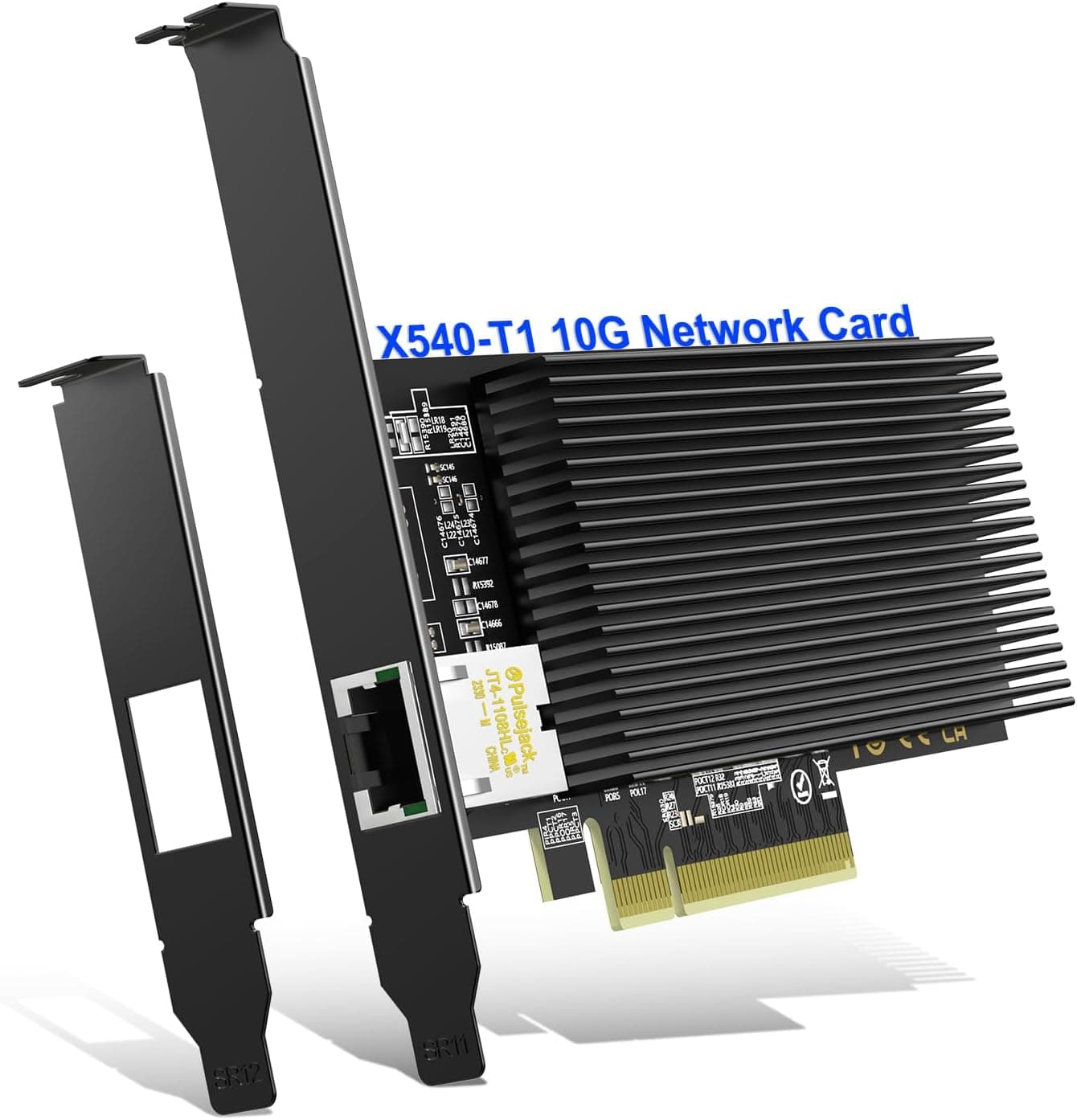
This article covers the ipolex Intel X540-T2 — Dual-Port 10Gb Ethernet PCIe Network Adapter (model X540-10G-2T-X8). It explains how to read the specs and the mistakes people most often make when installing it.
Overview
This ipolex card is a 10GBASE-T network adapter with two RJ45 ports, built around the Intel X540-BT2 controller. It goes in a PCI Express x8 (PCIe 2.0) slot and gives you up to 10 Gbps over ordinary copper Ethernet cabling.
In short, it is an affordable way to move a PC, NAS or home server to 10GbE while keeping your existing RJ45 wiring. It is not a good fit if you want to pair it with 2.5G/5G multi-gig equipment.
Check the retailer's page for the latest user reviews. It supports SR-IOV, so in VMware or Hyper-V you can pass network functions straight through to virtual machines.
Keep in mind that the X540 is a controller generation from the early 2010s. Compared with current 10GbE chips, it tends to run hotter and draw more power.
Compatibility Guide
PCIe slot: check both physical size and electrical lanes
The card uses a PCI Express x8 (PCIe 2.0) interface and also fits x16 slots.
It works in PCIe 3.0 or 4.0 slots thanks to backward compatibility, but the card still runs at PCIe 2.0 speed.
The easy thing to miss is a slot that looks like x16 but is only wired for x4. On typical desktop motherboards, the x16-sized slots other than the primary GPU slot are often x4 electrically.
| Slot | Fits? | Usable bandwidth (theoretical, per direction) | Verdict |
|---|---|---|---|
| x8/x16 slot wired x8 or wider | Yes | About 4 GB/s (about 32 Gbps) | Plenty for both ports at 10 Gbps |
| x16-sized slot wired x4 | Yes | About 2 GB/s (about 16 Gbps) | Fine for one port; both ports at full load will be capped |
| Closed-end x1 / x4 slot | No | — | Physically will not fit |
These figures are theoretical, calculated from roughly 500 MB/s per PCIe 2.0 lane in each direction.
If you only run one port at 10 Gbps, as most home users do, an x4-wired slot causes almost no practical problem. On some boards, however, using the second slot reduces the GPU's lanes or shares bandwidth with an M.2 slot.
Check the lane layout in your motherboard manual before you install.
Link speed: only 10 Gbps and 1 Gbps
The ports support 10GBASE-T (10 Gbps) and 1000BASE-T (1 Gbps). They do not support 5GBASE-T or 2.5GBASE-T.
If you plug the card into the 2.5GbE port common on today's home routers and switches, it links at 1 Gbps, not 2.5 or 10.
Assuming a 10GbE card will at least do 2.5G on a 2.5G switch is a common mistake.
To get 10 Gbps, the switch, NAS or PC on the other end must also support 10GBASE-T.
Cabling: Cat6a is the baseline
The 10GBASE-T standard assumes Cat6a cable for runs of up to 100 m. Cat6 can link at 10 Gbps over short runs (the standard points to roughly 55 m), but Cat6a is the safe choice if you need reliable speed.
Cat5e is not suitable for 10 Gbps. If the link drops to 1 Gbps, the cable or in-wall wiring is often the culprit rather than the card.
Operating systems
Listed supported systems are Windows 7/8/10/11, Windows Server 2012/2016/2019, Linux (Ubuntu 20/22 and others), VMware ESX/ESXi 5/6/7 and FreeBSD 11/12/13/14. On Linux, the card is usually recognized by ixgbe, Intel's 10GbE driver included in the standard kernel.
On Windows, check the product page to see whether the driver comes with the card or should be downloaded from Intel, which makes setup smoother.
Servers and hot-swap
Dell and HPE servers may require MCU information that matches the host OS, so verify compatibility before you buy. The card does not support hot-swap.
Always power the system down before installing or removing it.
Product Info
| Item | Detail |
|---|---|
| Model | X540-10G-2T-X8 |
| Controller | Intel X540-BT2 |
| Ports | 2 x RJ45 |
| Data transfer rate | 10 Gbps (10GBASE-T) / 1 Gbps (1000BASE-T) |
| Interface | PCI Express x8 (PCIe 2.0) |
| Dimensions | 222 x 148 x 34 mm |
| Weight | about 159 g |
| Brackets | Full-height and low-profile |
| Supported OS | Windows 7/8/10/11, Windows Server 2012/2016/2019, Linux, VMware |
On Amazon Japan the card was ¥13,349 in late August 2026 and ¥12,953 in May 2026. That is relatively cheap for a dual-port 10GbE NIC, but prices move with sales and stock, so check the product page for the current price before buying.
Both full-height and low-profile brackets are included, so the card can go into a standard mid-tower, a slim PC or a 1U/2U server. The listed dimensions and weight come from the Amazon listing and may include packaging.
If you are fitting it into a slim case or a crowded chassis, check the product photos for the size of the card itself. Warranty length and terms depend on the seller, so confirm them on the product page.
When 10GbE Actually Makes Things Faster
In practice, 1GbE tops out at around 110 MB/s. 10GbE gives you roughly ten times that bandwidth in theory, but real transfers run at the speed of the slowest device.
If the NAS or PC uses a single hard drive, you are limited by the drive itself (around 200 MB/s is typical for a 3.5-inch HDD), so the gain over 1GbE is only about 2x.
You will clearly feel the benefit only when both ends use NVMe or SATA SSDs, or multi-drive RAID.
The second port also lets you skip buying a 10GbE switch. Connect one port to your existing 1GbE network for internet access and run a cable from the other port directly to a NAS or a second PC, and that link runs at 10 Gbps.
10GbE switches are still expensive, so testing with a direct link before spending more is a practical approach. A direct link requires assigning a static IP to each end.
Comparison With Alternatives
| Type | Typical setup | Best for | Caveats |
|---|---|---|---|
| 10GBASE-T (this card) | RJ45, Cat6a cable | Reusing existing Ethernet wiring | Runs warm; no 2.5G/5G |
| 10G SFP+ | SFP+ ports, DAC cable or optical modules | In-rack or short direct links | DAC or modules bought separately |
| 2.5GbE / 5GbE | RJ45, Cat5e to Cat6 | Easily beating the 1G limit | Top speed well below 10GbE |
Within 10GbE, SFP+ cards connected with DAC cables usually run cooler and use less power, but they cannot use your existing Ethernet wiring. 2.5GbE and 5GbE cards pair easily with current Cat5e/Cat6 cabling and affordable multi-gig switches.
If you do not need 10G but find 1G too slow, they keep the total cost down. This card makes the most sense when you already own 10GBASE-T gear or plan to standardize on it.
Best Use Cases
- Home and small-office users with Cat6a wiring who want 10GbE: move to 10 Gbps without replacing your cables.
- IT admins and home-lab users running virtualization: SR-IOV support helps VM network performance in VMware or Hyper-V.
- Creators and NAS users who move large files: paired with an SSD or RAID NAS, it sharply cuts waits for video footage and backups.
- Anyone who wants to link two machines without a switch: with two ports, one card covers both the uplink and a direct connection.
Before You Buy
It links at only 1 Gbps with 2.5G/5G multi-gig gear. If your router or switch tops out at 2.5GbE, this card will be no faster than your current 1GbE.
In that setup, a 2.5GbE or 5GbE NIC is the more sensible choice.
Check your free slot's shape and wiring first. The card will not physically fit a closed-end x1 or x4 slot.
An x16-sized slot wired x4 lacks the bandwidth to run both ports at full load. On a gaming PC, placing it directly under the graphics card also exposes it to the GPU's exhaust heat.
Plan for heat. 10GBASE-T controllers tend to run hotter than SFP+ or 2.5GbE NICs, and the X540 is not a current-generation chip.
In cases with weak airflow, mount it where air reaches the heatsink or rethink your case fan layout.
Check before using it in Dell, HPE or other OEM servers. They may require MCU information that matches the host OS, and their management features may not handle third-party cards as expected.
For production servers, check the vendor's compatibility information first.
No hot-swap support. You cannot swap it out while a server is running.
This card is made by ipolex, not the boxed retail card sold by Intel. The controller is Intel's, but support and warranty go through the seller.
The Amazon listing's dimensions and weight may include packaging, so check the product photos for the actual card size.
FAQ
Q. What speed does it run at on a 2.5GbE router?
A. 1 Gbps. The card supports only 10 Gbps and 1 Gbps, not 2.5G or 5G.
Q. Will Cat6 cable give me 10 Gbps? A.
It may link over short runs, but 10GBASE-T is designed around Cat6a. Use Cat6a if you need reliable 10 Gbps.
Q. Can I use it in an x4 slot? A.
Yes, in an x16-sized slot wired x4. Bandwidth becomes PCIe 2.0 x4, about 16 Gbps, which is enough for one port at 10 Gbps.
It will not physically fit a closed-end x4 slot.
Q. Does it work on Linux? A.
Linux (Ubuntu 20/22 and others) is on the supported list, and the card is usually recognized by the standard kernel's ixgbe driver. VMware ESX/ESXi 5/6/7 and FreeBSD 11 to 14 are also listed.
Q. Is it worth it for a NAS with a single HDD? A.
The drive's speed becomes the limit, so the gain over 1GbE is often only about 2x. To make use of 10GbE, you need an SSD or RAID-based NAS.
Product Disclosure (Amazon)
- Manufacturer: ipolex
- Seller: Wave Variety Store
- ASIN: B01IR7T7PG
- Note: This article covers a manufacturer-made product based on Amazon listing details.