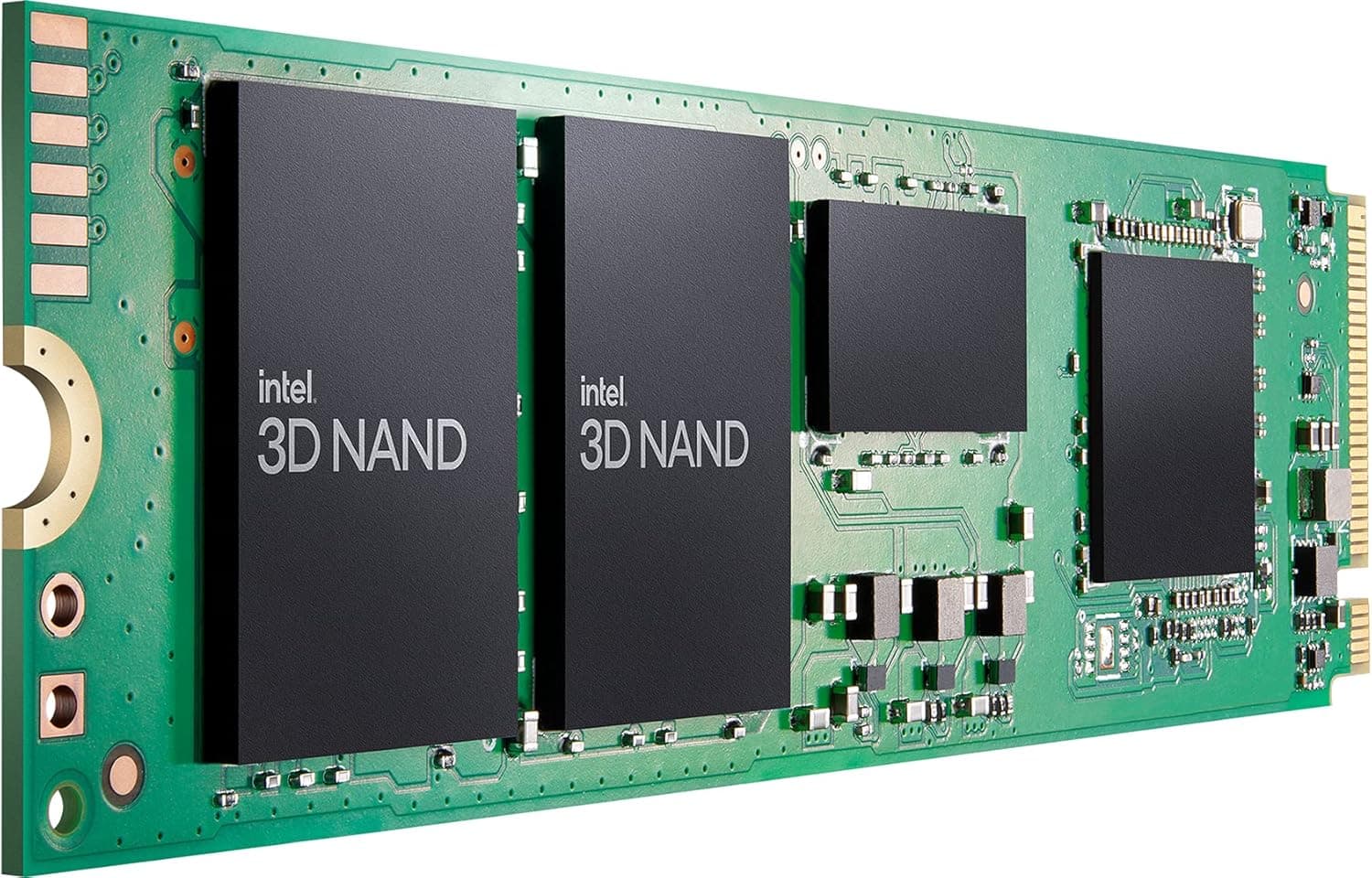
This article covers Intel 670p シリーズ 1.0TB M.2 80mm SSDPEKNU010TZX1.
The Intel 670p Series 1.0TB M.2 80mm (SSDPEKNU010TZX1) is a QLC-based NVMe SSD that uses the PCIe 3.0 x4 interface.
With sequential reads up to 3,500MB/s and writes up to 2,500MB/s, it delivers a noticeable upgrade over SATA SSDs for everyday computing tasks like multitasking, booting, and loading games. Launched in December 2020, this drive targets the entry-to-mid-range market, offering a compelling price-to-performance ratio.
It combines Intel's 144-layer 3D QLC NAND with a Silicon Motion SM2265 controller, and includes a 256MB DRAM cache on the 1TB model to keep random access consistent. The 670p is a solid choice for budget-conscious builders who want NVMe speeds without paying a premium.
It's especially well-suited for use as an OS drive or game library on systems where PCIe 4.0 is not supported or not needed.
This SSD uses the standard M.2 2280 form factor and connects via PCIe 3.0 x4 (NVMe protocol).
It will work in almost any motherboard or laptop with an M.2 slot that supports NVMe.
It is compatible with both PCIe 3.0 and PCIe 4.0 slots (falling back to PCIe 3.0 speed).
No special drivers are required; most operating systems include native NVMe support. The drive does not include a heatsink, but QLC NAND runs cool enough that a motherboard's built-in M.2 heatsink is usually sufficient.
For notebooks, check that the M.2 slot is 2280 length and supports NVMe (some older models only support SATA M.2).
Intel 670p 1TB was released in December 2020 as an entry-level NVMe SSD. Its market position is clear: affordable NVMe storage for everyday use, with a focus on read performance and low power consumption.Check the retailer's page for the latest user reviews.
The endurance rating is lower than TLC-based drives, but for most consumer workloads (reading far more than writing), it's not a concern. Budget PC Builders: If you're building a low-cost system and need an NVMe drive for the OS and frequently used applications, the 670p offers the best value.
It's a fantastic upgrade from a SATA SSD. Not ideal for heavy video editing or database servers.
Secondary Storage for Games: Installing games on this drive will give you quick level loads in most titles. While DirectStorage-optimized games may benefit from a faster PCIe 4.0 drive, the 670p is still a big step up from a hard drive.
Not recommended for professional creative workstations that require sustained write performance. * Media and File Servers: For read-heavy workloads like media streaming or file storage, the 670p's low cost per gigabyte and good read speeds make it attractive.
Avoid using it for write-intensive tasks such as surveillance recording or heavy logging. The main drawback of the 670p is its QLC NAND.
The TBW rating of 370TB means it's less durable than TLC alternatives. For example, writing 100GB daily would exhaust the drive in about 10 years.
If you frequently write large files (e.g., 4K video editing, database operations), consider a TLC SSD like the Samsung 980 or WD Blue SN570.
Also, being a PCIe 3.0 drive, it's not future-proof for systems that will use PCIe 4.0 or 5.0 to their full potential.
However, if your motherboard only supports PCIe 3.0, this drive is a perfect match.
Competitors include the Crucial P3 (also QLC, similar performance) and the Samsung 980 (TLC, higher endurance). The Intel 670p often wins on price but loses on sustained write performance.
Choose based on your specific workload. Q: Can I use the Intel 670p in a PS5 or Xbox Series X?
A: No. Those consoles require a PCIe 4.0 x4 NVMe SSD for internal storage expansion.
The 670p is PCIe 3.0 and will not be recognized.
Q: Do I need a heatsink? A: For typical desktop use, the motherboard's M.2 heatsink is fine.
QLC drives generate less heat than TLC, so additional cooling is rarely necessary. In a laptop with poor airflow, you might want to monitor temperatures.
Q: Intel 670p vs. a SATA SSD like the Samsung 870 EVO?
A: If your motherboard has an M.2 slot, go with the 670p.
It offers roughly 5x faster sequential reads, which translates to noticeably quicker boot times and application loading. The 870 EVO is only worth considering if you have no free M.2 slot or are using a very old system.
Product Disclosure (Amazon)
- Manufacturer: インテル
- Seller: KoKo-Shop
- Fulfilled by: KoKo-Shop
- ASIN: B08X4Z4R1Y
- Note: This article covers a manufacturer-made product based on Amazon listing details.