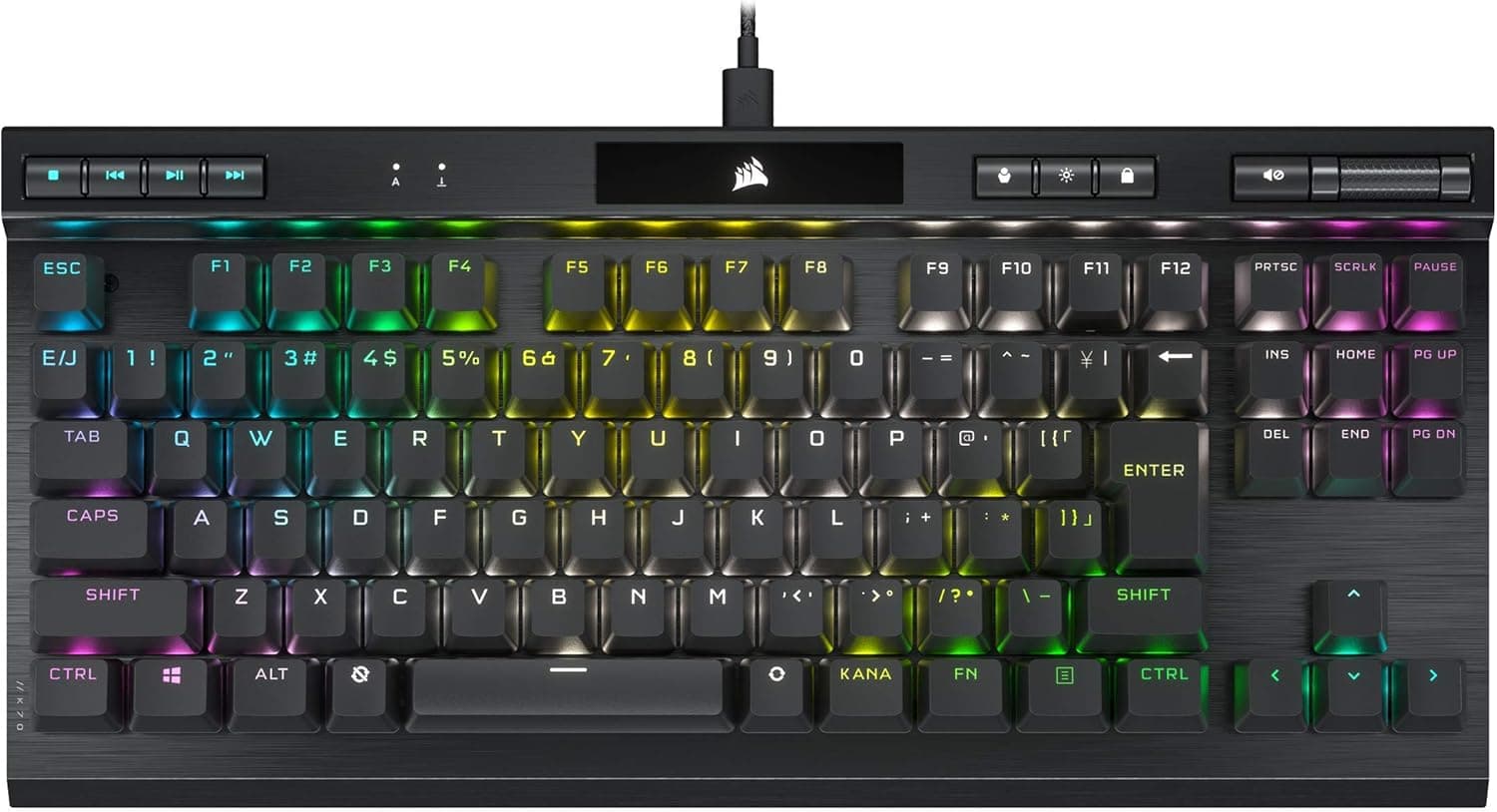
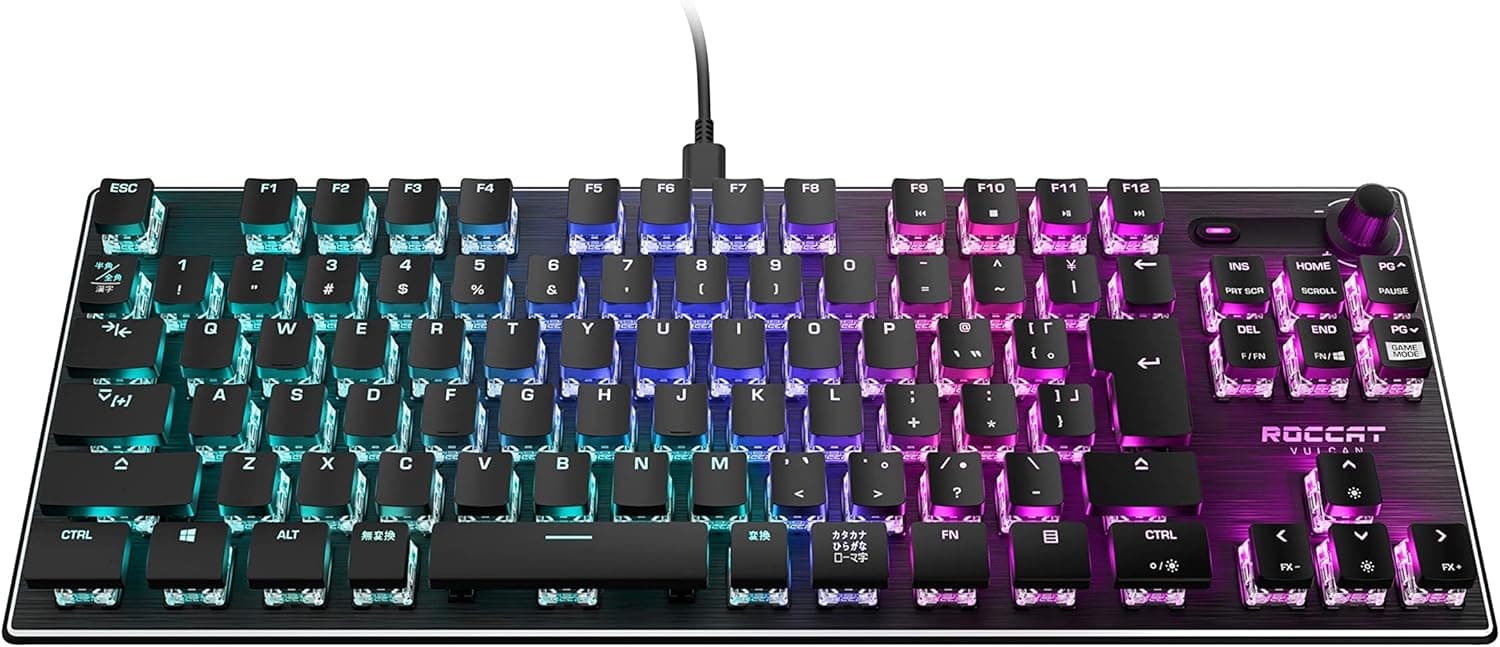
This article covers iClever ゲーミングキーボード テンキーレス 赤軸 メカニカル キーボード 日本語配列 マクロ対応 G06 ブラック.
Overview
The iClever G06 is a wired tenkeyless mechanical keyboard built around red switches, offering a light keystroke feel that keeps the clatter of typing relatively subdued. With 91 keys in an 80% layout, it strikes a compact profile that works well for both gaming sessions and everyday office work.
This model uses a Japanese layout, so domestic users can type without the awkwardness of adapting to a different key arrangement. It also includes macro support, letting you assign multiple operations to a single key, and a Rainbow RGB backlight that runs along both the top face and the sides for visibility in darker rooms.
Connectivity & Compatibility
The G06 connects over a wired USB link, so there is no battery to charge and no wireless dongle to lose. It targets Windows PCs, and basic typing works without extra drivers; the macro and lighting customization features are handled through dedicated software.
The Japanese 91-key layout drops the numeric keypad to keep the board compact. That makes it a good fit for people who want more desk space or who want to shorten the distance their right hand travels to the mouse. Fast-paced FPS and TPS titles benefit from the reduced footprint.
Product Info
The iClever G06 sits in the entry tier of gaming keyboards. It brings red mechanical switches, macro keys, and RGB lighting to a budget-friendly price point, while the tenkeyless form factor keeps it versatile enough for both play and productivity.
The keycaps use ABS material, which is lightweight and resistant to wear, and the legends are laser-etched. Double-injection molding is used only to reinforce the keys and improve durability, not for the lettering itself.
Best Use Cases
- Gamers who want more mouse room: the tenkeyless layout frees up desk space and lets you move the mouse more freely in FPS and TPS games. If you rely heavily on a numeric keypad for spreadsheet work, this board will slow you down.
- People who type for long stretches: the light red-switch action reduces finger fatigue during programming or document writing. If you need near-silent operation, this is not the quietest option available.
- Users who want macro shortcuts: assigning multi-step commands to a single key speeds up complex in-game actions or repetitive workflows. Just remember that the Fn key itself cannot be remapped.
Product Disclosure (Amazon)
- Manufacturer: iClever
- Model: G06
- ASIN: B0D86XCN4G
- Note: This article covers a manufacturer-made product based on Amazon listing details.