Overview
Gigabyte H810M S2H is a budget-friendly MicroATX motherboard built around the Intel H810 chipset and the LGA1851 socket, designed for Intel's Arrow Lake (Core Ultra 200 series) processors. It supports up to 128GB of DDR5 memory, making it a low-cost entry point into the latest Intel platform.
Priced at around ¥34,700 (as of September 2026), this board targets users who want a minimal, functional build without overspending. The H810 chipset offers the essentials but lacks advanced connectivity and overclocking features, so it's best suited for office PCs, media servers, or entry-level gaming rigs paired with a modest dedicated GPU.
Compatibility Guide
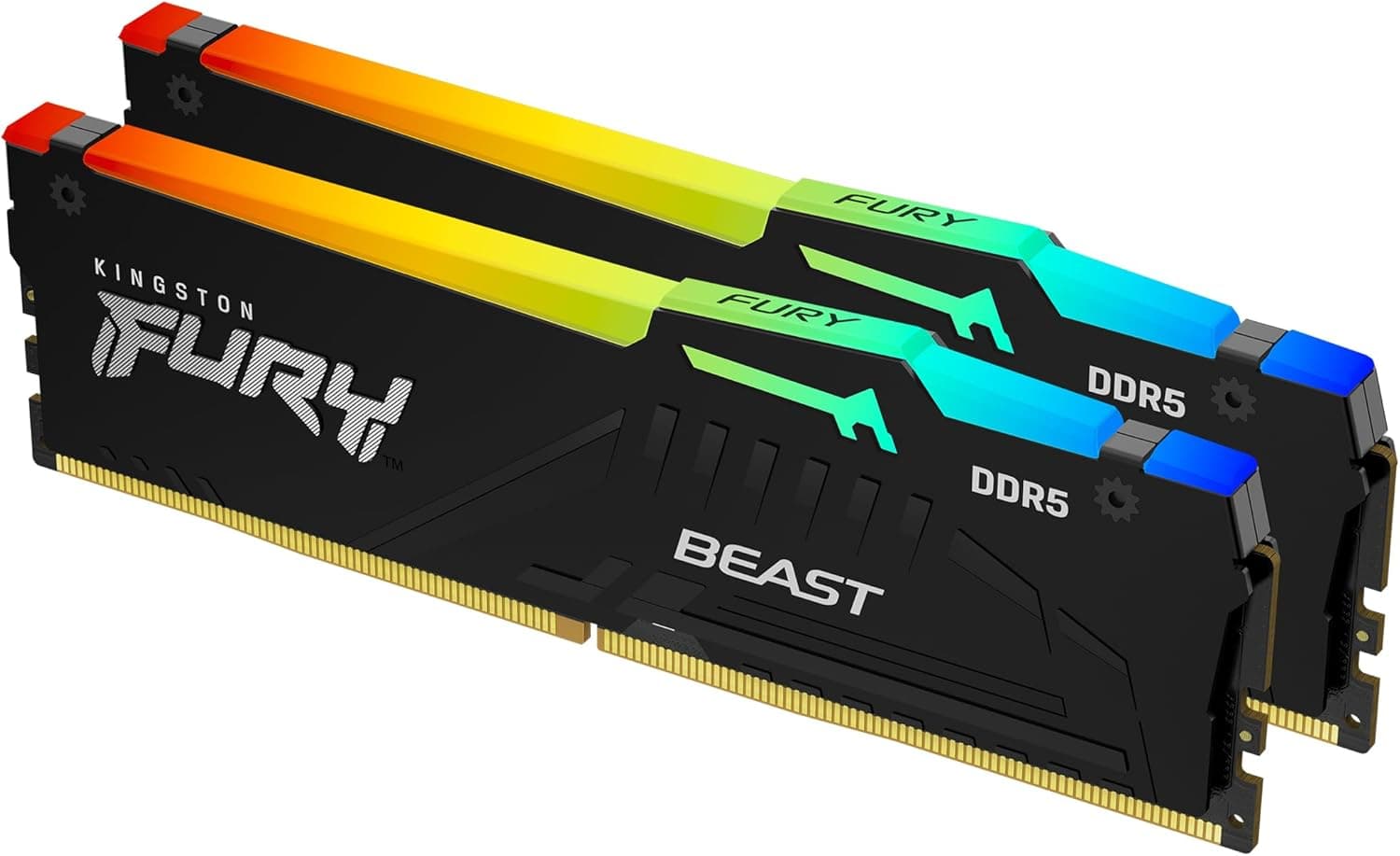
The H810M S2H exclusively uses the LGA1851 socket, compatible only with Intel Core Ultra 200-series processors (Arrow Lake). It does not support LGA1700 CPUs. Memory is limited to DDR5 DIMMs in dual-channel configuration, with a maximum capacity of 128GB across two slots. XMP/EXPO profiles are supported but stability at very high speeds may vary due to chipset limitations.
The board follows the MicroATX form factor (244 x 244 mm) and should fit most MicroATX or larger cases. Power delivery requires a 24-pin ATX main connector and an 8-pin EPS CPU power connector; a PSU rated between 500W and 650W is sufficient for typical builds with a mid-range GPU. Storage options include one M.2 slot (PCIe 3.0 x4) and four SATA 6Gbps ports, allowing a mix of NVMe and traditional hard drives.
Product Info
Gigabyte H810M S2H is positioned firmly in the entry-level segment. Key specifications include: LGA1851 socket, Intel H810 chipset, 2 x DDR5 DIMM slots (max 128GB), 1 x PCIe 4.0 x16 slot, 2 x PCIe 3.0 x1 slots, 1 x M.2 (PCIe 3.0) slot, 4 x SATA 6Gbps ports, Realtek 2.5GbE LAN, and rear USB 3.2 Gen1 Type-A ports. It lacks USB-C on the rear I/O and has no built-in Wi-Fi.
As a low-tier offering, the VRM design is basic and overclocking support is minimal. It's perfectly adequate for CPUs like Core Ultra 5, but not recommended for power-hungry Core Ultra 9 chips. The board's simplicity keeps costs down, making it a viable choice for budget-conscious builders who need the latest platform features like DDR5.
Best Use Cases
- Budget Arrow Lake Starter Build
Ideal for first-time builders or those wanting to test the LGA1851 platform without a large investment. Pair with a Core Ultra 5 or Core Ultra 3 CPU and a modest GPU for a capable entry-level PC. - Office & Productivity PC
For spreadsheet work, web browsing, and video conferencing, this motherboard performs flawlessly. DDR5 memory improves system responsiveness over older platforms. - Media Server / Home NAS
With four SATA ports, you can connect multiple hard drives for storage. The single M.2 slot can hold an OS drive. No need for a powerful GPU, making this a cost-effective server foundation. - Secondary / Test Rig
If you already have a main PC, this board lets you build a cheap secondary machine for testing or remote work. The compact MicroATX size fits small cases.
Things to Consider
The biggest limitation is the chipset's restricted PCIe lanes. The sole M.2 slot operates at PCIe 3.0, meaning faster Gen4/Gen5 SSDs will be bottlenecked. There is only one PCIe x16 slot (physical) with Gen4 support, so multi-GPU setups are out of the question. USB port selection is sparse, with no USB-C on the back panel.
DDR5 memory is mandatory; you cannot reuse older DDR4 sticks. While DDR5 prices have dropped, it still adds cost compared to DDR4-based platforms. The VRM design is minimal, so avoid pairing with high-core-count CPUs under sustained heavy workloads.
Potential competitors include the ASRock H810M-HDV and MSI H810M series, which offer similar feature sets. Upgrading to a B760 board would provide more M.2 slots, better VRM, and USB-C support, but at a higher price.
FAQ
Q: Can the H810M S2H run a Core Ultra 9 285K?
A: Physically yes, but the weak VRM may cause thermal throttling under sustained load. A B760 or Z790 board is a safer choice for high-end CPUs.
Q: Does this board support fast DDR5 memory like 6000 MT/s?
A: Supported in principle, but stability is not guaranteed at high frequencies. Check the manufacturer's memory QVL list before buying.
Q: Can I use this motherboard without a dedicated graphics card?
A: Yes, as long as your Arrow Lake CPU includes integrated graphics. The board has HDMI and DisplayPort outputs for direct monitor connection. For gaming, a discrete GPU is still recommended.