Overview
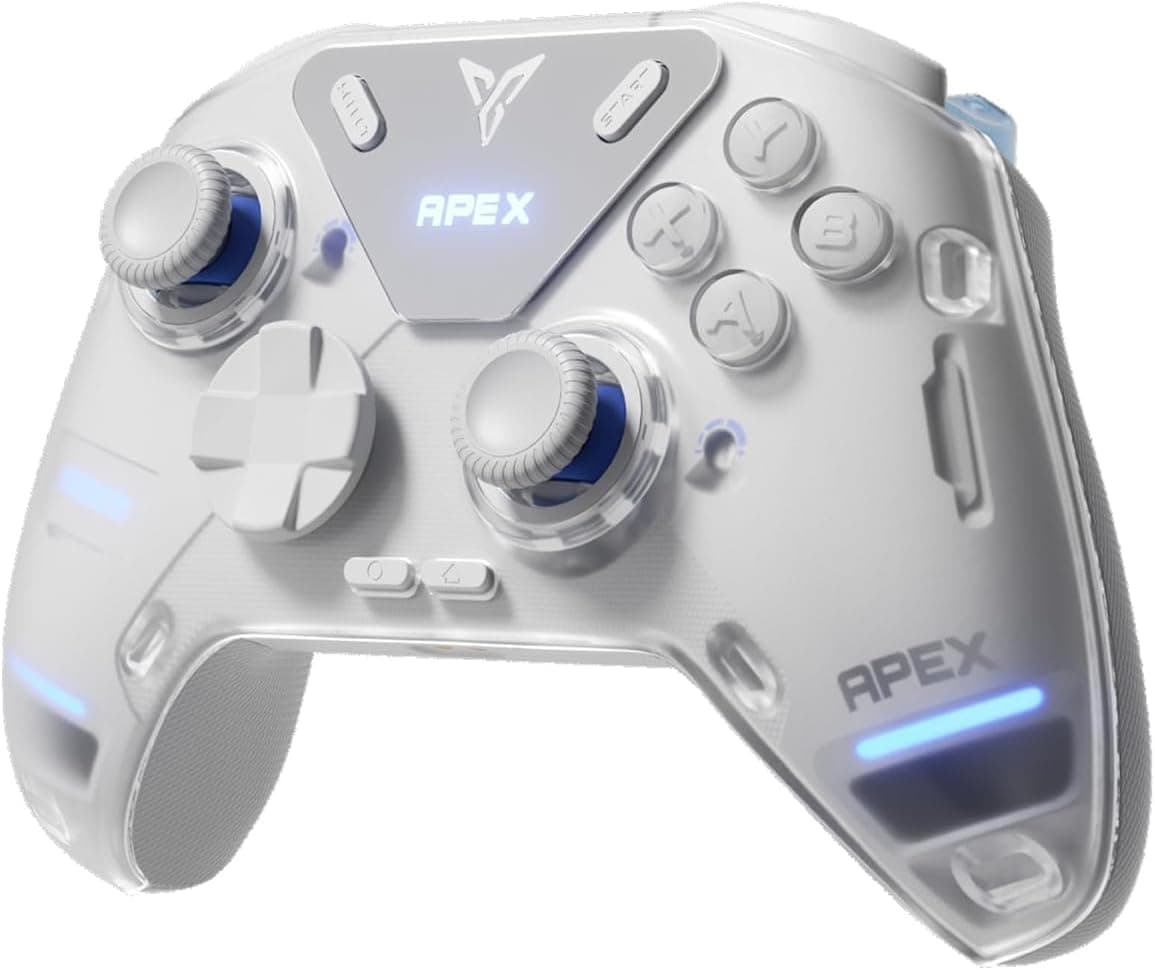
The FLYDIGI APEX 4 is a flagship wireless controller loaded with innovative features. Its standout addition is a full-color LCD display embedded in the grip, allowing you to tweak profiles, adjust trigger feedback, or test buttons without launching any PC software. The controller delivers a 1000 Hz polling rate over both wired and wireless connections, resulting in just 1 ms of input lag — critical for competitive gaming. Mechanical ABXY buttons and a rotating 8-way D-pad provide crisp, tactile feedback that should satisfy even picky players.
The APEX 4 supports a wide range of platforms: PC, Nintendo Switch, Android/iOS, and macOS. You can connect via USB-C, Bluetooth, or the included 2.4 GHz wireless dongle, which conveniently stores inside the controller body. On PC, the Flydigi Space Station software unlocks deep customization — joystick tension, trigger stroke, vibration strength, and more can all be tuned per profile.
Check the retailer's page for the latest price. It comes with a USB-C cable, 2.4G dongle, and manual; warranty terms depend on the retailer. Market positioning is clearly high-end — the LCD screen, force-feedback triggers, and 1000 Hz polling are aimed at serious gamers and esports enthusiasts. The 1500 mAh battery provides enough stamina for marathon sessions.
Competitive FPS players are the primary target. The 1000 Hz polling and zero-dead-zone analog sticks give pinpoint accuracy and negligible latency. Casual gamers may find the feature set excessive, but if you chase every millisecond, this controller is worth considering. Racing/flight sim fans will appreciate the force-feedback triggers, which can simulate throttle resistance or brake vibration. The software lets you adjust trigger stroke and damping curve to match your driving style. Multi-platform gamers benefit from one controller covering PC, Switch, and mobile. You don’t need separate controllers for each device. However, the non-standard shape and additional buttons have a learning curve, so be prepared to spend some time configuring profiles.


