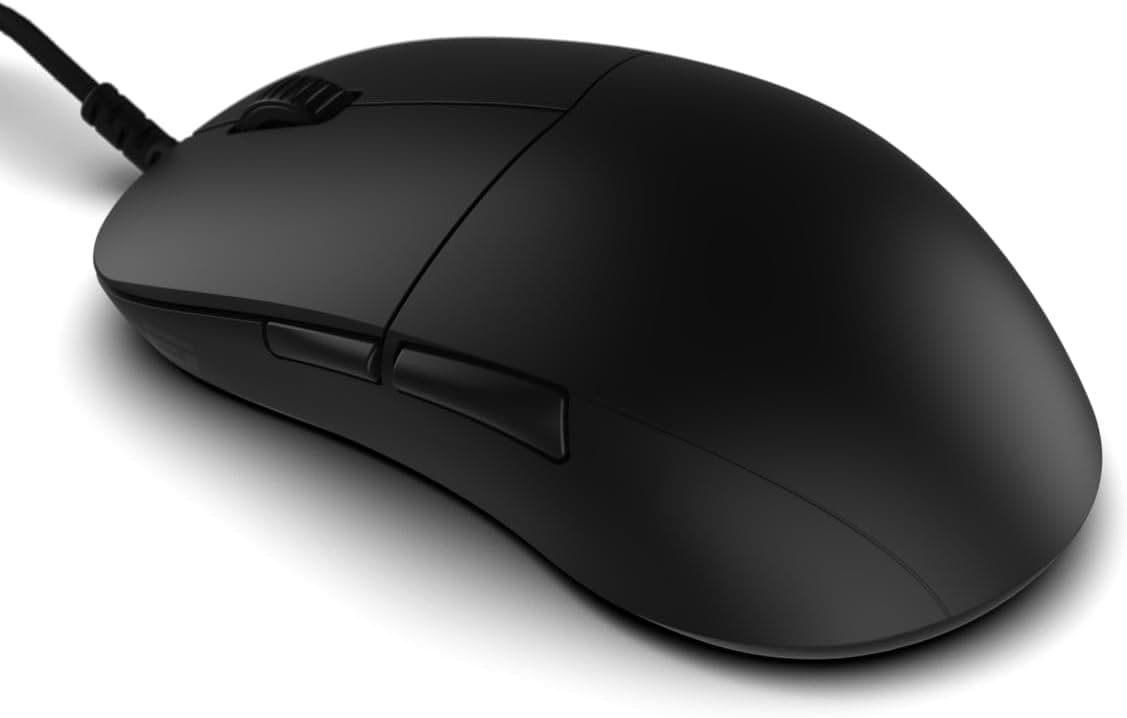
This article takes a closer look at the ENDGAME GEAR XM2 8K v2 gaming mouse in black, based on published specifications and listing data.
Overview
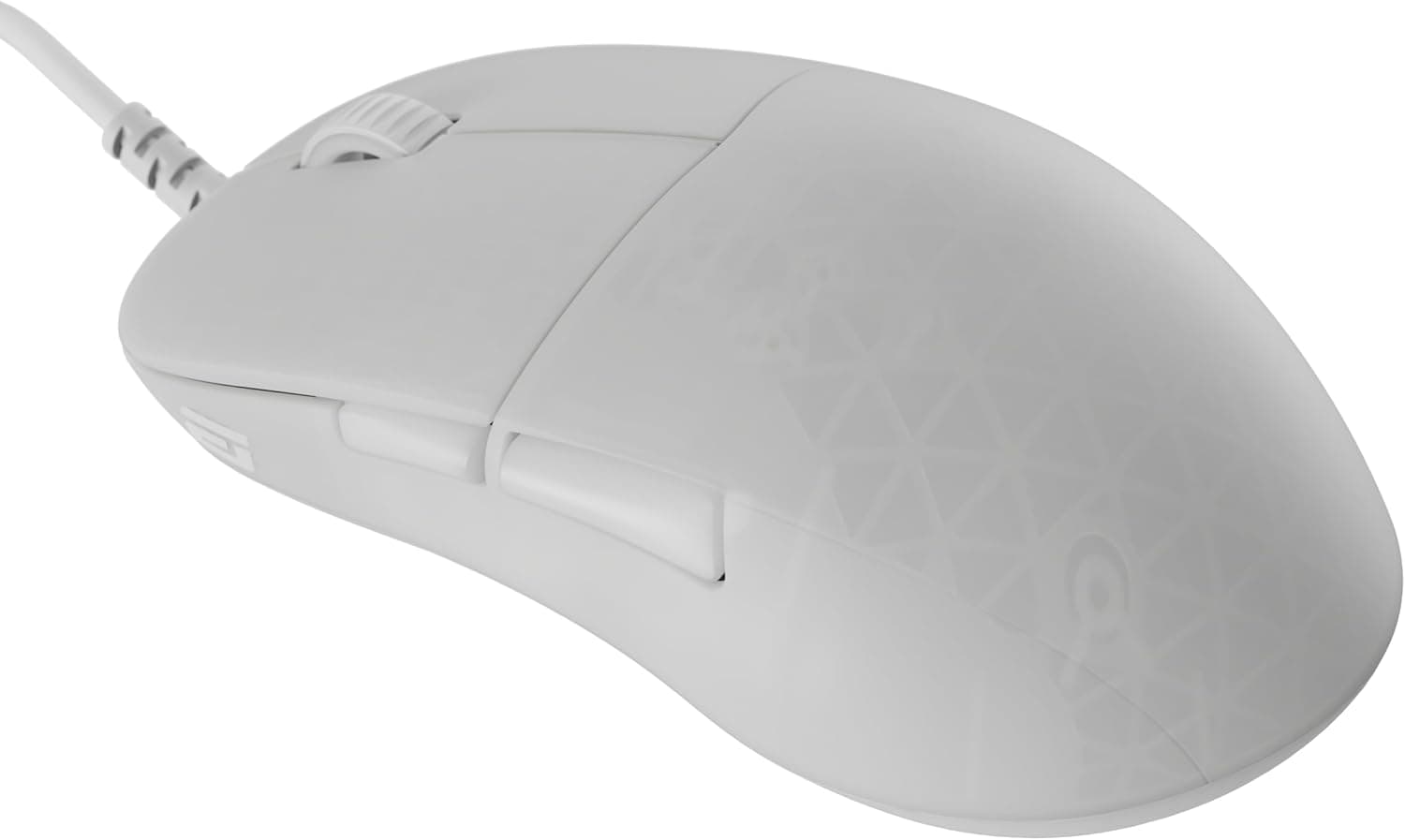
The XM2 8K v2 is a wired gaming mouse built for competitive play. It pairs a PixArt PAW3950 optical sensor rated up to 30,000 CPI with an 8000Hz polling rate, in a 51.5g medium-sized symmetrical shell with a wide rear and gently curved sides — a shape clearly tuned for claw grip.
The short version: this is a tool for players who want to go all-in on low weight and low latency. Button count is minimal and the box contents are sparse — the mouse plus a set of hybrid replacement skates.
If you want many programmable buttons or wireless freedom, look elsewhere. If you only care about input consistency in FPS and tracking-heavy titles, the lack of extras is the point.
Amazon.co.jp reviews stood at 34 ratings and 4.1 out of 5 stars (82% positive) as of June 2026.
That is a small sample, so treat the average as provisional and judge the shape fit yourself using the notes below.
What 8000Hz Polling Actually Changes
At 1000Hz the mouse reports its position every 1ms; at 8000Hz, every 0.125ms.
On paper average latency drops from just under 0.5ms to roughly 0.06ms, but in practice the difference shows up as smoother cursor motion and finer capture of small hand movements rather than as an obvious latency win.
Go in expecting a refinement, not a transformation.
The benefit is easiest to notice alongside a high-refresh monitor — 240Hz or faster. On a 60Hz or 144Hz display, the panel's own refresh interval is far longer than the polling interval, so the extra reports have little chance to matter.
If your monitor is 144Hz or below, 8000Hz is a weak reason to choose this mouse.
Also worth knowing: high polling rates increase interrupt load on the CPU. On entry-level processors, or while streaming and recording at the same time, pushing to 8000Hz can make frame pacing less stable rather than more responsive.
The mouse switches between 8000/4000/2000/1000Hz in software, so start at 1000 or 2000Hz, confirm stability, and only climb if you have headroom.
Compatibility Guide
The interface is wired USB-A only — no wireless or Bluetooth. The manufacturer's compatibility note says a USB 2.0 or higher port is required, and that full 8000Hz performance is recommended on Windows.
Windows, macOS, and Linux are all listed as supported, but expect configuration software and high-polling behavior to be most predictable on Windows.
The practical constraint is the connector. Thin laptops and Macs with only USB-C ports need an adapter or hub, and cheap hubs are a common cause of instability or an effective polling-rate ceiling at high rates.
Where possible, plug into a motherboard rear I/O USB-A port rather than a front-panel header.
The cable is a roughly 1.83m (6ft) Flex Cord 6.0, supple enough to minimize drag — but a mouse bungee still makes a clear difference on any wired mouse.
If your desk is shallow, or your PC sits on the floor and cables route from below, check that 1.83m actually reaches before you buy.
Surface compatibility matters too. A PAW3950-class sensor tracks reliably on cloth and hard pads alike, though heavily reflective glass surfaces can reduce tracking consistency.
If you use a glass pad, check skate and pad compatibility first.
Product Info
The headline specifications, as published by the manufacturer:
| Item | Value |
|---|---|
| Sensor | PixArt PAW3950 |
| Max CPI | 30,000 |
| Polling rate | 8000Hz (switchable: 4000/2000/1000Hz) |
| Weight | 51.5g |
| Switches | GX (up to 80M clicks) |
| Cable length | approx. 1.83m (6ft) |
| Shape | Symmetrical / medium / claw-grip optimized |
| Interface | USB-A (wired) |
Some context on those numbers. The 30,000 CPI ceiling is not a setting you will use; it is a marker of sensor quality.
Competitive players typically sit between 400 and 1600 CPI, and what actually matters is tracking accuracy at those low settings and coordinate stability under fast flicks.
The 80-million-click switch rating is a durability guideline, not a guarantee that click feel stays identical for that long. In this price bracket, judge the switches on how light and how quickly they reset rather than on the rated lifetime.
Pricing showed a notable spread across the data captured. Amazon.co.jp listed ¥13,600 as captured on 8 June 2026, while Rakuten (Maison Outre) listed ¥19,548 as captured on 16 August 2026 — close to a ¥6,000 gap for the same product, likely reflecting different stock and import batches.
Both figures are point-in-time captures and will move with sales, exchange rates, and availability. Always check the current price on the product page before ordering.
Accessories are limited to the mouse and hybrid replacement skates. ENDGAME GEAR sets a 2-year warranty, with possible extension via product registration on the official site.
Note that the support path can differ depending on whether the unit came through official domestic distribution, so check the seller listing.
How It Compares
At 51.5g this sits at the light end of current mice.
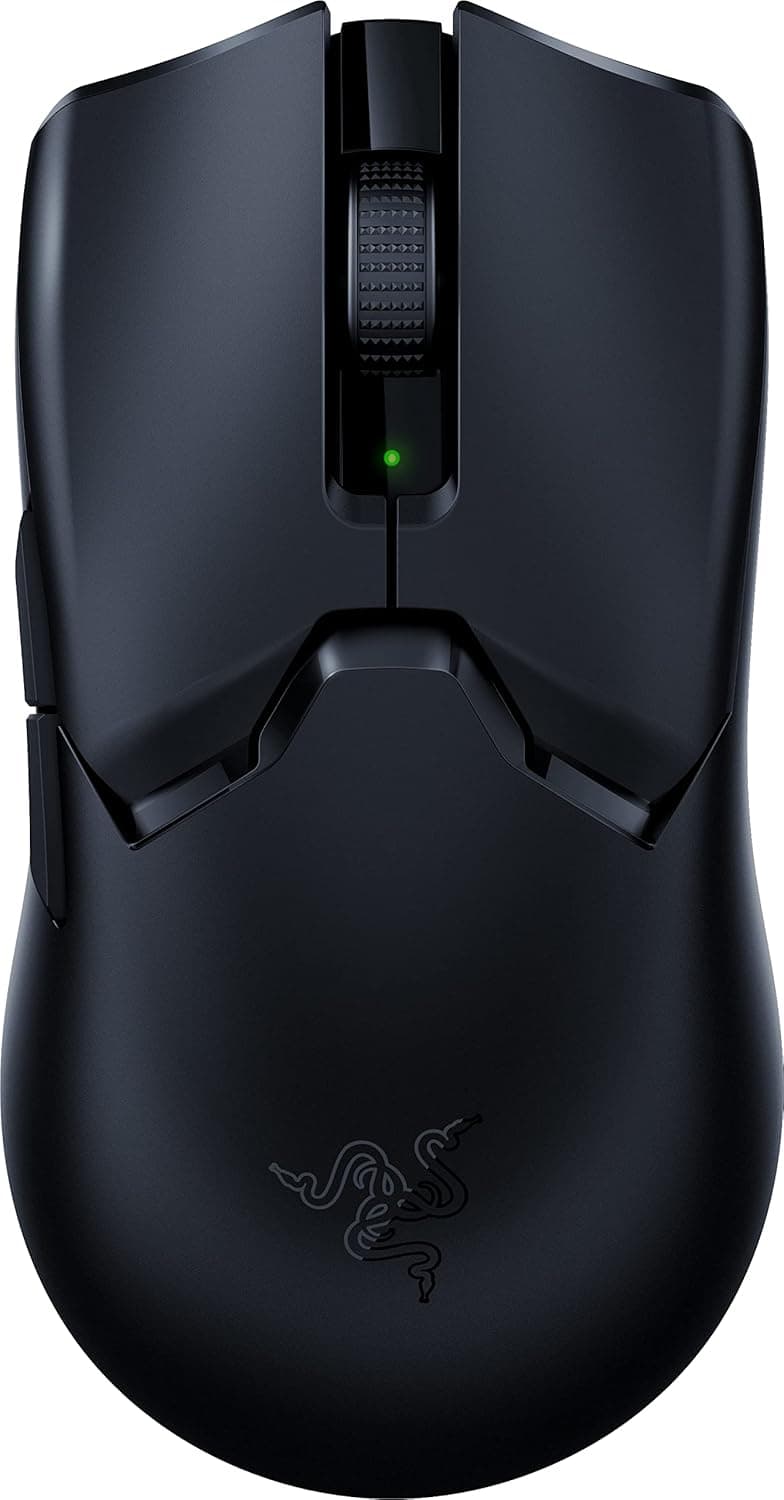
For reference, the wired symmetrical Razer Viper 2nd generation is around 71g, and the wireless Redragon M916 around 55g. A 20g gap looks small written down, but it becomes clearly noticeable in the wrist during repeated fast flicks.
Shape philosophy is the other axis. An asymmetric, palm-oriented mouse like the BenQ ZOWIE EC1-C supports the whole hand and suits low-sensitivity players who move from the arm.
The XM2 8K v2 targets claw grip and fingertip control. Comparing them on weight and sensor specs alone misses the point — they are aimed at different grip styles.
On budget: once you are spending in the upper ¥10,000s, wireless options open up considerably. The reasons to stay wired are no battery to monitor, no wireless environment to worry about, and easier low weight at a given price.
If none of those resonate, a wireless model will probably satisfy you more.
Best Use Cases
The clearest fit is a claw-grip FPS or TPS player. The wide rear supports the base of the palm while the fingers stay arched, keeping clicks and side buttons within quick reach.
If you also run a 240Hz-or-faster monitor and want to shave every bit of input delay, you have the environment where 8000Hz can pay off.
It also suits players whose wrists and forearms tire during long sessions. At 51.5g, the design goal is reducing fatigue through low mass, and coming from a heavy mouse the difference in stopping after a flick is immediately obvious.
Finally, it fits anyone who actively prefers wired. No battery anxiety, no dongle interference, and if the PC is close by, cable routing is a non-issue.
Things to Check Before Buying
Shape is the biggest pitfall. This mouse is explicitly claw-grip optimized, so palm-grip players who want full-hand contact will likely find it awkward.
Smaller hands may also struggle with a medium, wide-rear shell — fingers can hang off and thumb placement can feel unsettled. Try it in person, or at minimum compare the published dimensions against your own hand length and width.
Second, do not overvalue 8000Hz. As noted above, on a lower-refresh monitor or a CPU without headroom you may feel nothing at all — and in the worst case, frame pacing gets less stable.
Buying it because "8000Hz will make me better" is a reliable route to disappointment. Polling rate is insurance, not an upgrade to your aim.
Price presentation deserves care too. In the captured data, Amazon.co.jp showed ¥13,600 (June 2026) and Rakuten ¥19,548 (August 2026) — over ¥5,000 apart.
The captures are from different dates so they are not directly comparable, but it does suggest meaningful channel-to-channel variation. Do not anchor on one listing; compare several before buying.
Also, manufacturer names, model numbers, and compatibility details on retail listings occasionally carry metadata from a different product. Nothing in this product's listing data looked contradictory, but you may still encounter mismatched registration details when you open the page.
Confirm the product images, title, and model number match the product you intend to buy — and note that marketplace or parallel-import units can have different warranty handling than official distribution.
Lastly, being wired is itself a trade-off. No cable is ever truly weightless.
Budget for a bungee up front and you are far less likely to end up bothered by cable feel later.
FAQ
Q. Do I need special hardware to run 8000Hz? A.
The compatibility note specifies a USB 2.0 or higher port.
Hubs and adapters can hurt stability at high polling rates, so connect directly to a port on the PC itself.
Q. Does it work on macOS or Linux? A.
Windows, macOS, and Linux are listed as supported, but full 8000Hz performance is recommended on Windows — do configuration and high-polling use there.
Q. Can I use it with a palm grip? A.
You can, but the shape is tuned for claw grip and you will not get its intended strengths. Palm-first players should consider an asymmetric ergonomic shape instead.
Q. When would I use 30,000 CPI? A.
Essentially never. Competitive play typically sits between 400 and 1600 CPI; the high ceiling is an indicator of sensor quality.
Q. Where is it cheapest? A.
At capture time, Amazon.co.jp was ¥13,600 (June 2026) and Rakuten ¥19,548 (August 2026).
That can reverse over time, so check both listings right before ordering.
Product Disclosure (Amazon)
- Manufacturer: エンドゲームギア(Endgame Gear)
- Seller: アーキサイトthe official store
- Fulfilled by: Amazon
- ASIN: B0FL48M4VM
- Note: This article covers a manufacturer-made product based on Amazon listing details.
![Logitech G PRO X SUPERLIGHT 2 ロジテックワイヤレスゲーミングマウス左右対称 8000Hz ポーリングレート軽量 60g LIGHTFORCE ハイブリッドスイッチ USB-C 接続マゼンタ【ファイナルファンタジー XIV 推奨モデル 】 [海外パッケージ品]](/_next/image?url=https%3A%2F%2Fm.media-amazon.com%2Fimages%2FI%2F51N07ax%2BE0L._AC_SL1500_.jpg&w=1920&q=75)