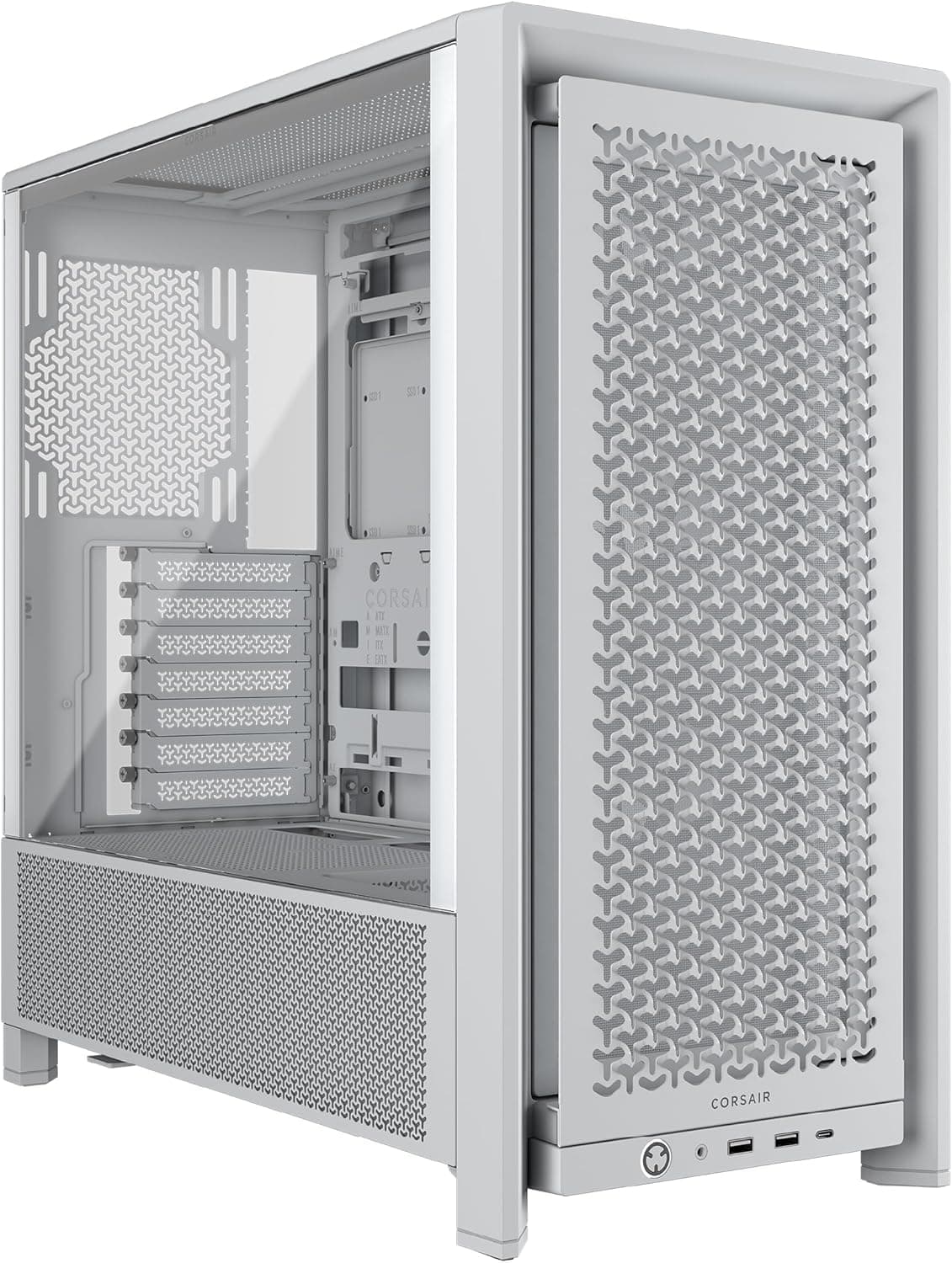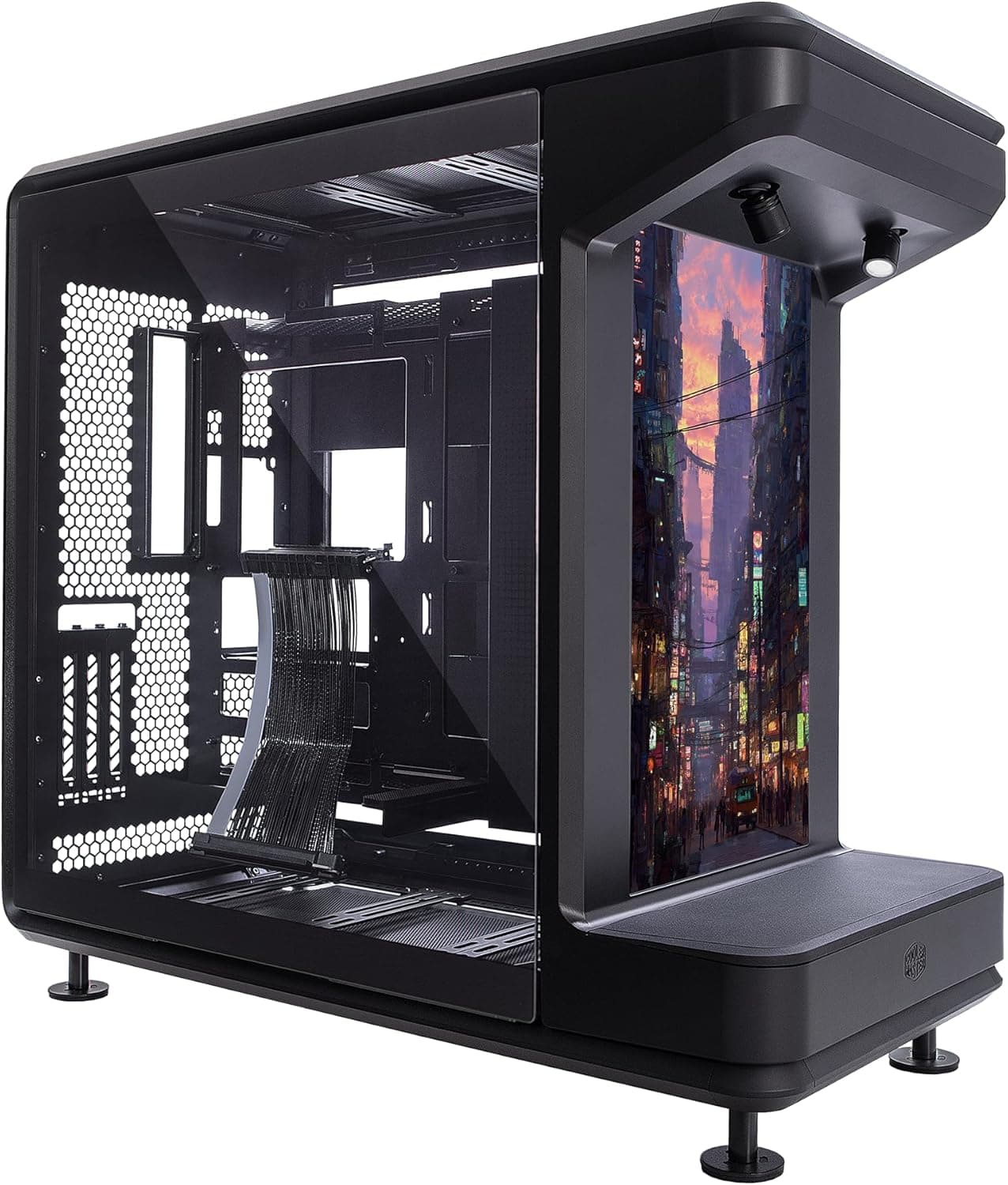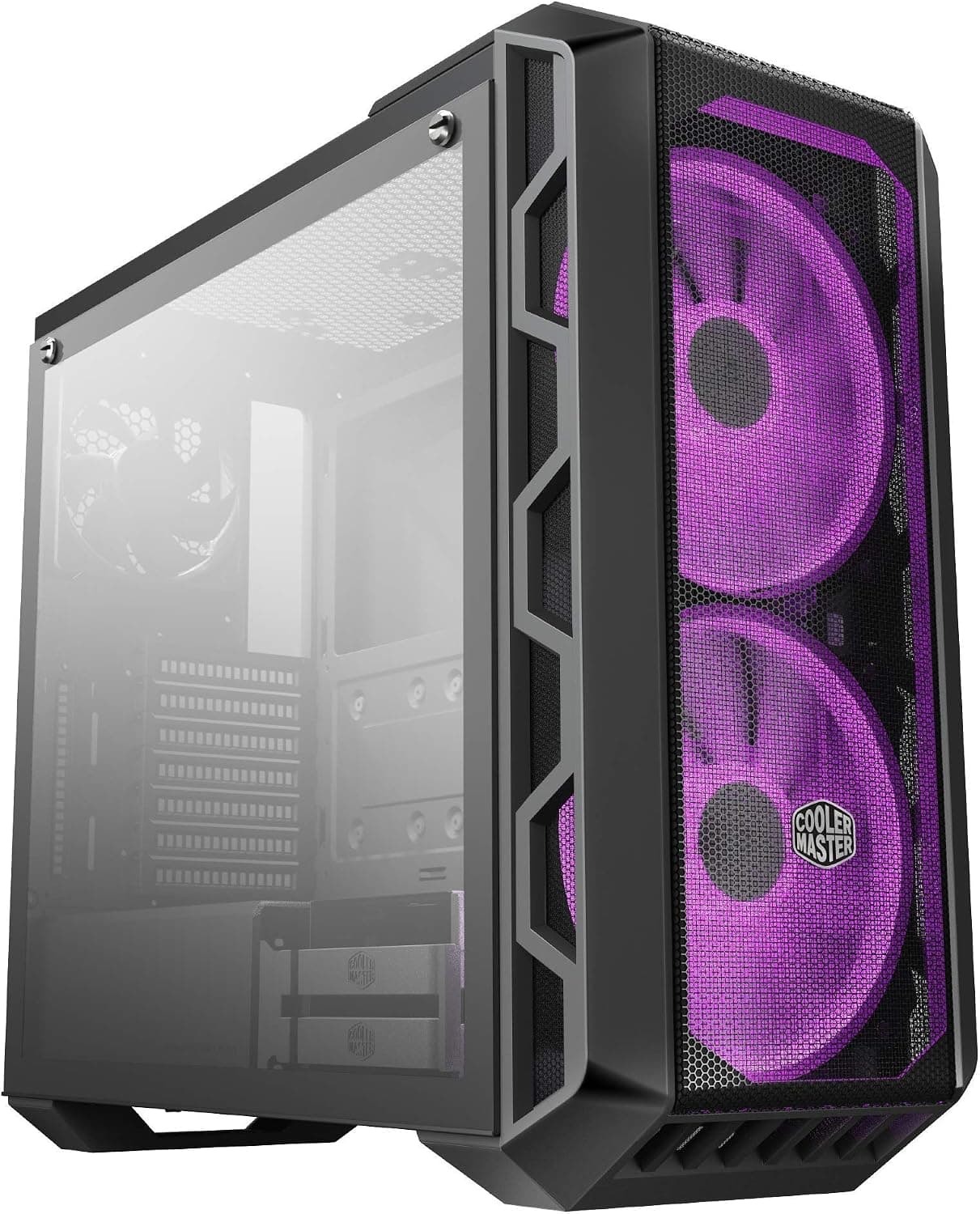
This article covers Cooler Master MasterCase H500 ARGB エアフロー ATX ミッドタワー.
Overview
The Cooler Master MasterCase H500 ARGB is an ATX mid-tower case that balances high airflow performance with addressable RGB lighting. It comes equipped with two 200mm ARGB fans at the front, delivering massive airflow while keeping noise levels low. The package includes both a mesh front panel for maximum ventilation and a transparent panel for showcasing the fans. The model number is MCM-H500-IGNN-S01, and it features a tempered glass side panel. This case is designed for gamers and PC builders who prioritize cooling performance first. The dual 200mm fans are accompanied by ample space for additional cooling or radiators, and the interchangeable front panels allow users to switch between airflow-optimized and aesthetic configurations. Motherboard support includes ATX, Micro-ATX, and Mini-ITX. The power supply mounts at the bottom, and there are seven expansion slots for large graphics cards and water cooling components.
Compatibility Guide
The MasterCase H500 ARGB supports ATX, Micro-ATX, and Mini-ITX motherboards. Maximum CPU cooler height is 190mm, accommodating most large air coolers. Graphics card length can reach up to 410mm with the front fans removed, or 340mm with the standard 200mm fans installed. Storage options include two 3.5-inch drive bays and two 2.5-inch drive bays. The power supply unit supports up to 200mm depth. The front comes with two 200mm fans, while the rear can host a 140mm fan (sold separately). The top can fit two 120mm or 140mm fans. Radiator support includes front 360mm/280mm, top 240mm, and rear 120mm.
Product Info
Cooler Master MasterCase H500 ARGB was released in 2018. It is positioned as a mid-range gaming case that offers excellent airflow right out of the box. The included 200mm ARGB fans can be controlled via the motherboard's ARGB header or the included controller. The tempered glass side panel showcases the internal components. Warranty is the standard two years. The case is widely available through retailers like and electronics stores. Pricing typically hovers around $60-70 USD, making it an outstanding value considering the dual 200mm ARGB fans and tempered glass.
Best Use Cases
Airflow-focused gamers: The dual 200mm fans move a lot of air quietly, and the mesh front panel option further improves cooling. Ideal for high-TDP CPUs and GPUs in a gaming rig. However, if absolute silence is the top priority, you may need to set a custom fan curve. RGB enthusiasts: The addressable RGB fans are vivid and can be synced with the motherboard via the included controller. The tempered glass side panel helps show off the lighting. On the other hand, if you prefer a minimalist look without RGB, this case may be too flashy. * Budget-conscious builders: The case offers an exceptional feature set for the price. Two large ARGB fans and a tempered glass side panel are usually reserved for more expensive cases. If you need a modern front-panel USB-C port, however, you'll have to look elsewhere or use an adapter.
Things to Consider
The MasterCase H500 ARGB lacks a front-panel USB-C port. Even if your motherboard has a USB-C header, you won't be able to use it from the front. You'll need to use the rear I/O or purchase an adapter. Also, the standard 200mm fans are not easily swapped for 120mm/140mm fans without additional brackets. The case is relatively wide: dimensions are 210mm (W) x 504mm (H) x 544mm (D). It's also heavy at around 10.8 kg, so it's not ideal for frequent transport. Competing cases like the Fractal Design Meshify C or NZXT H510 offer different trade-offs. The MasterCase H500 stands out for its unique 200mm fan airflow and the combination of ARGB lighting at a low price. However, noise-sensitive users might find the 200mm fans audible at higher speeds. ## FAQ
Q: Can I install a 360mm radiator in this case? A: Yes, you can mount a 360mm radiator at the front. You will need to remove the standard 200mm fans. Be mindful of radiator thickness, as it may interfere with the graphics card if it's long. Q: How much does the mesh front panel improve cooling compared to the transparent panel? A: The mesh panel significantly improves airflow by allowing more direct intake for the front fans. Expect CPU and GPU temperatures to drop by a few degrees under load. The transparent panel already offers decent airflow, but the mesh panel is recommended for high-performance builds. Q: What motherboard size is best for this case? A: An ATX motherboard fits best, filling the interior nicely and providing plenty of room for cable management. Micro-ATX and Mini-ITX boards work too, but they may leave some empty space. The case is spacious enough for easy cable routing regardless of size.
Product Disclosure (Amazon)
- Manufacturer: Cooler Master
- ASIN: B07DRVHBWK
- Note: This article covers a manufacturer-made product based on Amazon listing details.