Overview
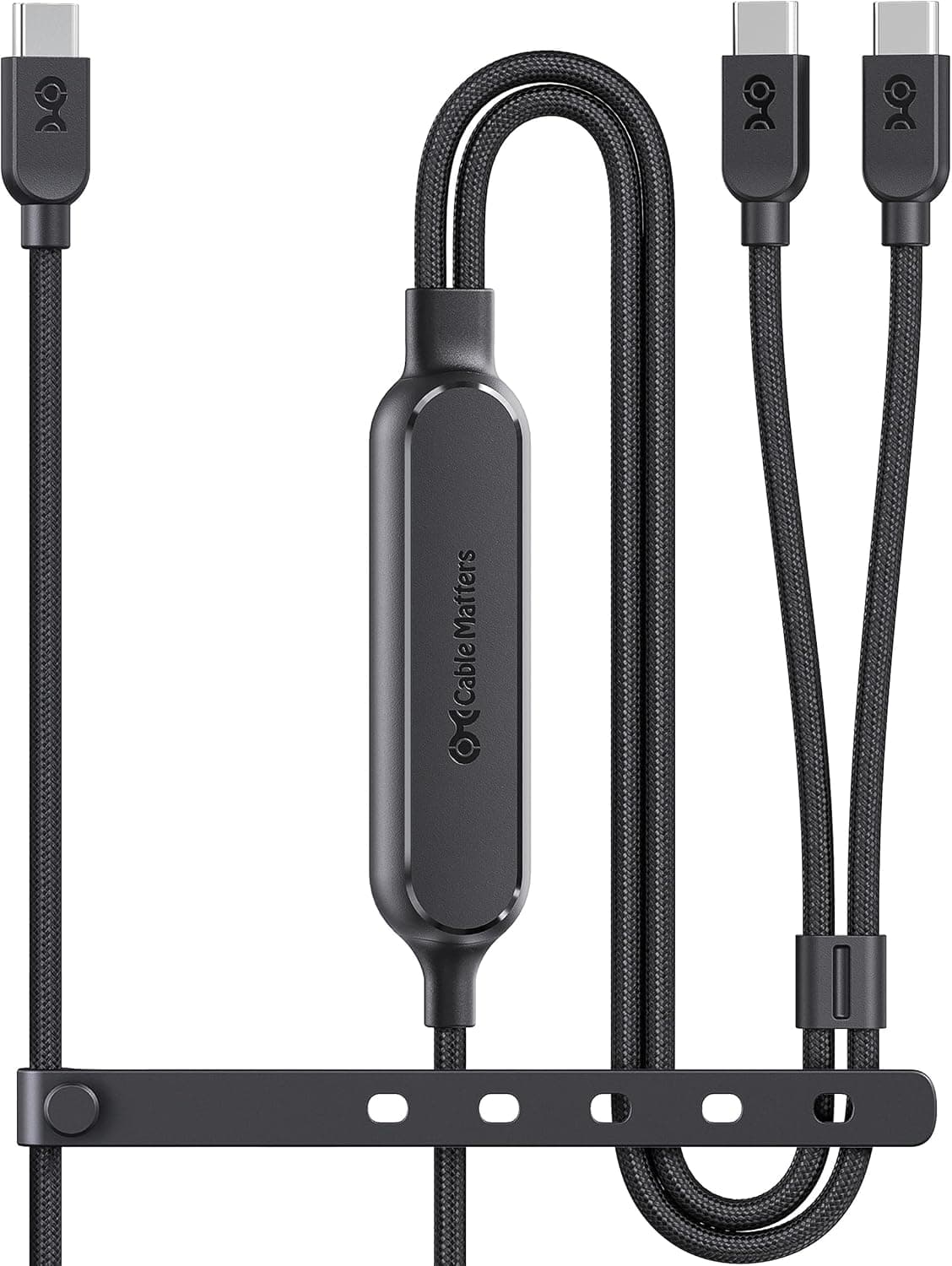
The Cable Matters 400050-BLK-6x2 is a DVI-D 24+1 Male to HDMI Male adapter cable designed to connect legacy devices with DVI-D output to modern HDMI-equipped displays. It eliminates the need for a separate adapter and HDMI cable by integrating both connectors into a single, tidy cable assembly. This cable supports resolutions up to 1920×1200 (equivalent to 1080p Full HD) at 60Hz, making it suitable for office work, video streaming, and connecting older PCs or game consoles to HDMI monitors or TVs. The 6-foot (approximately 1.8-meter) length provides enough reach for typical desktop or laptop setups without excessive slack.
Connectivity & Compatibility
The Cable Matters 400050-BLK-6x2 is compatible with devices featuring a DVI-D 24+1 (single-link) output port and displays with a standard HDMI input port. It is important to note that DVI-D carries digital signals only; it is not compatible with DVI-A (analog) or DVI-I (integrated analog/digital) ports. Output connector: DVI-D 24+1 Male Input connector: HDMI Male Maximum resolution: 1920×1200 @ 60Hz Cable length: 6 ft (1.8 m) * Audio support: No (DVI is video-only) The HDMI end is a standard Type-A connector, compatible with virtually all HDMI-equipped monitors, TVs, and projectors. This cable is unidirectional — it only works from DVI-D source to HDMI display, not the reverse.
Product Info
The Cable Matters 400050-BLK-6x2 is an entry-level adapter cable from the US-based brand Cable Matters. It is widely available through and other online retailers, typically priced around $10–15 USD (or ¥1,000–1,500 JPY). The cable is UL-listed, indicating it meets recognized safety and quality standards. Release period: Circa 2018 Price range: Approximately ¥1,000 JPY ( reference) Warranty: Typically 1 year from date of purchase (varies by seller) Included accessories: Cable only * Market positioning: Entry-level. A cost-effective, no-frills solution for connecting DVI-D sources to HDMI displays, ideal for budget-conscious users or temporary setups.
Best Use Cases
Connecting an older desktop PC to an HDMI monitor: If your graphics card or motherboard only has a DVI-D output, this cable lets you connect it directly to a modern HDMI monitor without needing a separate adapter and HDMI cable. It's a clean, one-cable solution. Setting up a secondary display: Use this cable to add a second monitor to your workspace when your primary monitor uses HDMI and your secondary monitor accepts DVI-D. It's an inexpensive way to expand your screen real estate. * Presenting from a legacy laptop to an HDMI projector: In conference rooms or classrooms where projectors have HDMI inputs, this cable bridges the gap for older laptops with DVI-D output, making it easy to share slides or documents. This cable is not suitable for users who need 4K resolution, high refresh rates (120Hz+), or audio transmission over the same cable. For those scenarios, a direct HDMI or DisplayPort cable is recommended.
Things to Consider
DVI-D only: Verify that your source device has a DVI-D 24+1 (single-link) port. DVI-I or DVI-A ports will not work correctly, and the cable may not physically fit. No audio pass-through: Since DVI carries video only, you will need a separate audio cable (e.g., 3.5mm aux) from your PC to your speakers or display if you require sound. HDMI version limitation: The cable is equivalent to HDMI 1.3 bandwidth. It does not support HDMI 2.0 or higher features such as 4K at 60Hz or HDR. Unidirectional only: This cable cannot be used to connect an HDMI source to a DVI display. For that purpose, you would need a separate HDMI-to-DVI adapter. ## FAQ
Q: Can I use this cable for gaming? A: Yes, for 1080p/60Hz gaming it works fine. However, since DVI does not carry audio, you will need to route game audio through separate speakers or headphones. Q: Will this work with a DVI-D dual-link port? A: No. This cable is designed for single-link (24+1 pin) DVI-D ports. Dual-link DVI-D ports (24+5 pins) have a different pin layout and are not physically compatible. Q: What should I do if my display shows no signal? A: First, confirm your source device has a DVI-D port. Then power-cycle both the PC and monitor, and ensure the monitor's input source is set to HDMI. If the issue persists, check your graphics driver settings and test the monitor with a known-working HDMI cable to rule out display problems.
Product Disclosure (Amazon)
- Manufacturer: Cable Matters
- Seller: Amazon US
- Fulfilled by: Amazon US
- ASIN: B07CP9J6QF
- Note: This article covers a manufacturer-made product based on Amazon listing details.