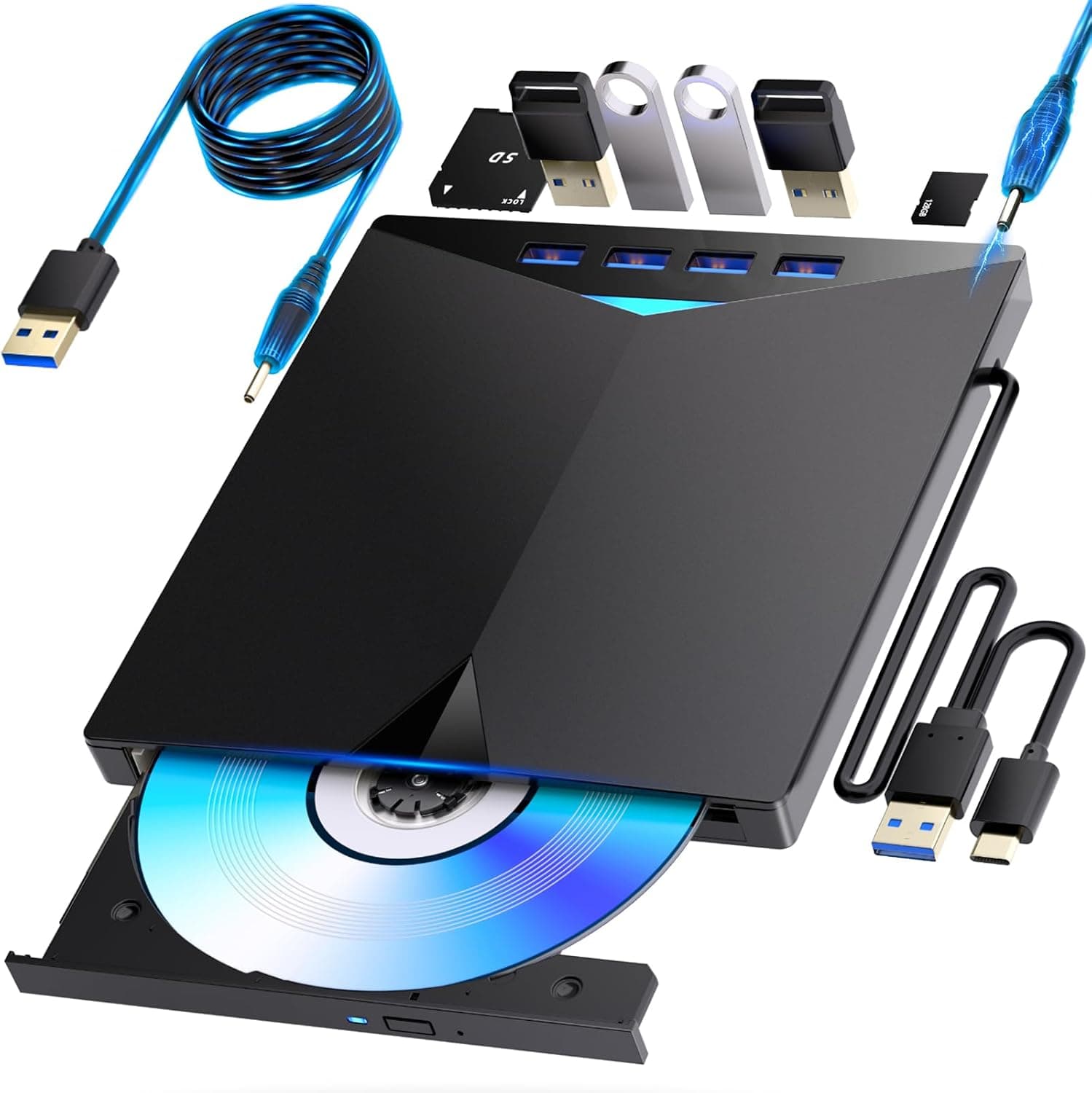
This article covers ブルーレイドライブ外付け blu-rayプレイヤー再生読み書usb-aと (type-c)BD DVDプレーヤー 外付けブルーレイ ドライブ ブルーレイディスク対応WIN7-11.
Overview
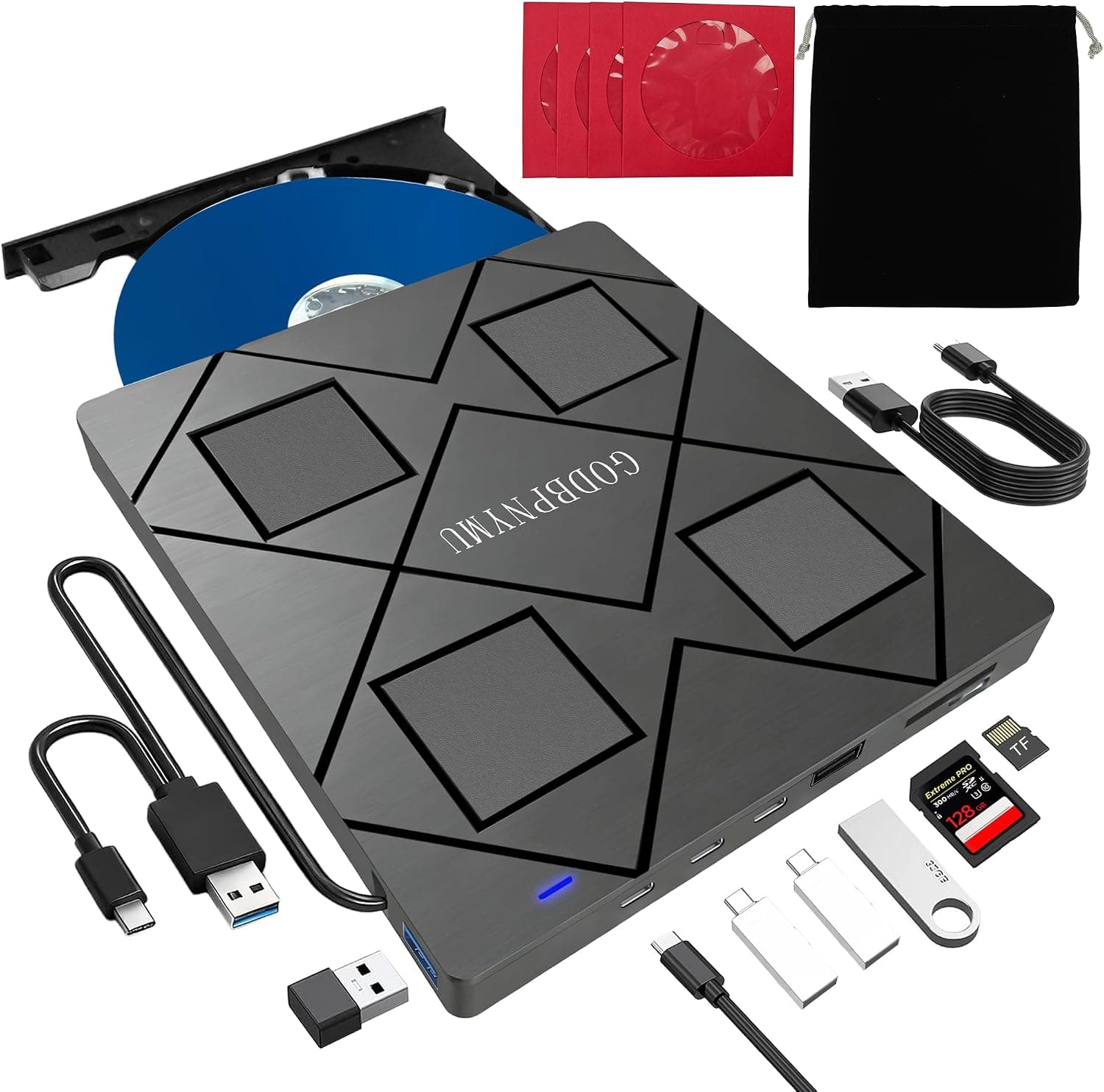
The aelrsoch external Blu-ray drive stands out with its ultra-slim profile (just 1.3cm thick) and featherweight 300g design. It offers both USB-A and USB-C connectivity, making it an ideal companion for modern laptops that lack an optical drive. Supporting BD, DVD, and CD read/write, as well as M-Disc for archival storage, this drive covers a wide range of media tasks without needing an external power brick.
Positioned as an entry-to-mid-range product, it delivers solid compatibility and portability at an affordable price point. While it doesn’t include playback software, the drive works seamlessly with Windows 7–11 and macOS, and the bundled Japanese manual helps first-time users get started quickly.
Connectivity & Compatibility
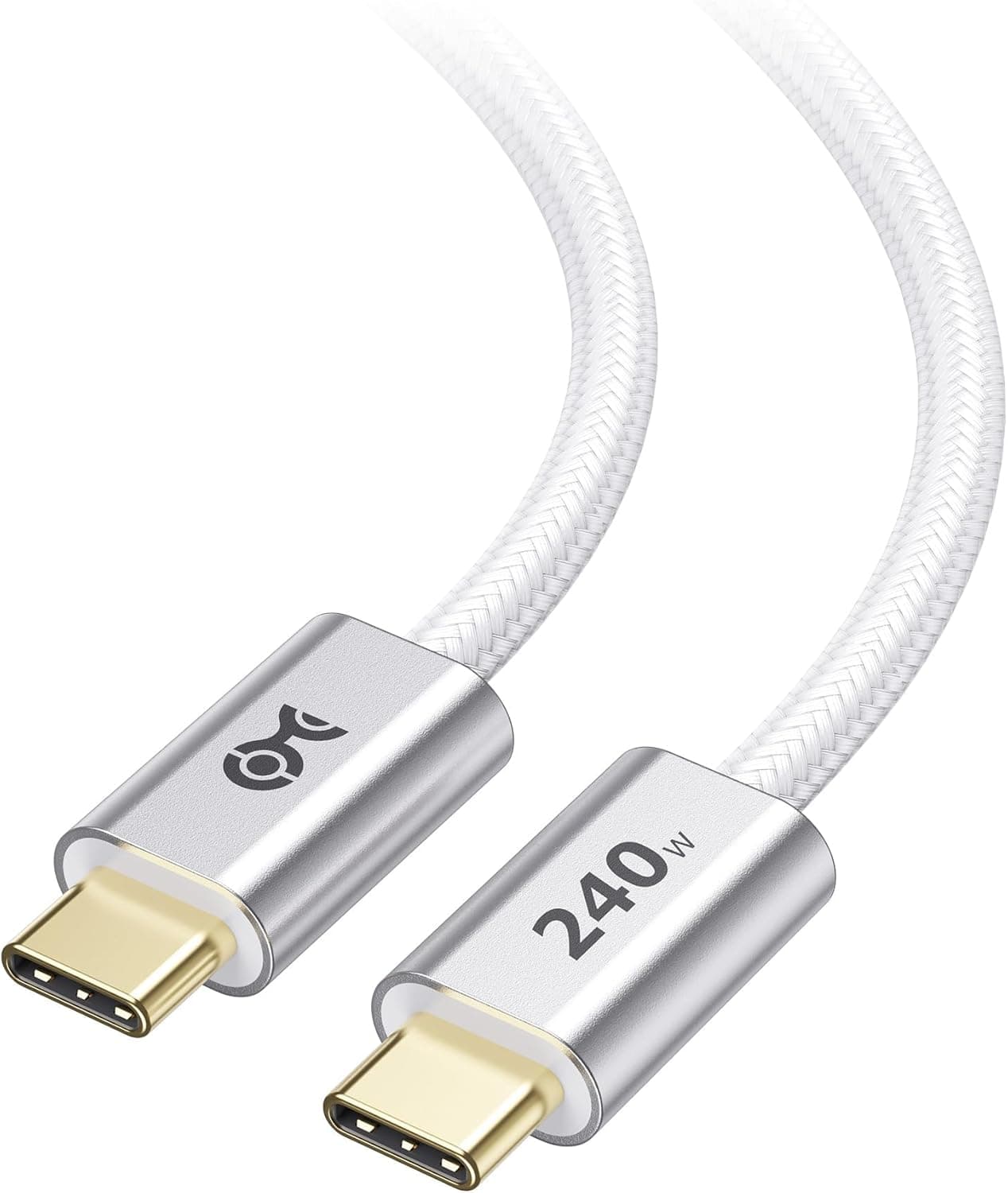
This drive connects via USB 3.0 (Type-A) or USB-C using a built-in data cable stored on the underside. A separate power-only USB cable is included for stable operation during writing, though bus power alone is sufficient for reading. Supported discs include BD-R/RE/DL/XL (up to 125GB), DVD±R/RW/DL/RAM, CD-R/RW, and M-Disc.
Compatible operating systems are Windows 7 through 11 and macOS. Please note that the drive is not designed for direct connection to TVs, Blu-ray recorders, car audio systems, Surface devices, Chromebooks, tablets, projectors, or smartphones. For TV viewing, you must connect the drive to a PC first.
Product Info
Launched around 2024, the typical price range is ¥8,000–¥10,000. Warranty is usually 1 year (varies by seller). The package includes the drive, a built-in data cable, a power-only USB cable, and a Japanese manual. The main purchase channel is online retailers.
As an entry-to-mid-level external optical drive, it competes on portability and dual-interface flexibility. Its price is competitive with similar slim Blu-ray drives, and the M-Disc support adds long-term value for data backup.
Best Use Cases
- Laptop users without an optical drive: Perfect for watching Blu-ray/DVD movies on the go. The USB-C connector is ideal for MacBook and ultrabook owners. If you rarely need a disc drive, consider a cheaper external DVD drive instead.
- Long-term data archivists: M-Disc support means you can burn photos, videos, and important documents to media rated to last over 100 years. The included power cable ensures reliable writes. For frequent rewrites, standard DVD media is more economical.
- Movie and anime collectors: Enjoy your physical disc collection on your PC. Pair with your preferred media player software (not included). Note that 4K UHD Blu-ray playback is not supported; you’ll need a dedicated UHD drive for that.
- Legacy software users: Install old CD-ROM/DVD-ROM based applications or games on modern PCs that lack an optical drive. Compatibility is generally good, but some very old titles may have issues running on newer operating systems.
Product Disclosure (Amazon)
- Manufacturer: aelrsoch
- Seller: tianglingyunchuang
- Fulfilled by: Amazon
- ASIN: B0HCJGKNSW
- Note: This article covers a manufacturer-made product based on Amazon listing details.