This article covers the Belkin Thunderbolt 5 — High-speed data transfer and power delivery cable, and explains how its headline numbers translate to real-world setups.
Overview
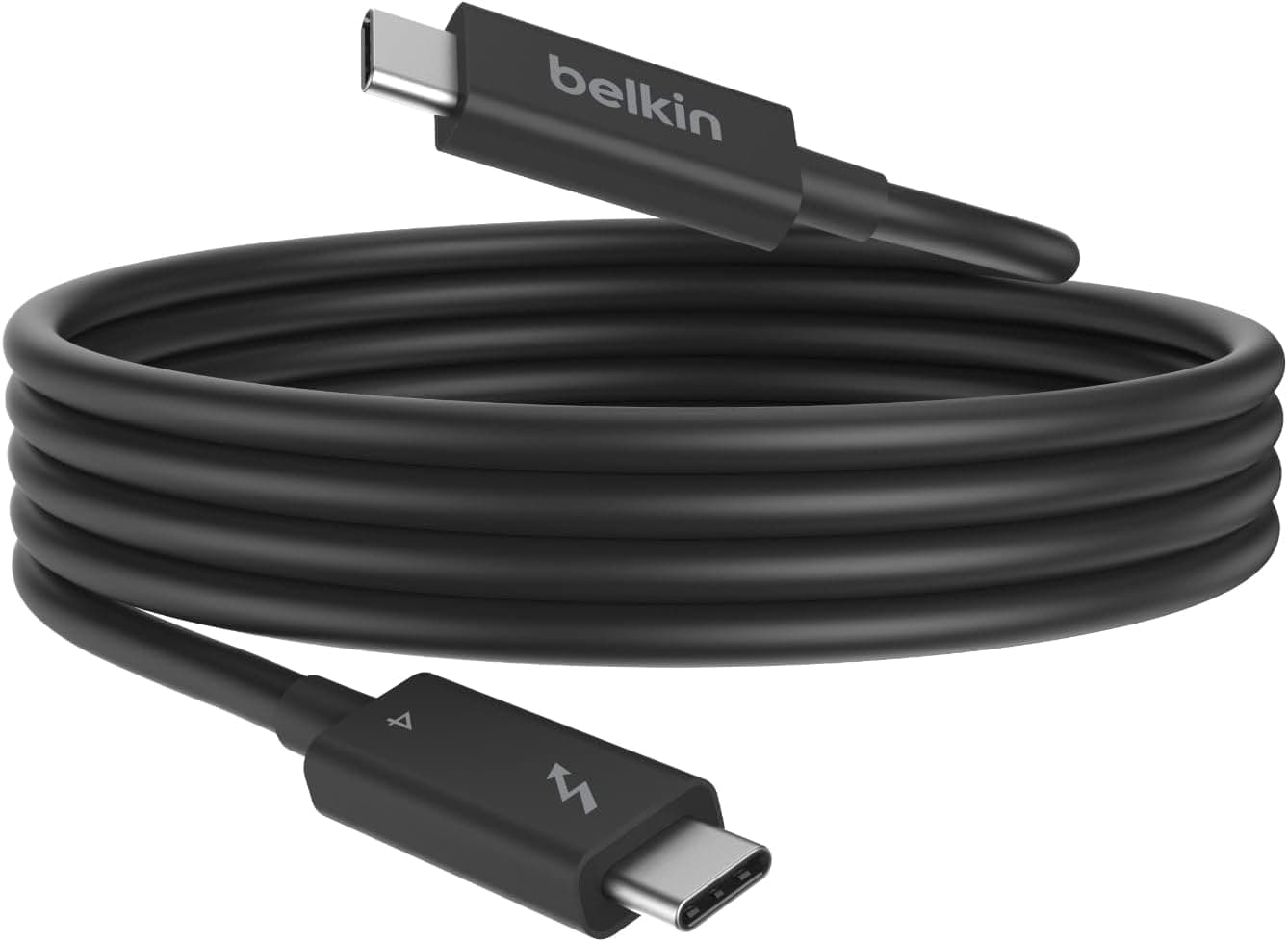
The Belkin Thunderbolt 5 — High-speed data transfer and power delivery cable is a 1m USB-C cable from Belkin (model INZ005fq1MBK) with USB-IF certification. The short version: it pays off when you connect a Thunderbolt 5 PC or Mac to Thunderbolt 5 external SSDs, docks, or high-refresh monitors.
If your gear tops out at Thunderbolt 4 or USB4, the link is capped at 40Gbps and it behaves almost exactly like the Thunderbolt 4 cable you may already own.
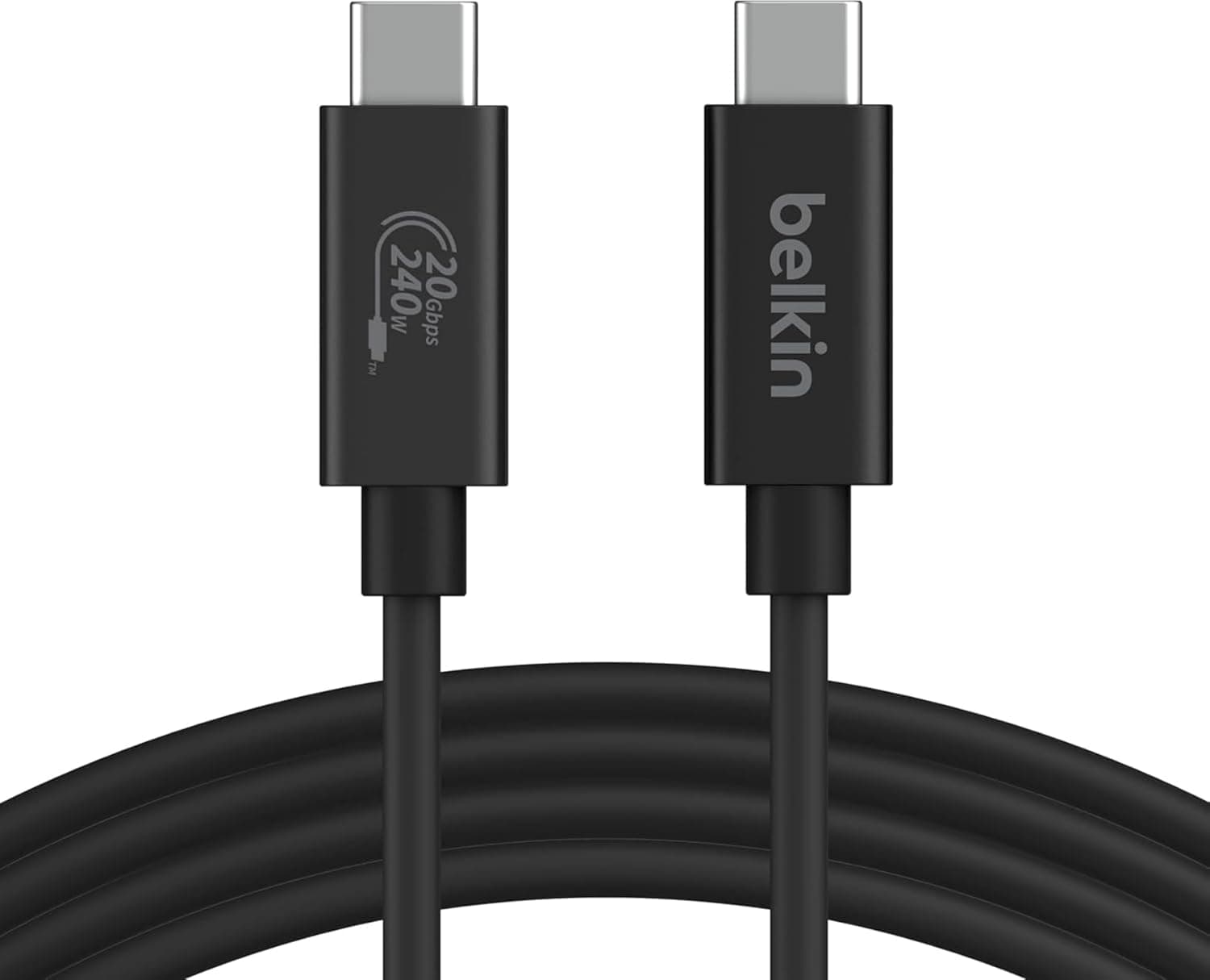
On paper, it offers up to 80Gbps bidirectional and 120Gbps unidirectional data transfer, plus up to 240W of power delivery. For displays, it supports a single monitor at 4K@540Hz, dual monitors at 8K@60Hz, and triple monitors at 4K@144Hz.
Compared with the 40Gbps of Thunderbolt 4, that is twice the bandwidth bidirectionally and three times at the one-way peak.
Both 120Gbps and 240W are maximums that only apply under specific conditions. This article lays out those conditions and explains who should buy this cable and who is better served by something else.
120Gbps vs. 80Gbps (a common misunderstanding)
Thunderbolt 5's 120Gbps figure comes from a mode called Bandwidth Boost, which shifts bandwidth toward one direction. Typically it allocates 120Gbps one way and 40Gbps the other, and it is used when large amounts of data flow in one direction, such as high-resolution, high-refresh display output.
For workloads that read and write in both directions, like copying files to and from an external SSD, the link generally runs within the 80Gbps bidirectional mode. Real copy speed also depends on the SSD, its enclosure controller, and the host implementation, so you will not see the cable's rated number.
Do not expect RAW video copies to become three times faster just by switching to a 120Gbps cable.
In other words, the 80/120Gbps rating is headroom that keeps the cable from becoming the bottleneck. If you use Thunderbolt 5 SSDs or docks, the value is that the cable never throttles them.
Compatibility Guide
Both ends use USB Type-C, and the cable works with Thunderbolt 5/4/3, USB4, USB 3.2, and USB 3.0 devices.
Listed compatible devices include Windows PCs, Macs, Chromebooks, tablets, smartphones, monitors, the iPad Pro, and the iPhone 16. However, connecting is not the same as reaching full speed.
The real limit is set by the slower of the two devices.
| Connection | Practical ceiling |
|---|---|
| Thunderbolt 5 host to Thunderbolt 5 device | 80Gbps bidirectional, 120Gbps one-way when conditions allow |
| Thunderbolt 4 / USB4 on either end | 40Gbps (same as a Thunderbolt 4 cable) |
| Thunderbolt 3 device | 40Gbps |
| USB 3.2 / USB 3.0 device | That device's USB speed (5-20Gbps) |
| USB 2.0-class device | USB 2.0 speed |
Thunderbolt 5 hosts are still limited. Examples include some Macs such as the MacBook Pro and Mac mini with M4 Pro or M4 Max, and some high-end Windows laptops and motherboards with Thunderbolt 5 controllers.
To confirm whether your port is Thunderbolt 5, check the manufacturer's spec sheet rather than relying on the port icon.
Phones such as the iPhone 16 will connect and charge, but they run at whatever USB speed the phone supports. If you only charge an iPhone or import photos, almost none of this cable's capability is used.
The 240W rating means the cable can carry up to 240W. To actually charge at 240W you need a charger that outputs 240W under USB PD 3.1 Extended Power Range (EPR) and a device that accepts 240W.
Even with high-power laptops like the MacBook Pro, charging power is set by the laptop and the charger. The accurate way to think about it is that the cable will never be the power bottleneck.
Display figures like 4K@540Hz and dual 8K@60Hz are likewise the cable's ceiling. Whether you get them depends on the GPU, the host port, and the monitor.
Monitors that support refresh rates like 540Hz are still rare.
Physically, check whether 1m is long enough. It is plenty for a laptop, dock, and SSD on the same desk, but may fall short from a floor-standing desktop to a monitor on the desk.
Passive cables that reach full Thunderbolt 5 speed are generally short, so if you need a longer run, check that product's specifications carefully.
Product Info
rmation
| Item | Details |
|---|---|
| Manufacturer | Belkin |
| Model | INZ005fq1MBK |
| Connector | USB Type-C (both ends) |
| Max data transfer | 80Gbps bidirectional / 120Gbps unidirectional |
| Max power delivery | 240W |
| Display output | 4K@540Hz (single) / 8K@60Hz (dual) / 4K@144Hz (triple) |
| Length | 1m |
| Certification | USB-IF |
On Amazon.co.jp the price was JPY 4,455 as of August 2026 (the same as in May 2026).
Prices change with sales and stock, so check the listing for the current price before buying.Check the retailer's page for the latest user reviews.
The rating is strong, but the sample is small, so treat it as only a rough guide to long-term durability.
Only the cable is included; there is no strap or Velcro tie. Check the listing or Belkin's support information for warranty details.
Belkin is a well-known maker of chargers, cables, and other connectivity accessories. Its range also includes a 1m Thunderbolt 4 cable and BoostCharge cables built for 240W charging.
This model sits at the top, handling data, video, and power at the limits of the newest standard.
Compared with Thunderbolt 4 and Charging Cables
| Product | Data | Power | Best for |
|---|---|---|---|
| This cable (Thunderbolt 5, 1m) | 80Gbps bidirectional / 120Gbps one-way | Up to 240W | TB5 gear, bandwidth-heavy video and storage |
| Belkin Thunderbolt 4 cable 1m | 40Gbps | 100W | TB4 / USB4 docks and SSDs |
| Cable Matters Thunderbolt 4 cable 1m | 40Gbps | Check the listing | TB4 / USB4 devices |
| Belkin BoostCharge 240W braided cable 2m | Check the listing | 240W | Mainly charging high-power laptops |
The choice is simple. If both the host and the device are Thunderbolt 5, pick this cable.
If either end is Thunderbolt 4 or USB4, a Thunderbolt 4 cable performs the same. If charging is the main job and data speed does not matter, a 240W charging cable also gives you more length options.
This cable makes sense if you already own Thunderbolt 5 gear, or if you are on Thunderbolt 4 today but have decided your next PC will be Thunderbolt 5. Without that plan, there is no need to buy the top-tier cable now.
Recommended Users
- Creators on Thunderbolt 5 Macs or PCs: people pairing Thunderbolt 5 SSDs or docks with 4K/8K video or RAW data, who want a setup where the cable never limits bandwidth.
- Anyone building high-refresh or multi-monitor setups: people planning 4K@540Hz or triple 4K@144Hz configurations that use a lot of display bandwidth.
- People who want video, data, and power on one cable: those connecting a laptop to a dock or monitor with a single cable and up to 240W of power headroom.
- People moving to Thunderbolt 5 soon: if your next PC will be Thunderbolt 5, buying the cable ahead of time is reasonable.
Before You Buy
Without Thunderbolt 5 devices, you will see no difference. The most common mistake is expecting a new cable to speed things up.
If either the host or the device is Thunderbolt 4 or USB4, you are capped at 40Gbps, just like a Thunderbolt 4 cable. Check your port standards first.
120Gbps is not your storage copy speed. As explained above, it is a one-way boost used mainly for display output.
SSD transfers generally run within the 80Gbps bidirectional mode, and real speed depends on the SSD and enclosure.
240W charging needs a matching charger and device. A 240W cable on a 100W charger still delivers only 100W.
If fast laptop charging is the goal, check your charger and laptop ratings first.
Plan on 1m as the maximum. Adding USB-C extension adapters or cables means speed and power are no longer guaranteed.
Measure your desk layout before buying.
It is overkill for phone charging. For charging an iPhone 16 or importing photos, a USB 2.0 charging cable is enough.
Keeping an expensive cable at home and a cheap one in your bag also avoids losing it.
Confirm the model and length on the listing. At JPY 4,455 (as of August 2026), this looks relatively affordable for a Thunderbolt 5 cable.
Check the images, title, and model number (INZ005fq1MBK) to make sure you are getting the 1m Thunderbolt 5 version. Online listings sometimes show other lengths or other standards on the same page.
Who should skip it: people with only Thunderbolt 4/USB4 or older gear and no plan to upgrade, people who mainly charge devices, and anyone who needs more than 1m. For them, the Thunderbolt 4 and charging cables in the related articles are a better fit.
FAQ
Q. Does it work with a Thunderbolt 4 PC? A.
Yes. It is backward compatible for data and power, but data transfer is capped at 40Gbps, the same as a Thunderbolt 4 cable.
Q. Can I charge an iPhone 16 with it? A.
Yes, but speed and charging power are limited by the iPhone, so the cable's extra capability goes unused.
Q. Will 120Gbps make external SSD copies faster?
A. 120Gbps is a one-way boost mainly for display output.
Q. Do I need a 240W charger? A.
No. Power is set by what the charger and device support; the cable simply allows up to 240W.
Your existing charger works at its own rating.
Q. Is it worth it for a single monitor? A.
Yes, if you want very high refresh rates at 4K (hundreds of Hz) or want video and data over one cable through a Thunderbolt 5 dock. For a typical 4K@60Hz display, a Thunderbolt 4 cable is usually enough.
Product Disclosure (Amazon)
- Manufacturer: Belkin
- ASIN: B0DT4KVNHQ
- Note: This article covers a manufacturer-made product based on Amazon listing details.