Overview
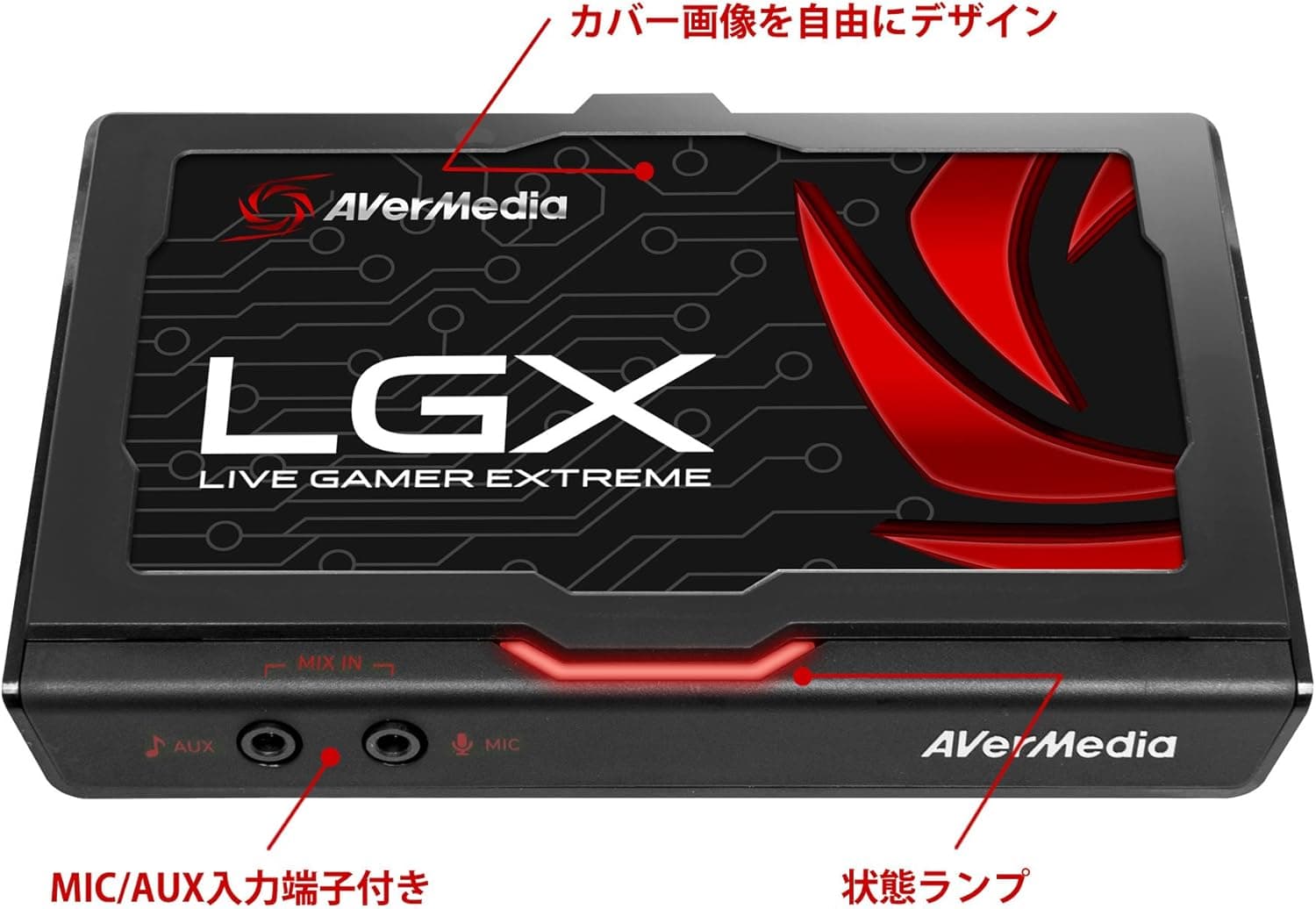
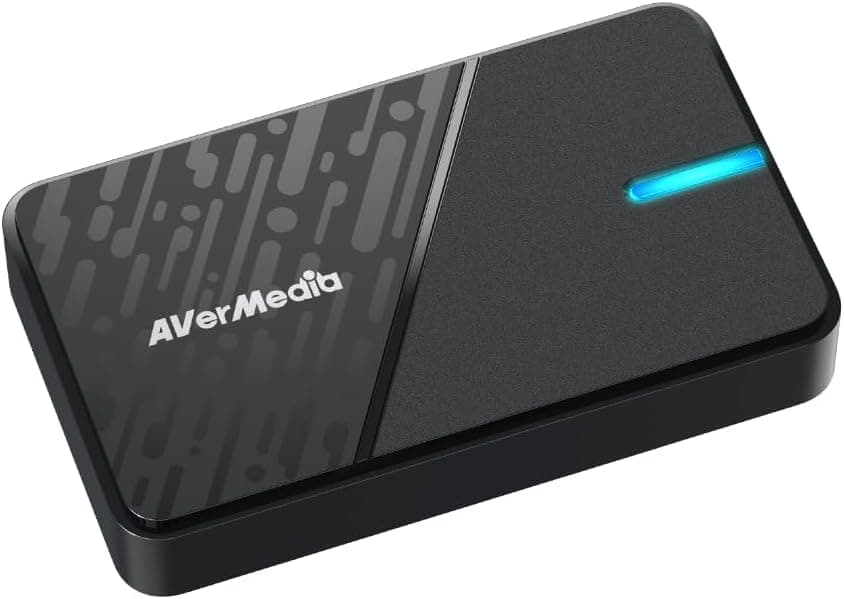
The AVerMedia Live Gamer Portable 2 PLUS (AVT-C878 PLUS) is a capture device for recording and live-streaming games. According to the official manufacturer page, its maximum input/output resolution is 3840 x 2160@60fps, and it supports 4K pass-through output.
The recording ceiling is set separately. The official page lists the maximum recording resolution as 1920 x 1080@60fps, and says 4K display (on the software screen), recording and streaming are not supported.
In practice you play in 4K and record or stream in Full HD.
The official page states that 4K pass-through output does not support HDR. When the resolution is below 4K (for example 1080p), HDR video can be recorded, and recording HDR is done with H.265 (HEVC).
Compatibility Guide
The official page lists these supported devices: game consoles including PlayStation 5, PlayStation 4 series, Nintendo Switch, Xbox Series X / S and Xbox One series, plus iOS devices such as iPhone.
Windows requirements
The official page lists Windows 10 / 11 or later. For desktops it shows Intel Core i5-6XXX / AMD Ryzen 3 XXX or better, together with NVIDIA GeForce GTX 1060 / AMD RX5700 or better.
For laptops it shows Intel Core i7-7700HQ with NVIDIA GeForce GTX 1050Ti or better. Main memory of 8GB (dual channel) or more is recommended.
macOS requirements
The official page strongly recommends the dedicated software RECentral Express on macOS. Supported OS is macOS 11 or later on Intel Macs.
On Apple M-series Macs it is macOS 11 or 13 or later, and macOS 12 is not supported. The connection interface is a USB 2.0 port (UVC and UAC compatible).
The official iMac requirement is a 2.9 GHz quad-core Intel Core i5 or better, 16GB 1600 MHz DDR3 or more, and NVIDIA GeForce GT 750M (1GB GDDR5) or better.
The MacBook Pro requirement is a 2.8 GHz quad-core Intel Core i7 or better, 16GB 2133 MHz LPDDR3 or more, and AMD Radeon Pro 555 (2GB GDDR5) or better.
The Macs the manufacturer lists as verified are the iMac (21.5-inch, Late 2013) and the MacBook Pro (15-inch, 2017).
Product Info
rmation
Supported resolutions and frame rates
The official hardware specification lists 2160p, 1080p, 1080i, 720p, 576p, 480p and 480i. Upscaling is not supported.
The page notes that supported resolutions may change with firmware or driver updates.
The recording resolution and frame rate combinations are as follows.
| Recording resolution | Frame rates (official) |
|---|---|
| 1920 x 1080 | 60, 59.94, 50, 30, 29.97, 25 |
| 1280 x 720 | 60, 59.94, 50, 30, 29.97 |
| 720 x 576 | 50, 25 |
| 720 x 480 | 60, 59.94, 30 |
| 640 x 480 | 60 |
According to the official page, the selectable resolution and frame rate may be decided by the output of the video source. You can also specify a particular value in the RECentral settings.
When recording HDR or high refresh rates, use the Single Mode of RECentral.
Video formats and standalone recording mode
The supported video formats are H.264 and Motion JPEG (MJPEG), with H.264 as the default.
Standalone recording mode saves to an SD card. The official guide for 1920x1080p at the Highest quality (video bitrate 20 Mbps, 6.8 minutes per 1GB) is about 14 hours 30 minutes on a 128GB card, about 7 hours 15 minutes on 64GB, and about 3 hours 30 minutes on 32GB.
The Good quality setting at 1920x1080p is 15 Mbps, or 9.1 minutes per 1GB.
The Standard setting at 1920x1080p is 10 Mbps, or 13.7 minutes per 1GB.
Use RECentral (PC/Mac version) or the Mac setting tool to set the recording quality.
What is in the box
- Live Gamer Portable 2 PLUS (AVT-C878 PLUS unit)
- USB 2.0 cable (1800mm)
- HDMI cable (500mm)
- 3.5mm stereo audio cable, 4-pole (1800mm)
- CyberLink PowerDirector 15 for AVerMedia license key code card
- Quick guide
Who It Suits
- Mac users who want to record: The verified Macs on the official page are the iMac (21.5-inch, Late 2013) and the MacBook Pro (15-inch, 2017). It suits people who can first check their own macOS version against the stated conditions.
- People who also want to capture an iPhone screen: Supported devices include iOS devices such as iPhone. That is the condition to check if you want one unit for both consoles and a phone.
- People who want to record without a computer: Standalone recording mode saves to an SD card. The official page gives recording time guides for 128GB, 64GB and 32GB cards, so you can work backwards from capacity.
Before You Buy
- It cannot record or stream in 4K. 4K covers input/output and pass-through only, and 4K pass-through output does not support HDR.
- On Apple M-series Macs, macOS 12 is not supported.
- When recording 1080p at 60fps on a Mac, the official page strongly recommends the Single Mode of RECentral Express. It also says setting the codec to Hardware or Device improves computer performance.
- In the official Standard quality guide, 128GB is listed at about 3 hours 30 minutes and 64GB at about 4 hours 50 minutes. That ordering looks different from the other quality settings, so check the latest table on the official page before choosing an SD card size.
- Video resolution, bitrate and recordable time vary with the resolution you use.
- Check price and stock on the sales page.
FAQ
Q. Can it record 4K video?
No. According to the official page, recording at 4K resolution is not supported.
The recording ceiling is the Full HD figure given in the overview.
Q. Does it work with PlayStation 5 or Nintendo Switch?
The official supported devices list includes PlayStation 5, Nintendo Switch and Xbox Series X / S.
Q. Can I choose the recording format?
The available choices are those in the Product Information section. Even if H.264 is selected, RECentral automatically switches to H.265 when HDR is recorded.