Overview
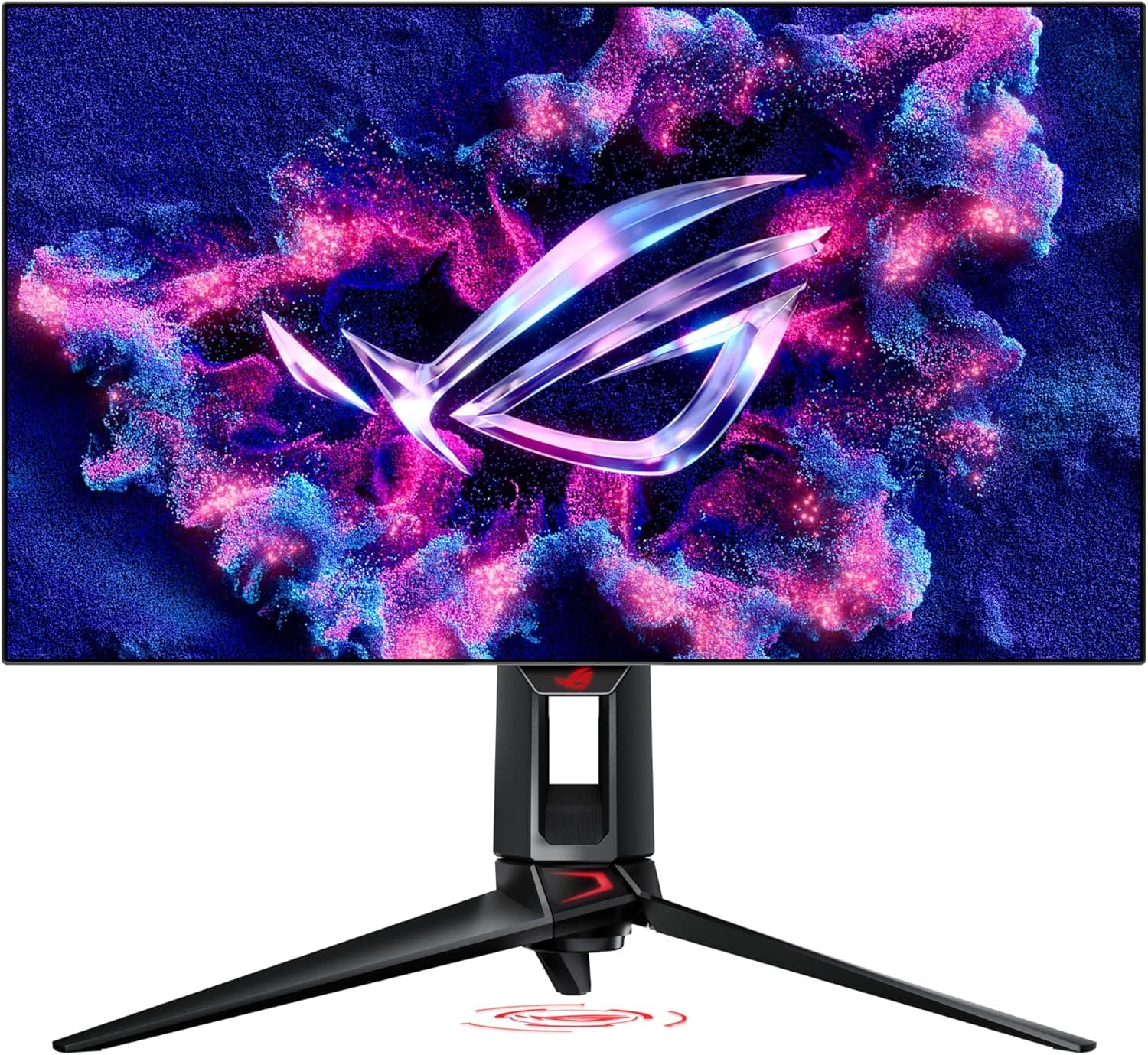
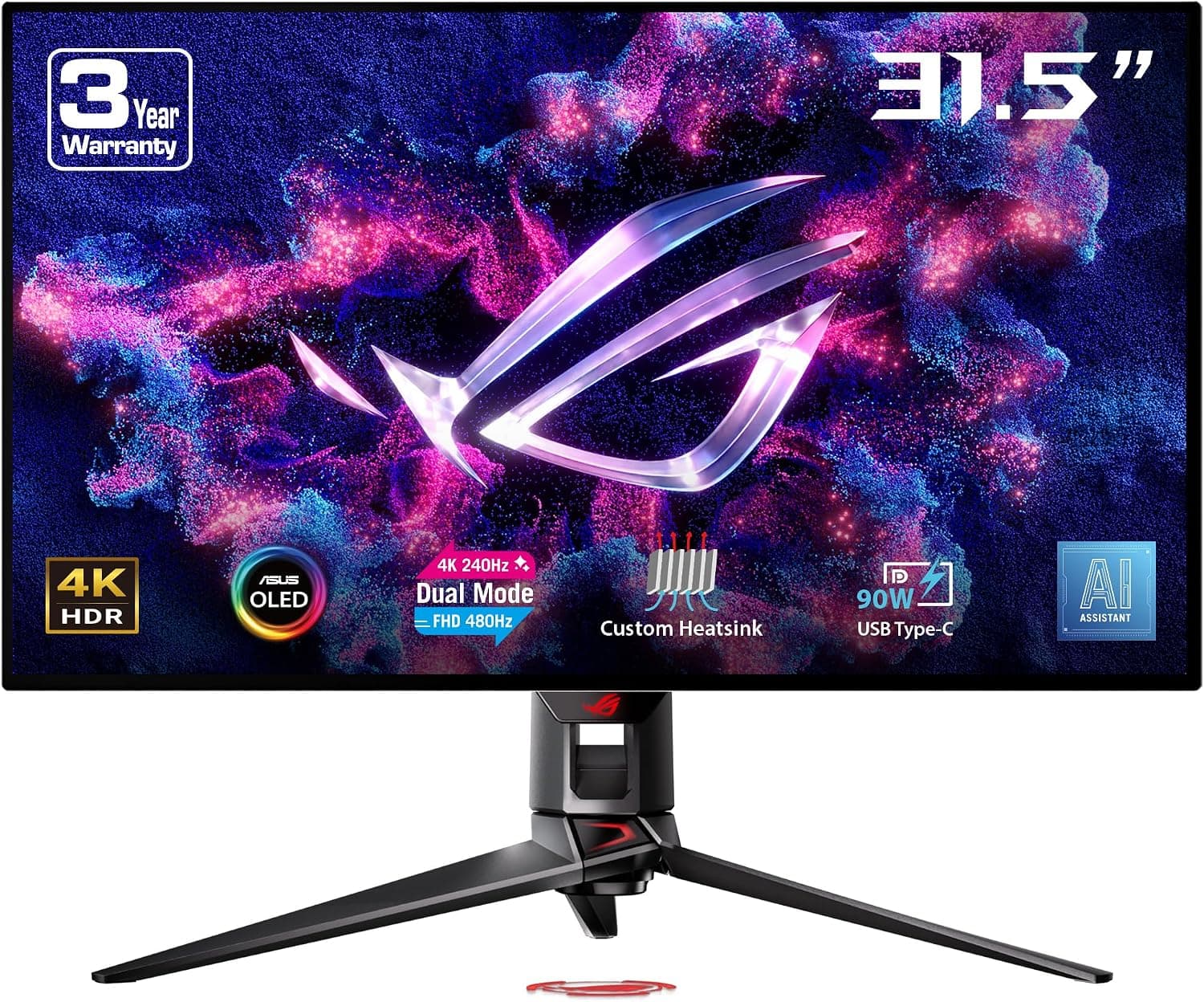
The ASUS ROG Strix XG32UCG is a 31.5-inch gaming monitor built around a simple but appealing idea: give the buyer two very different displays in one chassis. In its native mode it runs 3840x2160 at up to 160Hz, and a dual-mode switch drops the resolution to Full HD while pushing the refresh rate to 320Hz. That combination targets people who want a sharp, spacious panel for slower, atmospheric titles and a fast, responsive one for competitive play without buying two screens.
The panel is Fast IPS, quoted at 1ms GTG with a 0.3ms minimum response time. ASUS lists 350cd/m2 typical brightness, a 1000:1 contrast ratio and 178-degree viewing angles both horizontally and vertically. HDR is supported, and Extreme Low Motion Blur Sync is on hand to cut down on ghosting during fast motion. At 31.5 inches, the pixel density stays high enough for crisp text and fine detail while the screen still fits comfortably on a normal desk.
Connectivity covers DisplayPort 1.4, HDMI 2.1 and a single USB Type-C port with DP Alt Mode and 15W power delivery. A 3.5mm stereo mini jack handles audio out. The Type-C input is the detail that hints at the intended audience: this is a monitor meant to sit between a desktop tower and a laptop, not just a console-style display.
Compatibility Guide
There are three video inputs to work with. DisplayPort 1.4 with HBR3 is the natural choice for a desktop GPU that needs to drive the high refresh rates. HDMI 2.1 suits consoles and laptops that output over HDMI, while the USB Type-C port accepts DisplayPort Alt Mode signals from compatible notebooks and tablets.
Power delivery over Type-C tops out at 15W, so this is not a docking-style monitor that will charge a laptop while carrying video. If you want a single-cable desk setup, plan on a separate USB PD charger for the notebook. Audio can be pulled from the 3.5mm jack.
Dual mode is selected on the monitor itself, pairing resolution and refresh rate together. Getting the most from 4K at 160Hz requires a GPU with real headroom, while Full HD at 320Hz is far lighter to render and rewards a strong CPU. Cable quality matters in both modes, so if you swap the included cable, confirm it is rated for DisplayPort 1.4 bandwidth.
Product Info
The XG32UCG launched on September 12, 2025 and sits in the mid-to-high tier for 31.5-inch 4K gaming monitors. What justifies the price is the combination rather than any single headline number: dual-mode 4K 160Hz and Full HD 320Hz, a Fast IPS panel, USB Type-C input and HDR support in one unit. It is clearly a step above basic 4K 60Hz work displays, yet it stops short of the premium pricing attached to OLED flagships. The chassis measures 717 mm wide, 574 mm tall and 246 mm deep, and weighs roughly 9.9kg.
Best Use Cases
- People who want 4K for story-driven games and video during the week and switch to Full HD at 320Hz for competitive matches on the weekend, getting both from a single panel; those who prioritise OLED-level black levels should look elsewhere.
- Users consolidating a laptop and a desktop onto one screen, since the USB Type-C DP Alt Mode input removes cable swapping, though the 15W delivery means laptop charging needs a separate adapter.
- Desk setups that cannot fit a 40-inch-class panel but still want 4K sharpness with a high refresh rate, where the 31.5-inch size keeps pixel density high without dominating the room.
Things to Consider
Dual mode is genuinely useful, but it is not simultaneous: you switch modes on the monitor, and each game session may need a quick resolution check. Driving 4K at 160Hz puts real demands on the GPU, so mid-range cards will need settings trimmed in heavier titles. Full HD at 320Hz is only meaningful if the CPU and GPU can feed frames fast enough to matter.
The 15W USB Type-C delivery is modest for this price bracket, so laptop-first buyers should budget for a separate USB PD charger. With 350cd/m2 typical brightness, HDR here reads as a gaming-oriented enhancement rather than a true high-dynamic-range showcase; anyone chasing mini-LED or OLED brightness peaks may find this overpriced for that specific goal.
FAQ
Q: Can the monitor run 4K 160Hz and Full HD 320Hz at the same time?
A: No. Dual mode is a switch on the monitor, so you choose between 4K for detail and Full HD for refresh rate depending on the scene.
Q: Can I connect a laptop with one USB Type-C cable and charge it too?
A: Video over DP Alt Mode works, but power delivery is limited to 15W. Plan on a separate USB PD charger if the laptop needs charging.
Q: Is 4K on a 31.5-inch screen too small for text?
A: The 0.182mm pixel pitch is very fine, so text at 100% scaling is small. Using OS display scaling keeps it comfortable.
Product Disclosure (Amazon)
- Manufacturer: ASUS
- Model: XG32UCG
- ASIN: B0FQBZ2YW7
- Note: This article covers a manufacturer-made product based on Amazon listing details.