This article covers ASUS ROG Gaming Charger Dock ブラック 最大3.
Overview
The ASUS ROG Gaming Charger Dock is a compact 65W USB PD charger that doubles as a multi-port dock, purpose-built for the ROG Ally handheld but compatible with a wide range of USB-C devices. Measuring just 68×33×49mm and weighing about 215g including the cable, it's designed for portability without sacrificing functionality.
What sets this charger apart is its built-in HDMI port and USB Type-A port, allowing you to charge your ROG Ally while simultaneously outputting video to an external monitor at up to 4K (3,840×2,160) resolution and connecting peripherals like a mouse or controller. This turns your handheld into a desktop gaming setup with a single USB-C cable.
Positioned as a premium accessory for ROG Ally owners, the Charger Dock also works with any USB PD-compatible smartphone, tablet, or laptop, making it a versatile travel companion. Its 65W output is sufficient for fast charging most devices, though power-hungry gaming laptops may require more.
Compatibility Guide
- Designed primarily for the ASUS ROG Ally, but works with any USB PD 3.0 device supporting up to 65W charging (20V/3.25A).
- HDMI port supports up to 4K/60Hz output, ideal for connecting to a TV or monitor for big-screen gaming or media playback.
- USB Type-A port provides 5V/1A (5W) output, suitable for charging smartphones, wireless earbuds, or gaming mice. Not recommended for tablets or high-drain devices.
- When both USB-C and USB-A ports are used simultaneously, the USB-C output drops to 60W while USB-A remains at 5W, keeping total power within the 65W limit.
Product Info
Released in 2023 as an official ROG Ally accessory, the ASUS ROG Gaming Charger Dock is sold through authorized Japanese distributors with full manufacturer support. Pricing hovers around ¥8,000–¥9,000, which is competitive for a combined charger and dock solution.
This product sits in the mid-range accessory tier, offering a unique all-in-one approach for handheld gamers who want a clean desk setup. Warranty follows ASUS standard terms; check the official site for details.
Best Use Cases
- ROG Ally owners wanting a desktop gaming setup: Connect your Ally to a monitor, mouse, and keyboard through a single cable. The Charger Dock keeps your device powered while providing video output and peripheral connectivity, eliminating cable clutter.
- Travelers and on-the-go gamers: The compact size and 2m cable make it easy to pack. Use it in hotel rooms to connect your handheld to the TV for a larger gaming experience without carrying a separate dock.
- Multi-device households: Charge your smartphone, tablet, or Bluetooth headphones using the USB-A port while your Ally charges via USB-C. One device covers multiple needs, though simultaneous charging reduces power to the USB-C port.
Things to Consider
- This is a charger with a dock, not an eGPU enclosure. It won't boost gaming performance beyond what the ROG Ally's internal hardware provides.
- During intense gaming sessions, the 65W input may not keep the Ally's battery from slowly draining, especially with high-TDP titles. For marathon play, consider a higher-wattage charger or take breaks.
- While HDMI supports 4K/60Hz, the ROG Ally's integrated GPU is not powerful enough for smooth 4K gaming. Use this output for desktop work, streaming, or less demanding games.
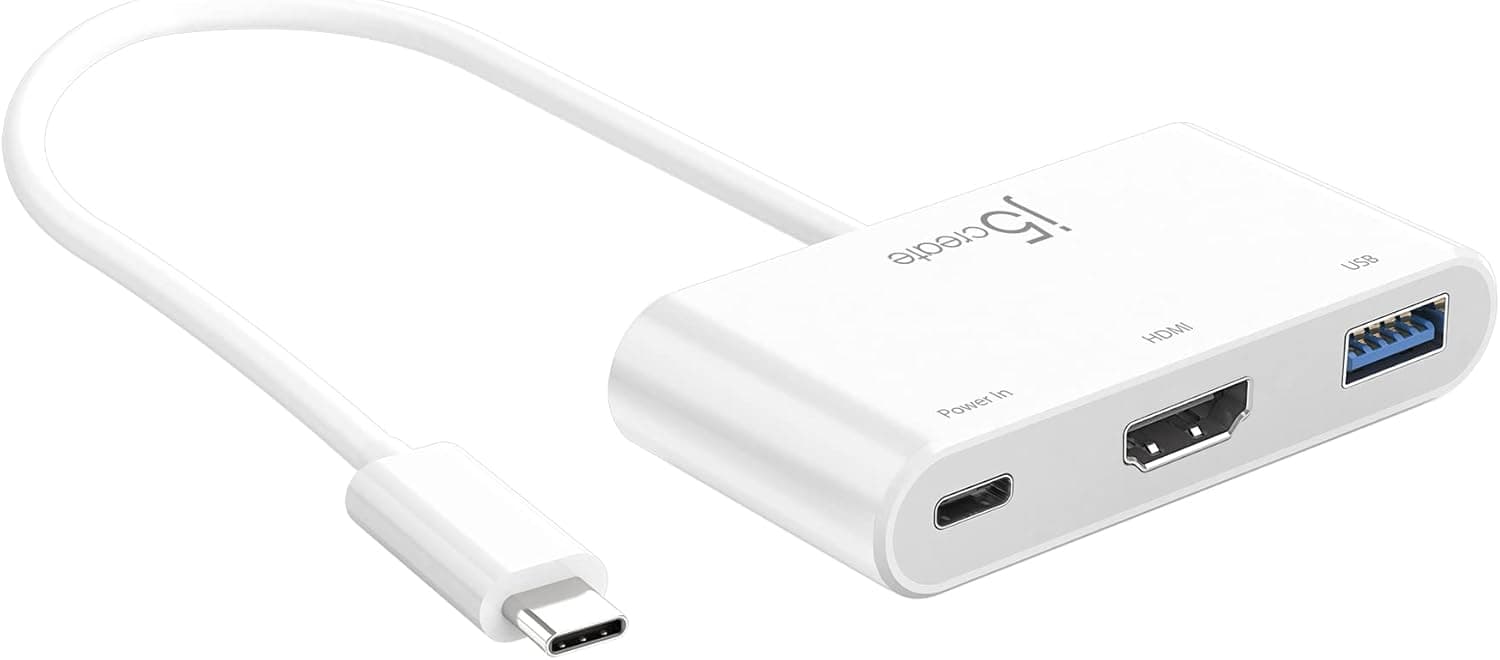
- Competitors include generic USB PD chargers paired with separate USB-C hubs. The Charger Dock offers a cleaner all-in-one solution but has limited ports (1×HDMI, 1×USB-A, 1×USB-C). If you need more connectivity, a separate hub may be better.
FAQ
Q: Can I use this charger with non-ROG devices?
A: Yes, it works with any USB PD-compatible smartphone, tablet, or laptop that supports up to 65W charging. However, devices requiring more than 65W (e.g., high-end gaming laptops) may charge slowly or not at all. Check your device's power requirements.
Q: Can I use HDMI and USB-A simultaneously while charging?
A: Absolutely. When both ports are in use, the USB-C output automatically adjusts to 60W, while USB-A provides 5W. HDMI video output remains unaffected. This is ideal for a full desktop setup.
Q: How does this compare to the standard ROG Ally charger?
A: The standard charger only provides power. The Charger Dock adds HDMI output and a USB-A port, enabling a multi-device setup without extra hardware. It costs slightly more but replaces the need for a separate USB-C hub, making it a cost-effective upgrade for users who want both charging and connectivity.
Product Disclosure (Amazon)
- Manufacturer: ASUS
- Seller: Amazon.co.jp
- Fulfilled by: Amazon.co.jp
- ASIN: B0C9MHT3H9
- Note: This article covers a manufacturer-made product based on Amazon listing details.