The ARCTIC Liquid Freezer II 420 A-RGB is an all-in-one liquid CPU cooler built around a 420mm radiator. In a market dominated by 240mm and 360mm units, choosing 420mm has one clear purpose: sustaining heavy loads quietly.
Below we focus on the things that actually trip people up — case clearance, mounting hardware, and the trade-offs you accept.
Overview
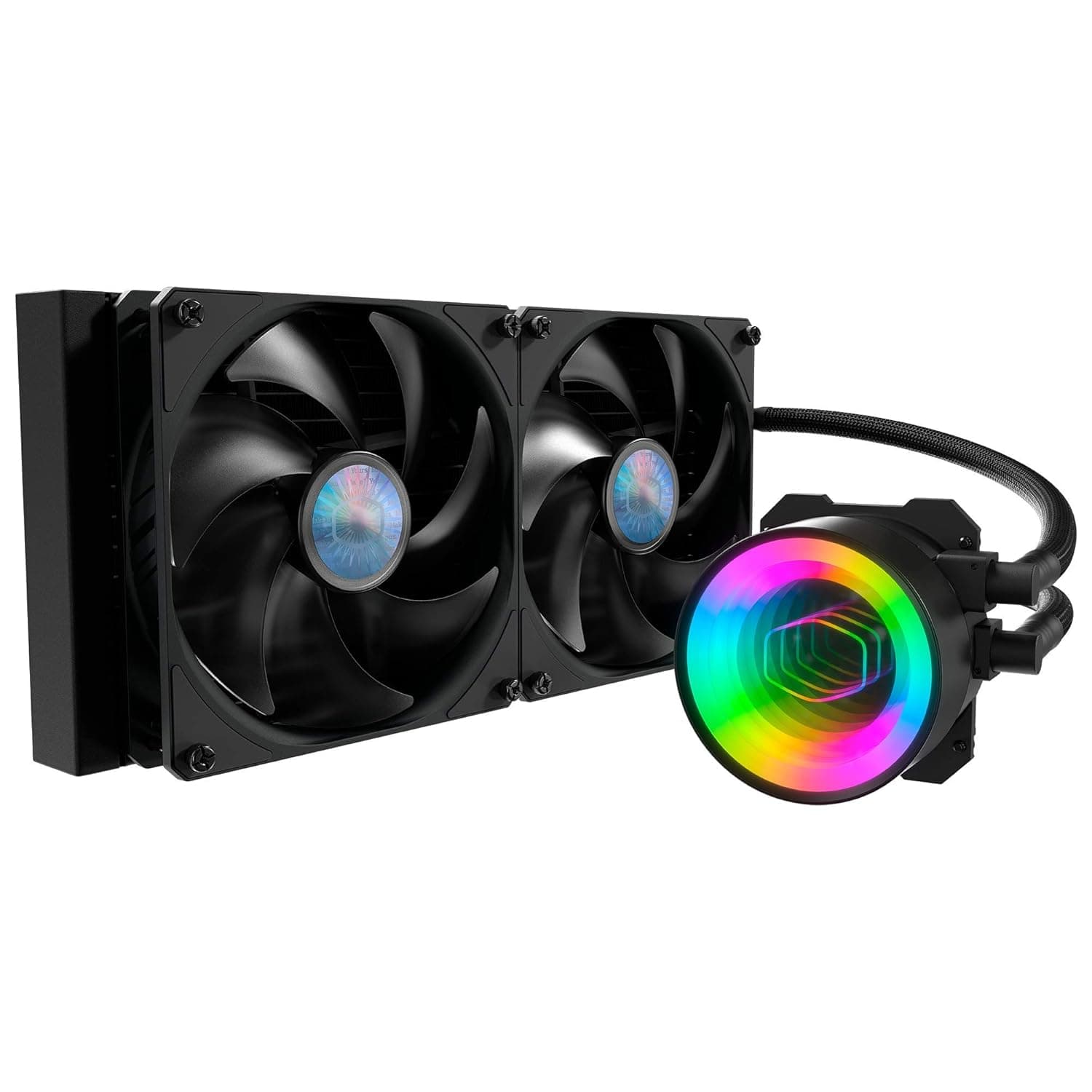
This is an AIO cooler pairing a large radiator with three 140mm fans and a small VRM fan mounted on the pump head. The A-RGB version adds addressable RGB lighting to the fans, typically driven from a 5V 3-pin ARGB header on the motherboard.
It targets users who run many-core CPUs at full load for long stretches — video encoding, 3D rendering, large compiles, gaming while streaming — and want low temperatures without high fan speeds.
As of the June 13, 2026 capture, the Amazon.co.jp listing showed 553 reviews at 4.5 out of 5 stars (roughly 90% positive).
A product with several hundred reviews that hasn't seen its rating collapse is a reasonable signal that defect rates and unit-to-unit variance aren't extreme. That said, review counts can pool across series variants, so treat it as an indicator rather than a guarantee.
Why 420mm
A 420mm radiator carries the surface area of three 140mm fans — roughly 1.3x that of a 360mm (120mm x 3) unit.
That extra area shows up not as a dramatically lower peak temperature but as the ability to hold the same temperature at a lower fan speed. 140mm fans also move a given volume of air at lower RPM than 120mm fans, and their noise sits at a lower, less irritating frequency.
The flip side: if your only goal is maximum performance, 420mm is overkill. Most CPUs avoid thermal throttling on a 360mm unit.
The real value here is that fans don't ramp to their limit during sustained loads, and coolant temperature rises slowly enough that readings stay stable.
Compatibility Guide
Before performance, check your case. In order:
1. Does your case list 420mm radiator support? Far fewer cases support 420mm than 360mm.
Find the exact mounting position (top or front) in your case's spec sheet. "Supports 3x 140mm fans" does not automatically mean a 420mm radiator plus fans will fit.
2. Length and thickness. A 420mm radiator is longer than three fans laid end to end because of the end tank, so real length lands in the 45cm range.
The Liquid Freezer II series uses a notably thick radiator, so total stack height with fans runs several to a dozen-plus millimeters above slim AIOs. For a top mount, compare that stack against your case's top clearance figure and your motherboard's VRM heatsinks and memory.
This is the single most common failure mode.
3. Socket. The series supports AMD AM4 / AM5 and multiple Intel generations, but LGA1700 may require a separate mounting kit depending on production run — which is exactly why ARCTIC's standalone LGA1700 kit (MPSAS00891A) exists for this series.
If you're on Intel 12th gen or newer, confirm on the listing whether the kit is included before you buy. Miss this and the cooler simply won't mount.
4. Power and headers. The pump and fans run from the CPU_FAN / AIO_PUMP headers; ARGB runs from a 5V 3-pin ARGB header.
If your board only has a 12V 4-pin RGB header, you'll need a separate controller. Never plug a 5V ARGB connector into a 12V header — it will damage the device.
5. Case airflow. Mounting 420mm on top means every top-position case fan is replaced. Plan to redesign your airflow around it.
Product Info
Prices at capture time (all subject to change):
| Source | Price | Captured |
|---|---|---|
| Rakuten (Palms America) | ¥31,980 | Aug 16, 2026 |
| Amazon | ¥32,763 | Jun 13, 2026 |
| eBay US | $75.91 | Jul 13, 2026 |
Note the wide gap between Japanese retail (¥31,980–¥32,763) and the overseas marketplace listing ($75.91).
ARCTIC is a European brand, and Japanese availability runs largely through parallel importers and resellers, so the spread reflects import cost and stock. eBay listings carry unknowns — unit condition, missing accessories (especially that LGA1700 kit), duties, shipping — so don't compare on headline price alone.
Every figure above is a snapshot from the stated date; check the current price on the product page before buying.
Review data, as above: 553 reviews at 4.5/5 as of June 13, 2026.
What It's Like In Use
Installing a 420mm AIO doesn't dramatically drop idle temperatures. What changes is that the system stops getting loud under load.
Peak CPU temperature may not differ much from a large dual-tower air cooler; the difference appears after tens of minutes to hours of sustained load, in how well temperatures hold and how fast the fans have to spin to hold them.
On pump noise: as with AIOs generally, running the pump at a constant 100% can produce a low hum on some units. Dropping it to around 80–90% in BIOS usually costs very little cooling performance and noticeably improves acoustics.
Try that first.
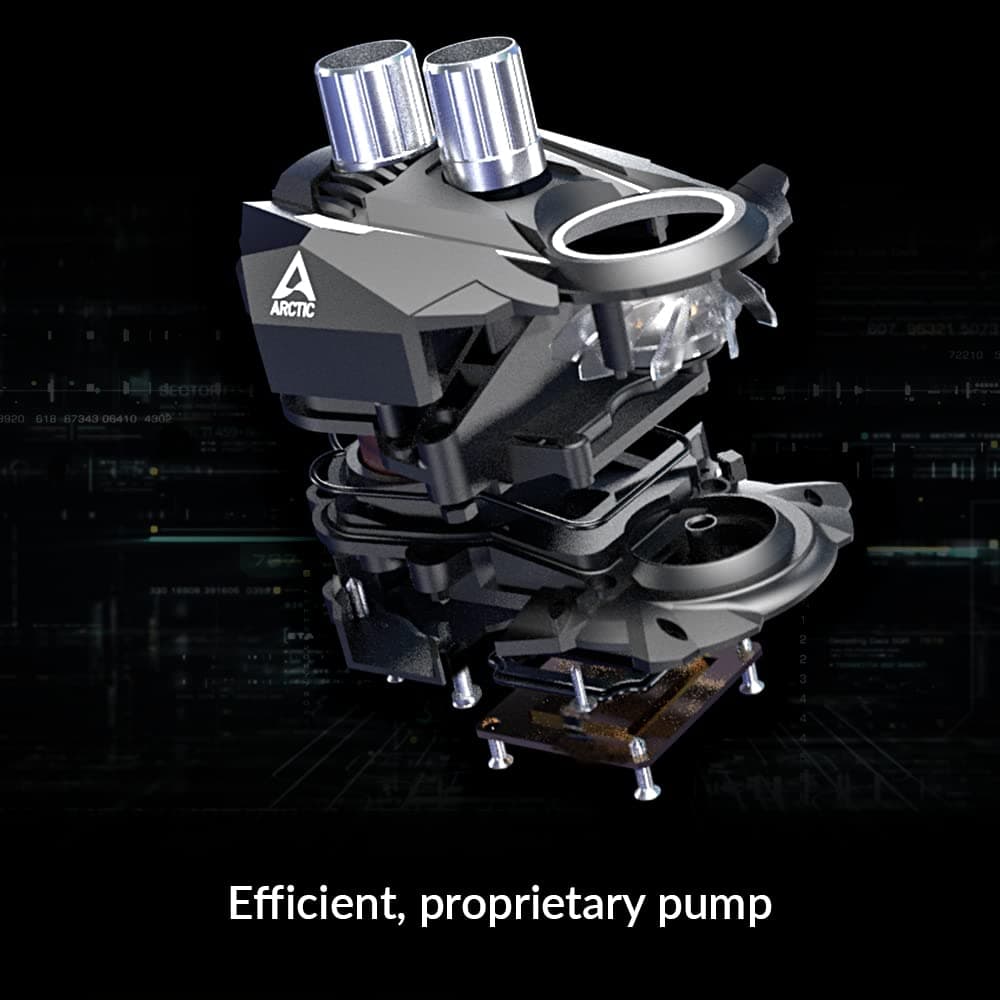
The small VRM fan on the pump head exists because AIOs remove the airflow an air cooler naturally pushes across the VRM and memory area. It's a genuine design advantage, but small-diameter fans get audible at high RPM, so include it in your fan curve tuning if silence matters.
Versus the Alternatives
Against 360mm AIOs (an iCUE LINK H150i or MPG CORELIQUID K360-class unit), the 360mm side wins decisively on case compatibility, and those higher-end models often add LCD screens and deeper software ecosystems. The 420mm argument is surface area, low-RPM headroom, and cost efficiency in exchange for a plainer feature set.
Large air coolers (dual-tower designs like the Peerless Assassin 140 SE) are also a real option. Air has no pump to fail, a simpler lifespan story, and a lower price — at the cost of memory and side-panel clearance and a heavy mass sitting above the CPU.
Practical rule: if you prioritize silence, your case takes 420mm, and you run sustained all-core loads, go AIO. Otherwise air is genuinely enough.
Best Use Cases
- Sustained all-core workloads. Encoding, rendering, large builds, streaming while gaming — the value shows up when load persists.
- Silence-first builders. Three 140mm fans at low RPM deliver a given cooling capacity more quietly than smaller fans working harder.
- Anyone who already owns (or is choosing) a 420mm-capable case. If it fits, you get more thermal headroom than a 360mm at a similar price bracket.
- Builders matching lighting. The A-RGB fans sync with motherboard lighting via a 5V ARGB header.
Before You Buy
First, a warning about the listing data itself. The product data referenced while preparing this article contained fields — compatible models, materials — carrying information clearly unrelated to this cooler (smartphone case specifications). None of those fields were used here.
You may encounter the same mismatch on the product page. Don't take the spec table at face value: confirm from the product images, the title, and the manufacturer's official page that you're buying the 420mm A-RGB variant. Size variants (240/280/360/420) and non-A-RGB models are often sold under the same listing, which makes it easy to pick the wrong one.
The LGA1700 mounting kit. As noted, Intel 12th gen and newer may require the series' LGA1700 kit.
The fact that the kit is sold separately proves some production runs shipped without it. Inclusion varies by seller and lot — verify before ordering, and be especially careful with used or parallel-import units.
Not fitting the case is the biggest pitfall. "My case takes 360mm, so 420mm should be fine" does not hold.
You're adding roughly 4cm of length, and mounting hole patterns differ. Open your case spec sheet and look for the literal words "420mm radiator."
Thickness-induced clearance conflicts. The Liquid Freezer II radiator is thick.
Top-mounted, it can physically conflict with tall heat-spreader memory. Measure your case's top clearance and your DIMM height first.
Who should skip it. (1) Anyone with a mid-tower or smaller — it usually won't fit.
(2) Anyone running a low-TDP mainstream CPU — an inexpensive air cooler handles it. (3) Anyone who dislikes involved installs — AIO radiator mounting takes more steps than air.
(4) Anyone wanting truly maintenance-free longevity — an AIO has a moving pump and coolant, so its lifespan model is stricter than air. ARCTIC is known for long warranty terms, but confirm the current period and conditions at purchase.
Price volatility. As the table shows, domestic and overseas prices differ sharply and were captured on different dates.
Imported hardware swings with exchange rates and stock, so treat those figures as point-in-time snapshots.
FAQ
Q. Is 420mm actually worth it over 360mm? A.
Yes if loads are long and sustained, or if silence is your top priority — more surface area means the same temperature at lower RPM. For typical gaming alone, 360mm is enough.
Q. Does it work on Intel LGA1700? A.
It's supported, but some production runs need the separate LGA1700 mounting kit. That's why the kit is sold standalone.
Check the listing for inclusion before buying.
Q. Does it work on AM5 (Ryzen 7000 and later)? A.
AM5 retains AM4 cooler mounting compatibility, so the AM4 hardware generally mounts directly. Confirm the socket list on the product page anyway.
Q. How do I control the ARGB? A.
Connect to a 5V 3-pin ARGB header and control it from your motherboard's lighting software. Never use a 12V 4-pin RGB header — it causes damage.
Q. Is the pump noisy? A.
Units vary, but a constant 100% pump speed can produce a low hum. Setting the pump to about 80–90% in BIOS usually silences it with minimal cooling loss.
Q. Would air cooling do instead? A.
For most people, a large dual-tower air cooler is enough. Choose air if your case won't take 420mm, budget is tight, or you want no moving parts.
Choose the AIO for maximum silence, sustained all-core loads, or clearance above the CPU.
Product Disclosure (Amazon)
- Manufacturer: ARCTIC
- Seller: world trade shop
- Fulfilled by: world trade shop
- ASIN: B09CKW8LJ6
- Note: This article covers a manufacturer-made product based on Amazon listing details.