Overview
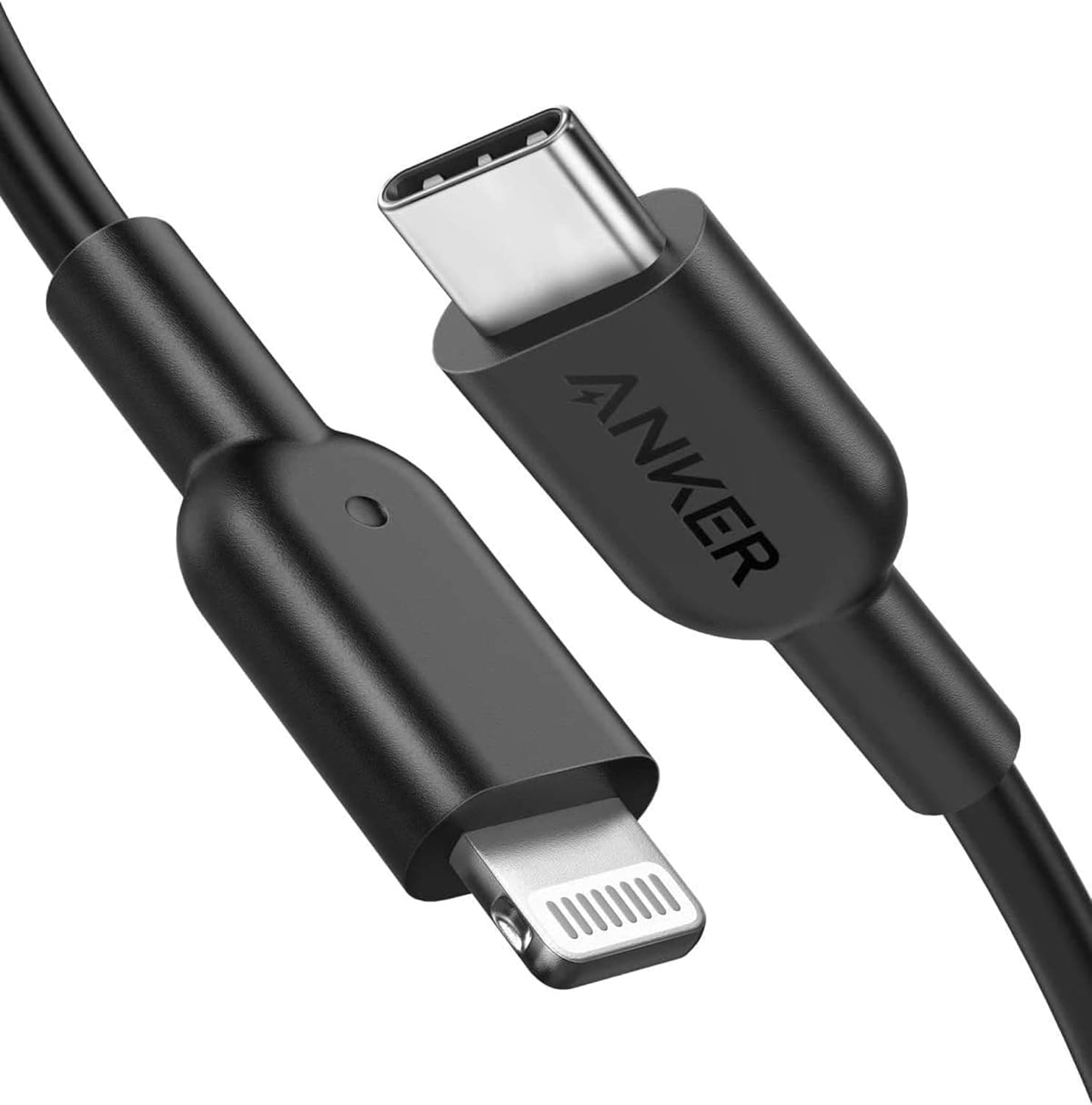
The Anker PowerLine II USB-C to Lightning Cable 0.9m connects USB-C chargers, power banks, and MacBooks to Lightning-equipped iPhones and iPads for both charging and data sync.
It carries Apple MFi certification, so you are far less likely to hit the "This accessory may not be supported" warning that plagues uncertified budget cables after an iOS update. If you own a Lightning iPhone (iPhone 14 series or earlier) and your charger only has USB-C ports, this is one of the easiest price-to-durability picks on the market.
The numbers back up its staying power. As of the June 2026 data capture, it carried 87,683 reviews at 4.4 out of 5 stars — roughly an 88% favourable score.
For a cable, that review count alone signals a product that has stayed on shelves for years. The rated bend durability is 12,000 cycles, positioned at about 12× a standard cable.
Compatibility Guide
One end is USB-C, the other is Lightning, and that shape defines everything. The host side must have a USB-C port: a PD charger, a power bank, a MacBook, or a USB-C iPad Pro.
The device side must have a Lightning port: iPhone 8 and later (through the iPhone 14 generation), Lightning-era iPad Air / mini / Pro, and iPod touch.
The single most common mistake is buying this for an iPhone 15 or newer. Apple switched to USB-C starting with the iPhone 15, so the Lightning end simply will not fit.
It also cannot be used for USB-C to USB-C jobs such as charging a modern iPad Pro from a MacBook. Check the physical port on your phone before ordering.
On speed, the cable supports USB Power Delivery, enabling fast charging on supported iPhones when paired with a PD charger. What people miss is that the cable alone does not set the speed — the power source does.
Plugging into an old USB-A brick through an adapter will not produce PD charging. You need a PD-capable charger of roughly 20W or more before this cable's intended speed is reachable.
Data sync works too: Finder (formerly iTunes) backups, device syncing, and pulling photos onto a Mac. Note that transfer speed is bounded by the Lightning spec itself, so it is USB 2.0-class in practice.
If you routinely move tens of gigabytes of video, wireless transfer or a USB-C device will feel faster.
The 0.9m length is the sensible middle ground — long enough for desk use, short enough to coil into a bag with a power bank without tangling.
It is decidedly not enough for a bedside setup where the outlet sits on the floor. Measure the run from device to outlet first and step up to a 1.8m or 3m cable if the gap is larger.
Product Info
| Spec | Value |
|---|---|
| Length | 0.9m |
| Connectors | USB-C / Lightning |
| Certification | Apple MFi |
| Bend durability | 12,000 cycles (approx. 12× a standard cable) |
| Reviews | 87,683 at 4.4/5 (captured June 2026) |
Pricing moves with the season and the storefront. Captured snapshots show ¥1,430 on the Amazon listing as of 14 June 2026, ¥1,890 as of 27 August 2026, and $13.99 on eBay US as of 13 July 2026.
That is a swing of more than ¥400 on the same product in about two months. Sales and coupons shift it further, so treat every figure here as a point-in-time snapshot and check the live product page before buying.
The package is minimal — cable plus a tie. Anker provides its standard product warranty, though the term and any extension conditions vary by campaign and purchase date, so confirm on the packaging or product page.
Market position is entry to mid-tier: cheaper than Apple's own cable while still holding MFi certification.
How It Compares
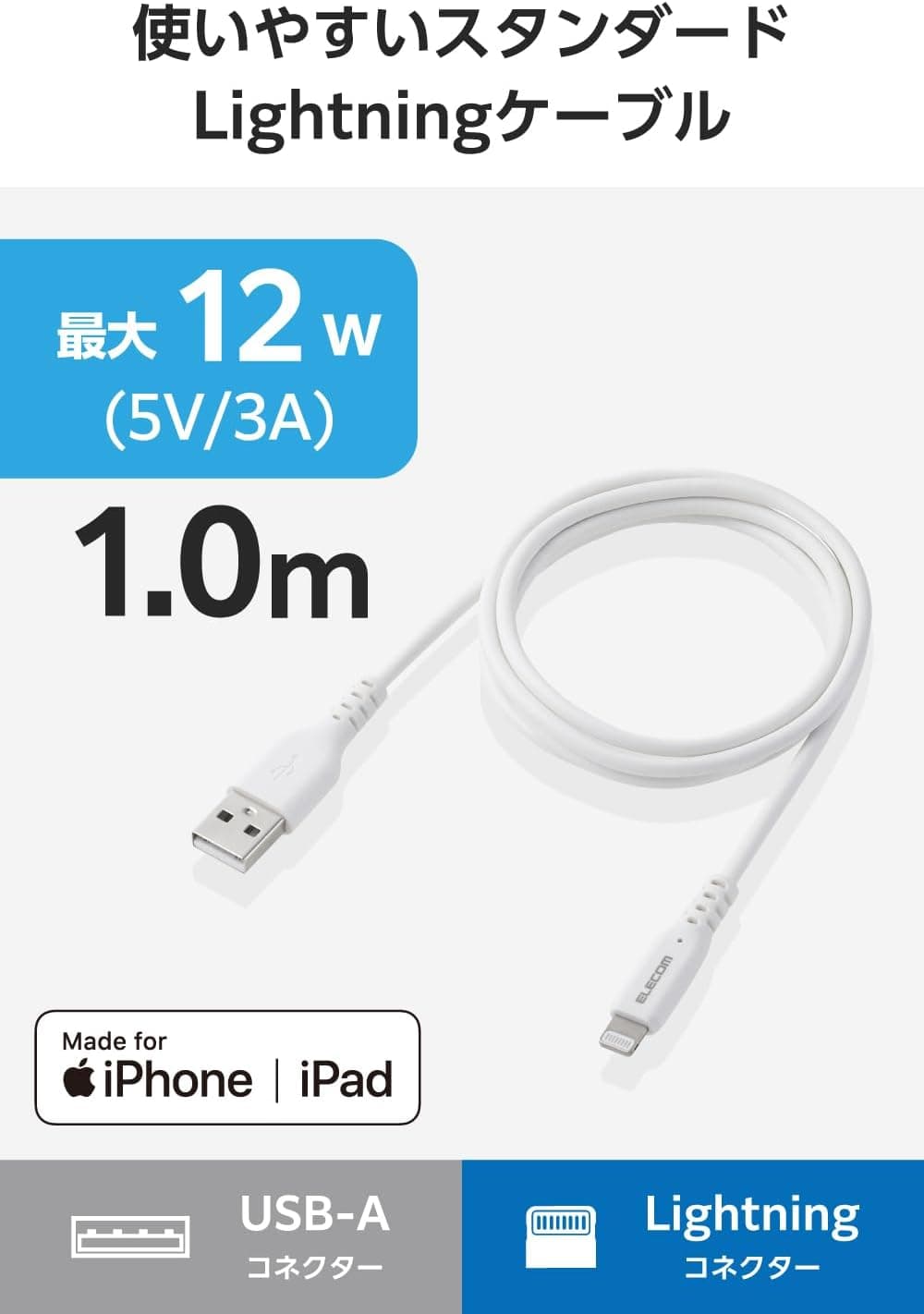
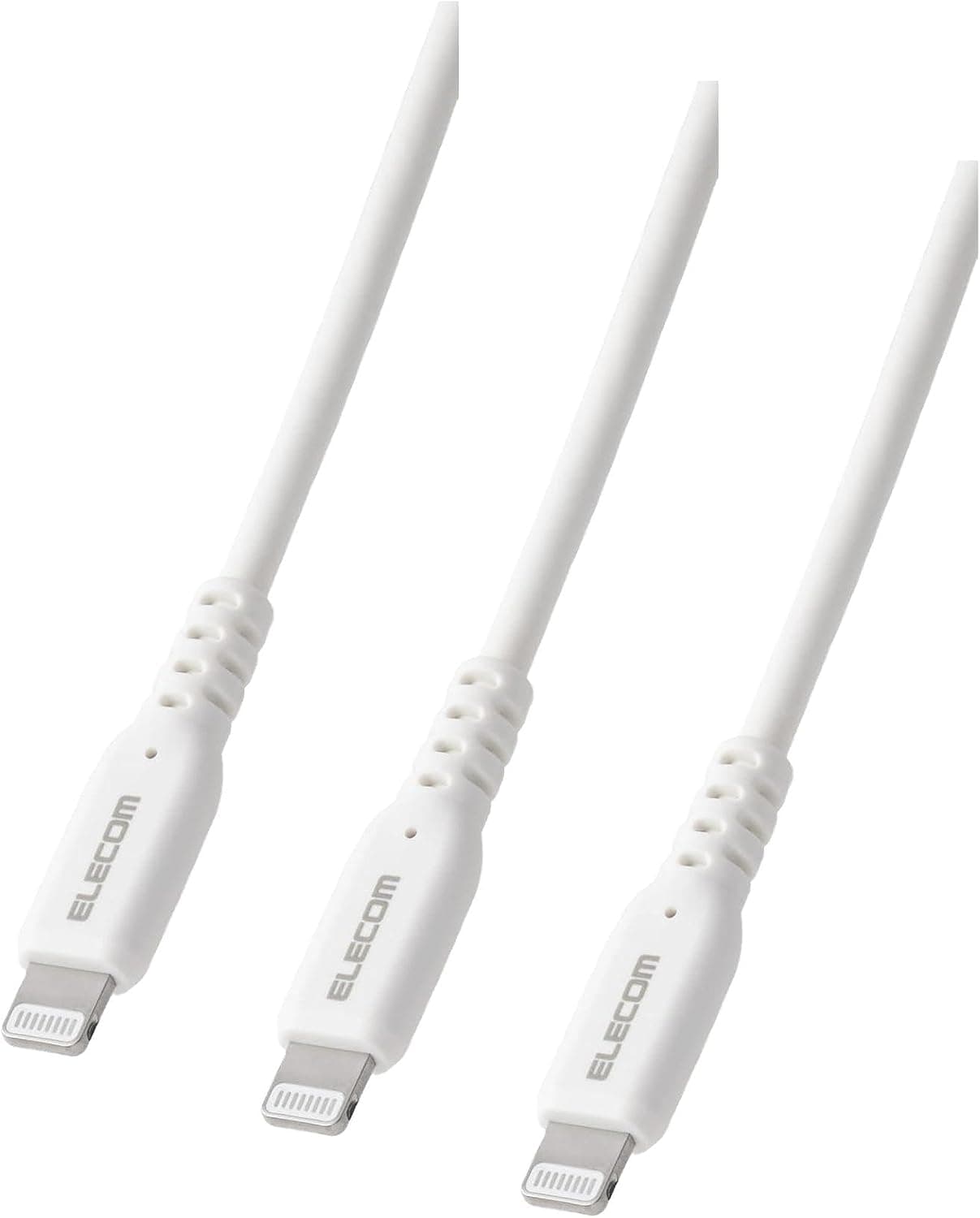
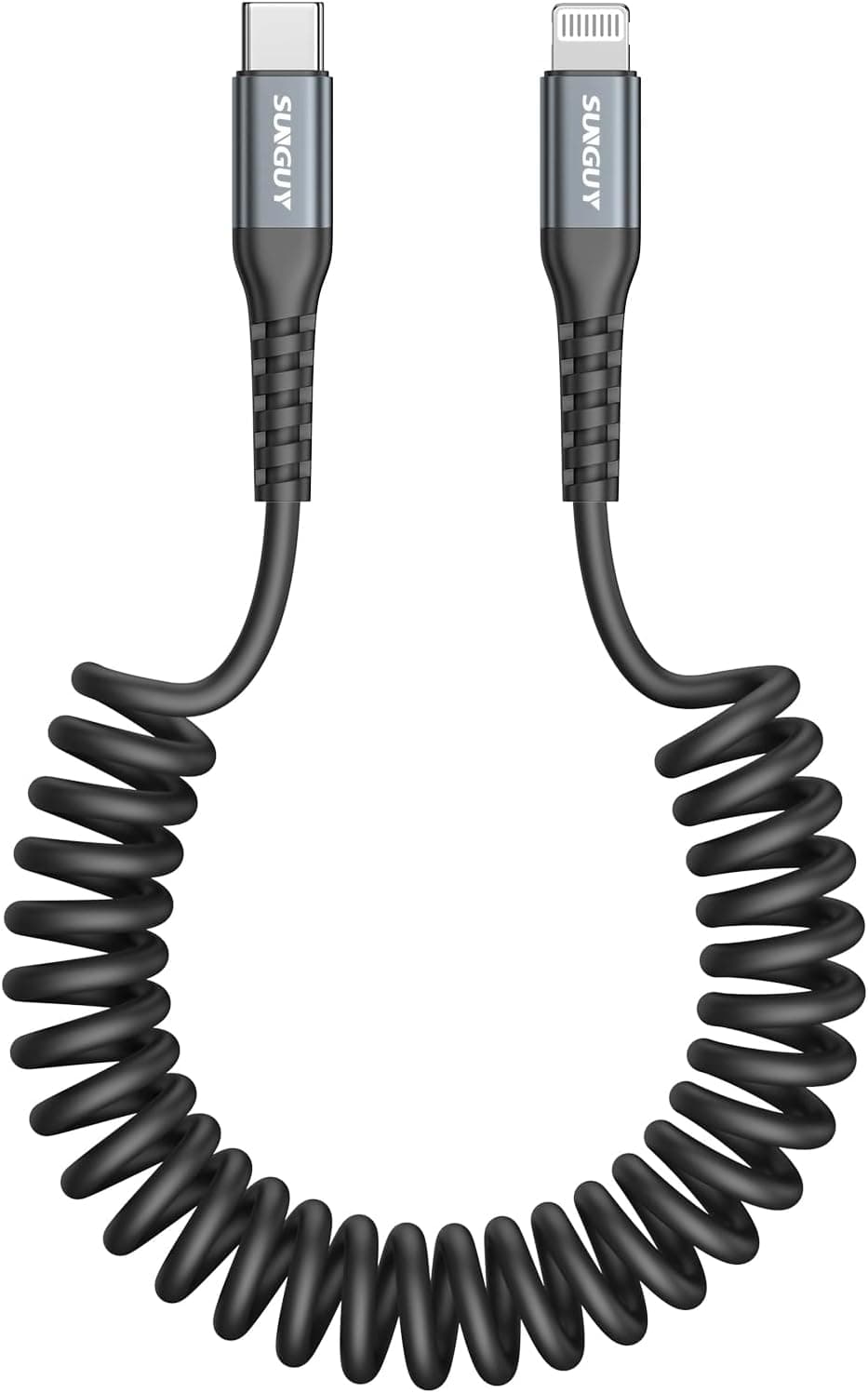
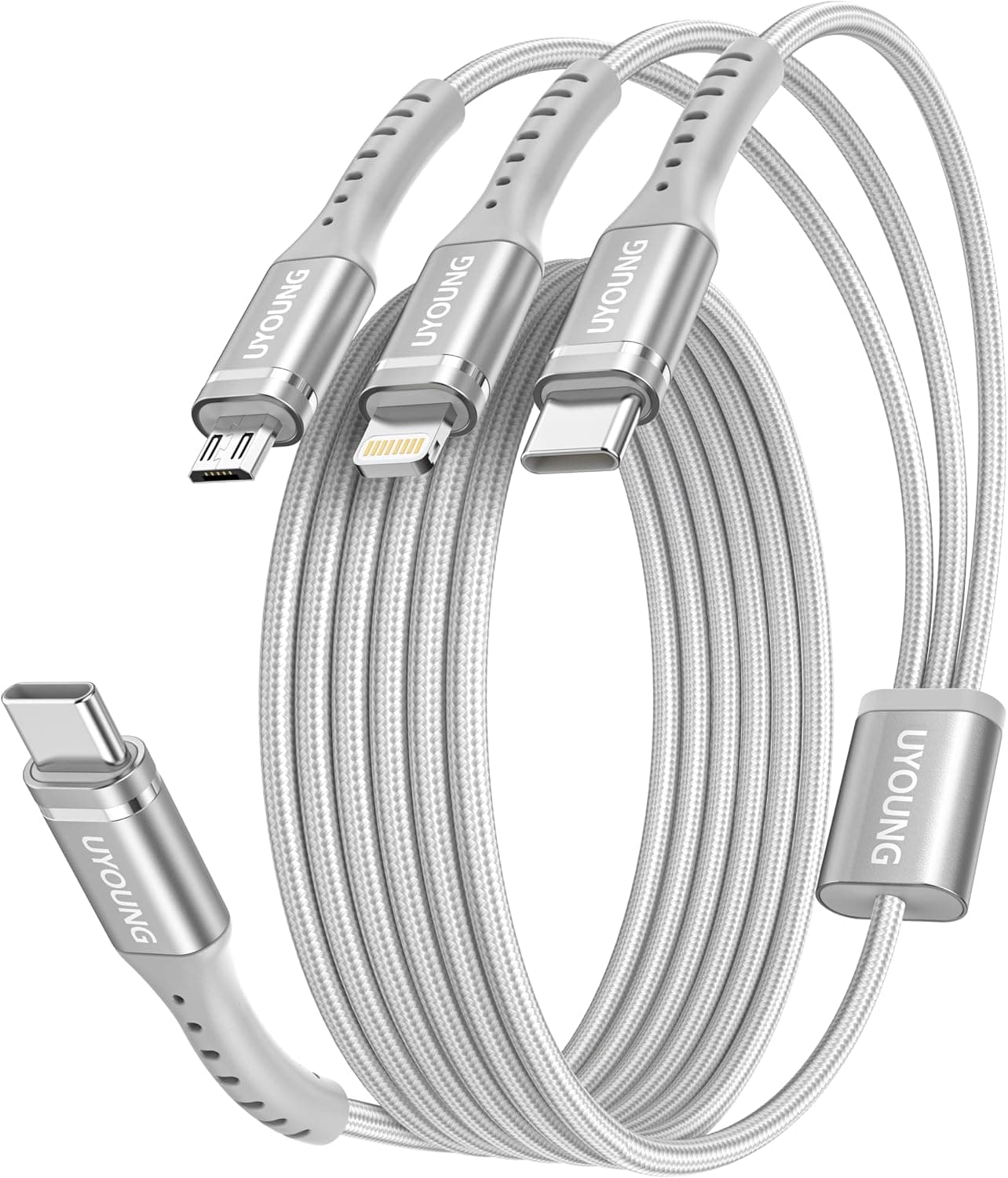
The USB-C to Lightning category also includes domestic-brand cables, coiled cables, and 3-in-1 multi-tip cords. Three questions usually decide it:
- Do you need several? Multi-packs bring the per-cable cost down. The PowerLine II is sold individually, so compare on total spend if you want one at home, one at work, one in the bag.
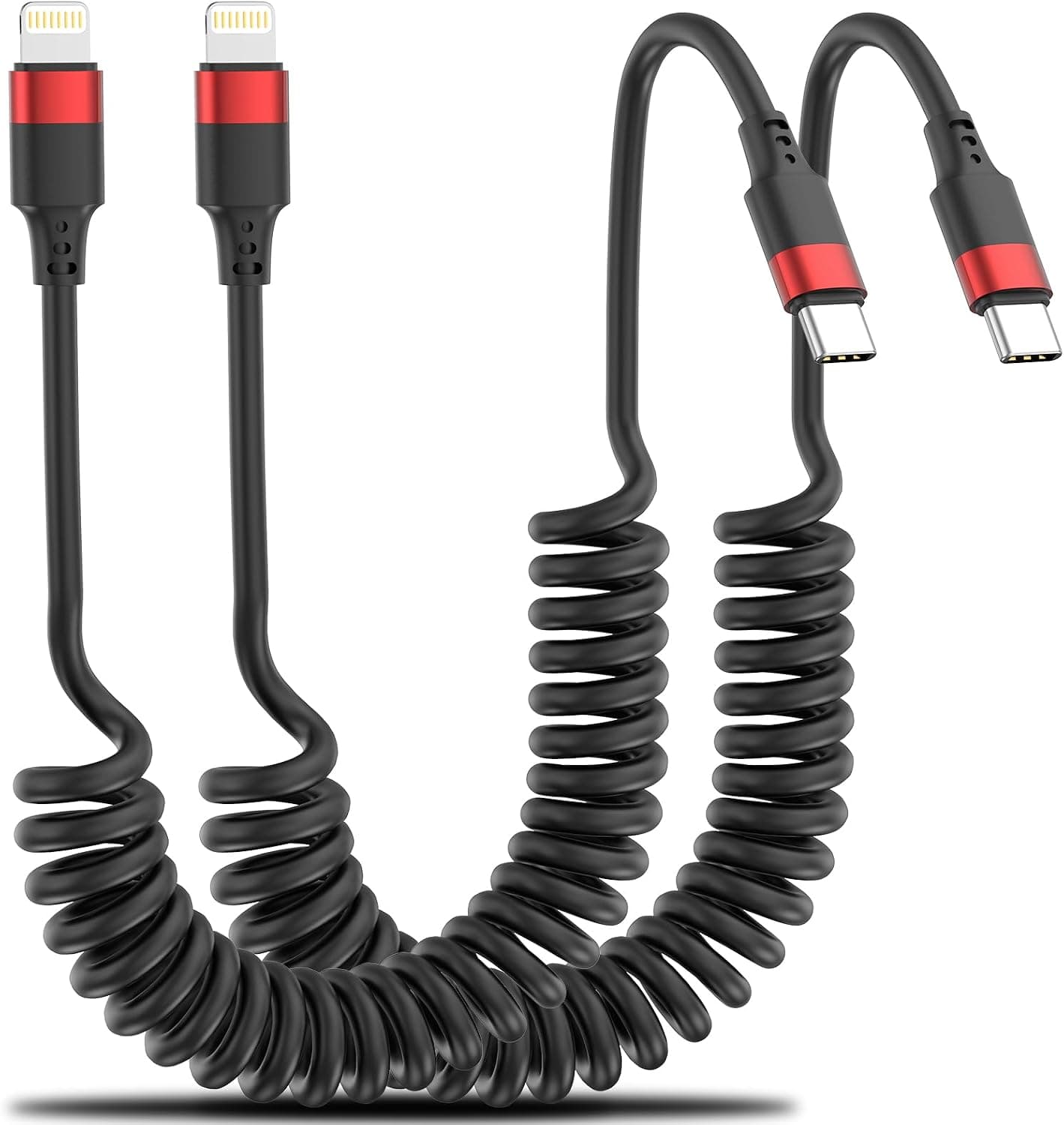
- Does the cable shape matter? For in-car CarPlay use, a coiled cable keeps slack off the floor. For a desk or a bag, a straight cable is fine.
- Is durability worth paying for? If you snap a cable at least once a year, a 12,000-bend design pays for itself. If you never break one, the premium buys less.
Best Use Cases
- Lightning iPhone/iPad owners tired of fraying cables. The classic failure — split jacket at the connector neck — is exactly what the reinforced construction targets.
- Owners of USB-C-only laptops. Recent MacBook Air/Pro models and USB-C-only Windows laptops need this shape to charge or sync an iPhone without stacking adapters, which also removes a common source of flaky connections.
- PD charger and power bank users who want fast charging and already own a PD-capable power source. The cable is the only missing piece.
- Anyone who cares about certification. Uncertified cables can throw warnings or stop charging after an iOS update; MFi is the insurance against that uncertainty.
Before You Buy
1. It does not work with iPhone 15 or newer. This is the top reason for returns.
Those models use USB-C. If a phone upgrade is coming, invest in USB-C to USB-C instead.
2. 0.9m is shorter than it sounds. Guessing "about a metre should do" is how people end up buying twice.
Measure the distance to the outlet first.
3. Speed is not set by the cable alone. PD support means nothing if the charger is not PD-capable.
Most "it isn't charging fast" complaints trace back to the power source.
4. Stiffness is the trade-off. A reinforced jacket has more body than a thin, floppy cable.
In tight spaces requiring sharp bends, that rigidity can feel awkward. Durability and softness do not coexist.
5. Do not take the listing metadata at face value. Amazon pages often bundle multiple lengths and colours under one listing, and picking the wrong variation ships the wrong spec.
Confirm the selected variation reads 0.9m USB-C & Lightning, and verify against the product images and title — listing metadata such as model numbers occasionally disagrees with the physical product.
6. Price is highly time-sensitive. As noted, it moved several hundred yen in two months.
Buying without a quick comparison risks hitting a high point.
FAQ
Q. Will it work with an iPhone 15 or 16? A.
No. Those use USB-C ports, so a Lightning connector will not fit.
Choose a USB-C to USB-C cable.
Q. How fast does it charge? A.
Paired with a USB PD charger it enables fast charging on supported models. Real-world speed depends on the charger's output and the device, so a PD charger of about 20W or more is the practical baseline.
Q. Can I use it for data transfer? A.
Yes — Finder/iTunes backups, syncing, and photo imports all work. Speed is limited by the Lightning spec itself.
Q. Is it really more durable than Apple's cable? A.
It is rated for 12,000 bend cycles, roughly 12× a standard cable. Real-world lifespan still depends on handling, so treat the figure as a design target rather than a guarantee.
Q. Are other lengths available? A.
Anker cables are typically offered in multiple lengths. This article covers the 0.9m model; select a different variation on the product page if you need more reach.
Q. What is the review rating? A.
87,683 reviews at 4.4 out of 5 stars as of the June 2026 capture — a volume that reflects years of steady sales.
Product Disclosure (Amazon)
- Manufacturer: Anker
- ASIN: B07H27J698
- Note: This article covers a manufacturer-made product based on Amazon listing details.